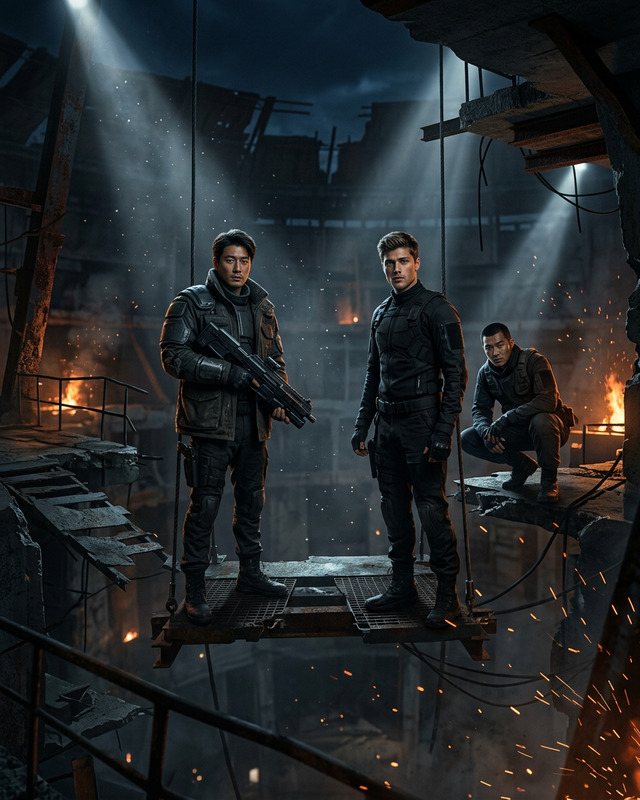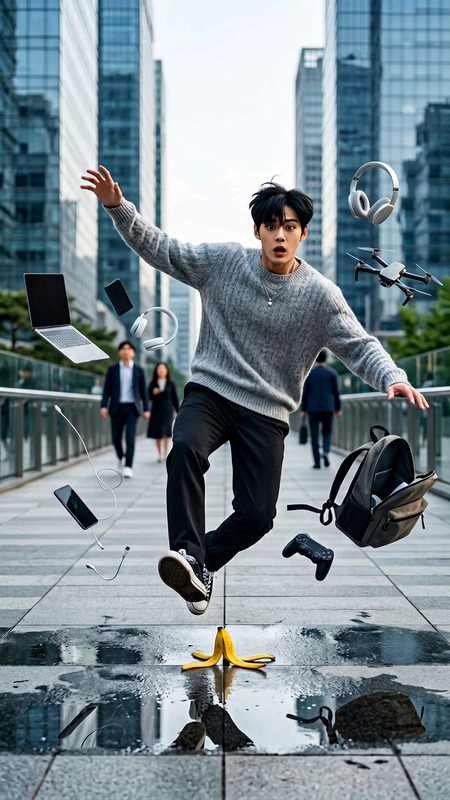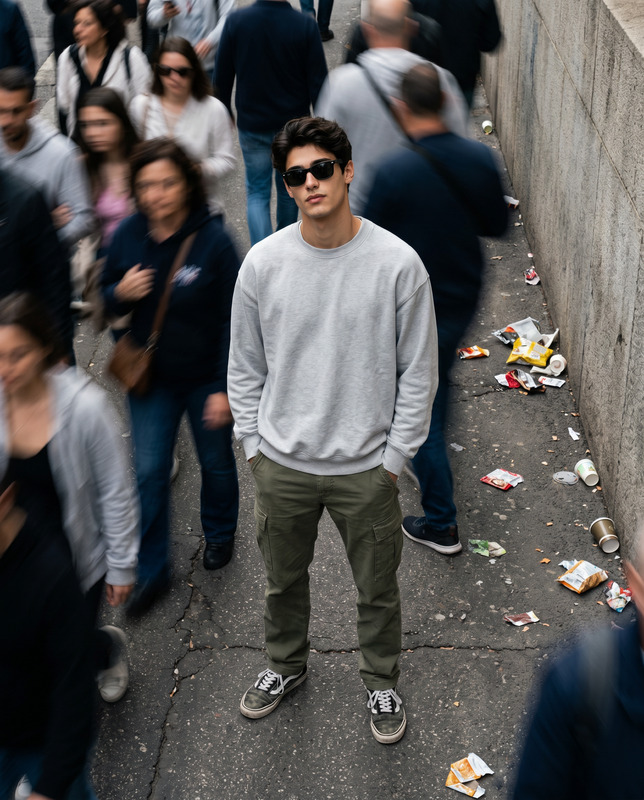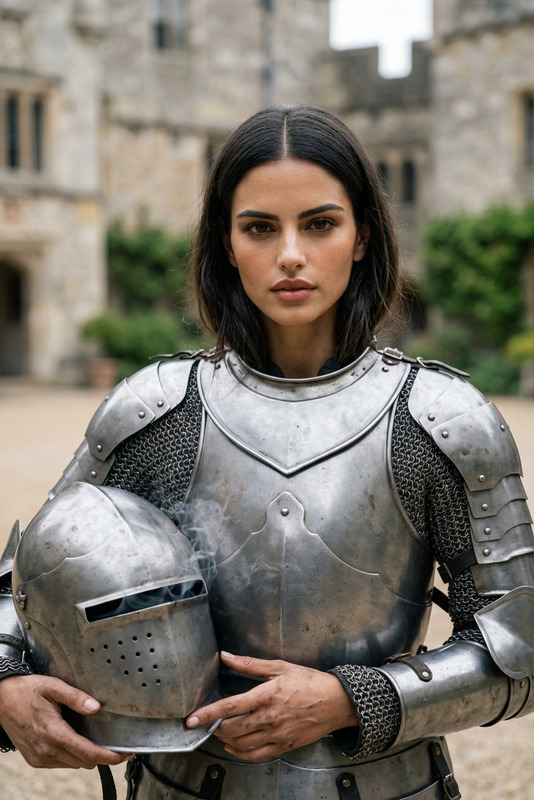
Chaos at Work
- Model
- GPT Image 2
- Image
- 1024 × 1024 px
Prompt
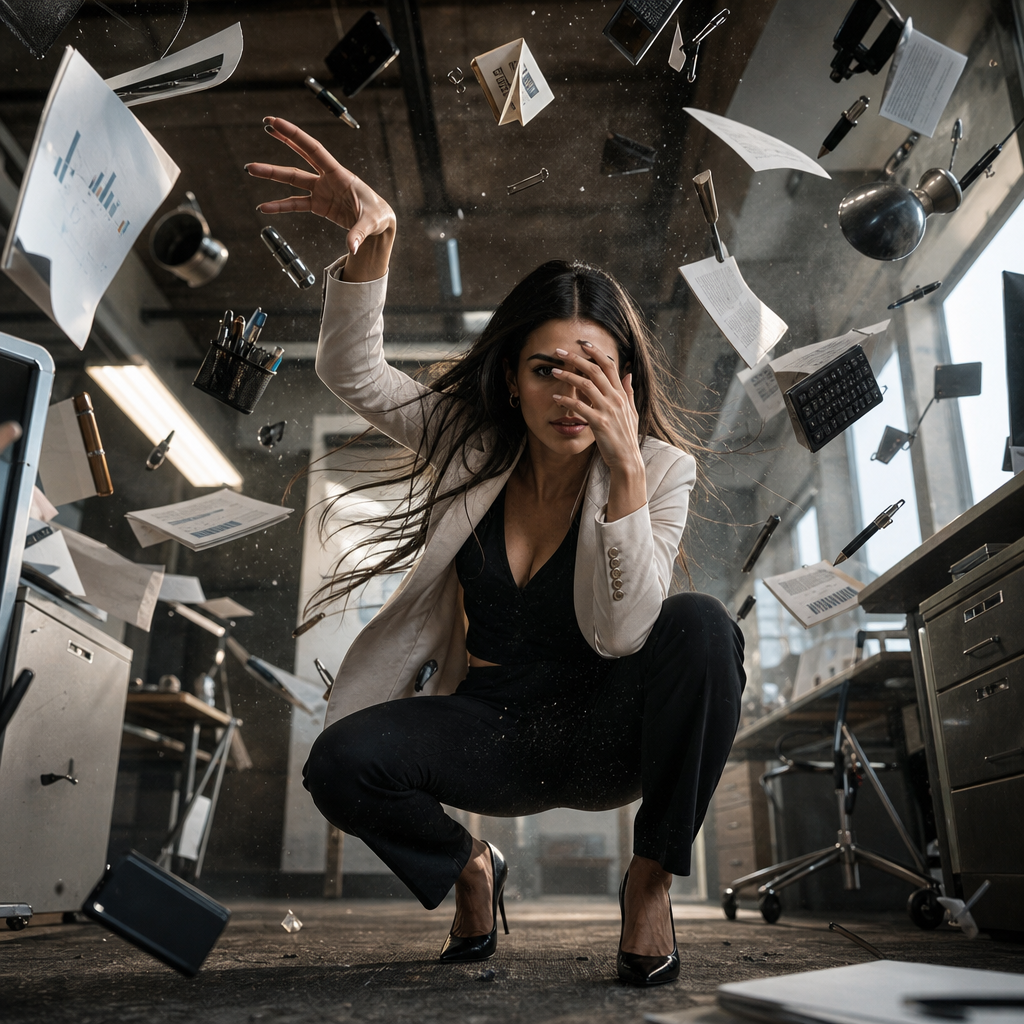
A young **subject** captured in a dramatic crouching pose within a setting closely related to their profession or daily environment. One hand partially covers the face while the other reaches upward, creating a powerful sense of movement and emotion. Dozens of workplace-related objects and tools float dynamically through the air around the subject, frozen at the peak of motion. Papers, instruments, equipment, or other context-specific items orbit naturally, reinforcing the narrative and identity of the scene. The composition is highly cinematic and action-driven, photographed from a low camera angle with a wide-angle lens perspective that enhances scale, depth, and intensity. The pose feels grounded and physically believable, with realistic body mechanics and natural interaction with the surrounding environment. Freeze-motion photography captures every airborne detail with crystal clarity. Tiny particles, dust, debris, and environmental elements remain suspended in space, adding energy and visual richness without overwhelming the frame. Lighting is realistic and dramatic, emphasizing texture, silhouette, and atmosphere while maintaining authentic material behavior. A moderate depth of field keeps the subject critically sharp while gently softening the background to preserve focus and dimensionality. The overall aesthetic combines cinematic storytelling with contemporary realism, creating a dynamic portrait that feels both epic and intimately connected to the subject's world. Ultra-detailed, photorealistic, sharp focus, realistic physics, dynamic composition, motion particles, cinematic action photography, authentic environmental storytelling, vertical 9:16 aspect ratio.
Any aspect ratio
Overview
The Chaos at Work template leverages the power of AI in image editing to create visually dramatic and detailed compositions. Using the AI Image Editor, based on the gpt-image-2 model, this template portrays subjects in action-packed workplace settings, encapsulating motion and emotion in a cinematic snapshot.
What It Does
This template transforms mundane workplace scenes into dynamic narratives. It integrates dozens of objects within the environment, all captured mid-motion to amplify energy and drama. Utilizing advanced techniques from the AI Image Generator, the template ensures each frame teems with detail and authenticity, freezing action in a way that feels both grounded and intensely cinematic.
Who It's For
The Chaos at Work template is perfect for photographers, digital artists, and visual storytellers who want to infuse their work with a sense of movement and professional narrative. It's especially beneficial for creators focusing on promotional content for the workplace, marketing departments, and tech environments.
Summary
Utilizing the AI Image Editor, this template emphasizes realistic physics and dynamic composition to capture moments of chaos in workplace environments. It’s designed to highlight the subject’s connection with their space through cinematic action photography and environmental storytelling that enhances both scope and depth.
How-To
Choose the Template

Customize Your Inputs

Generate the Image

Use Cases
Corporate Branding
- Enhance company websites
- Revamp marketing materials
Professional Portfolios
- Highlight personal websites
- Elevate LinkedIn profiles
Marketing Campaigns
- Attract new clients
- Boost engagement
Best Practices
Balance Detail and Focus
While adding various objects for dramatic effect, ensure the primary subject remains the focal point by utilizing depth of field effectively.Align with the Professional Theme
Customize the floating objects to match the depicted profession or daily environment to amplify authenticity.Leverage Lighting Techniques
Incorporate dramatic and realistic lighting to highlight textures and silhouettes that elevate the overall composition.