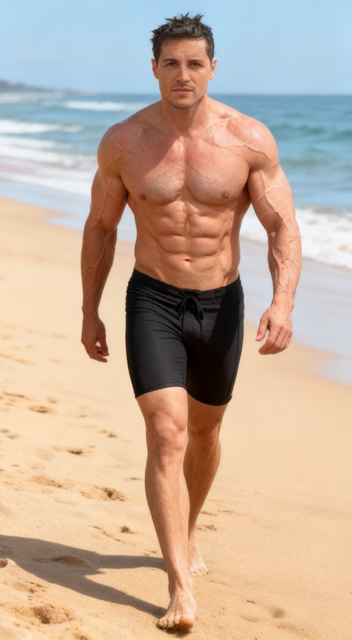
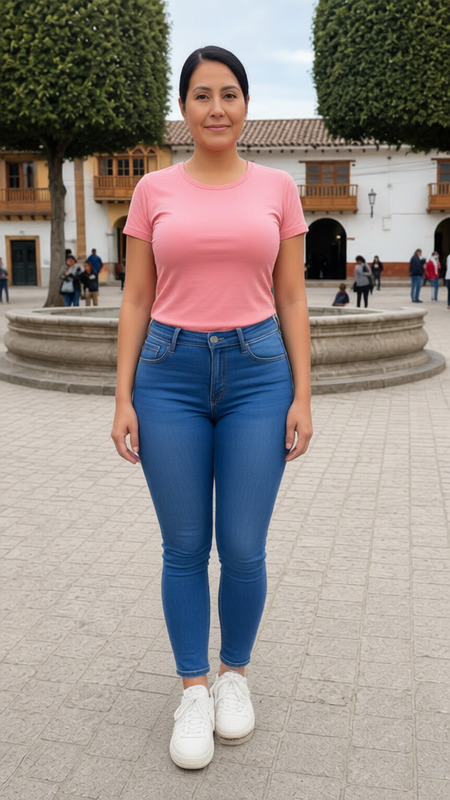
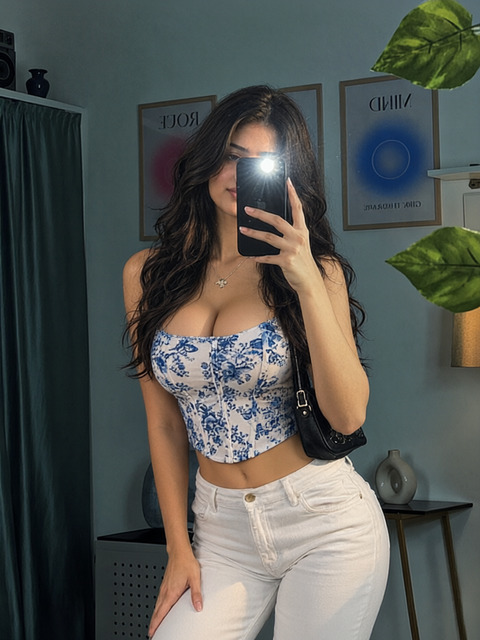
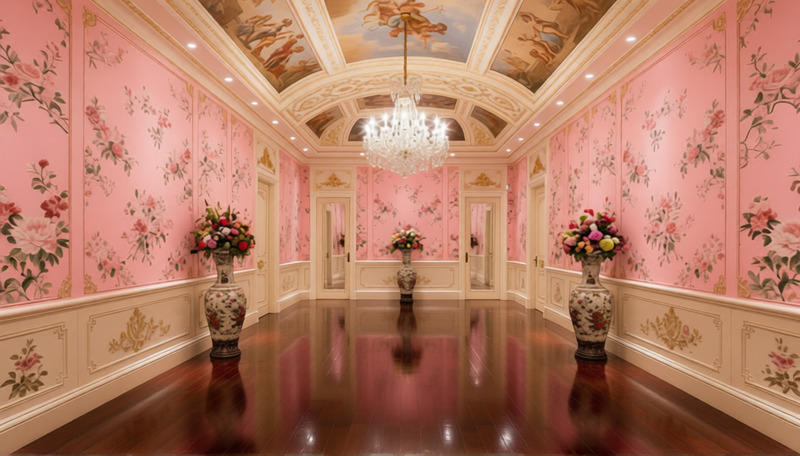
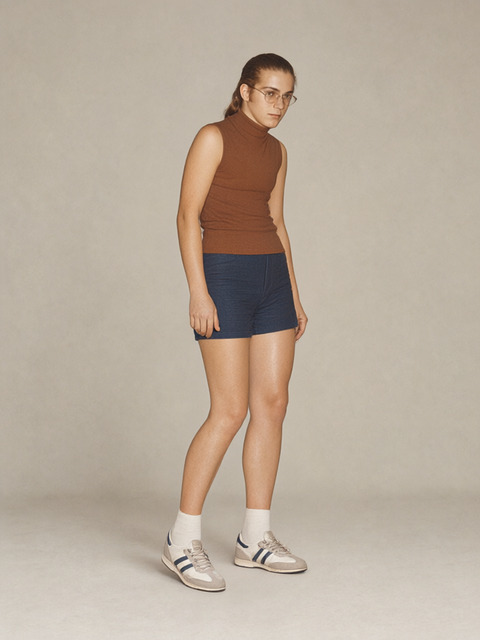
Enhance your photos with the "Zoom In" effect. Upload an image to focus on specific details by moving closer to the balcony view. This template uses the AI Image Editor to produce stunning visuals with a zoomed-in perspective.
How To
Follow these simple steps to apply the "Zoom In" effect to your image:
01
Choose
Upload your photo to the template page.
02
Customize
Click the 'Generate' button to initiate the zoom-in effect using the preset settings.
03
Generate
Immediately view the enhanced image with a closer perspective.
FAQs
You can upload any image as long as it's in a compatible format like JPEG, PNG, etc.
This template automatically applies the zoom effect based on preset settings without manual adjustments.