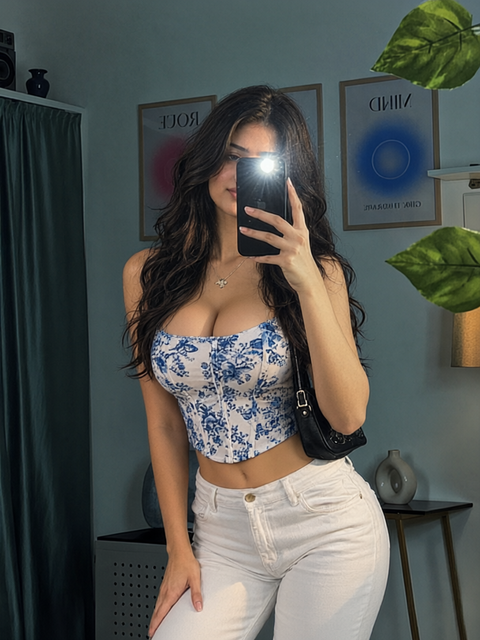
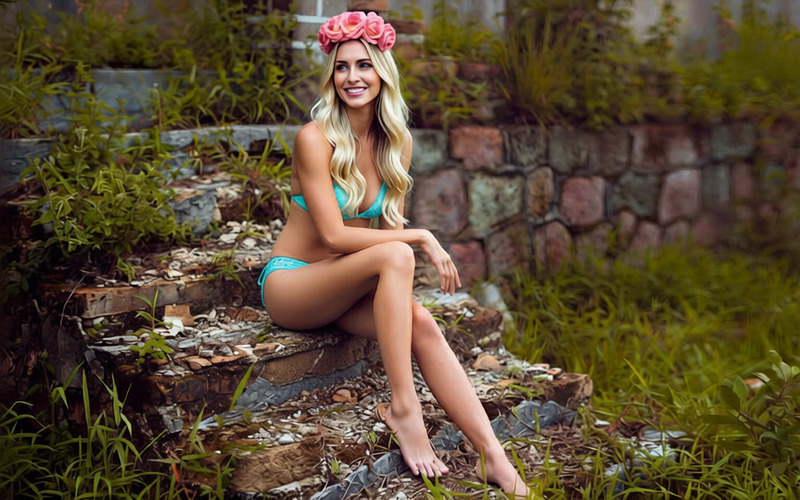
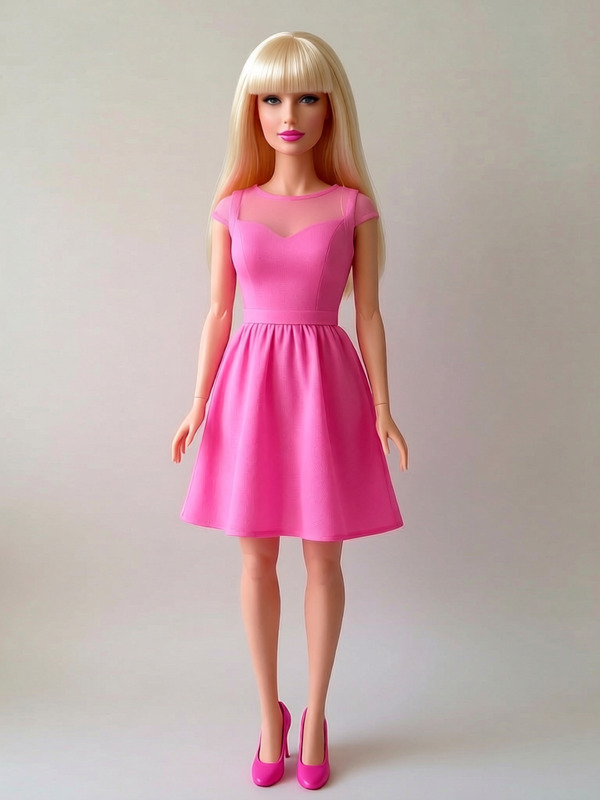
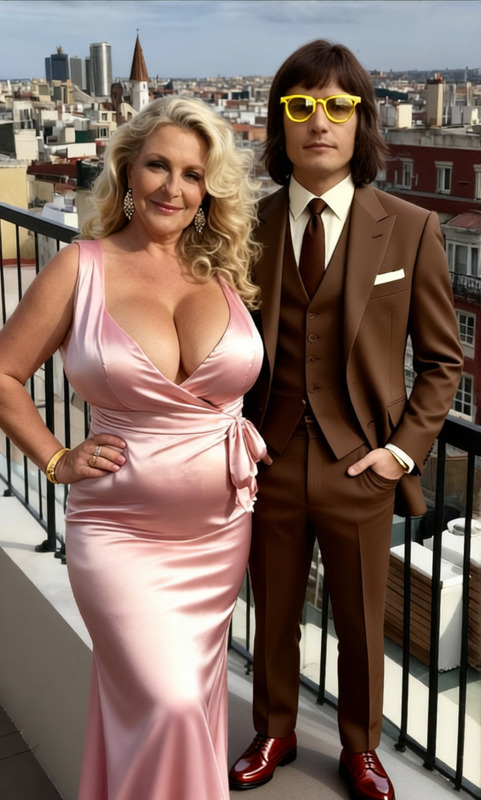
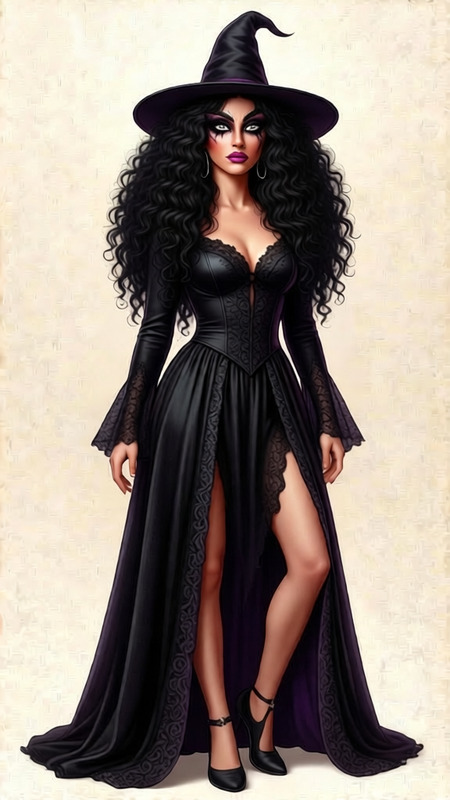
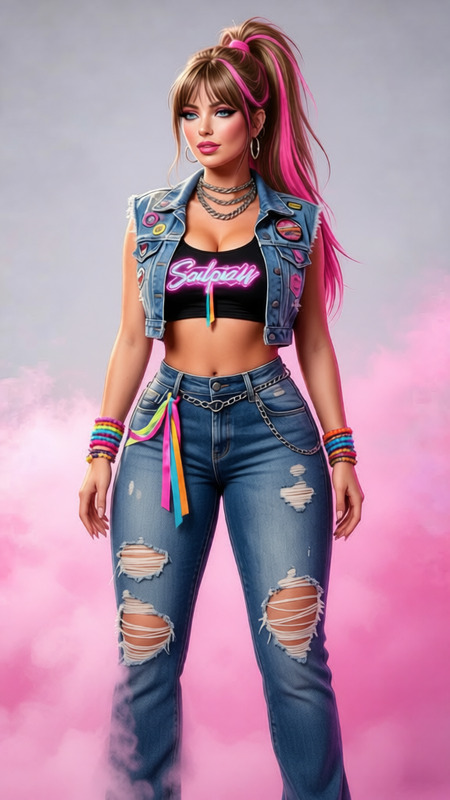
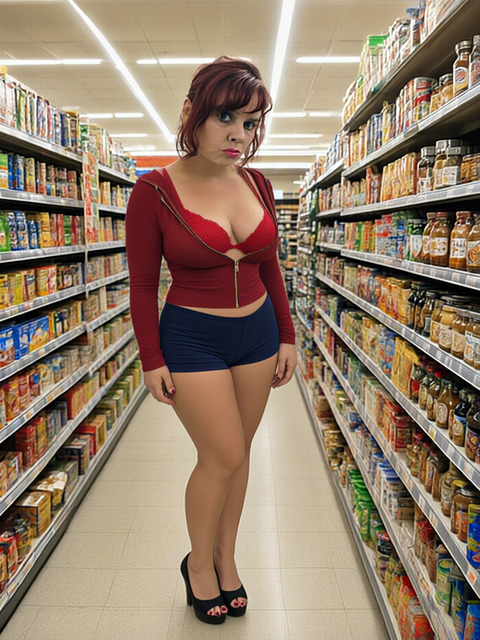
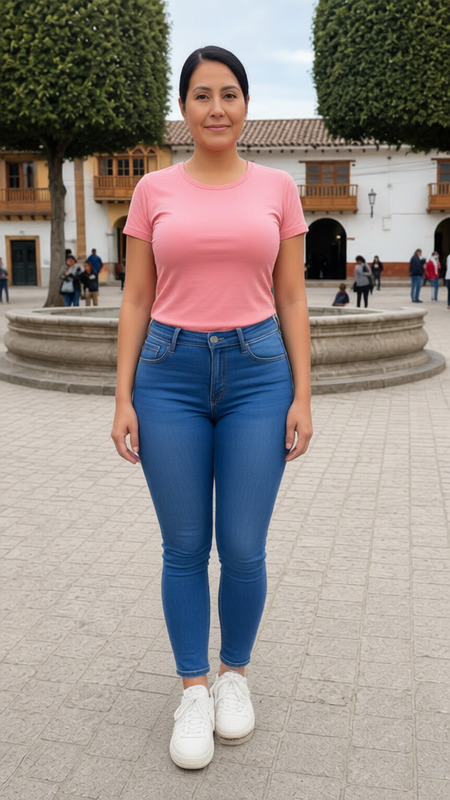
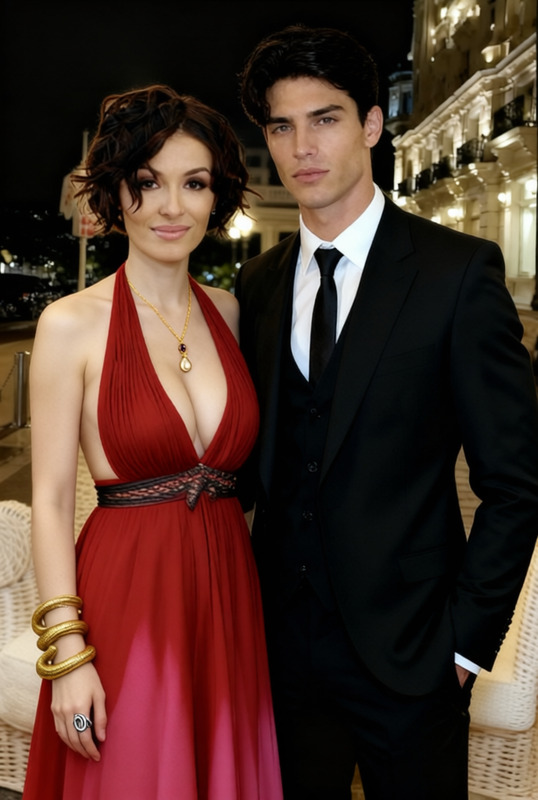
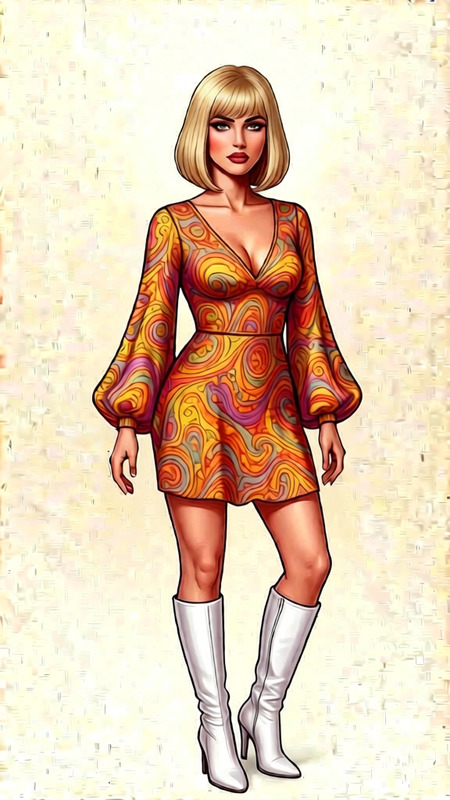
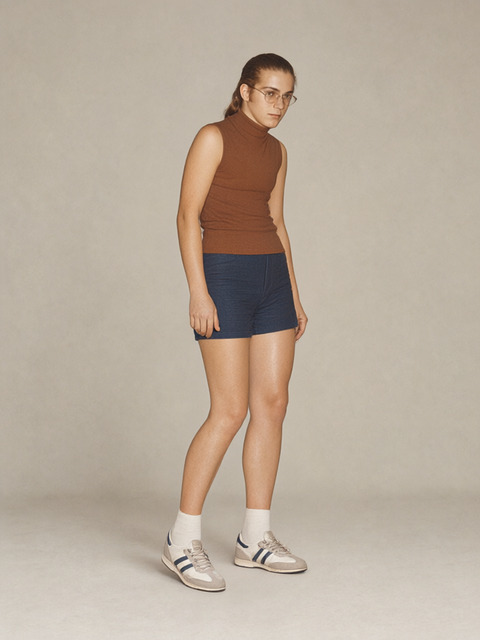
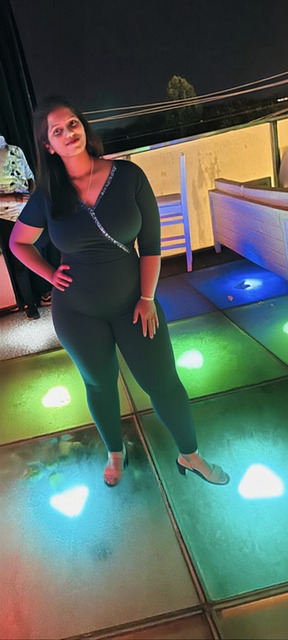
Increase her bust size and tilt her torso more. It should look realistic
Any aspect ratio
transformationsstyles
Overview
The Curvy Portrait template allows users to edit an existing image to enhance certain features, such as increasing bust size and adjusting torso tilt, while maintaining realism. Simply upload your photo to get started.
How to Use
Follow these steps to use the Curvy Portrait template.
01
Choose Your Photo
Upload the image you want to edit using the provided upload option on the template page.
02
Apply the Curvy Effect
Initiate the generation process to automatically apply the template's settings to adjust the image.
03
Review and Save
Once the transformation is complete, review the edited image and download if satisfied.
Use Cases
Explore potential applications for the Curvy Portrait template.
🖼️
Profile Photo Enhancement
Perfect for enhancing profile photos with subtle body adjustments.
📸
Photography Touch-Ups
Ideal for photographers looking to enhance portraits in post-production.