Naughty cupid
- Model
- Seedream 4.5
- Image
- 1024 × 1024 px
Prompt
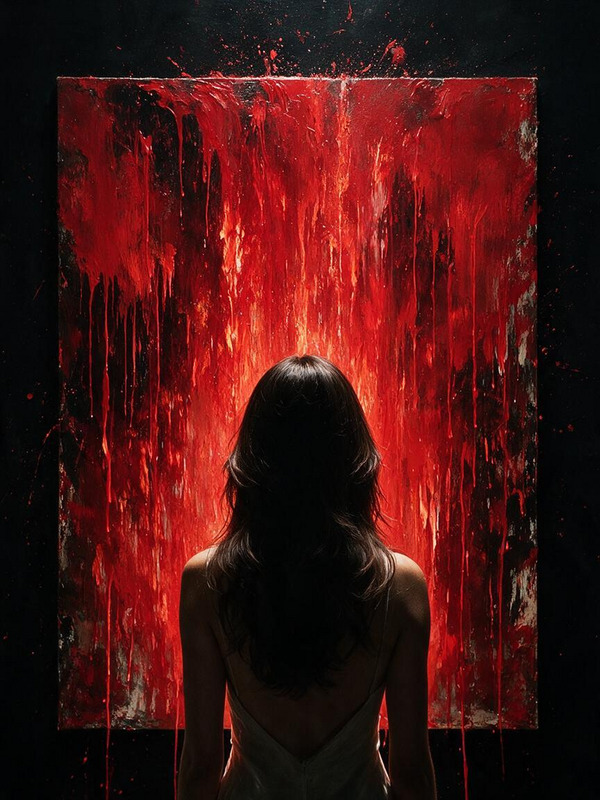
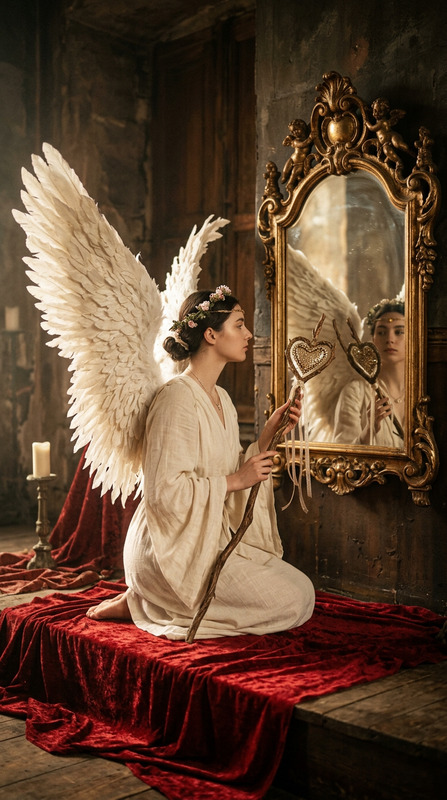
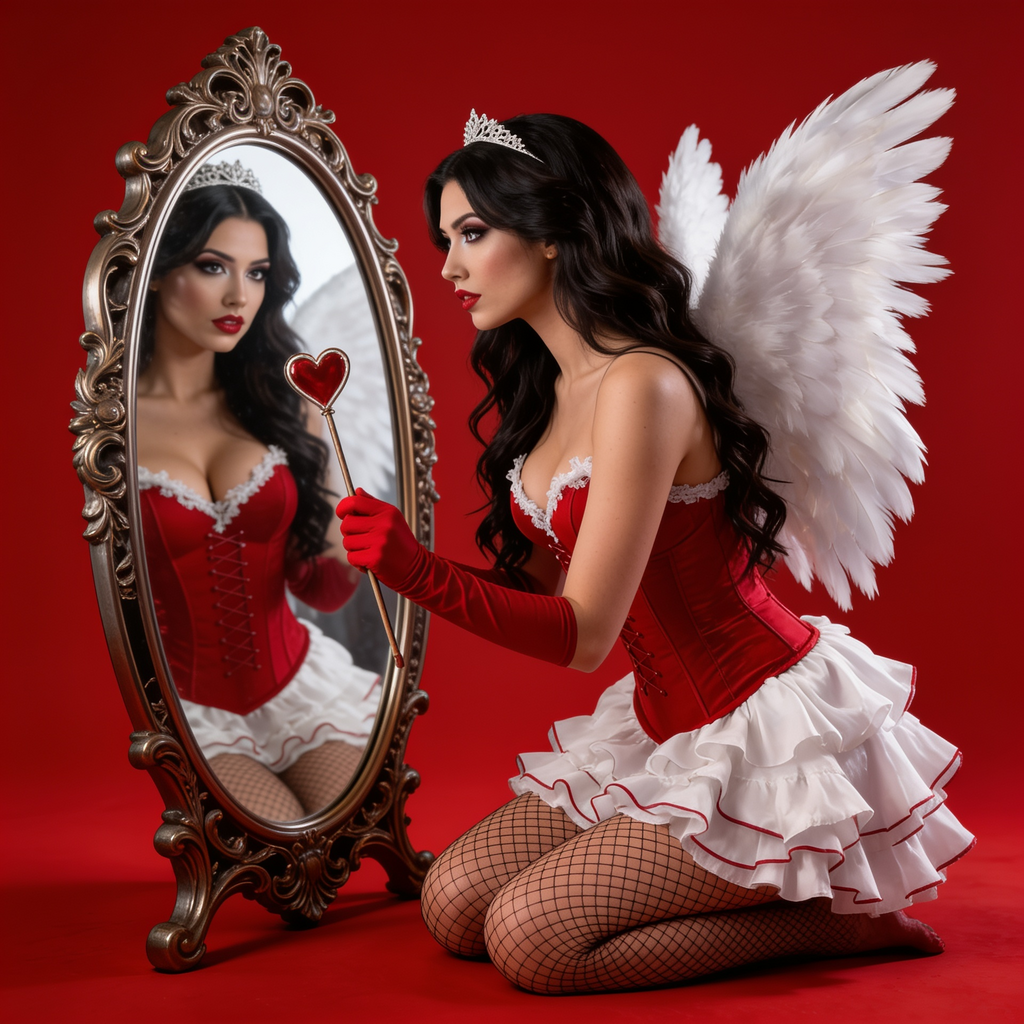
This image features a person dressed as an angel with white wings, kneeling on a red background. They are holding a stick with a heart attached, looking into an ornate mirror. The overall effect is artistic and surreal. HEX VALUES: ["#920e1c", "#870e1c", "#7c111d", "#6e151d", "#ac7a6c", "#efe5d9", "#bf9181", "#e5d3c6", "#956356", "#cea99b", "#f8f2eb", "#dabfb2"]
Any aspect ratio
Overview
Step into a world of art and imagination with the "Naughty Cupid" AI Image Editor template. Utilizing the seedream-v4.5 model, this template transforms your images into surreal scenes featuring a fantasy angel motif against a vivid red backdrop.
What It Does
The "Naughty Cupid" template allows you to edit images by adopting a whimsical and artistic style. It enhances an image by incorporating fantasy elements like white angel wings and a heart-topped stick, set against a specifically textured red (#920e1c, #870e1c, #7c111d) background.
Whether your project is a digital art piece or a themed social media post, the template ensures a touch of the surreal.
Who It's For
This template is perfect for digital artists, content creators, and social media enthusiasts looking to add a unique visual flair to their projects. Ideal for those creating content for TikTok Videos or Social Media Ads, the "Naughty Cupid" effect captivates audiences with its ethereal and imaginative style.
Summary
Embrace a fantasy theme with the "Naughty Cupid" AI Image Editor template. Designed for creators aiming to incorporate a surreal art style, this template simplifies image enhancement by leveraging advanced AI from the AI Image Editor.
How-To
Choose the Template

Customize Your Inputs

Generate Your Image

Use Cases
Social Media Campaigns
- Perfect for Instagram posts
- Engage TikTok audiences
Artistic Portfolios
- Add to Behance projects
- Include in personal portfolios
Marketing Materials
- For product launches
- Ideal for themed ads
Best Practices
Select High-Quality Images
For the best results, start with high-resolution images to ensure clarity in the surreal effects.Experiment with Colors
Utilize the HEX color palette effectively to match your brand's theme or preferred aesthetic.Leverage AI Features
Employ additional tools like the AI Image Upscaler to enhance the output even further.