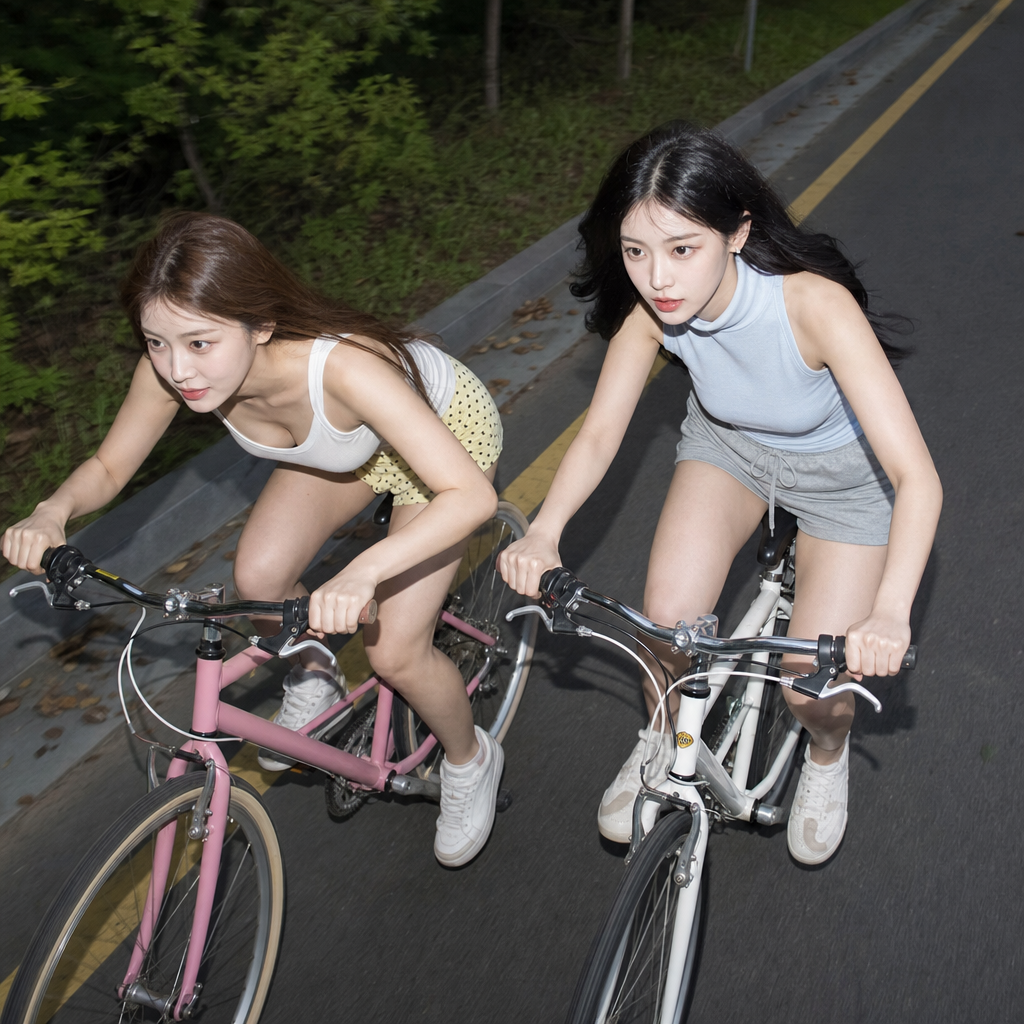
Cycling with friends
- Model
- GPT Image 2
- Image
- 1024 × 1024 px
Prompt
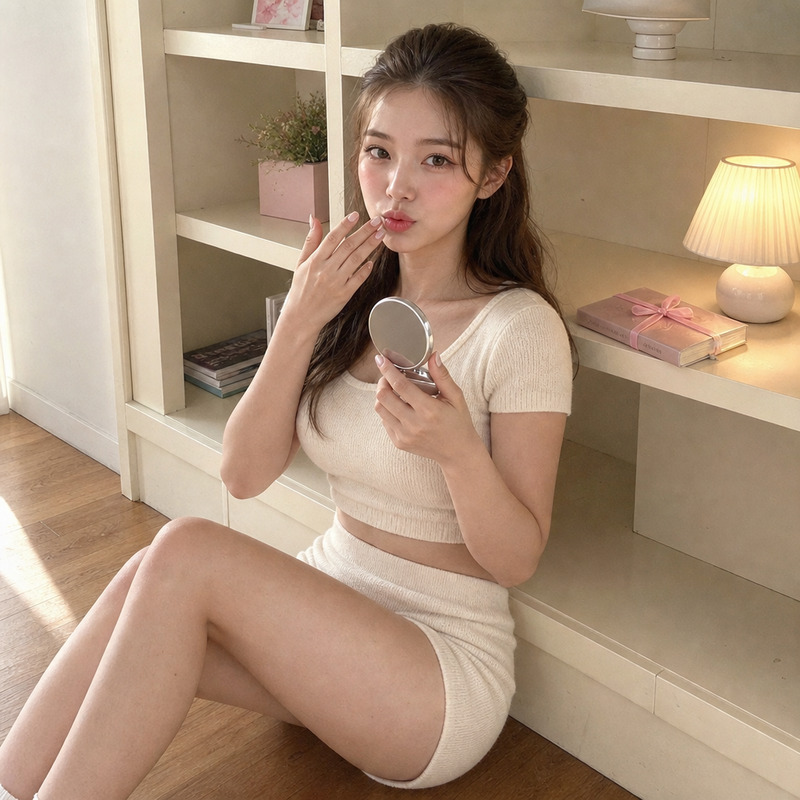
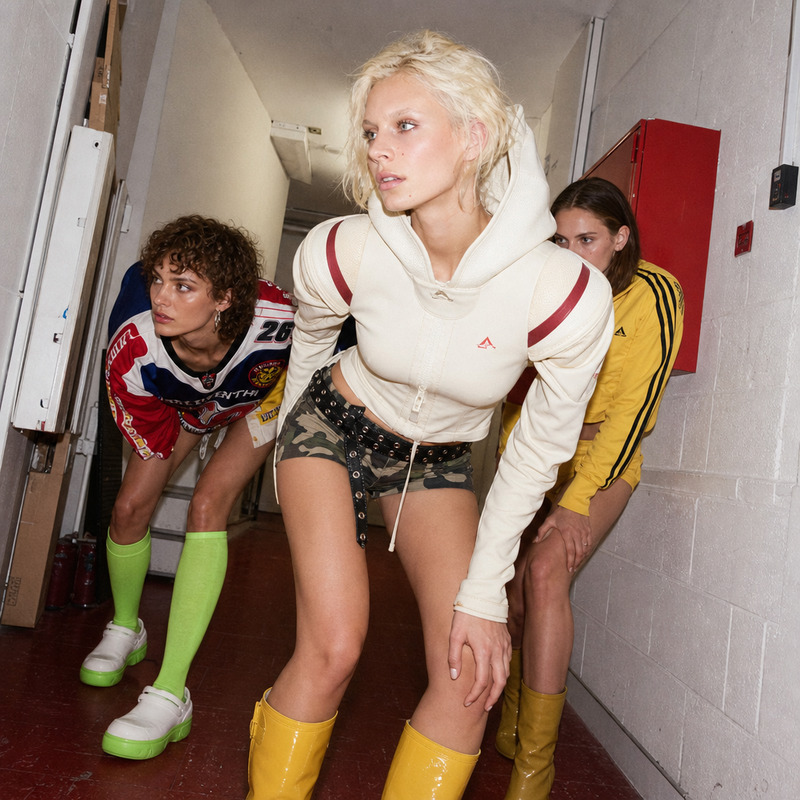
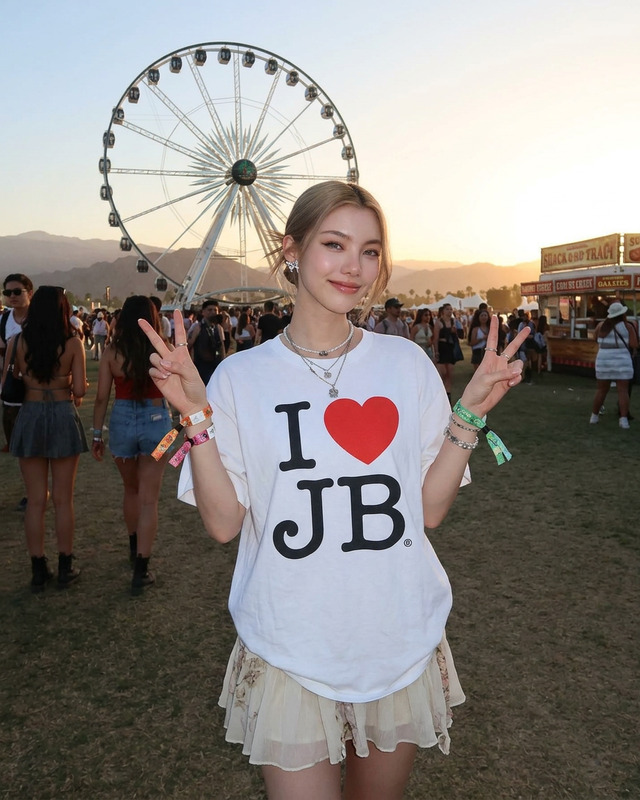
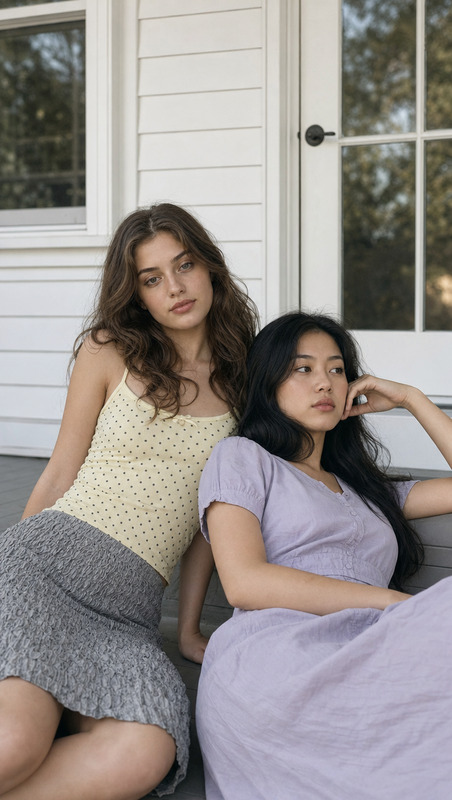
A high-angle medium shot captures two young women, likely in their early 20s, riding bicycles on a paved road with greenery and trees in the background. On the left, a young East Asian woman with long, light brown hair leans forward intensely. She wears a white tank top and pale muted yellow shorts with black polka dots , with a pink bicycle. To the right, another young East Asian woman with long, black hair wears a baby blue sleveless turtleneck and grey cotton shorts. Both women gaze intently ahead, with direct flash lighting creating strong highlights on their faces, suggesting twilight or evening with diffuse natural light surrounding them. The color palette includes muted earth tones and white with green and yellow accents. The bright flash flattens shadows, lending an intense, candid quality to the image, with a contemporary digital capture aesthetic. The mood feels playful and spirited.
Any aspect ratio
Overview
The "Cycling with Friends" AI Image Editor template is designed to bring your casual biking images to life with a modern aesthetic. Capture the essence of an exhilarating bike ride with friends on a scenic route. This template creatively combines realistic features and vibrant colors using the AI Image Editor capabilities.
What It Does
Using the gpt-image-2 model, "Cycling with Friends" enhances your photo by adjusting lighting, contrast, and colors to portray the excitement of cycling fun. This AI Image Editor template accentuates important elements, such as the subjects' expressions and apparel, while maintaining a balanced composition of background greenery and road textures.
Who It's For
This template is perfect for photography enthusiasts, lifestyle bloggers, and anyone looking to enhance their cycling photos with an authentic digital capture style. Whether you're sharing photos from a day out with friends or creating content for social media campaigns, this tool enriches your images with artistry and precision.
Summary
With "Cycling with Friends," you get a powerful combination of image enhancement and artistic flair ideal for creating standout cycling photos. Use it to transform regular snapshots into visually appealing images that speak to the viewer's sense of adventure and companionship. Pair this with the AI Image Generator tools for even more creative potential.
How-To
Choose the Template

Customize Your Inputs

Generate Your Image

Use Cases
Lifestyle Blogs and Social Media
- Create compelling posts with vivid imagery.
- Match photo aesthetics to personal branding.
Digital Marketing Campaigns
- Elevate ads with high-quality visuals.
- Draw attention to active lifestyle products.
Personal Photo Albums
- Keep a consistent style across album pages.
- Highlight fun memories with friends.
Best Practices
Select Clear Photos
Start with well-focused images to ensure details are enhanced effectively.Balance Lighting
Use the flash and natural light settings strategically to maintain desired contrast.Use complementary tools
Combine with the AI Voice Cloner or AI Talking Photo products for multimedia stories.