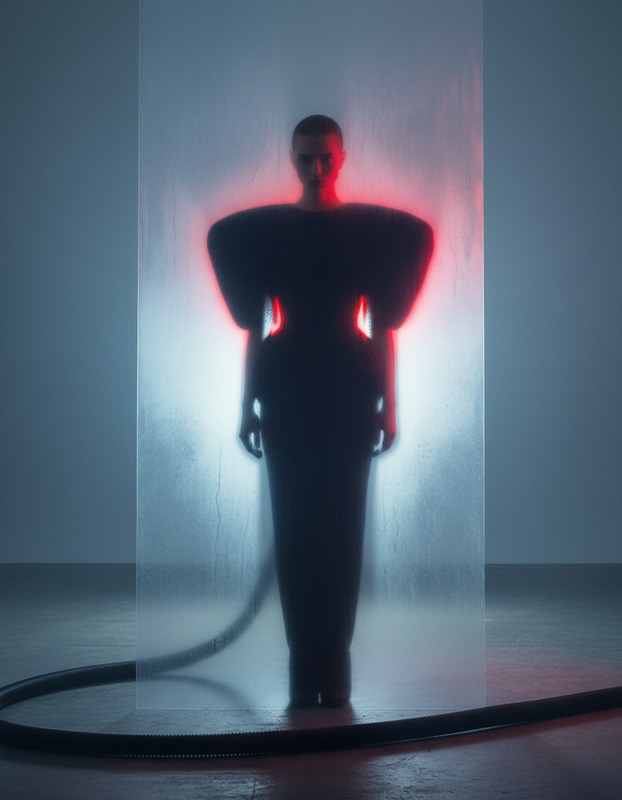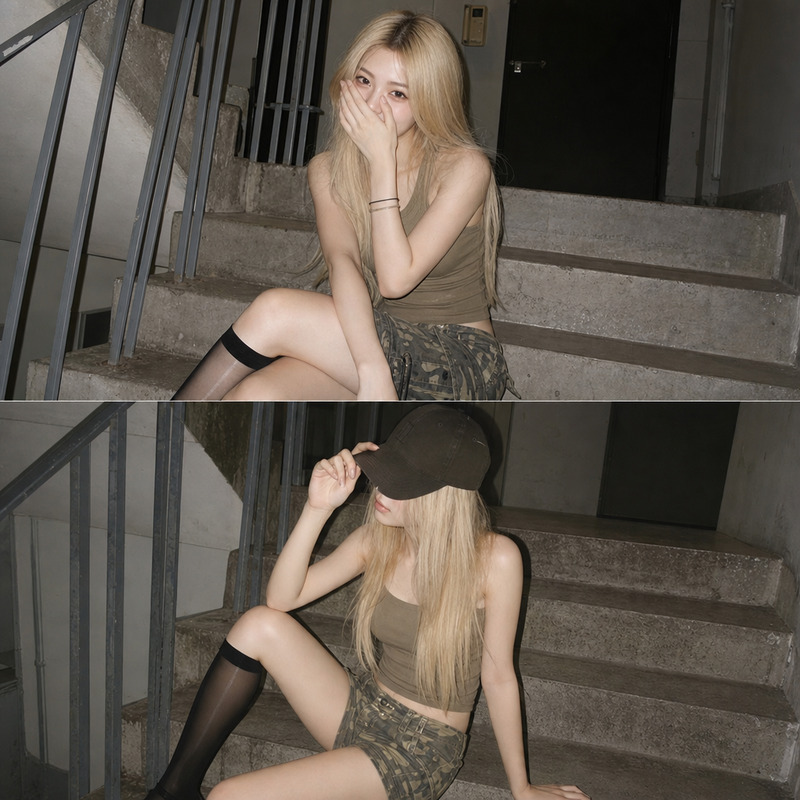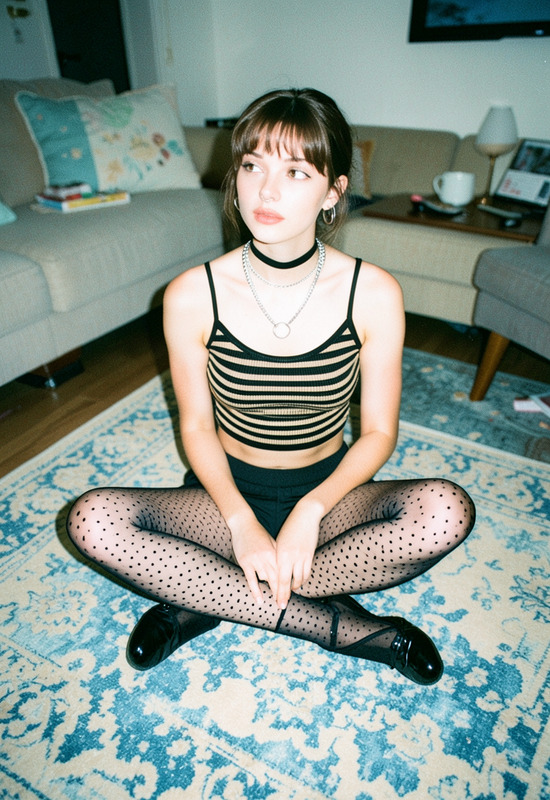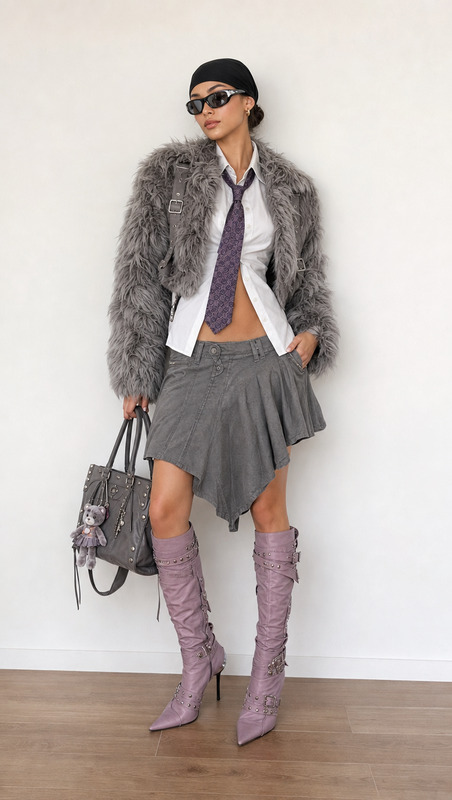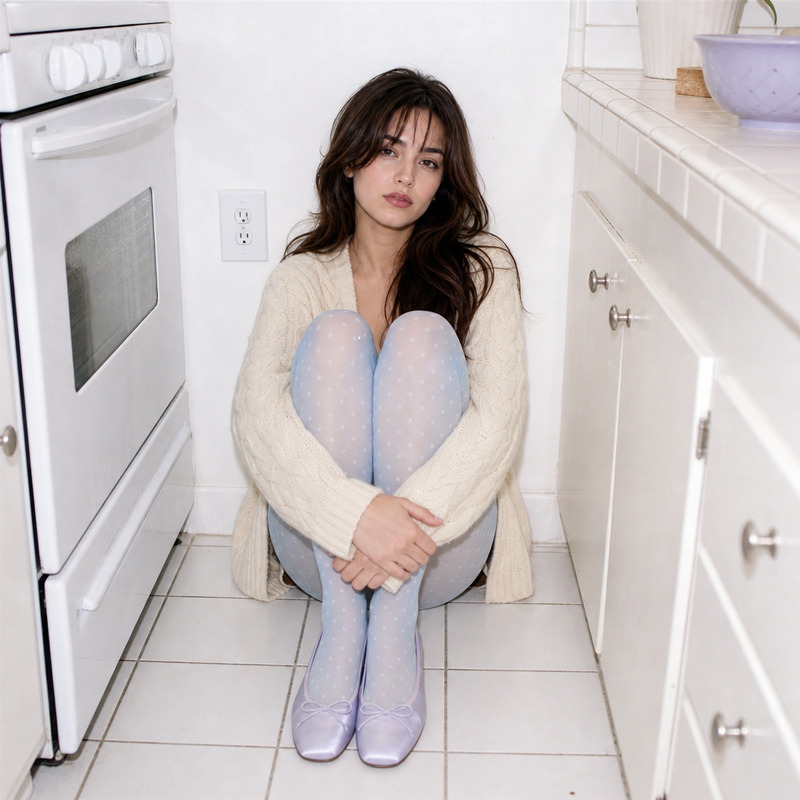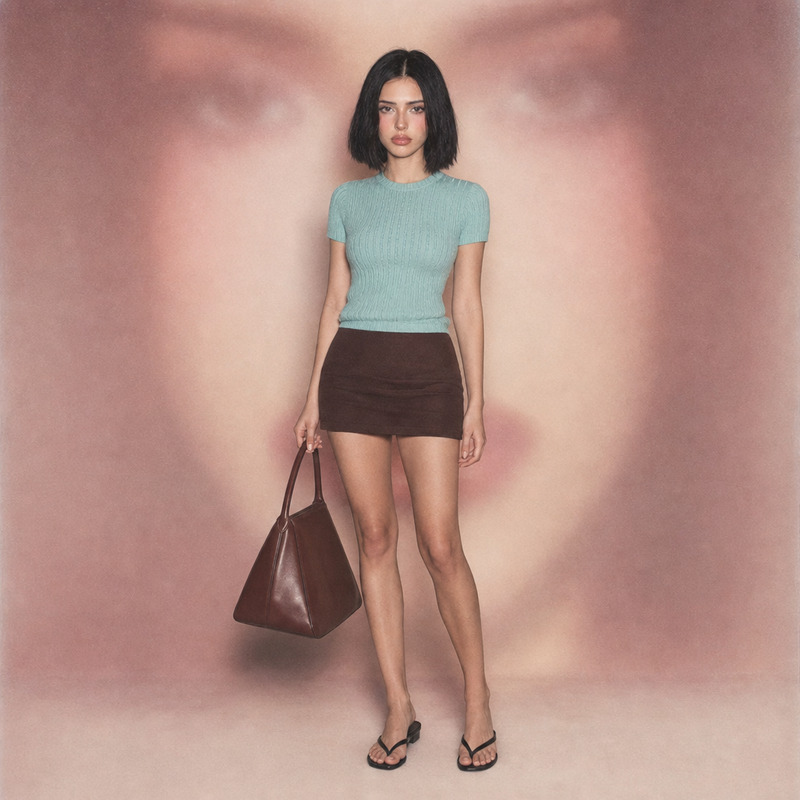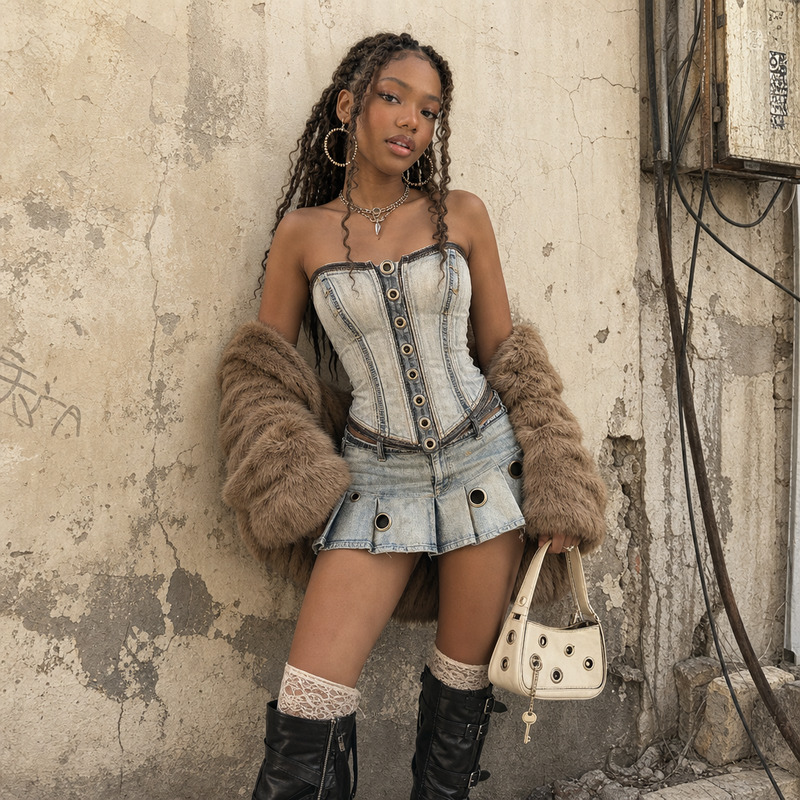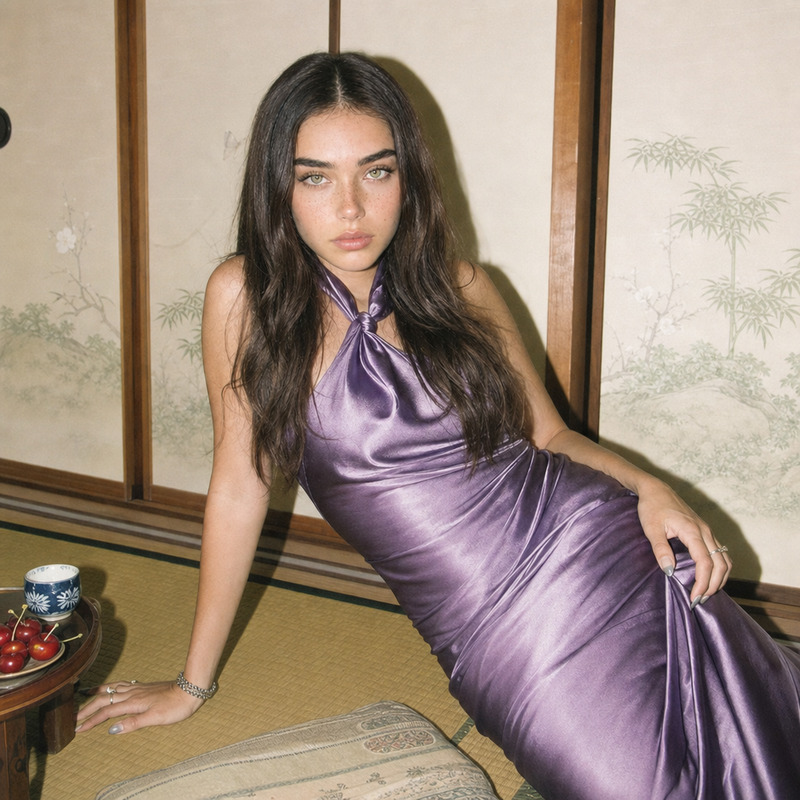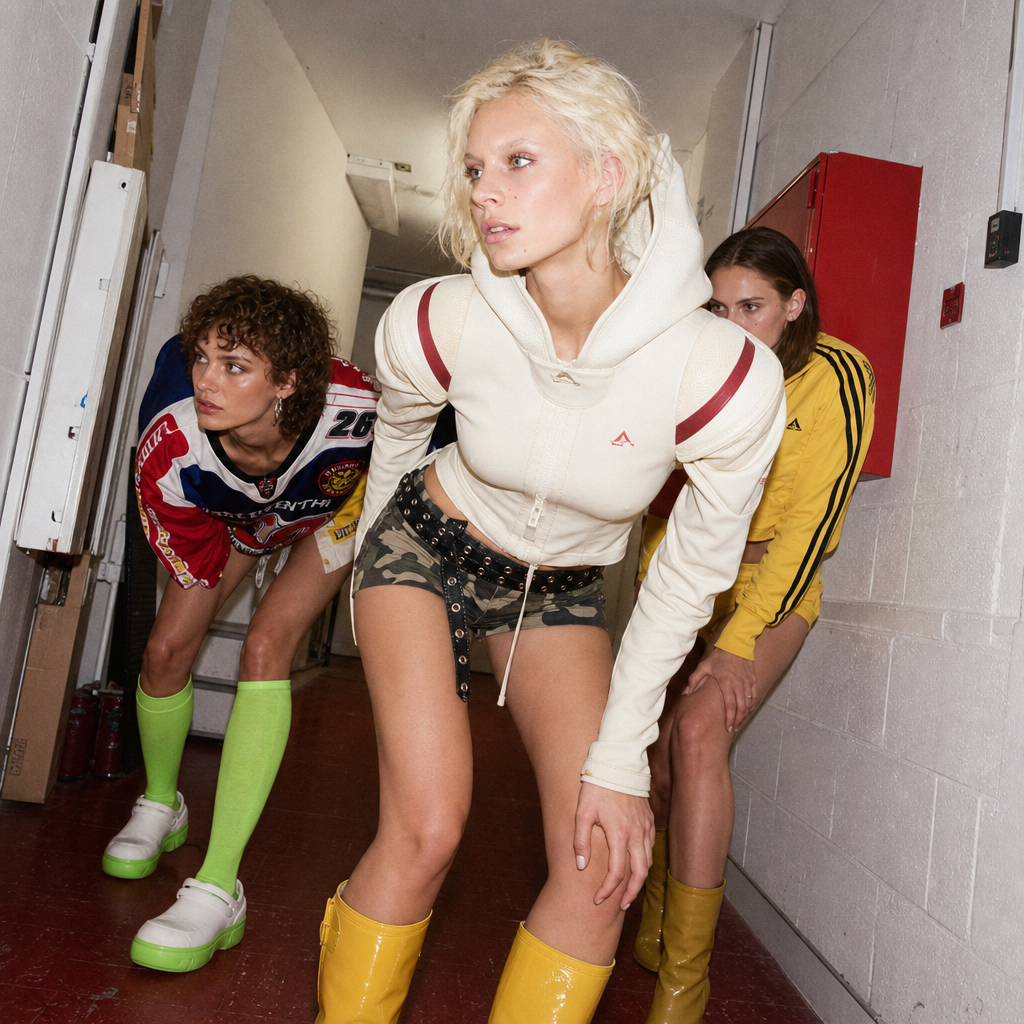
5-star hotel hallway
- Model
- GPT Image 2
- Image
- 1024 × 1024 px
Prompt
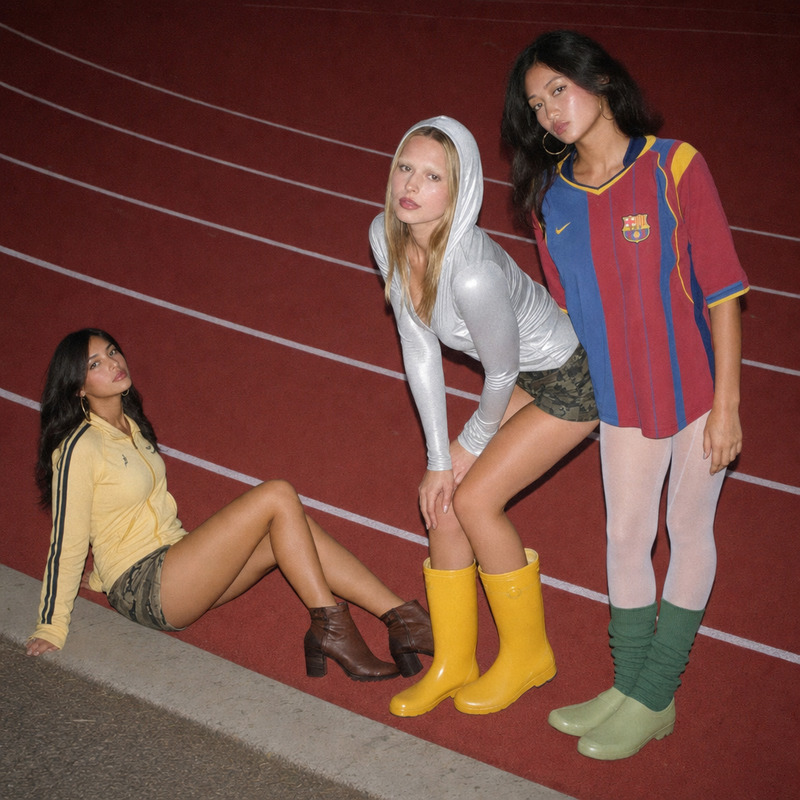
Three young women in their early twenties, posed in a cramped hallway as if prepping for a sprint, wearing bold futuristic sportswear. The central subject stands in front wearing a sculpted hooded top, camouflage mini shorts, a black studded belt, and yellow rubber boots, her blonde hair and bleached eyebrows catching the harsh on-camera flash. To her right, a woman in a multi-colored jersey, neon green socks, and white and light green rubber shoes leans dramatically, while the third figure in a cropped yellow tracksuit, shorts, and boots is partially visible. The setting is a nondescript, cluttered indoor corridor with faded red linoleum and off-white cinderblock walls. Lighting is hard direct on-camera flash with digital noise, creating a washed-out look with a bright high-key exposure. Colors focus on vibrant reds and soft neutrals, maintaining a cool, candid editorial mood.
Any aspect ratio
Overview
Step into the world of high fashion editorial shoots with our '5-star hotel hallway' template. Designed using the advanced capabilities of AI Image Editor and powered by the gpt-image-2 model, this template transports your subjects into a striking scene of vibrant reds and cool neutrals.
What It Does
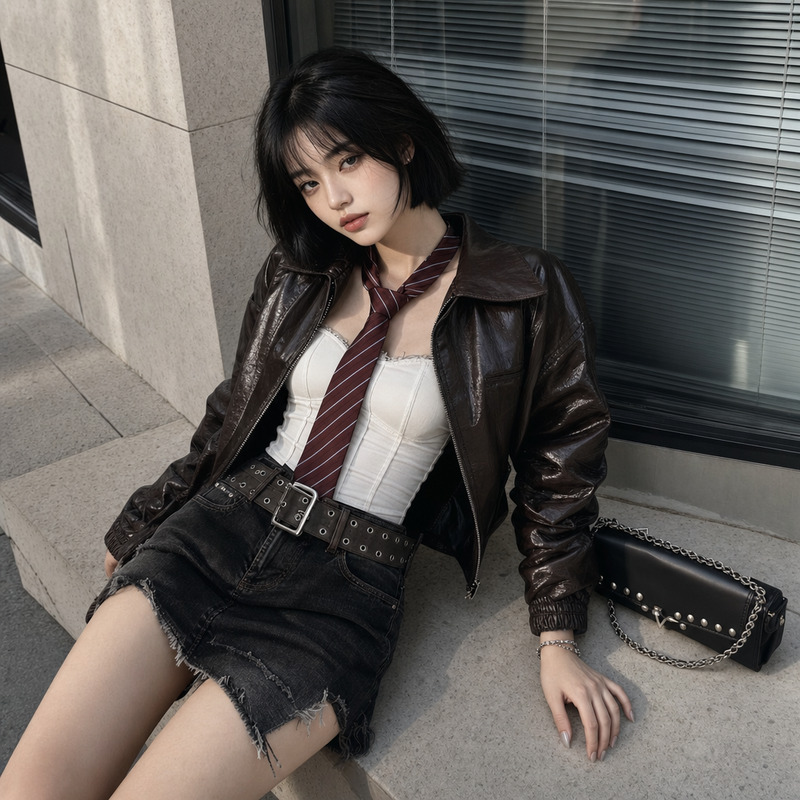
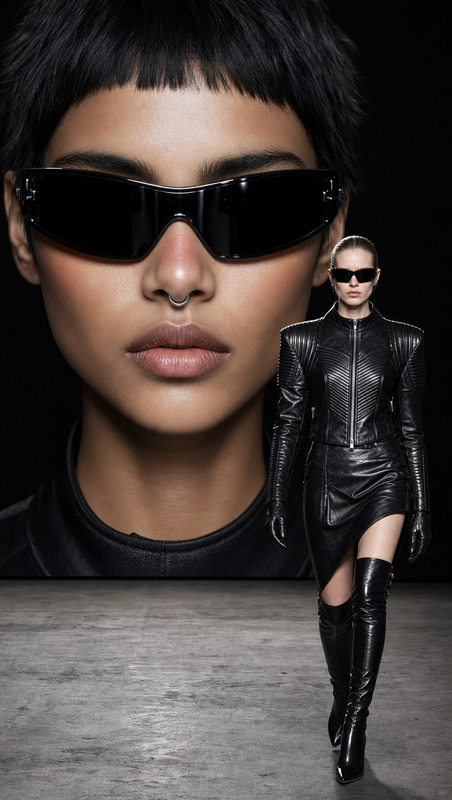
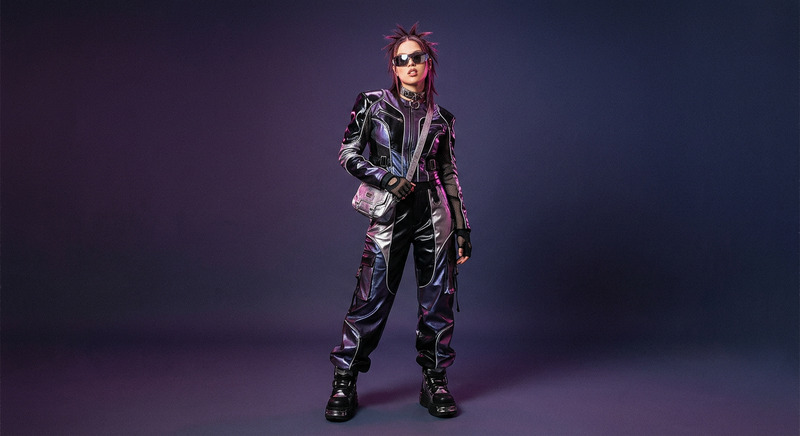
This AI Image Editor template captures your uploaded subjects in an edgy setting meant for high-fashion imagery. It allows you to overlay futuristic sportswear onto your characters while situating them in a distinctive hallway that complements the editorial theme with a direct flash photography effect, digital noise, and a bold color palette.
Who It's For
This template is ideal for fashion photographers, creative directors, and digital artists looking to experiment with avant-garde aesthetics. It's also suitable for social media influencers aiming to create standout content for platforms like Instagram and Image to Video.
Summary
Use this template to recreate the cutting-edge look of a high-fashion shoot without needing a physical set or extravagant wardrobe. Perfect for anyone in the fashion and creative industries, it provides a unique opportunity to explore bold visual storytelling right from your desktop.
How-To
Choose

Customize

Generate

Use Cases
Fashion Editorials
- Create unique portfolios
- Develop brand imagery
Social Media Content
- Standout Instagram posts
- Dynamic story updates
Creative Projects
- Digital art creations
- Conceptual photography
Best Practices
Choose Bold Colors
Select vibrant color palettes to amplify the futuristic sportswear theme, creating a striking visual contrast.Leverage Light Effects
Utilize the hard direct on-camera flash and digital noise for a truly authentic editorial feel, reminiscent of retro magazine spreads.Experiment with Poses
Encourage dynamic, non-traditional poses to capture the energy and modernity integral to the template's design.