The time next to you
- Model
- GPT Image 2
- Image
- 768 × 1360 px
Prompt
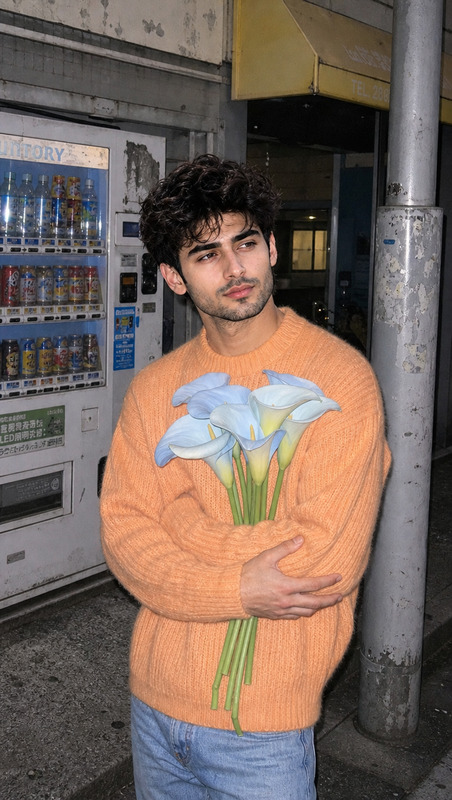
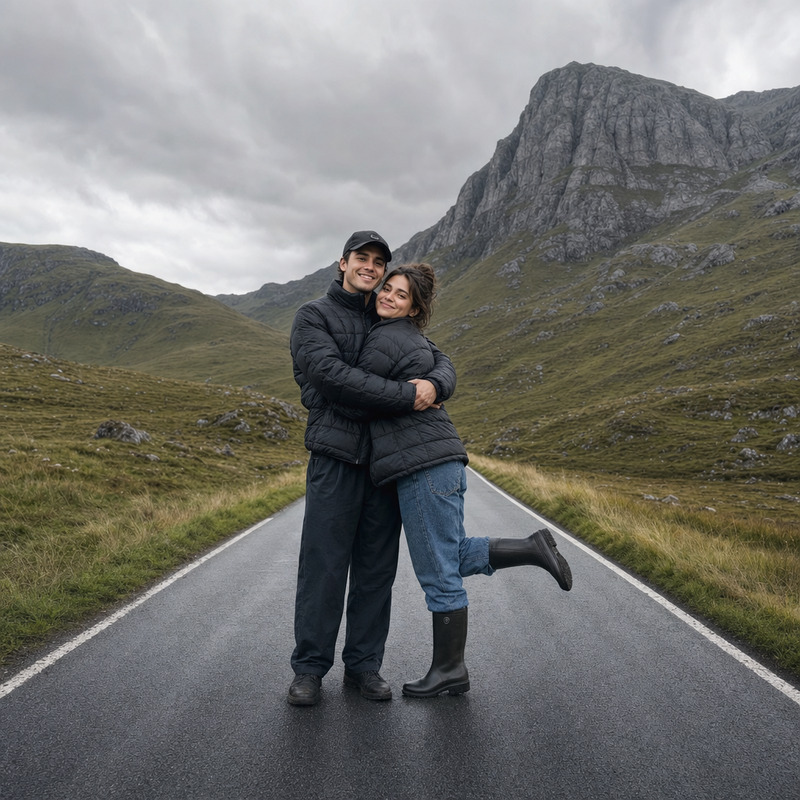
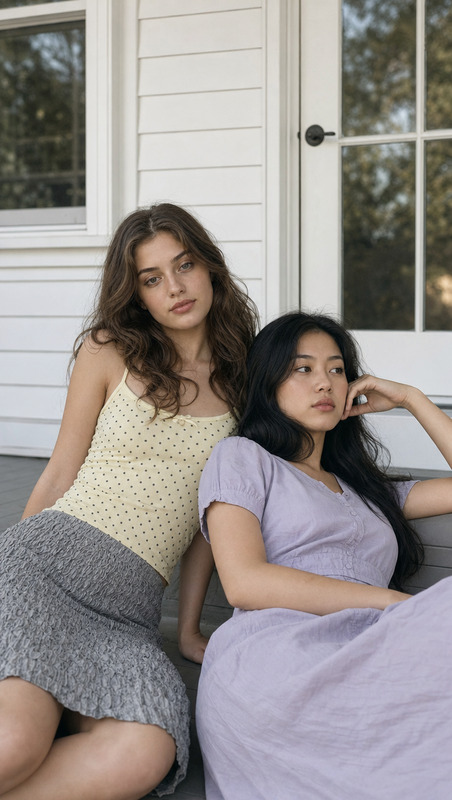
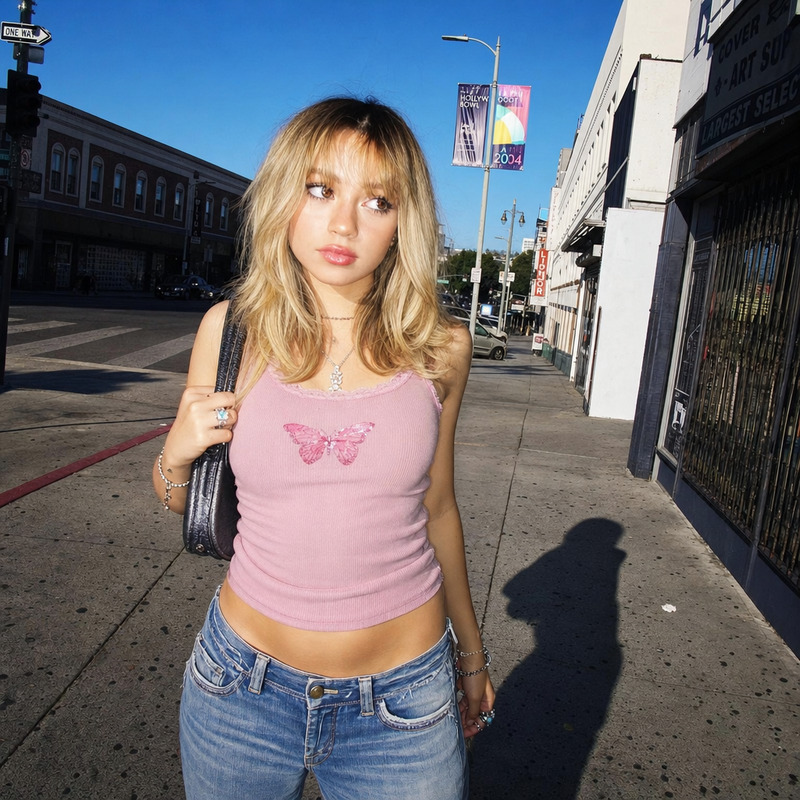
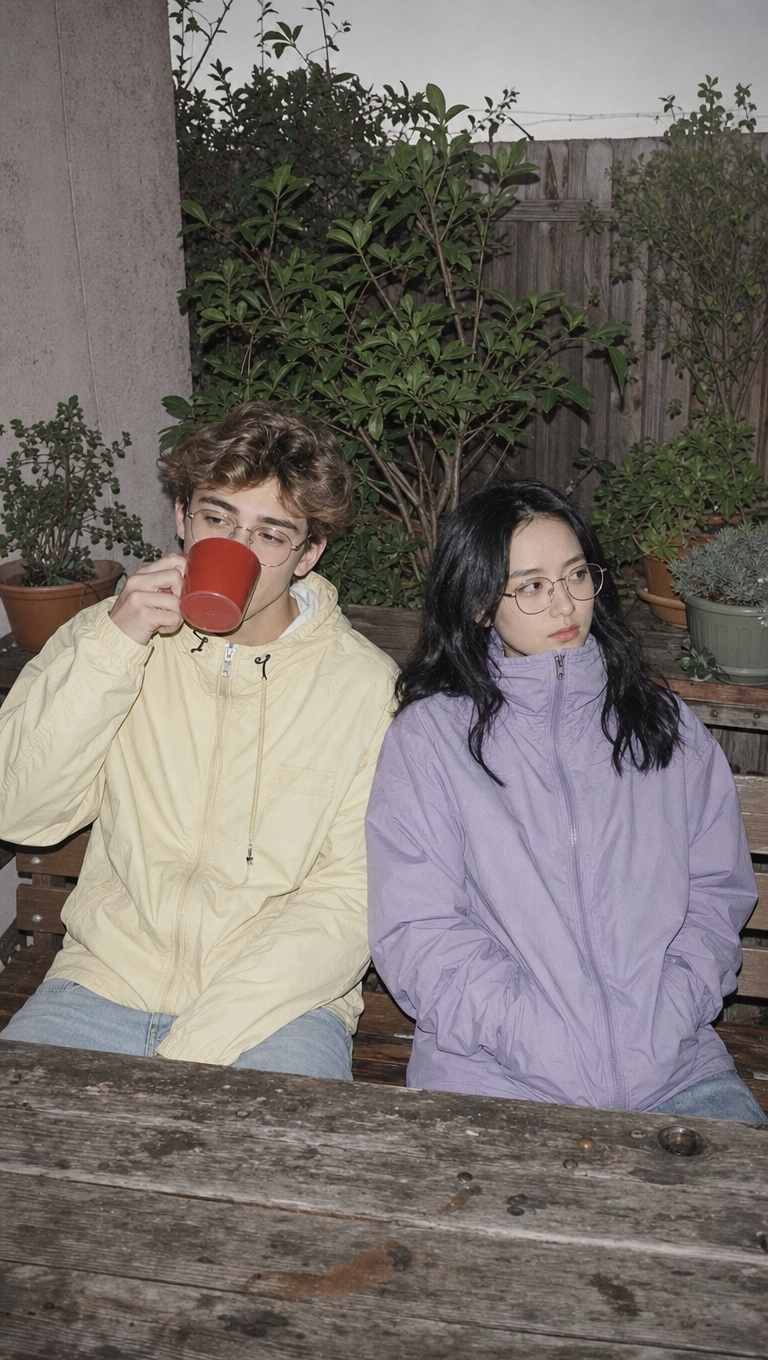
Two young adults sitting side by side on a wooden bench at a worn picnic table in a small, plant-filled backyard, both wearing pastel rain jackets—one in pale yellow holding a red mug that partially covers their face, the other in lavender zipped up to the neck—with wireframe glasses and calm, deadpan expressions, looking away. The scene features sharp digicam aesthetic: direct on-camera flash, flat high-key lighting, hard shadows, 2000s digital washout, muted overcast palette with neutral and soft greens, creating a quiet, lo-fi, moody editorial snapshot vibe.
Any aspect ratio
Overview
"The Time Next to You" is a unique AI Image Editor template, powered by the gpt-image-2 model, that brings a nostalgic, lo-fi charm to your photos. Capture intimate moments with a vintage touch that echoes editorial snapshots from simple backyard settings. With this tool, you can transform ordinary scenes into evocative visuals.
What It Does
This template creates a vintage expression in your images by simulating digicam photography aesthetics. It incorporates direct on-camera flash, high-key lighting, and a muted color palette reminiscent of early 2000s digital looks. Useful for creating emotionally resonant images, it evokes a quiet, editorial style ideal for AI Image Generators work.
Who It's For
Fotographers and content creators seeking a unique style will find this template invaluable. Whether you're working on mood boards or creating editorial spreads for an AI Photo Relighting project, this template helps craft scenes that are both calm and expressive. It's also perfect for anyone looking to give their photos a distinctive lo-fi aesthetic.
Summary
The "The Time Next to You" template is designed for those who appreciate the subtlety of understated elegance in photography. Whether you're transforming images for a personal project or enhancing visuals for professional use, this AI tools suite, including AI Image Editor, offers powerful capabilities to convert ordinary images into captivating narratives.
How to Use
Choose Your Template

Customize Your Scene

Generate and Save

Use Cases
Nostalgic Editorials
- Apply vintage aesthetics to fashion shoots
- Create mood-setting images for lifestyle features
Digital Art Projects
- Incorporate lo-fi digital edits into interactive displays
- Develop themed digital art collections
Branding and Promotions
- Create standout content for social media campaigns
- Develop product promotions with a nostalgic feel
Best Practices
Embrace Imperfections
Highlighting the digital washout and hard shadows can add to the nostalgic appeal.Combine with Other Tools
Use alongside the Photo Colorizer for a perfect retro finish.Consistent Styling
Apply similar adjustments across your project to maintain a cohesive look.