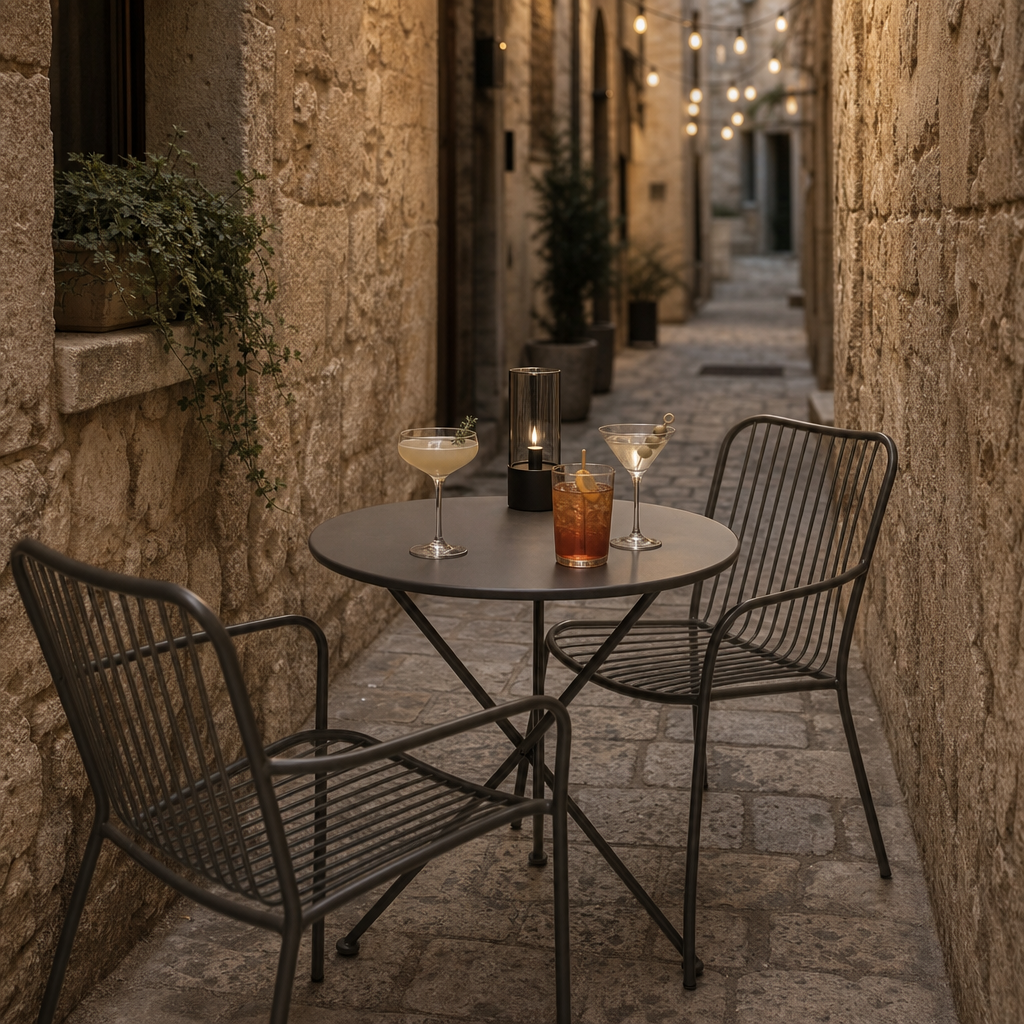
Restaurant in Italian alley
- Model
- GPT Image 2
- Image
- 1024 × 1024 px
Prompt
This image shows a small outdoor table with three metal chairs. The table has three cocktails, and it's situated in a narrow alley with stone walls. The setup has a minimalist and modern feel against the rustic surroundings. HEX VALUES: ["#7b6d65", "#403b37", "#312e2b", "#56514b", "#4b4742", "#877a72", "#28241f", "#706056", "#1c1814", "#5f5d5a", "#442f1f", "#908d86", "#080503", "#acaa9a"]
Any aspect ratio
Overview
Transform your restaurant images with our AI Image Editor using the 'Restaurant in Italian Alley' template. This template is perfect for creating a captivating ambience that blends modern minimalism with rustic authenticity. You'll be able to highlight the serenity of a narrow alley, complete with stone walls and a cozy, inviting outdoor setup.
What It Does
This template utilizes the AI Image Generator to craft compelling images that capture the essence of an Italian dining experience. It's designed to enrich your current photography with elements like stone-lined narrow alleys, metal chairs, and artistically presented cocktails, perfect for telling a visual story of elegance and simplicity.
Who It's For
Ideal for restaurant owners, food bloggers, and marketers, this template can be an indispensable asset for anyone wanting to depict an authentic dining experience. It's especially beneficial for those in the tourism sector looking to showcase local culinary environments in a visually striking manner.
Summary
With the 'Restaurant in Italian Alley' template, you can give any dining scene a fresh look, harmonizing modern and traditional elements. Leverage our AI Image Upscaler to ensure every detail in your images is crisp and clear, making your audience feel part of the scene.
How to Use
Choose Your Template

Customize Your Scene

Generate Your Image

Use Cases
Restaurant Promotions
- Menu designs
- Social media posts
- Email newsletters
Food Blogging
- Feature posts
- Travel and food articles
Event Marketing
- Invitations
- Event pages
Best Practices
Maintain a Consistent Style
Ensure that the edited images align with your brand's visual identity for coherence across platforms.Use High-Resolution Inputs
Start with high-quality images to ensure the best output when using tools like the AI Image Upscaler.Experiment with Prompts
Test different descriptive prompts to explore the full potential of the AI Image Generator.