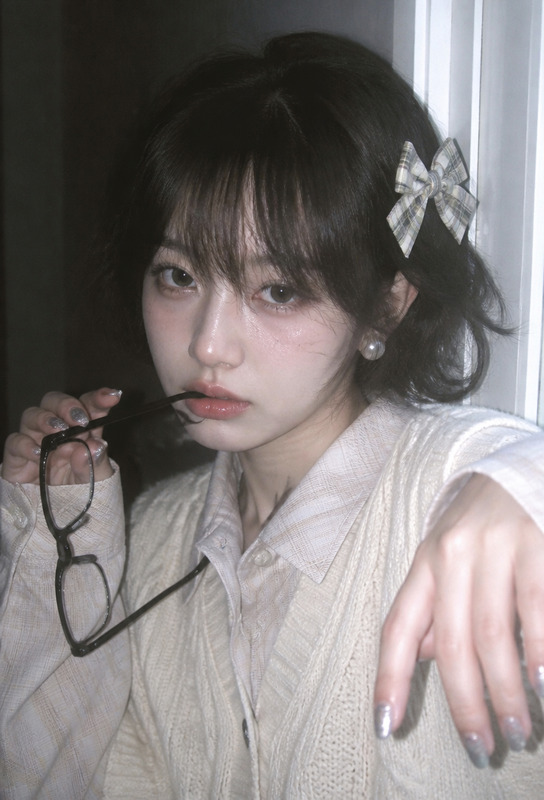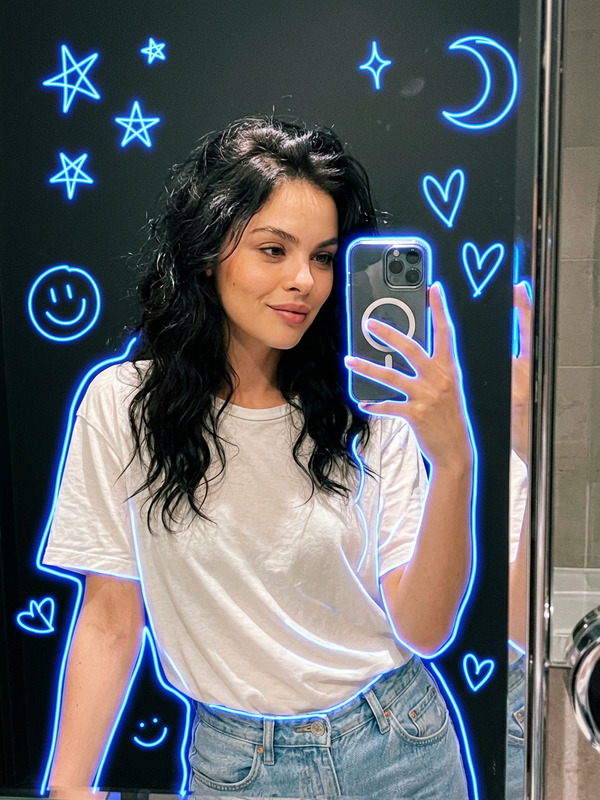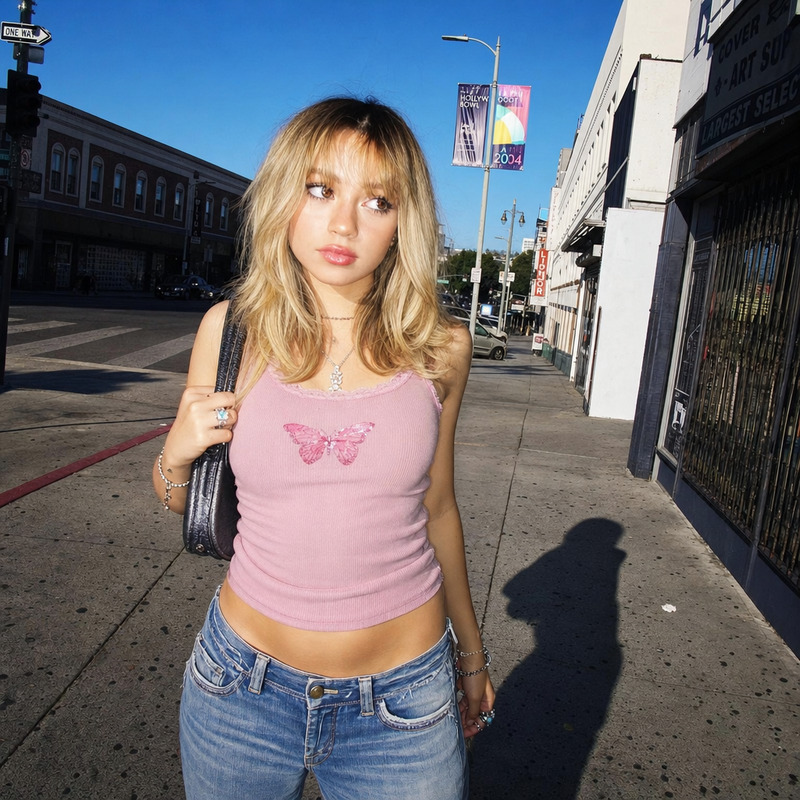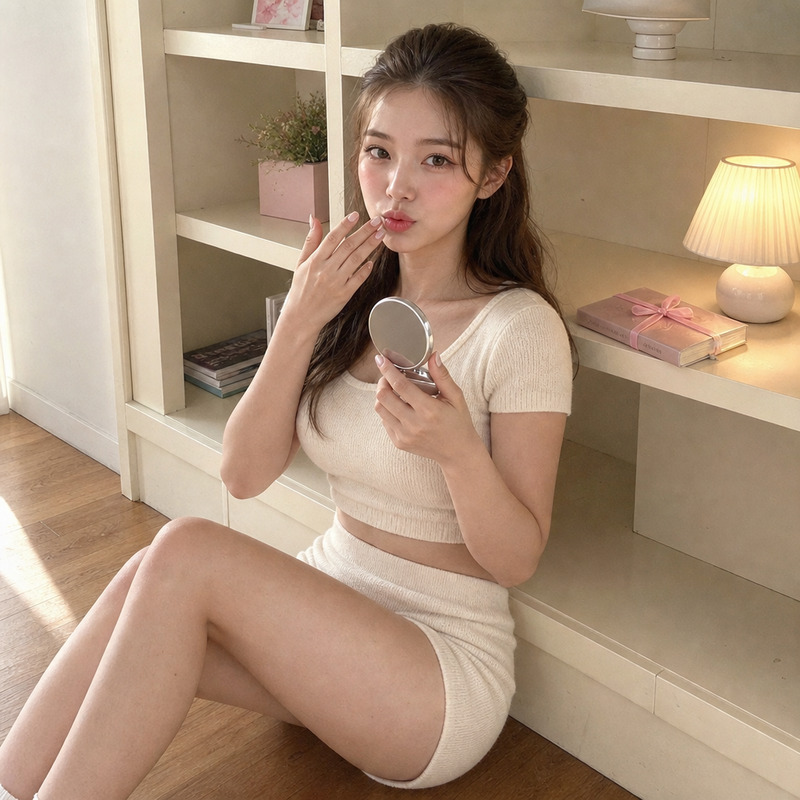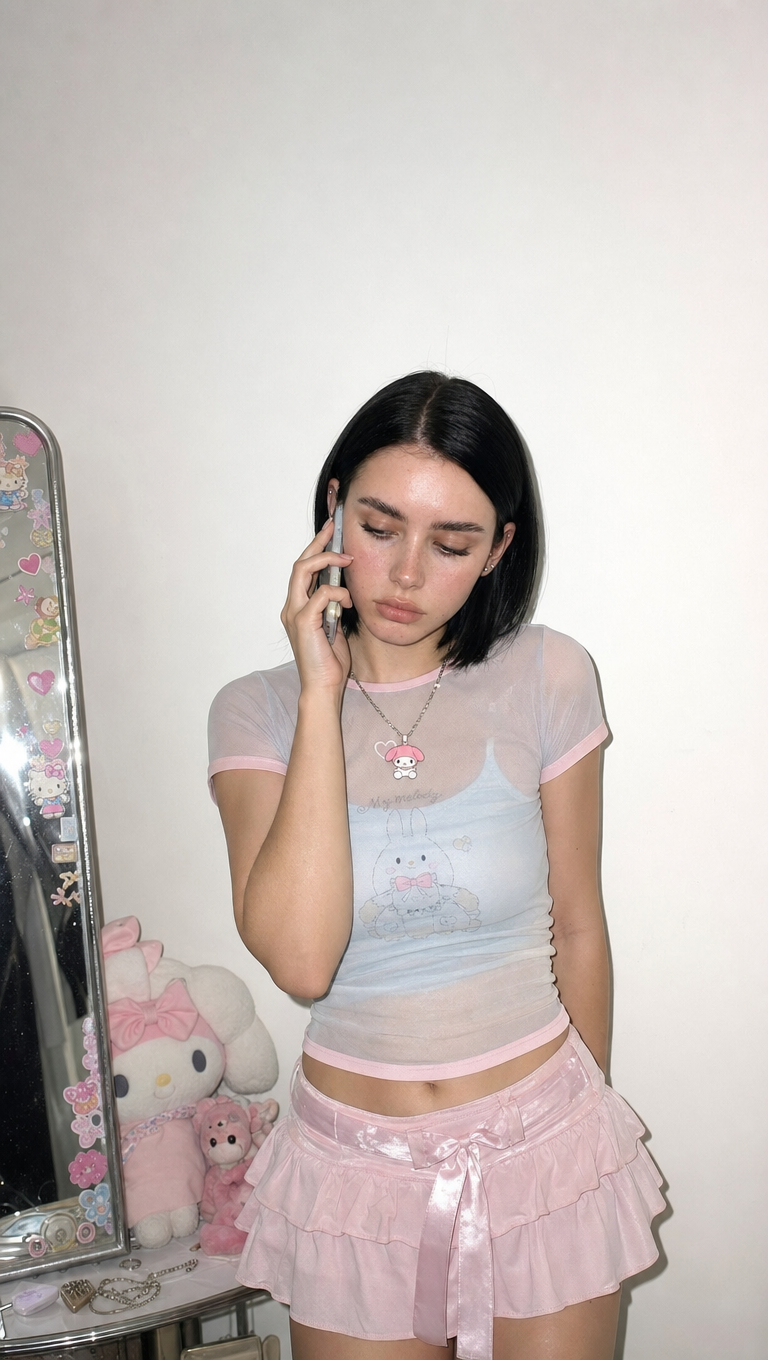
Baby doll style
- Model
- GPT Image 2
- Image
- 768 × 1360 px
Prompt
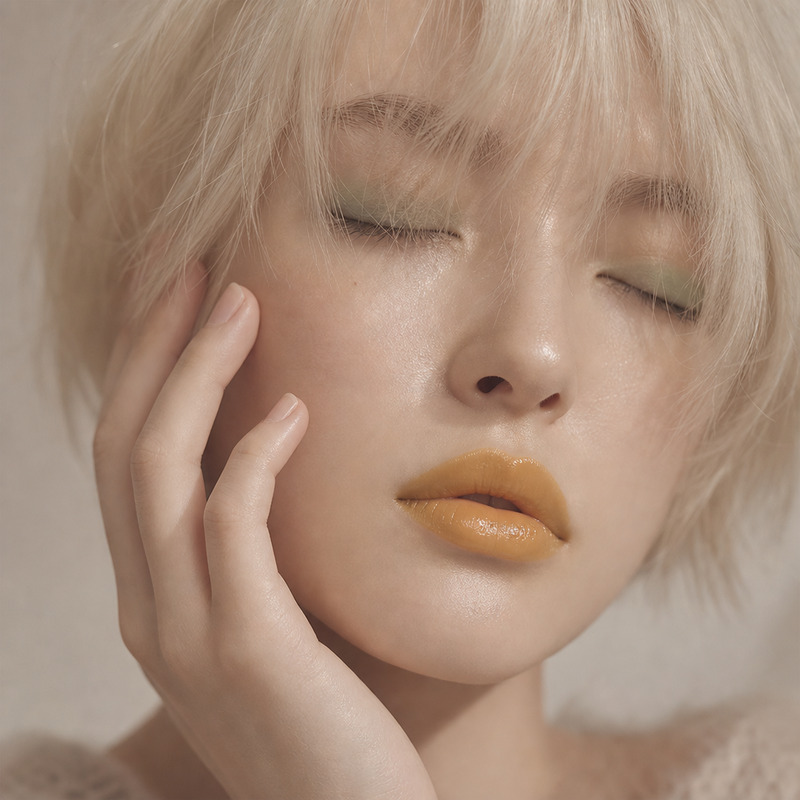
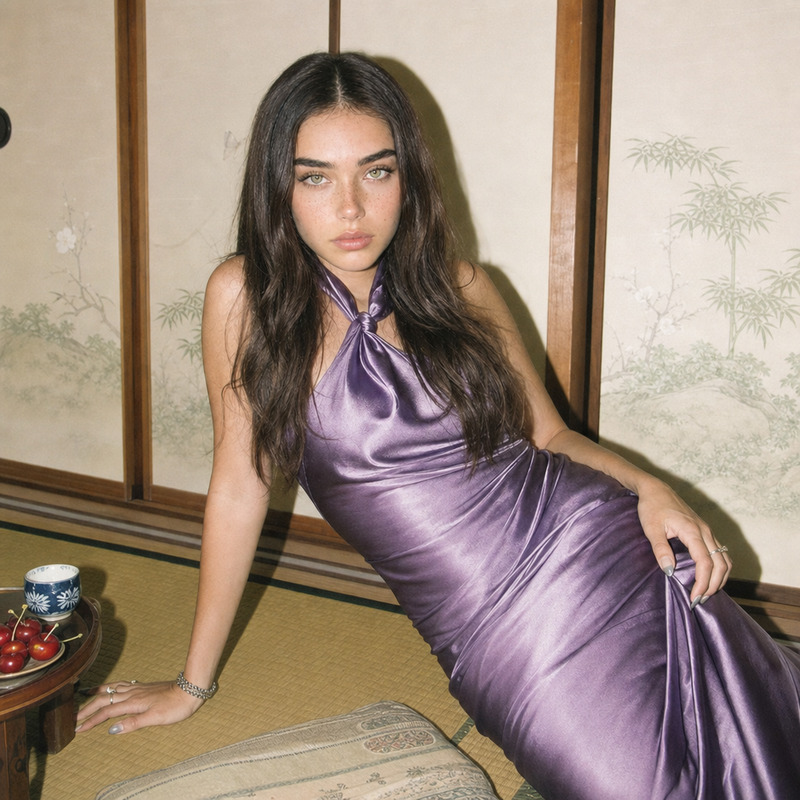
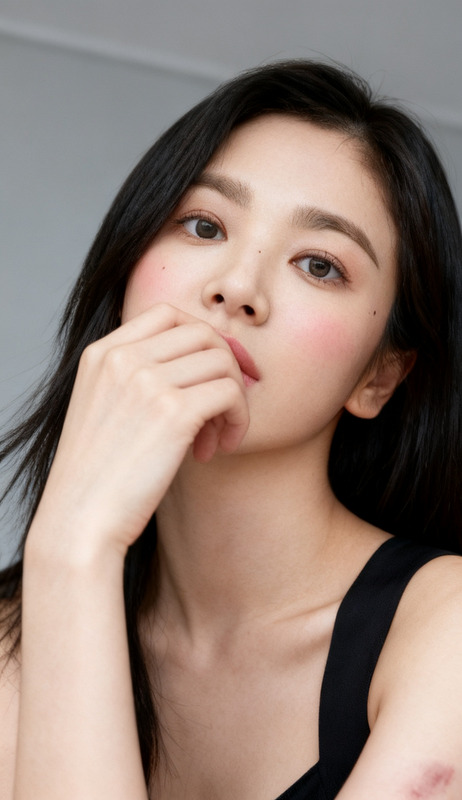
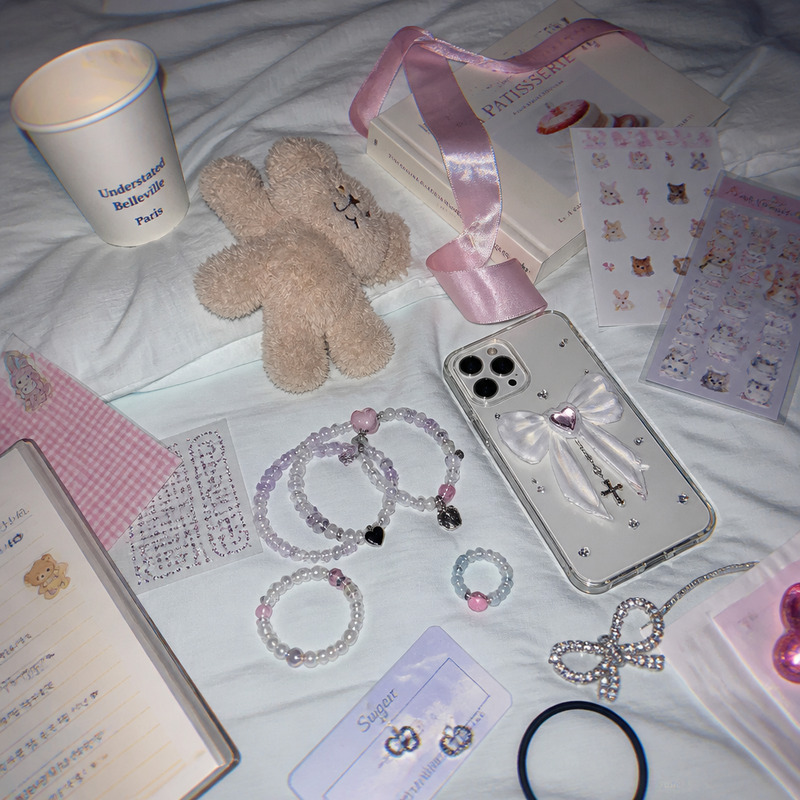
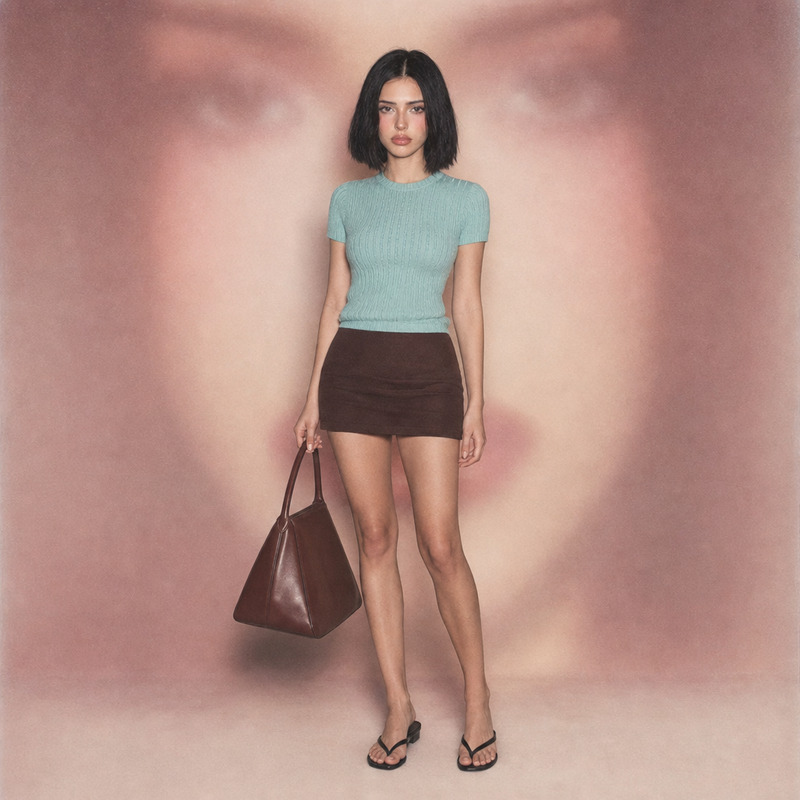
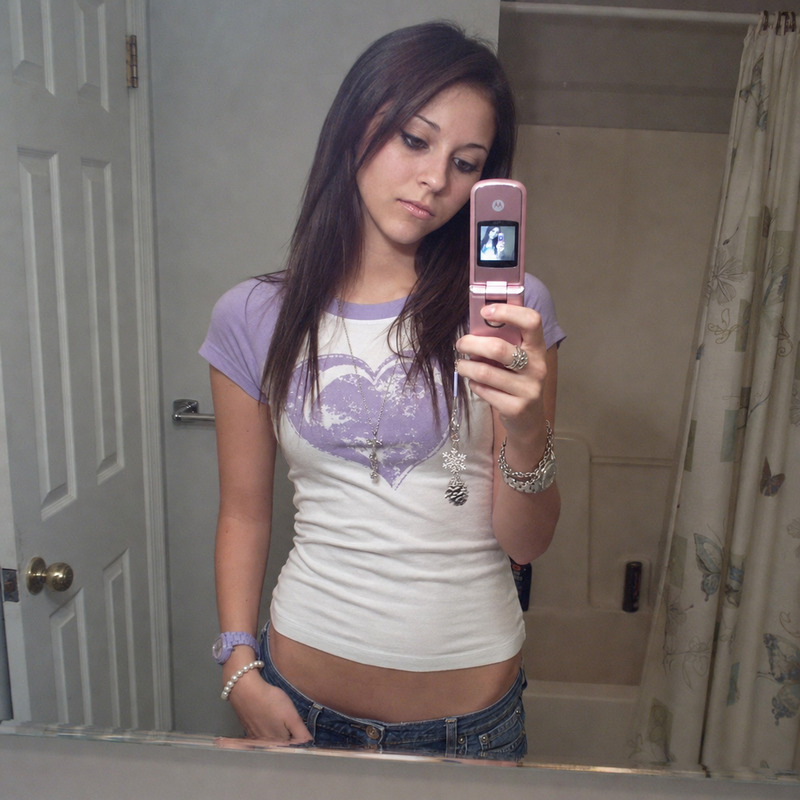
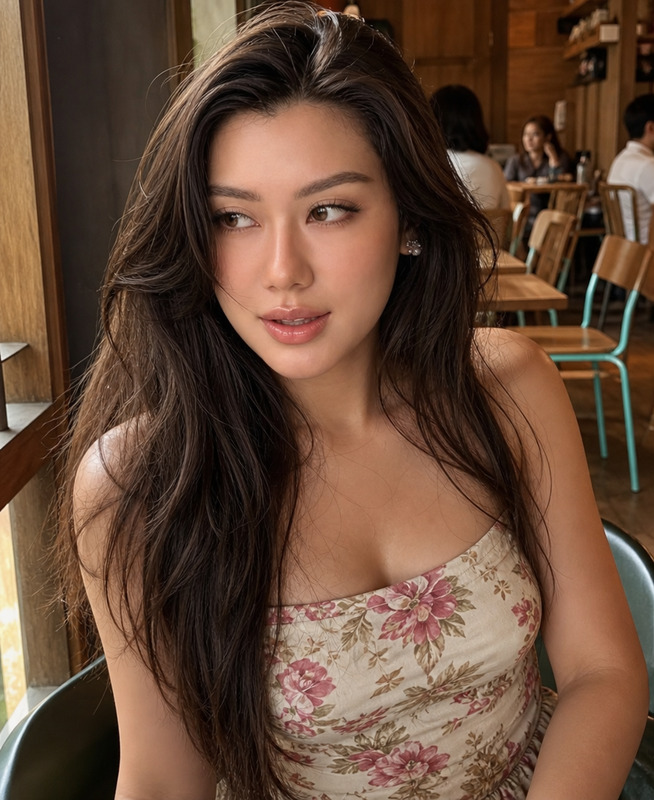
Portrait of a young woman framed from the upper body, shoulders slightly hunched in a relaxed and shy posture, gently holding a phone to her ear with her hand close to her face, fingers soft and delicate with a loose grip, head tilted subtly toward the phone, gaze lowered and partially hidden, expression quiet and tender with a subtle sense of privacy. She stands in a plain white room softly illuminated by a hard on-camera flash that casts crisp shadow edges and bright specular highlights, with faint ambient light leaking through a window. She wears pastel kawaii/Y2K layering with a mesh baby tee and charm necklace, surrounded by a few small plushes and a stickered mirror peeking from the edge, finished in a clean early-digital compact point-and-shoot snapshot in a gentle baby pink, blue, and cream palette with subtle chrome and black accents. Deep focus, casual journal framing with negative wall space and slightly off-center composition. Mood: private and melancholic, sweetly intimate.
Any aspect ratio
Overview
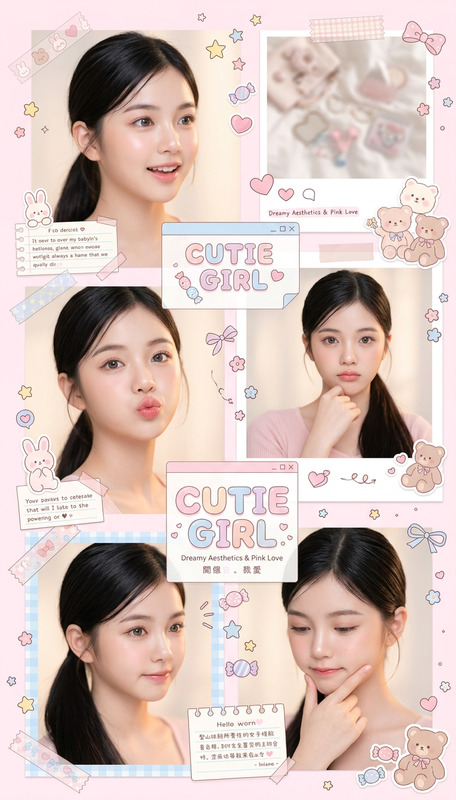
Delve into the world of digital aesthetics with the "Baby Doll Style" template from our AI Image Editor. Ideal for creating delicate, pastel-hued imagery, this template leverages the gpt-image-2 model to bring your visions of youthful style and intimate moods to life. Whether you're an artist or a social media enthusiast, this tool refines the perspective and emotional depth of each frame.
What It Does
The "Baby Doll Style" template allows you to generate images that capture the subtlety and nuance of a specific aesthetic. It frames the subject with expert precision, highlighting soft tones and charming details for a snapshot that feels both nostalgic and fresh. This template emphasizes composition, mood, and style elements, allowing you to manipulate framing and lighting for intimate, melancholic results.
Who It's For
This template is perfect for visual artists, content creators, and marketers looking to tap into the kawaii/Y2K aesthetic commonly sought after in fashion and lifestyle branding. Photographers aiming to evoke emotion with digital art will find this template transformative. It's also a valuable tool for crafting unique visuals for campaigns or personal projects with a focus on soft pastel palettes.
Summary
"Baby Doll Style" transforms how you approach digital editing by providing a sophisticated structure that caters to specific aesthetic needs. With its focus on gentle colors and intimate mood settings, it's ideal for projects that require a subtle yet impactful visual touch. Enhance your visual storytelling by visiting our AI Talking Photo and AI Video Generator to see how these tools complement your creative workflow.
How to Use It
Choose

Customize

Generate

Use Cases
Fashion Lookbooks
- Highlight soft pastels and charming details
- Integrate seamlessly with fashion forward-thinking applications
Social Media Content
- Enhance follower engagement with unique aesthetics
- Match trending styles on platforms like Instagram and TikTok
Marketing Campaigns
- Align brand messages with visual storytelling
- Increase brand recognition with distinctive styles
Best Practices
Focus on Composition
Pay attention to framing and lighting. Utilize deep focus and negative space to direct viewers' attention effectively.Perfect Your Palette
Utilize the baby pink, blue, and cream palette for consistency with your brand or personal style.Experiment with Details
Don't be afraid to tweak small elements such as the subject's posture or accessory details to achieve your desired aesthetic.