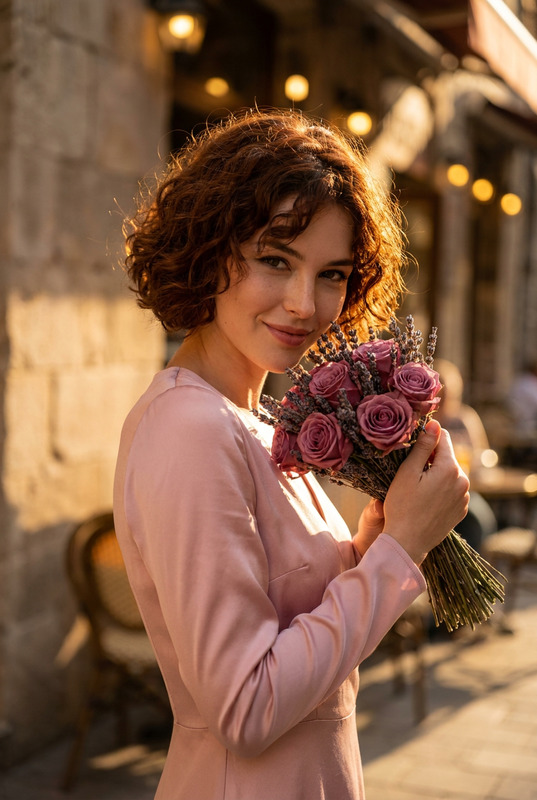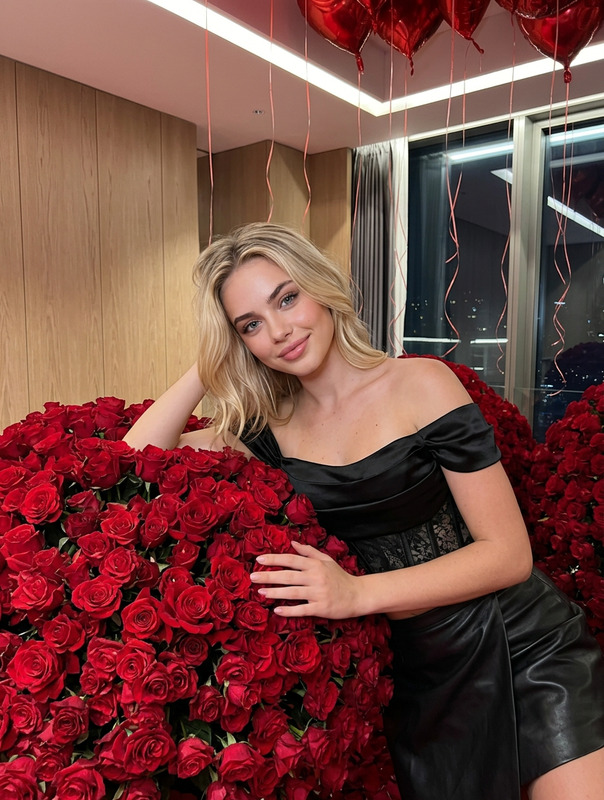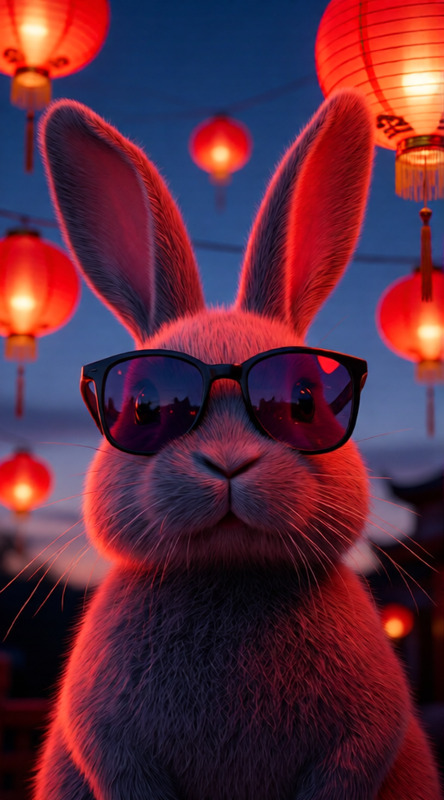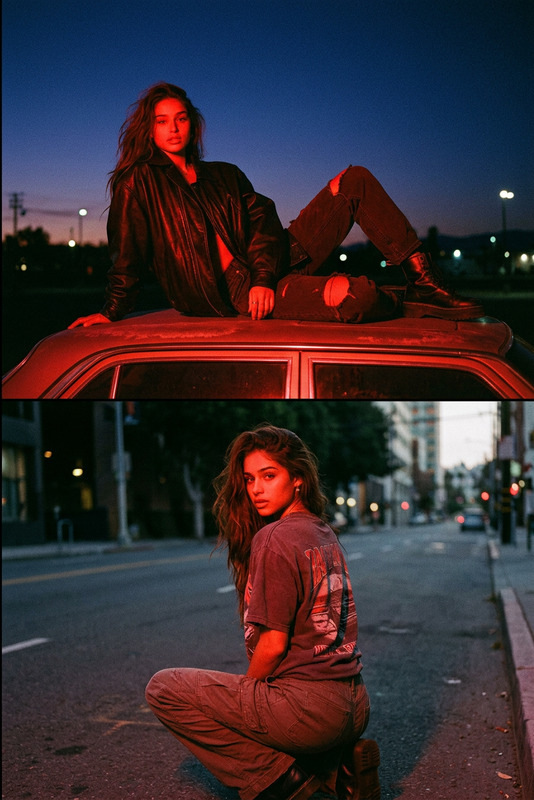
Red Roses
- Model
- GPT Image 2
- Image
- 1024 × 1024 px
Prompt
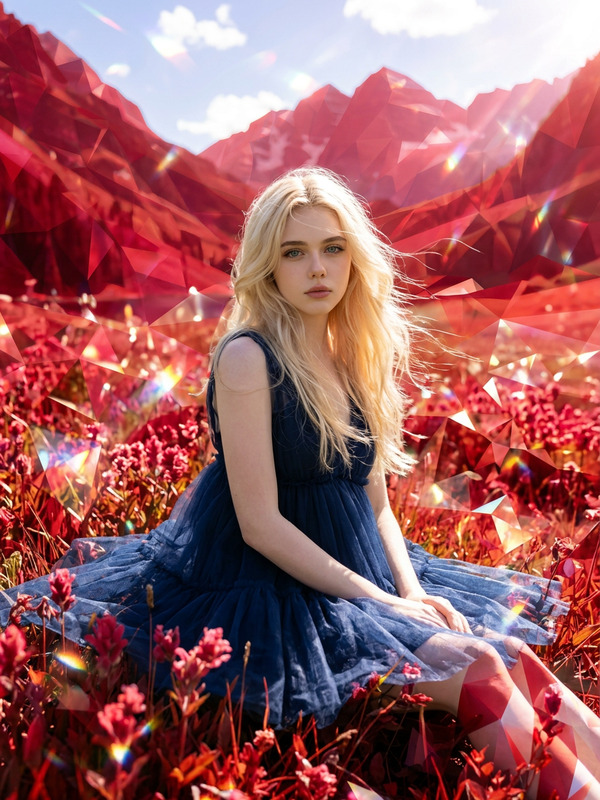
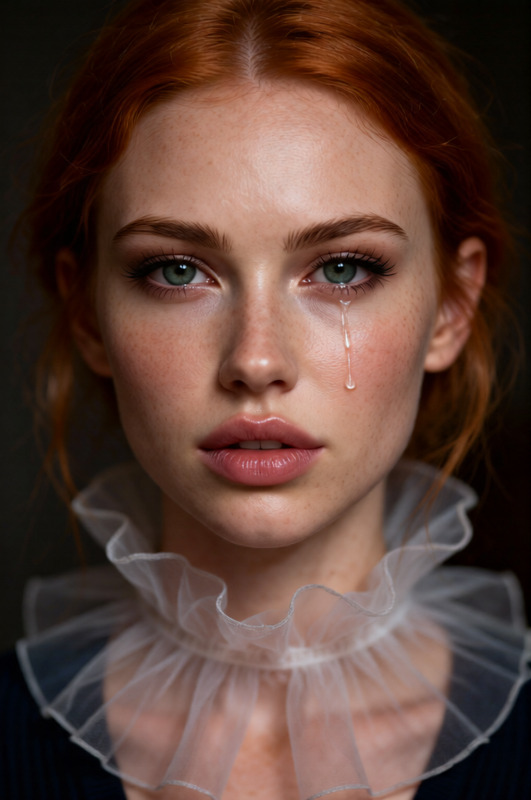
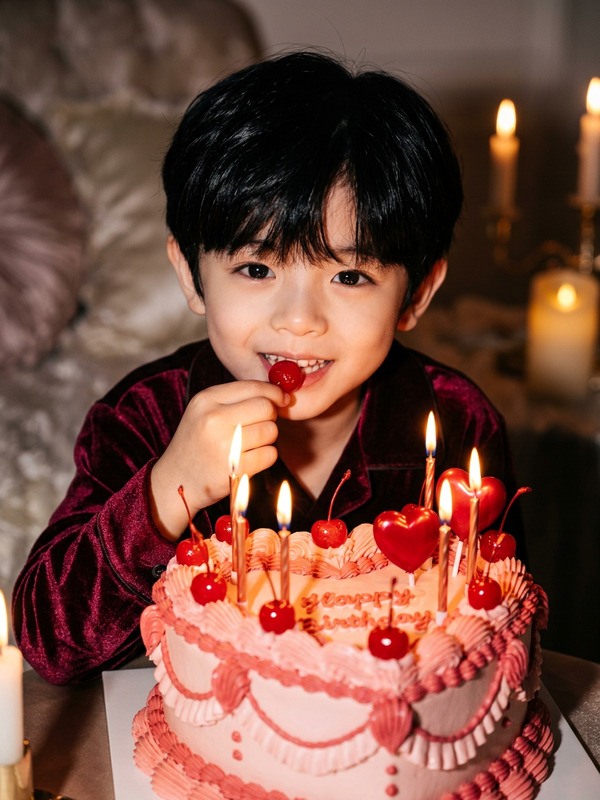
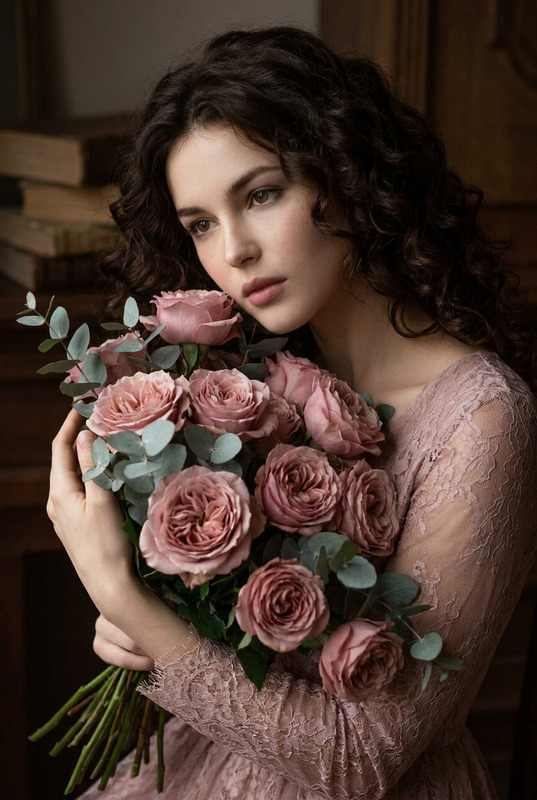
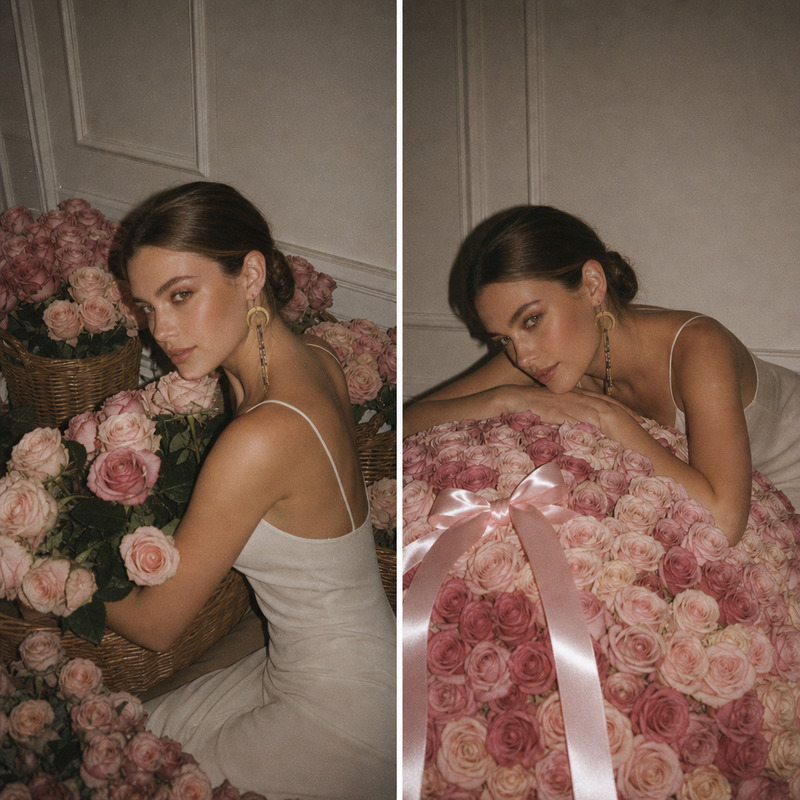
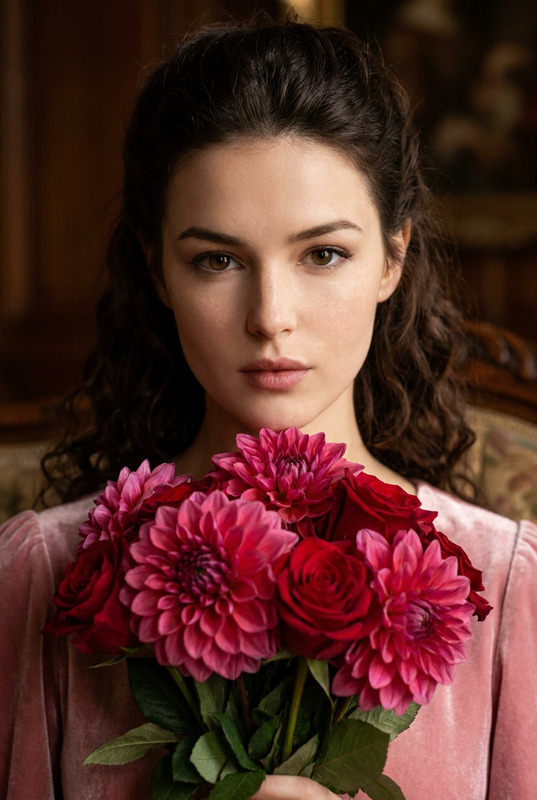
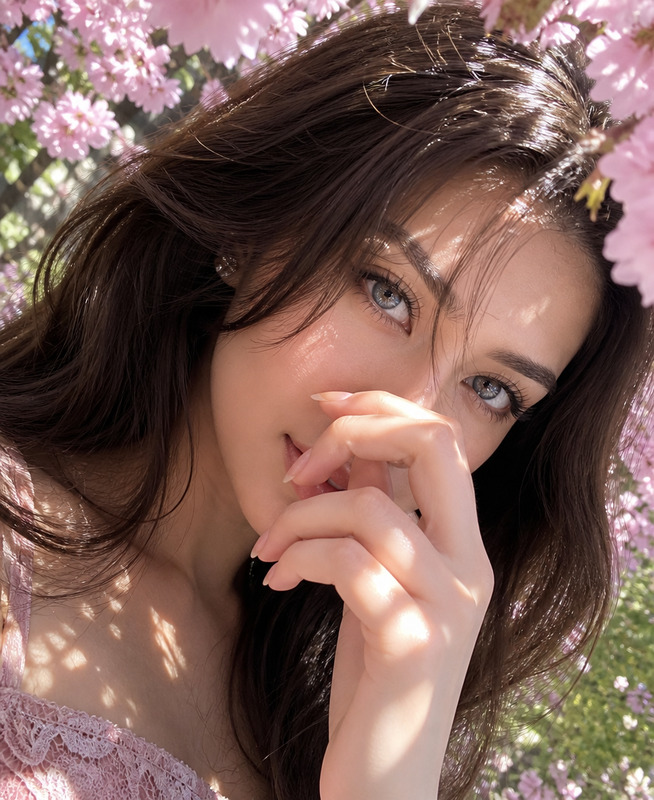
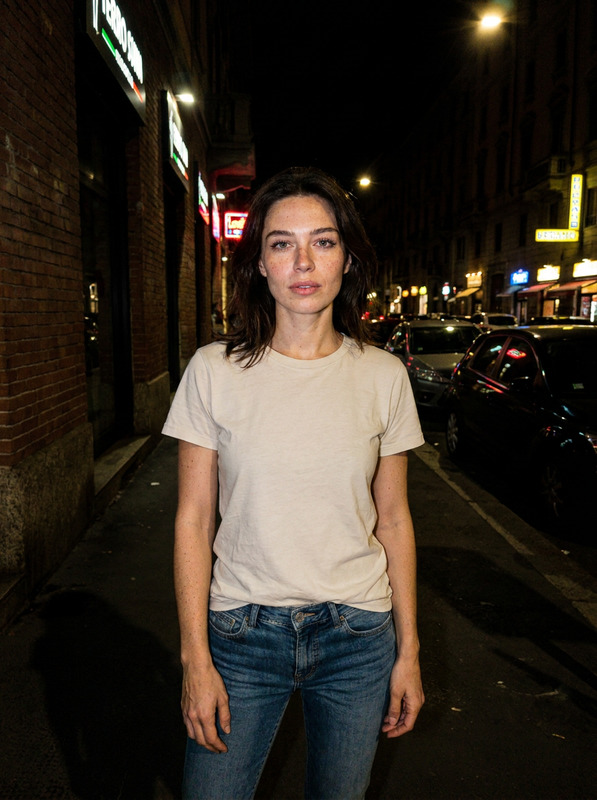
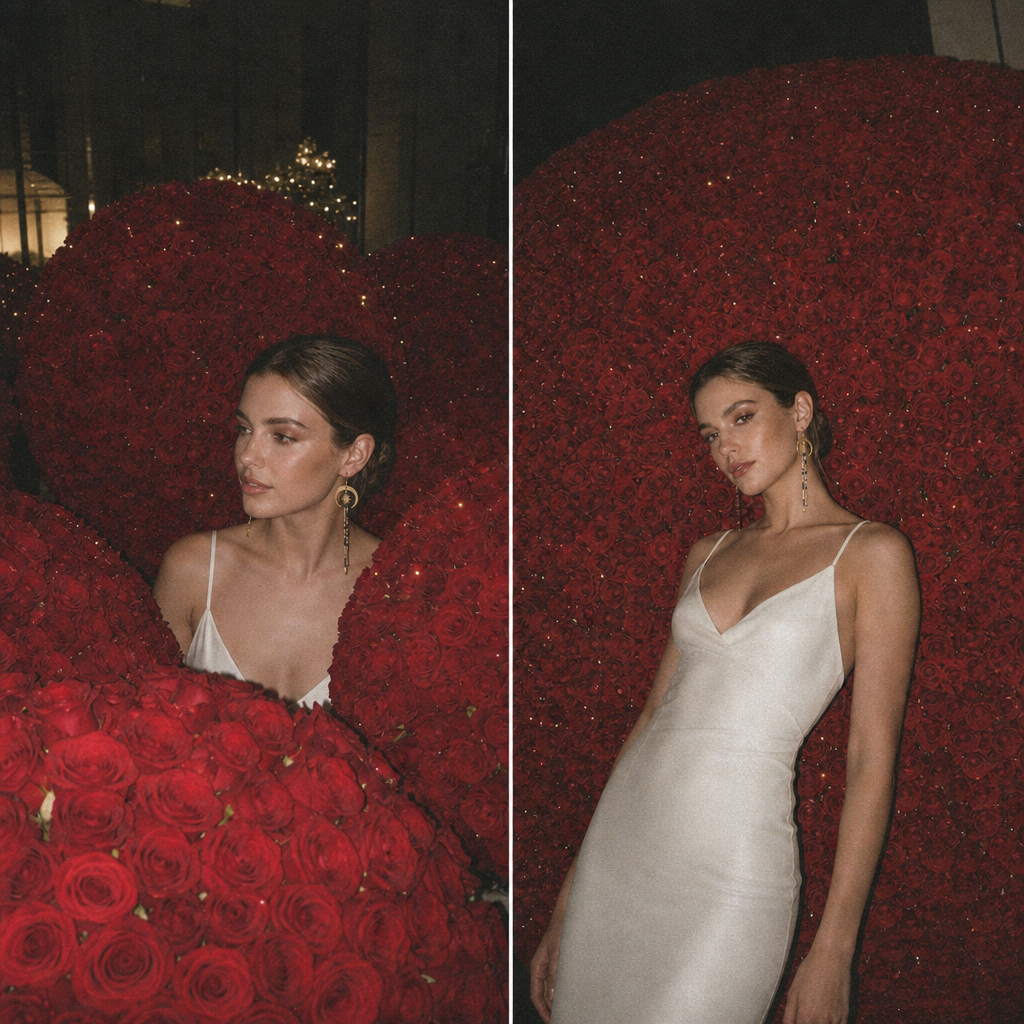
A moody nighttime portrait drowning in deep red roses, shot in candid iPhone-flash aesthetic. The first frame buries the character inside towering dome-shaped rose arrangements, while the second leans them against one colossal room-filling sphere of ten thousand blooms. Hard on-camera flash, sharp drop-shadows and flash glints in the eyes give it a raw lo-fi feel. Heavy film grain and faded color grade complete the late-night snapshot look.
Any aspect ratio
Overview
The "Red Roses" template is a captivating way to transform any portrait into a striking visual piece. Using the power of AI Image Editor and the gpt-image-2 model, this template immerses your subjects in lush red roses, styled with a unique late-night, lo-fi aesthetic. It's perfect for creating artwork that feels both intimate and dramatic.
What It Does
This template focuses on generating rich, evocative images where your subject is surrounded by voluminous arrangements of roses. It brings out bold contrasts through on-camera flash and adds character with heavy film grain, resulting in a nostalgic and cinematic photograph. The editing incorporates sharp drop-shadows and color fading to further emphasize the moody and raw visual style.
Leveraging the AI Image Editor, you can apply these features to any image straightforwardly without the need for complex image manipulation tools.
Who It's For
The "Red Roses" template is designed for photographers, visual artists, and social media influencers aiming to create eye-catching, dramatic portraits. It's also suitable for brands and product videos looking to add an artistic touch to their visual storytelling. Users who appreciate the combination of modern technology with a retro aesthetic will find this template particularly appealing.
Summary
If you're looking to elevate your photographic compositions with a template that delivers stunning visuals filled with vibrant colors and nostalgic vibes, the "Red Roses" template is a go-to. It allows creators to quickly produce impressive visuals with powerful contrasts that capture the viewer's attention. Discover how to transform your projects with AI Image Generator capabilities today.
How to Use the Red Roses Template
Choose the Template

Customize Your Inputs

Generate and Download

Use Cases
Artistic Photography
- Highlight events with artistic photoshoots
- Enhance personal photography projects
Social Media Content
- Boost engagement with visually stunning posts
- Curate a themed aesthetic for your profile
Brand Visuals
- Develop eye-catching product artwork
- Support storytelling in marketing materials
Best Practices
Select High-Resolution Photos
Ensure your input images are high-resolution to maintain quality after applying the edits.Adjust the Flash Effects
Fine-tune the on-camera flash intensity to achieve the desired lo-fi effect without overwhelming your image.Experiment with Color Grade
Try different color fades to match the mood of your image, enhancing its overall appeal.