Tom Jerry Newspaper Pop-Out
- Model
- Nano Banana 2
- Image
- 842 × 1264 px
Prompt
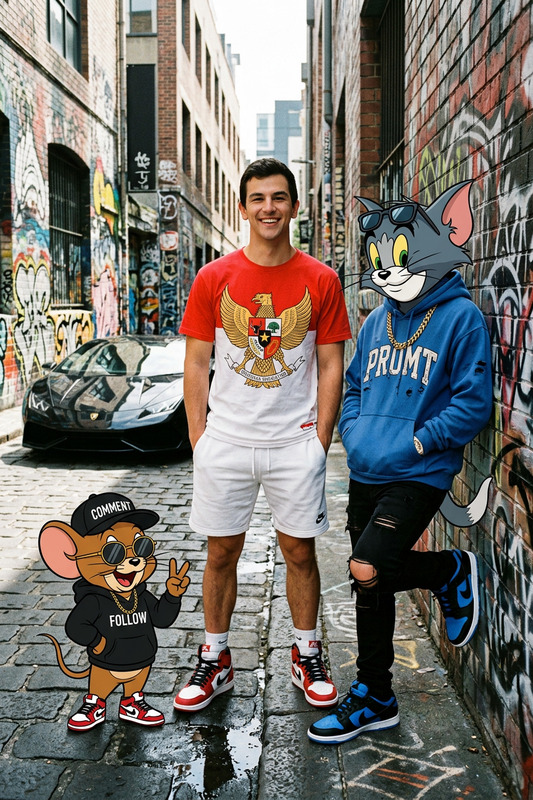
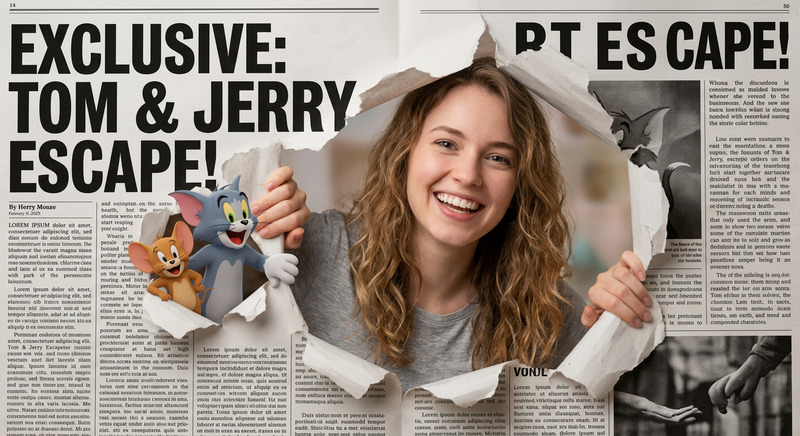
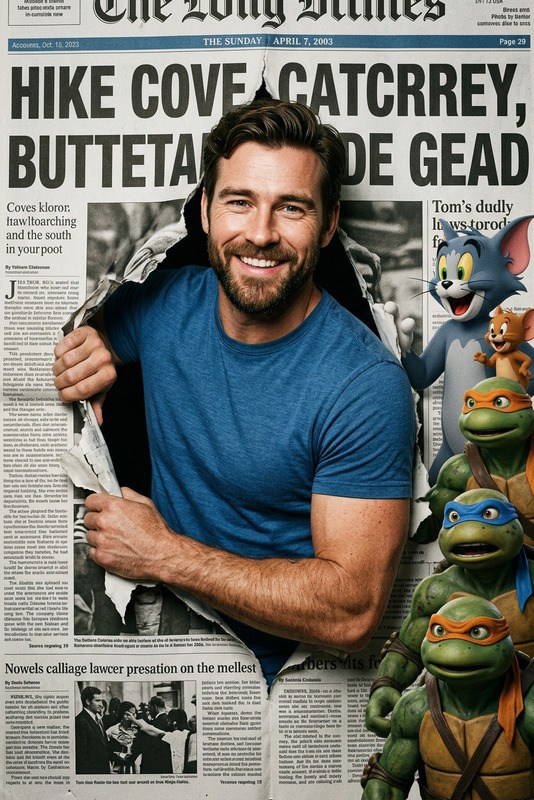
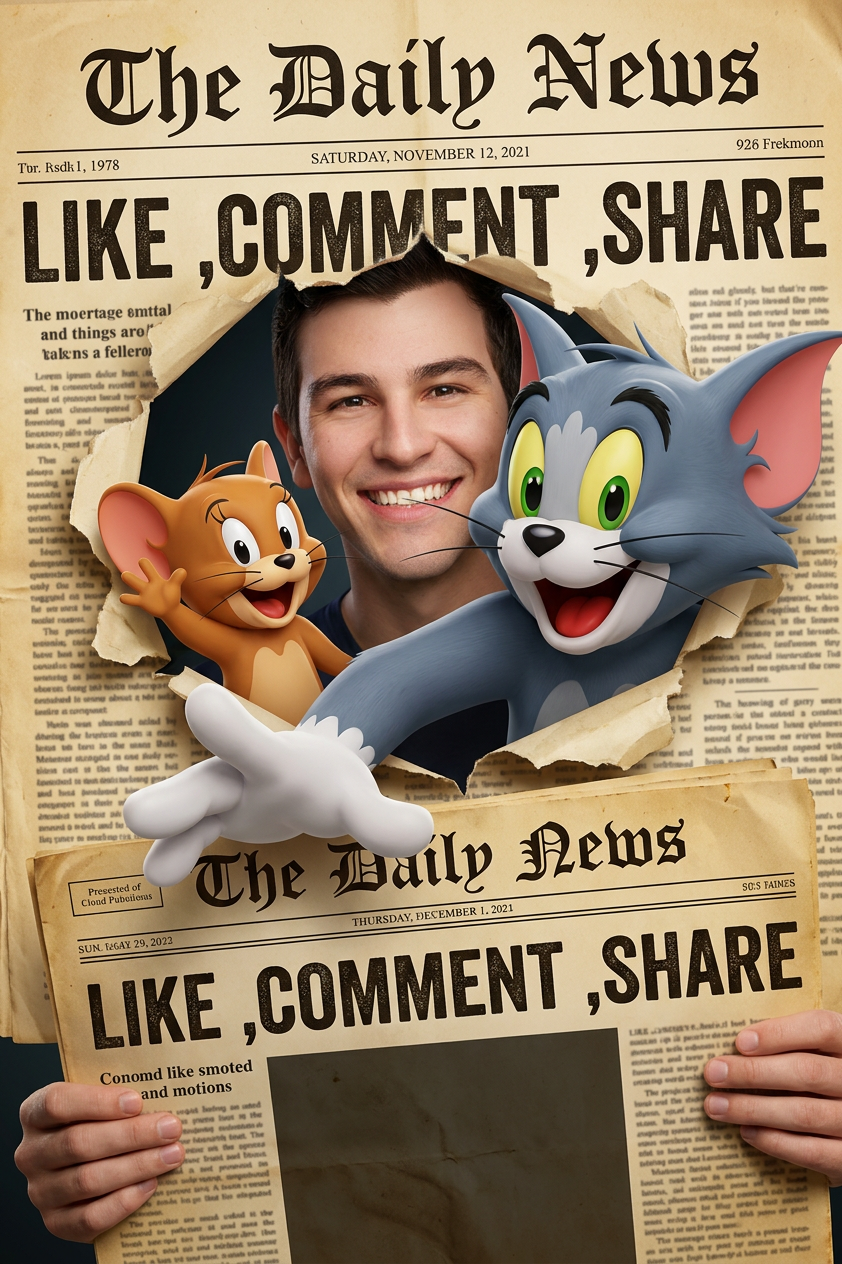
Tom and Jerry and a man (face exactly the same as the photo) penetrate a torn newspaper page in a dramatic 3D CGI style. Tom, a big green-eyed gray cat with a big smile, and Jerry, a small brown mouse with a cheerful expression and raised hand, emerge from a large torn hole in an old newspaper, a man with a big smile and one hand holding the newspaper. Tom's hand wearing a white glove extends towards the viewer in a 3D pop-out effect. The newspaper is titled 'The Daily News' with a vintage headline: 'LIKE ,COMMENT ,SHARE'. The newspaper looks yellowed, old, with torn and wrinkled edges. A dark background is visible through the torn hole. Cinematic lighting, high detail, semi-realistic 3D cartoon style, bright colors, dynamic composition
Any aspect ratio
Overview
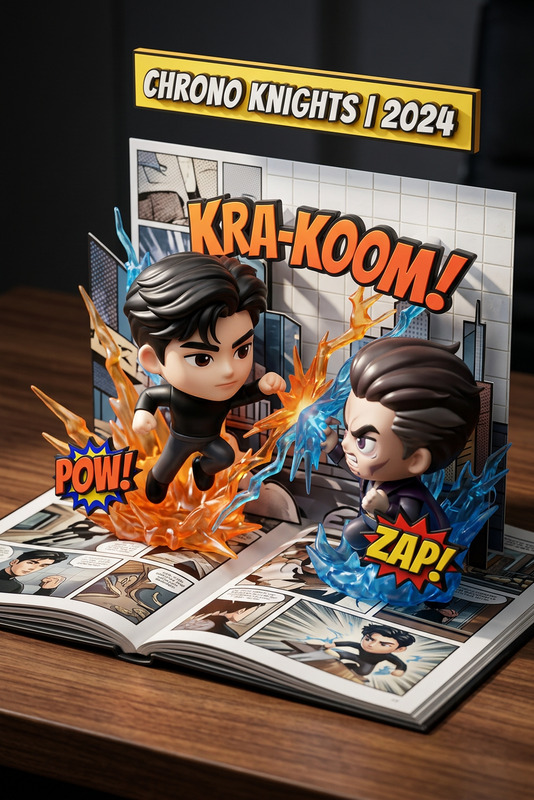
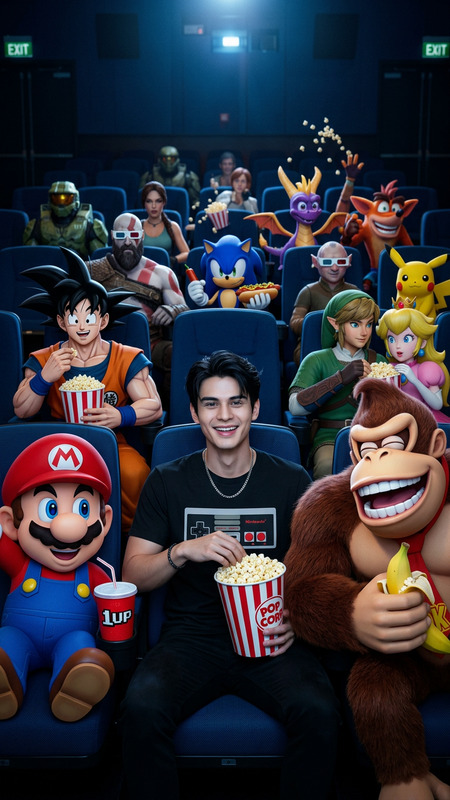
Welcome to the Tom Jerry Newspaper Pop-Out template, a part of our AI Image Editor suite. This template features a unique composition that brings classic characters Tom and Jerry into the spotlight in a captivating 3D CGI style. Utilizing the cutting-edge nano-banana-2 model, this template allows you to create high-detail, dynamic images with a vintage twist.
What It Does
This template transforms your images by integrating a dramatic 3D pop-out effect with well-loved cartoon characters. The final output includes a high-detail, vibrantly colored image where Tom and Jerry appear to penetrate a vintage newspaper page, creating a dynamic visual effect that captures attention and imagination.
Who It's For
Designed for artists, content creators, and marketers looking to add a playful yet sophisticated touch to their visual content. Whether you're crafting social media posts or designing promotional material, this template suits anyone aiming to blend nostalgia with modern visual effects.
Summary
This template offers a creative canvas for producing visually dynamic images that feature Tom and Jerry in a vintage setting. With the power of the Image to Video tool, users can further enhance their creations by animating their images, providing an even greater impact.
How To
Choose Your Template

Customize Your Image

Generate and Download

Use Cases
Social Media Campaigns
- Engagement-focused imagery
- Vintage and modern style fusion
- Perfect for Facebook, Instagram
Marketing Materials
- Unique advertising visuals
- Nostalgic appeal to audiences
- High-resolution outputs
Educational Content
- Interactive storytelling
- 3D effects for attention
- Customize for various topics
Best Practices
Use High-Quality Images
Start with high-resolution photos to maintain image clarity in the final output.Experiment with Lighting
Adjust lighting settings to enhance the 3D pop-out effect and highlight character details.Balance Colors and Contrast
Vibrant colors work best when balanced against a dark background for maximum impact.