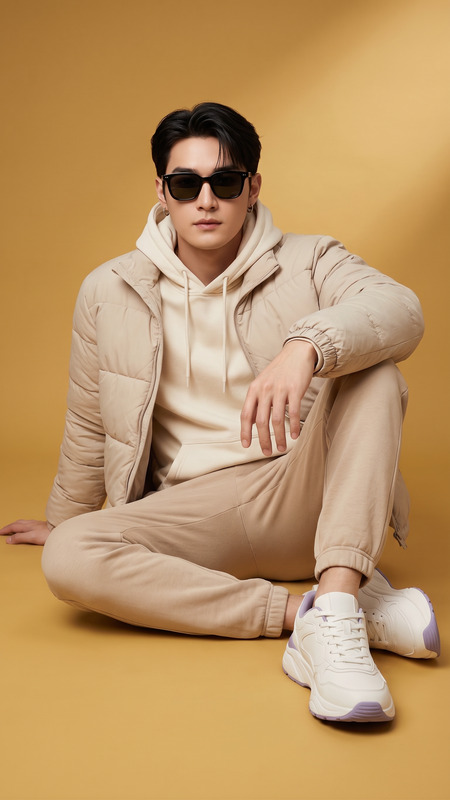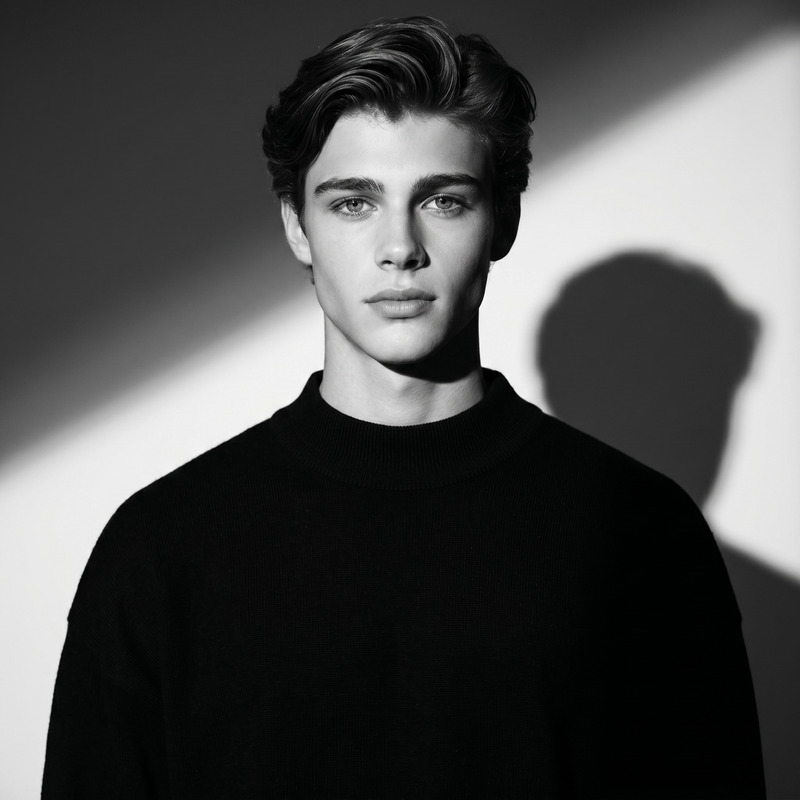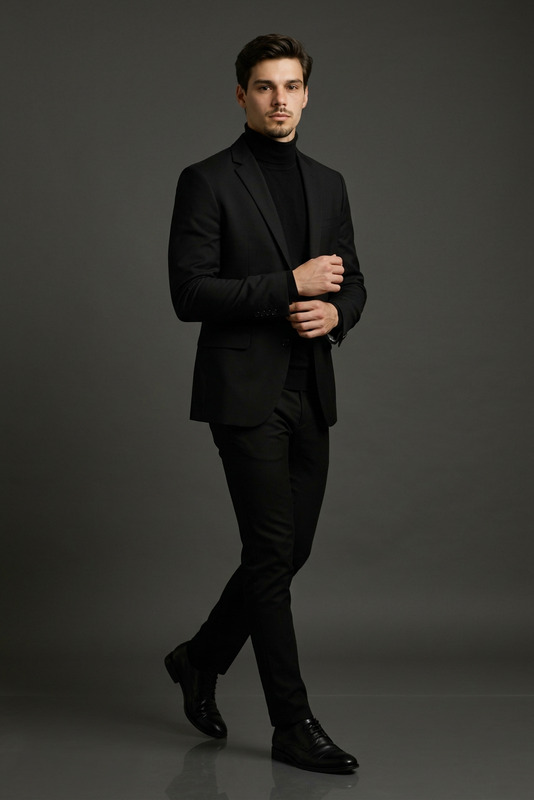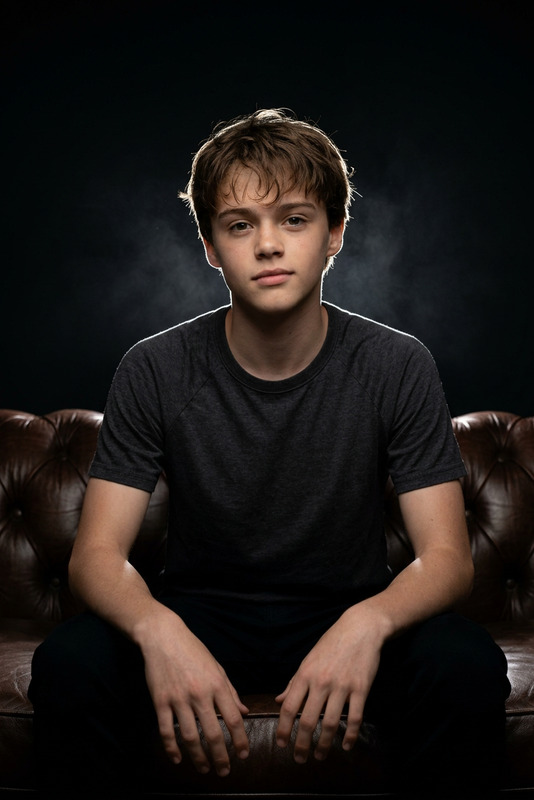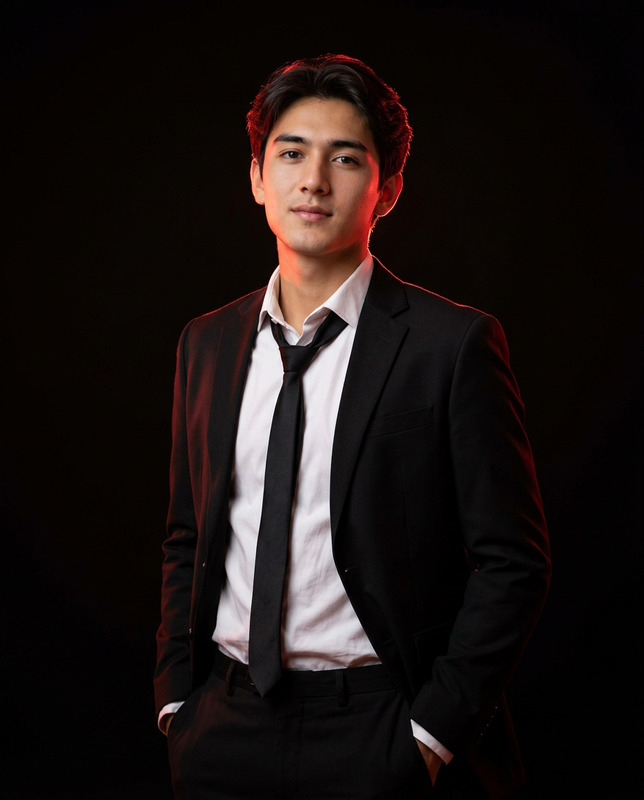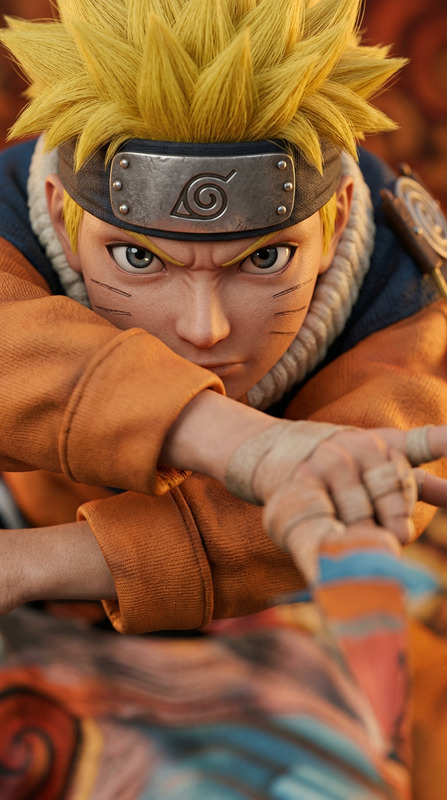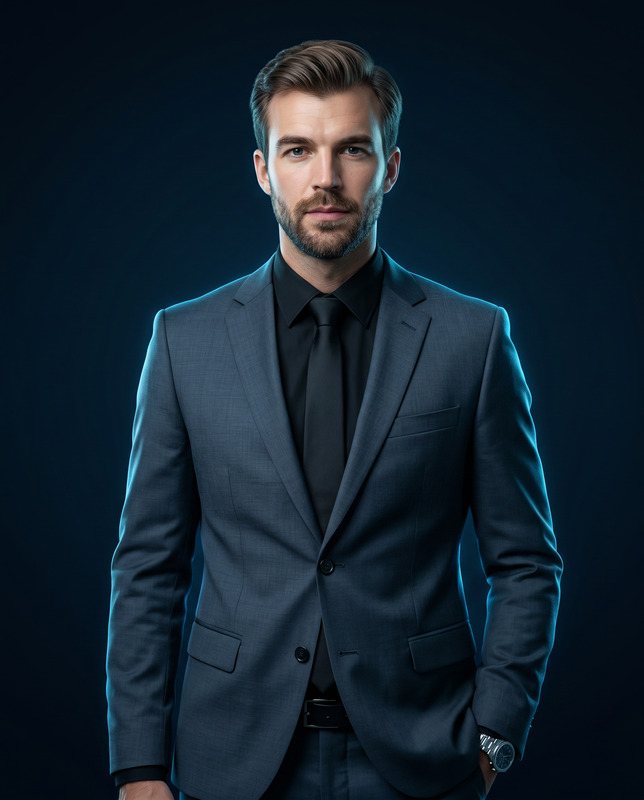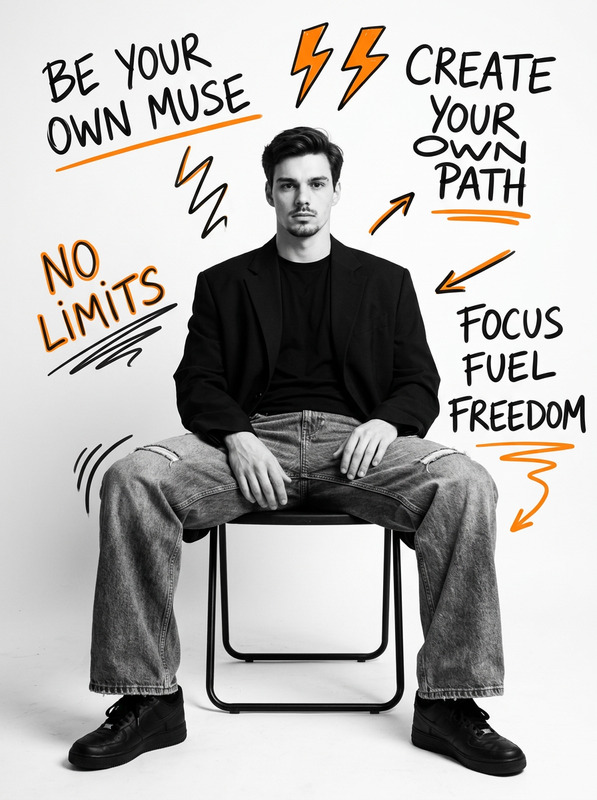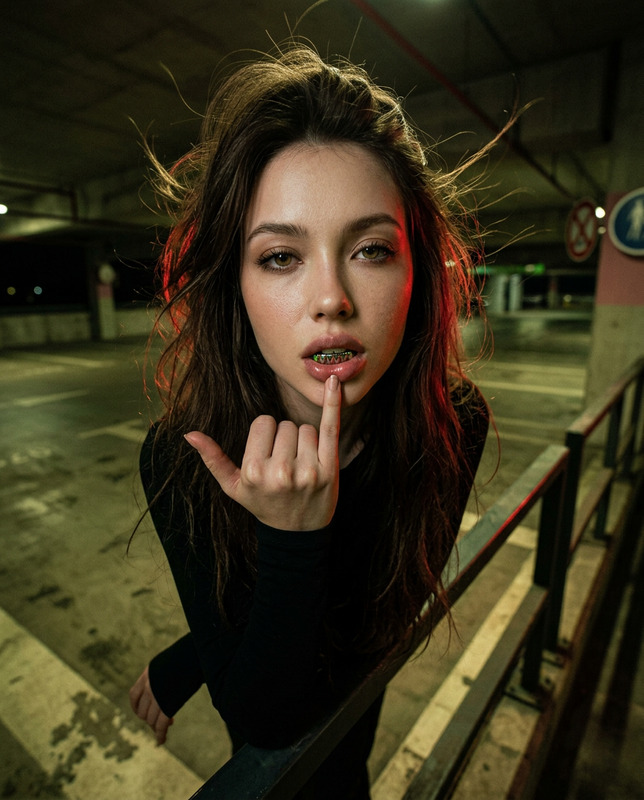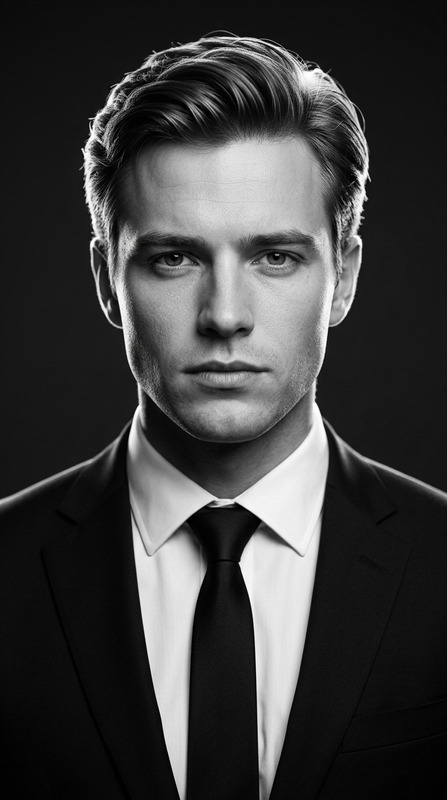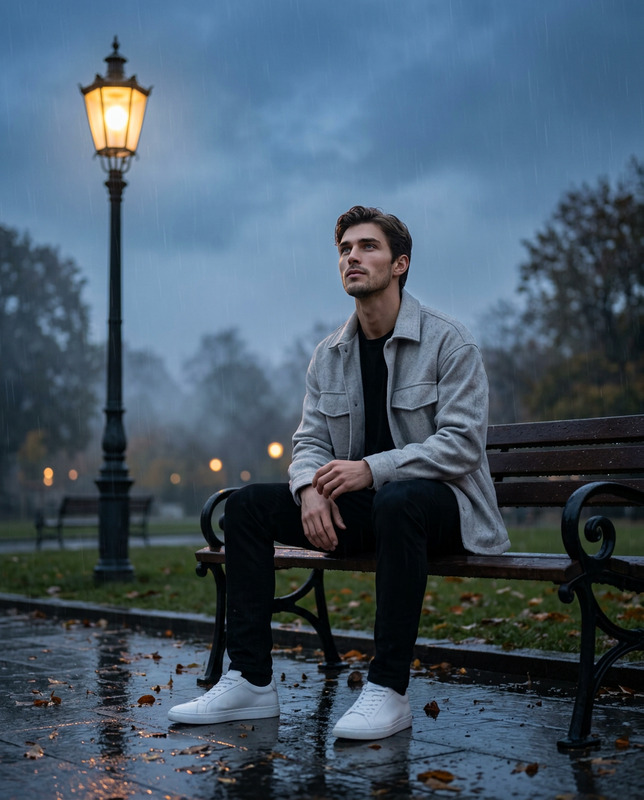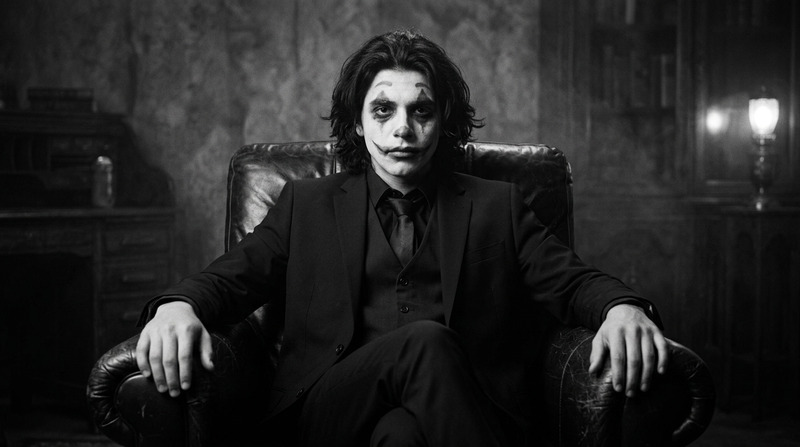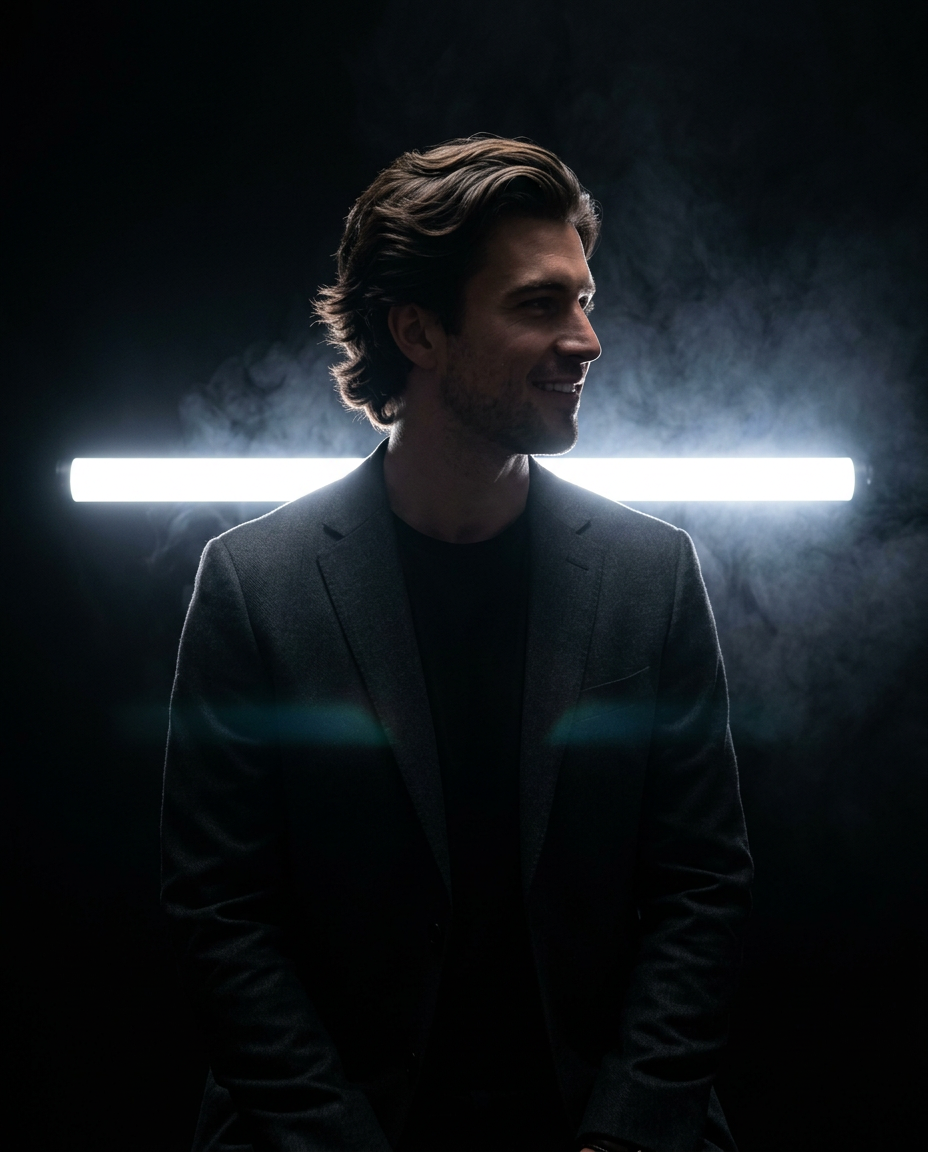
Dark Cinematic Profile
- Model
- Nano Banana 2
- Image
- 928 × 1152 px
Prompt
Create a hyper-realistic cinematic low-key portrait based on the uploaded reference image. Keep everything exactly the same: vertical framing, full-body-to-knees crop, subject placement in the center, side-profile pose, dark black background, strong horizontal white tube light behind the subject, smoke/fog around the backlight, subtle lens flare, deep shadows, minimal composition, high contrast, and mysterious editorial atmosphere. Replace only the original person with the character from the newly uploaded target reference image. Preserve the target character’s real facial identity, face shape, hairstyle, hairline, forehead, nose, lips, jawline, chin, skin tone adapted naturally to the low-key lighting, and any facial hair if present. The target character must remain recognizable while still appearing mostly in silhouette. The target character must keep the exact same pose and position: standing upright in profile view, facing to the right side, shoulders relaxed, head level, body still, hands naturally down or in pockets depending on the silhouette, with a calm, serious, elegant expression. The side profile of the face must remain clean and clearly outlined against the bright backlight. Change only the outfit according to the target character, choosing the most suitable elegant dark outfit for this scene. Prefer a black or very dark tailored blazer, suit jacket, long coat, or minimal formal fashion piece that preserves the same refined silhouette. The outfit must remain subtle and mostly dark, without distracting details, so the silhouette effect stays dominant. Maintain the exact same lighting setup: one bright horizontal light bar running behind the subject at upper torso level, creating a rim-lit side silhouette; soft smoke or mist spreading around the light; extremely dark surroundings; very limited frontal illumination; and a faint cinematic lens flare near the lower chest area. Keep the smoke density, backlight intensity, framing, and dramatic mood unchanged. Do not change the background, smoke, light bar position, light intensity, camera angle, crop, pose, subject placement, color palette, contrast, or atmosphere. Only replace the person and adapt the clothing to the target character.
Any aspect ratio
Overview
The Dark Cinematic Profile is an advanced AI Image Editor template designed for creating hyper-realistic, cinematic low-key portraits. This template leverages the nano-banana-2 model to transform a subject's image into a dramatic side-profile portrait while retaining key identity aspects such as facial features and hairstyle.
What It Does
This template takes an existing portrait and replaces the original subject with a new character, maintaining the side profile's pose and profile. It adapts the target character’s facial features seamlessly into the preset low-key cinematic setting, adjusting only the outfit to match a dark, elegant theme suitable for the scene. With a strong focus on contrast and minimalism, the lighting and atmosphere are preserved to ensure a striking image.
Who It's For
Ideal for photographers, graphic designers, and filmmakers seeking to create dramatic portraits with precise control over subject replacement while preserving critical stylistic elements. Whether you're creating personalized editorials or refining character silhouettes, this template offers unparalleled control and detail.
Summary
Use the Dark Cinematic Profile template to create stunning editorial portraits by replacing the image subject while maintaining the scene's mood and composition. Perfect for professional applications and high-impact visual storytelling, it ensures the new character's identity is preserved in a refined silhouette.
How To
Choose Your Template

Customize Your Image

Generate and Download

Use Cases
Editorial Photography
Character Design
Personalized Art
Best Practices
Maintain Contrast
Ensure the contrast between the silhouette and background is high to emphasize the subject's shape.Select Suitable Outfits
Choose dark, minimal outfits without distracting patterns to preserve the template’s dramatic effect.Pay Attention to Lighting
Keep the backlight strong and smoke density consistent for the desired atmospheric look.