The Onyx Suit
- Model
- Nano Banana 2
- Image
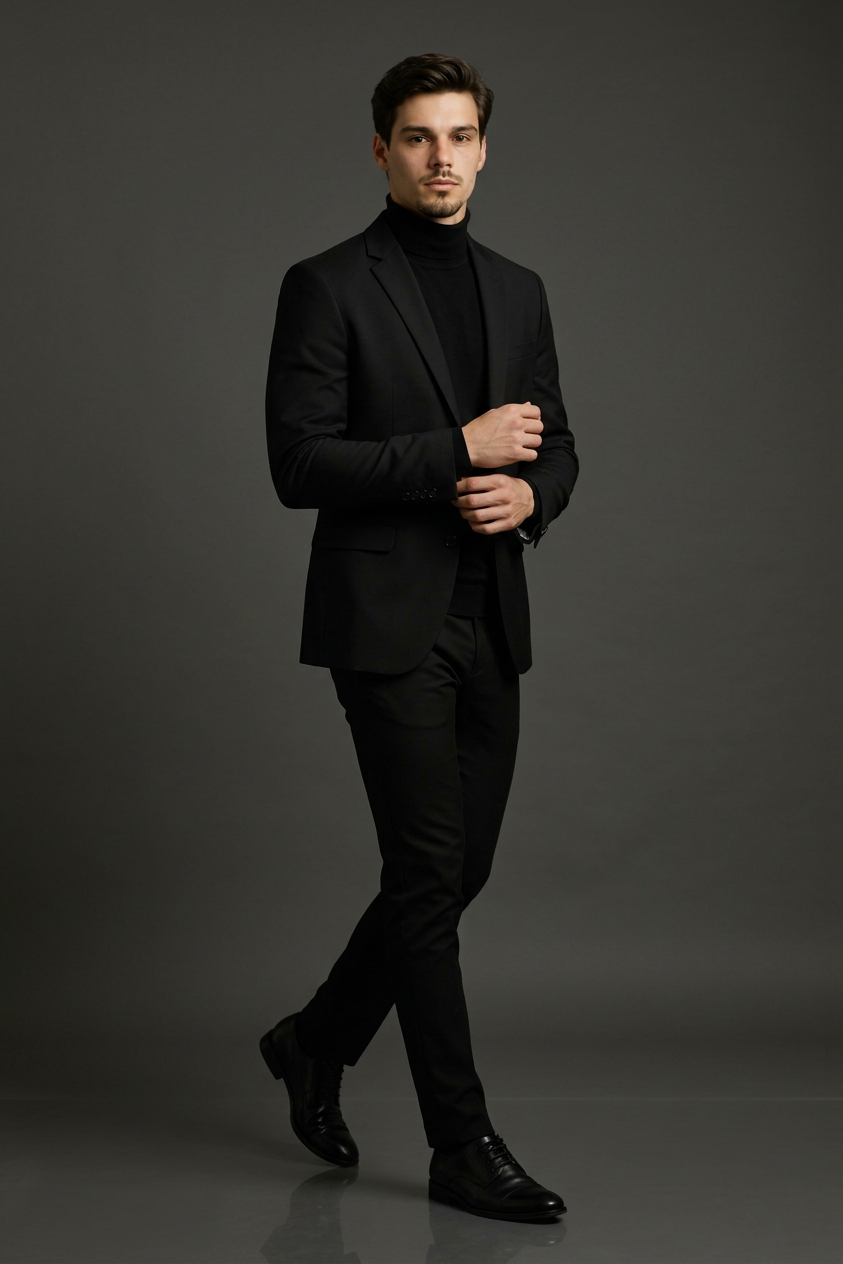
- 843 × 1264 px
Prompt
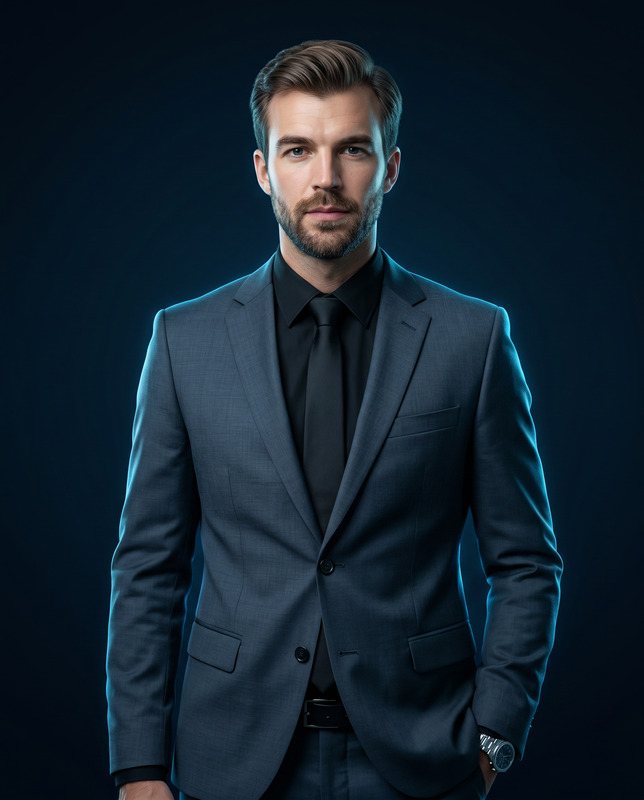
Ultra-realistic, full-body fashion portrait of a young handsome man in a dynamic “walking pose”, captured in a professional studio setup. The subject is slightly angled (around 30–45 degrees) to the camera, mid-step as if walking forward, with one leg stepping ahead and the other slightly behind. His upper body is upright and confident, with one hand adjusting the sleeve cuff while the other hand is relaxed near the torso, creating a natural high-fashion model pose. Facial expression is calm, confident, and slightly serious, with a subtle sharp gaze directed toward the camera. Hairstyle is short, neatly styled, slightly voluminous with a natural shine, giving a premium groomed look. He is wearing a perfectly tailored all-black formal outfit: a slim-fit black blazer layered over a black high-neck (turtleneck) shirt, paired with fitted black trousers. The fabric looks premium, smooth, and slightly matte with realistic folds and stitching details. He is also wearing polished black leather dress shoes with a glossy finish. The background is a clean, minimal, solid dark grey studio backdrop with no distractions. The floor has a subtle reflective surface, creating a soft reflection of the subject’s shoes, enhancing the premium studio feel. Lighting is soft, cinematic studio lighting coming from the front and slightly from the side, creating gentle shadows and depth on the face and outfit. The lighting should highlight facial features and fabric texture while maintaining a natural skin tone. Shot using DSLR, 85mm lens, f/1.8 aperture, shallow depth of field. Ultra-realistic, 8K resolution, sharp focus, professional color grading, high-end fashion editorial style. IMPORTANT INSTRUCTIONS (must follow): Keep the same pose, same camera angle, same body position Keep the same background (plain dark grey studio) Keep the same lighting setup Only replace the face with the user’s face naturally Maintain realistic proportions and natural skin texture Do not change outfit style unless specified Ensure consistency across multiple generations
Any aspect ratio
Overview
The Onyx Suit template in our AI Image Editor tool allows you to create ultra-realistic full-body fashion portraits with ease. Utilizing the powerful nano-banana-2 model, this template transforms your images by embedding the user's face onto a high-fashion model, maintaining a consistent professional setup.
What It Does
This template precisely replaces the face in an ultra-realistic fashion portrait while preserving the original pose, outfit style, and studio setup. The Onyx Suit retains the integrity of the original composition, including lighting, camera angle, and outfit details, providing a seamless blend of your face into high-end editorial style images. It works perfectly with our AI Profile Picture Generator for creating tailored images.
Who It's For
The Onyx Suit is designed for fashion designers, marketing professionals, and photo editors seeking to create stunning visual content with minimal effort. It's particularly valuable for those involved in eCommerce advertising and fashion campaigns, delivering images that captivate and engage audiences.
Summary
By leveraging the advanced capabilities of the AI Clothes Changer and AI Image Upscaler, The Onyx Suit ensures that every detail is enhanced and every edit feels natural. Ideal for use in fashion editorials and campaigns, this template respects the nuances of lighting and texture, providing an impeccable blend of realism and style.
How To
Choose Template

Customize Inputs

Generate Image

Use Cases
Fashion Lookbooks
- Improve brand identity with custom model faces.
- Simplify logistics by using consistent images across campaigns.
Advertising Campaigns
- Develop customer-specific advertisements.
- Enhance ad reach with personalized visuals.
Social Media Customization
- Boost engagement with stunning, realistic photos.
- Align visual content with brand aesthetics.
Best Practices
Maintain Lighting Consistency
To achieve a natural look, keep lighting setups consistent with the template's specifications.Scale Effects Appropriately
Use the same camera angle and pose to maintain proportion and realism in the generated image.Review High-Resolution Outputs
Check the final results in high resolution to ensure quality and details are up to standard.