Miniature Kitchen Chaos
- Model
- Nano Banana 2
- Image
- 896 × 1192 px
Prompt
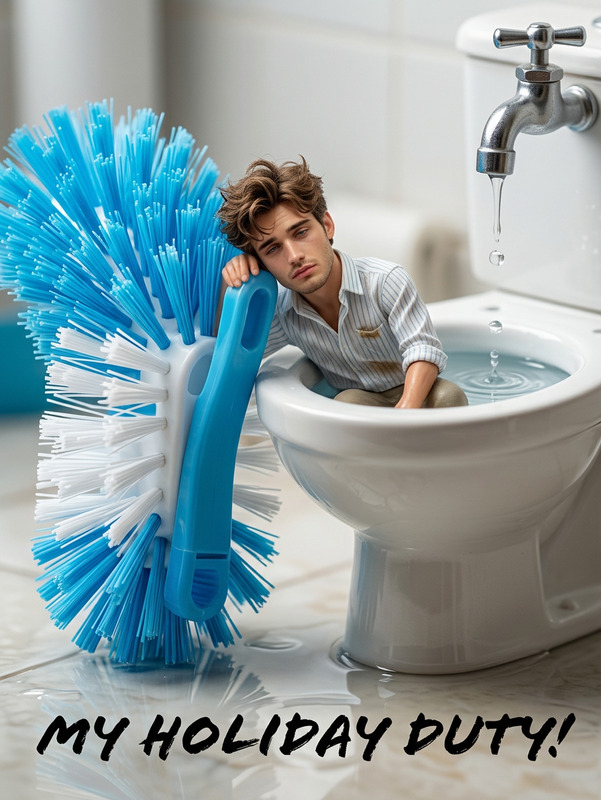
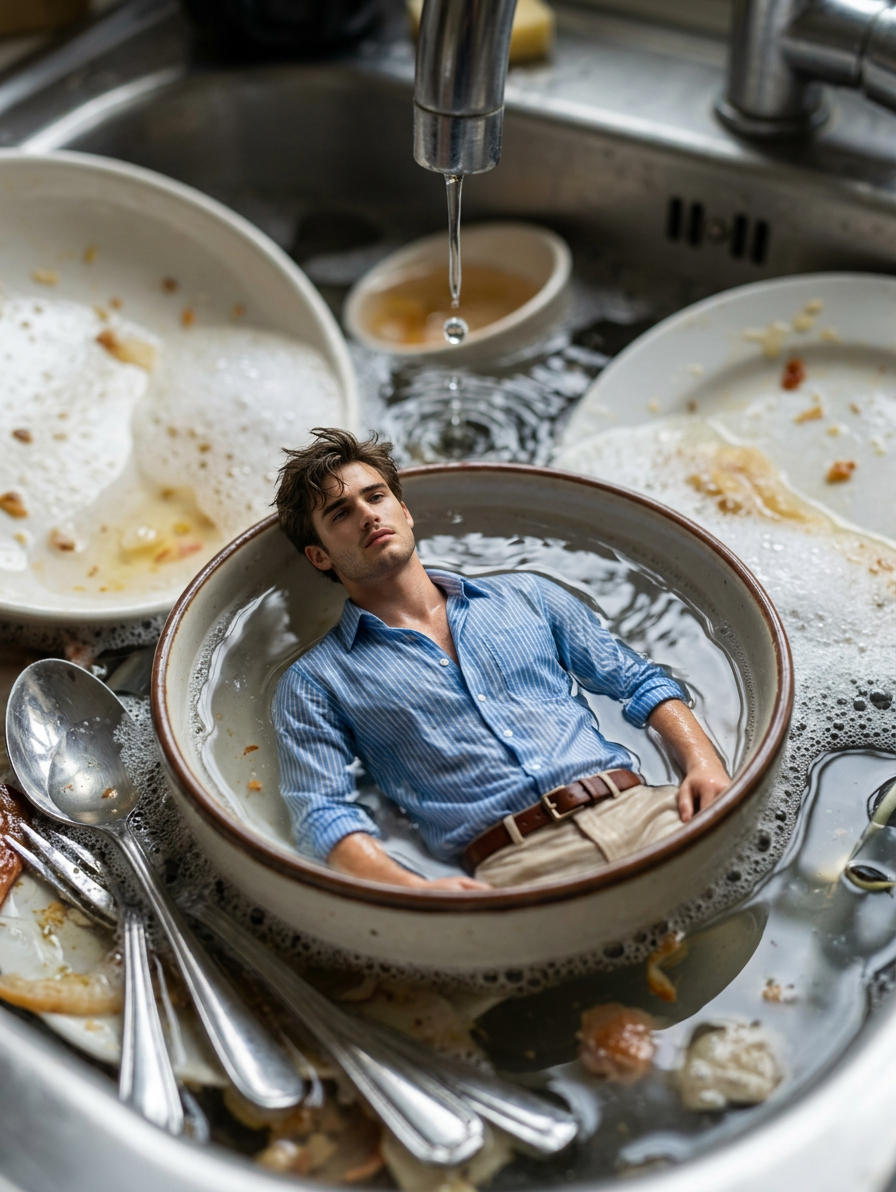
Create an ultra‑realistic 3D miniature dark‑comedy scene using my reference photo to preserve my exact facial identity, showing a tiny exhausted miniature version of myself lying hopelessly inside a small floating bowl in a kitchen sink overflowing with dirty dishes, greasy plates, spoons, forks, and soap bubbles; the miniature version should look extremely tired and defeated, with messy hair, half‑closed eyes, and a dramatic ‘I give up’ expression while lying on the bowl like a stranded survivor; show water dripping continuously from the faucet above, creating ripples around the bowl, splashing droplets, and glossy reflections on the wet metal sink; add realistic textures of leftover food, foam, and scattered utensils, with cinematic lighting, macro depth of field, soft shadows, and toy‑like proportions to create a funny, relatable, and visually striking miniature‑world kitchen‑chaos moment.
Any aspect ratio
Overview
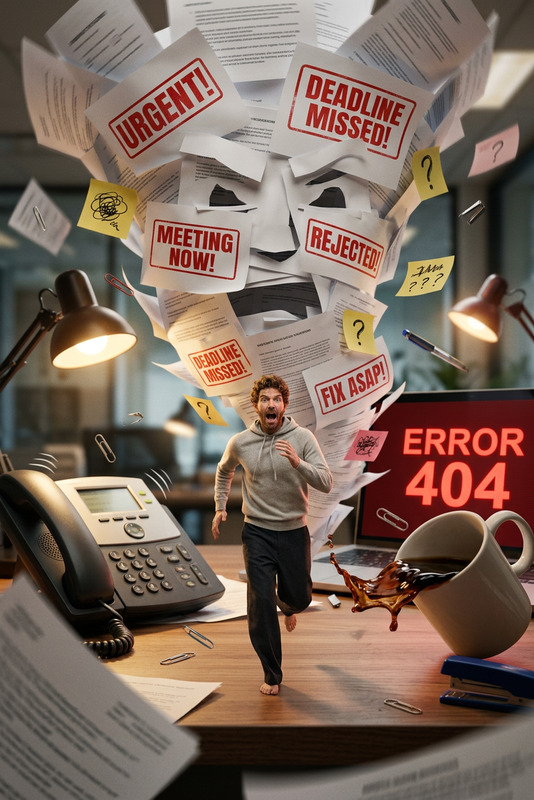
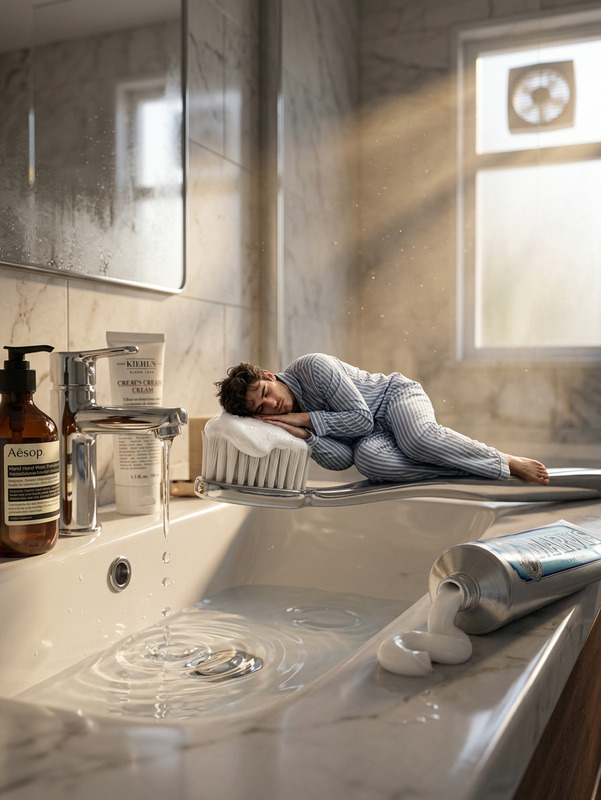
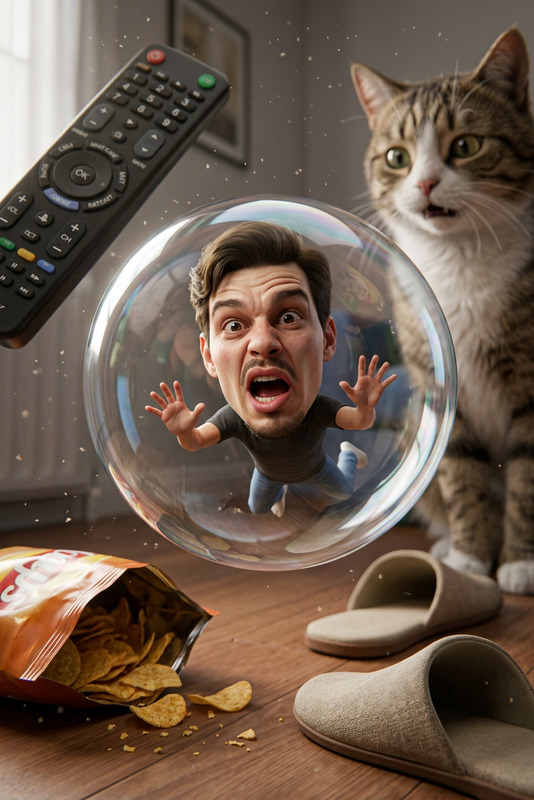
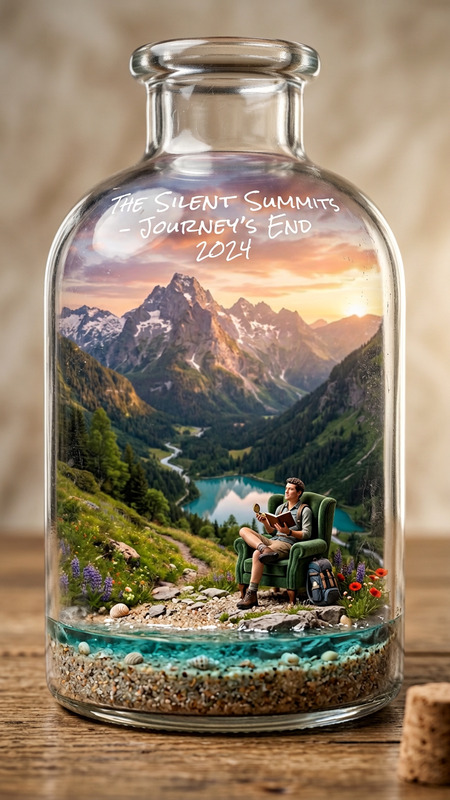
Step into a captivating miniature world with the Miniature Kitchen Chaos template. This AI Image Editor harnesses the nano-banana-2 model to transform your reference photo into a detailed dark-comedy scene. Capture a tiny, exhausted version of yourself in an overflowing kitchen sink, complete with realistic textures and cinematic lighting.
What It Does
The Miniature Kitchen Chaos template uses advanced AI to create an ultra-realistic 3D scene. It preserves your facial identity while crafting a humorous miniature version of you, lying in a bowl surrounded by the chaos of dirty dishes and utensils. The template provides a macro depth of field and toy-like proportions, resulting in a visually engaging and comedic moment.
Who It's For
This template is perfect for content creators, digital artists, and marketers seeking unique and relatable visual content. It's ideal for those aiming to add a touch of humor and personality to their social media posts, advertisements, or digital storytelling pieces.
Summary
Create a striking and funny miniature-world moment with ease using Miniature Kitchen Chaos. With its focus on details like water ripples and realistic textures, it's a powerful tool for any visual creative project aiming for originality and humor. Enhance your visuals further with tools like the AI Image Generator and AI Photo Relighting.
How to Use
Choose Template

Customize Inputs

Generate Image

Use Cases
Social Media Campaigns
- Increase engagement with visually striking content
- Stand out with personalized, miniature-world themes
Advertising Material
- Draw attention with eye-catching scenes
- Convey messages with creativity and humor
Digital Storytelling
- Visualize characters' emotions with detailed scenes
- Use as pivotal moments in a story arc
Best Practices
Use High-Quality Photos
Ensure your reference photo is clear and high-resolution to make the miniature likeness accurate.Experiment with Lighting
Play with the lighting settings to highlight the scene’s details effectively.Refine Facial Features
Focus on maintaining clear facial expression details to enhance the scene's comedic impact.