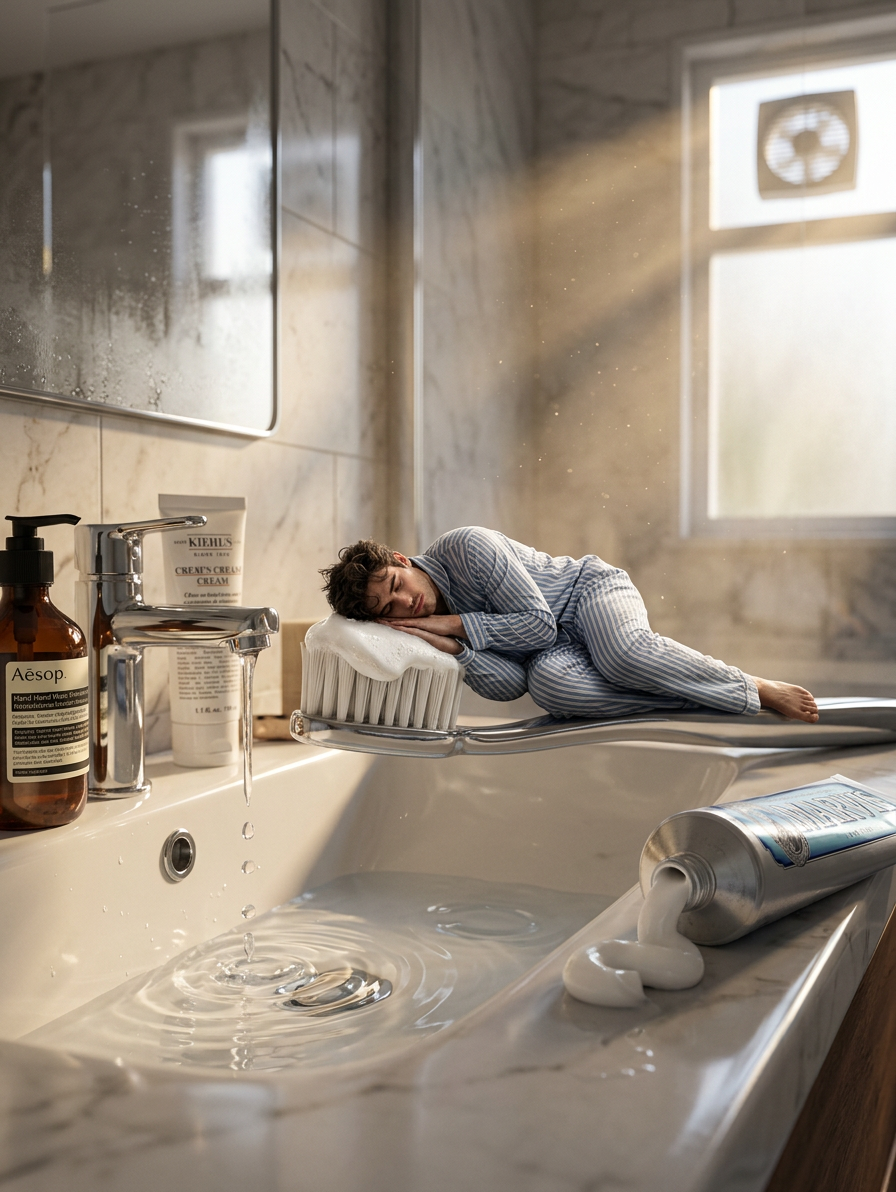
Tiny World Bathroom
- Model
- Nano Banana 2
- Image
- 896 × 1192 px
Prompt
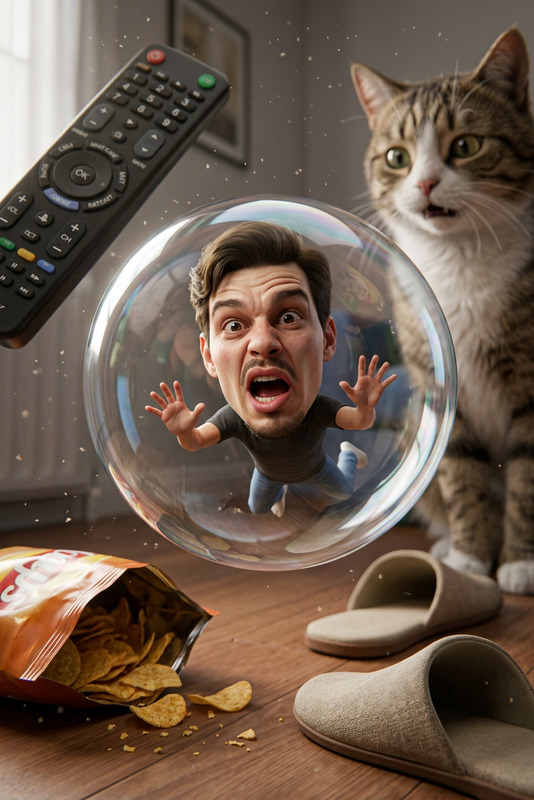
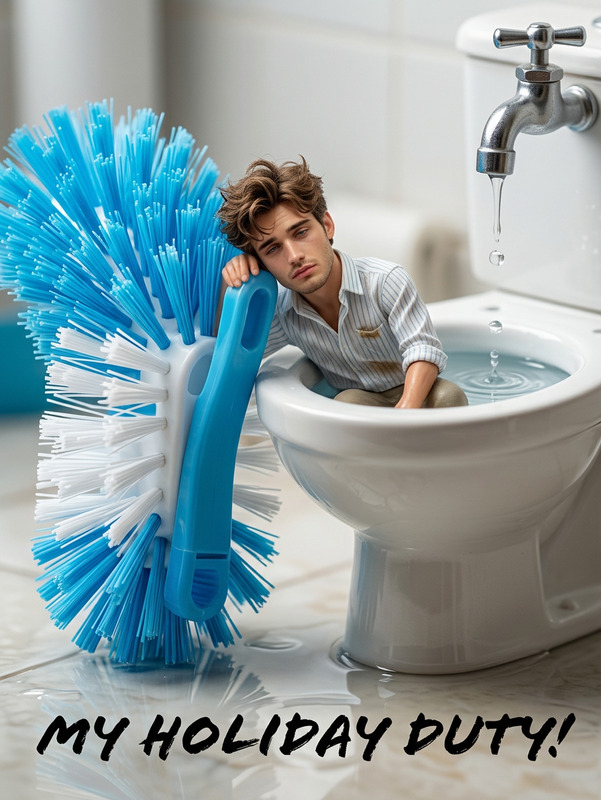
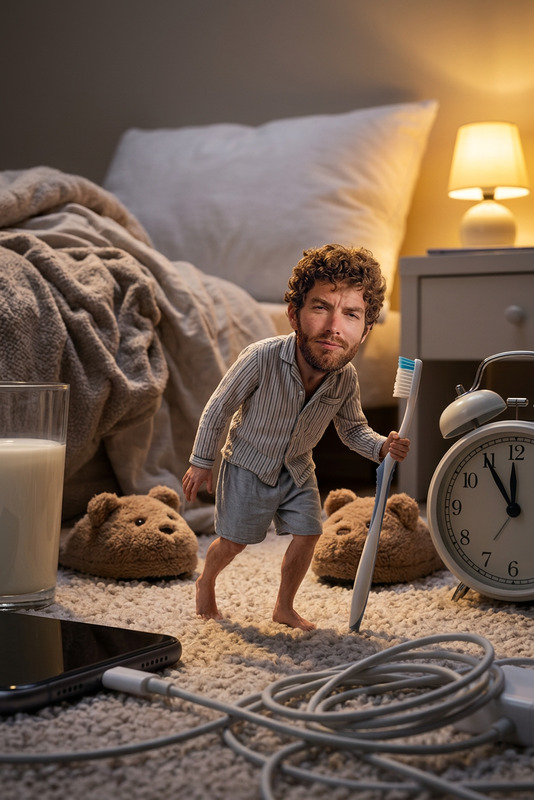
Create an ultra‑realistic 3D cinematic bathroom scene using my reference photo to preserve my exact facial identity, showing a tiny exhausted miniature version of myself sleeping on the handle of a giant toothbrush resting across a glossy ceramic sink side of water tap; the toothbrush bristles should be coated with fresh toothpaste foam, while my miniature version—wearing soft morning sleepwear—lies on the handle in a curled‑up, drained, half‑asleep pose with messy morning hair and subtle skin texture; place an opened toothpaste tube beside the sink with realistic paste spilling out, showing thick creamy texture and soft reflections; water should drip slowly from the chrome tap, creating crystal‑clear droplets, circular ripples, and wet glossy reflections on the basin surface; add cinematic. Some used bathroom cosmetics keeps side of basin. early‑morning sunlight entering through the ventilation window, casting warm golden rays, volumetric light beams, soft shadows, and illuminated dust particles floating in the air; include high‑detail bathroom textures such as cold ceramic shine, micro‑scratches on the tap, subtle condensation, and realistic color grading to create a deeply immersive, film‑quality miniature‑world moment.”
Any aspect ratio
Overview
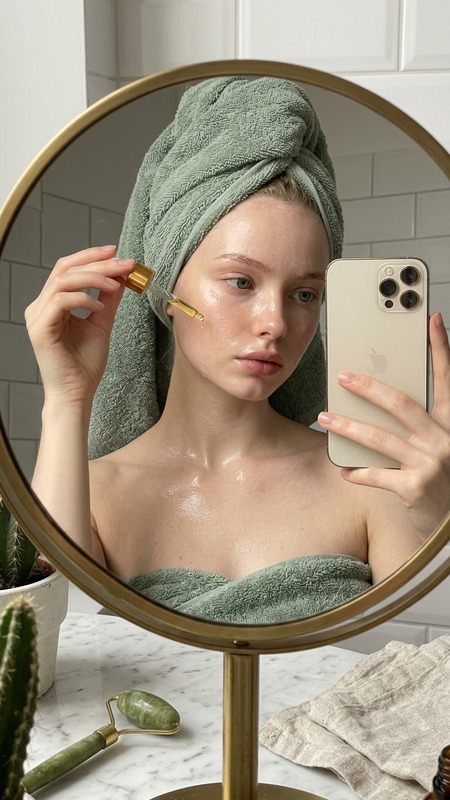
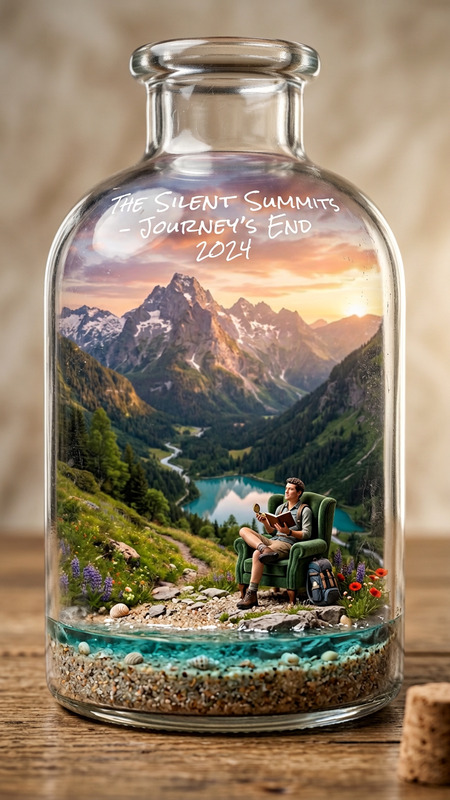
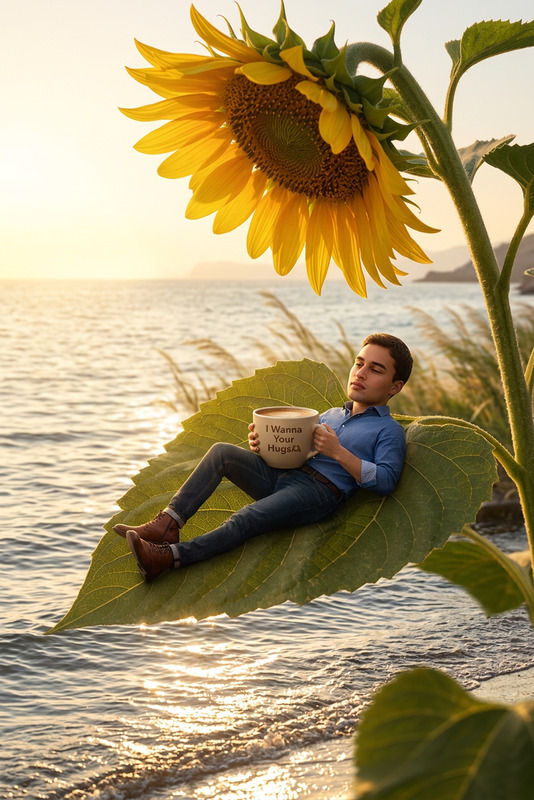
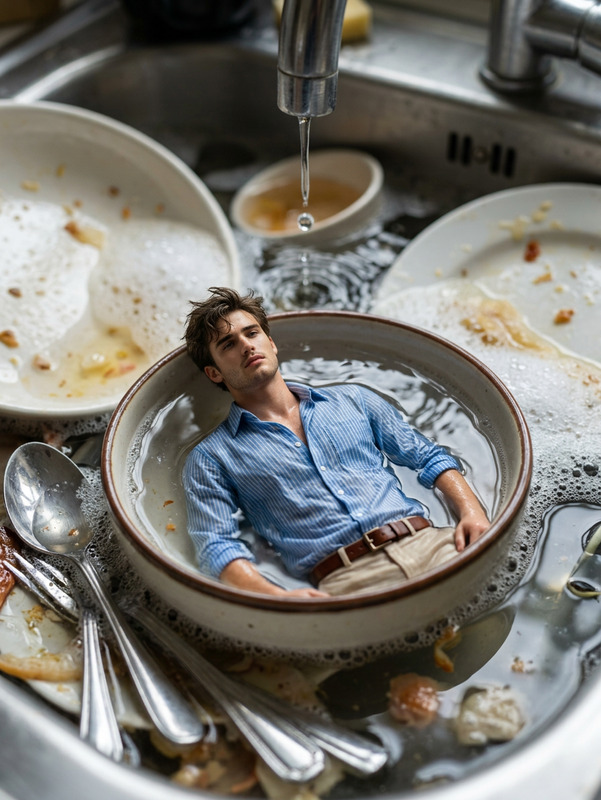
Introduce a whimsical, detailed world with the "Tiny World Bathroom" template. Leveraging the nano-banana-2 model, this template transforms your reference photograph into an ultra-realistic 3D bathroom scene. Highlight yourself as a miniature figure in an intricate and cinematic setting.
What It Does
The "Tiny World Bathroom" template uses AI to create a striking image where you are depicted as an exhausted miniature on a giant toothbrush. This template captures every detail—from toothpaste foam to the warm morning light, all woven into a mesmerizing, cinematic experience.
Experience the power of AI Image Editor to preserve your facial identity while immersing you in a fantastical setting.
Who It's For
This template is perfect for creatives in the visual effects industry, storytellers wanting to depict unique miniature scenes, or anyone looking to produce high-detail cinematic visuals. Ideal for artists, filmmakers, and social media influencers seeking distinctive, eye-catching content.
Summary
The "Tiny World Bathroom" template invites you to explore highly detailed and imaginative visuals by transforming standard photos into intricate 3D scenes. With advanced AI capabilities, it turns motor scenes into immersive stories—perfect for showcasing creativity.
Explore other creative pursuits in AI Image Generator or Image to Video for further transformative media.
How To
Choose the Template

Customize Your Inputs

Generate Your Scene

Use Cases
Social Media Content Creation
Visual Storytelling
Portfolio Enhancement
Advertising Campaigns
Best Practices
Select a High-Quality Reference Photo
For best results, ensure your reference photo is clear and high resolution to capture the details needed for an immersive scene.Play with Lighting
Take advantage of the cinematic lighting features to add depth and realism to your image. Experiment with different angles and intensities.Focus on Details
Be attentive to fine details like reflections, textures, and subtle facial expressions for maximum realism.Combine with Other Tools
Consider enhancing your creation further by integrating elements from the AI Clothes Changer or incorporating visual effects from the Face Swap tool.