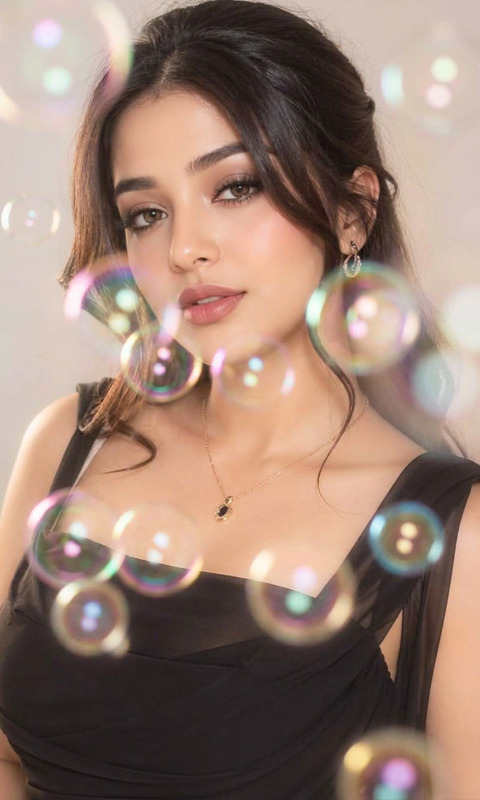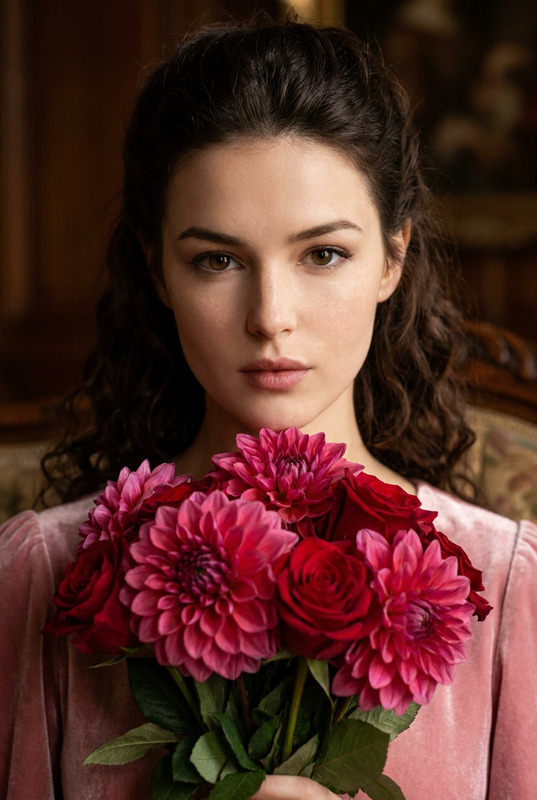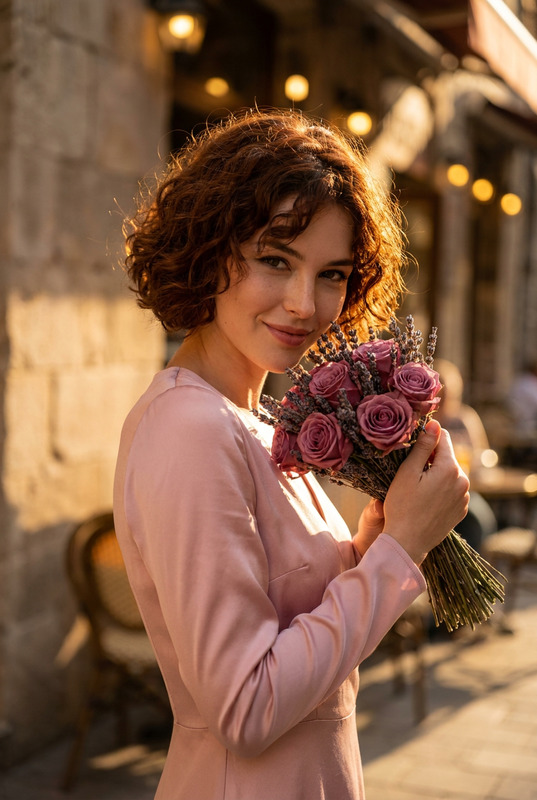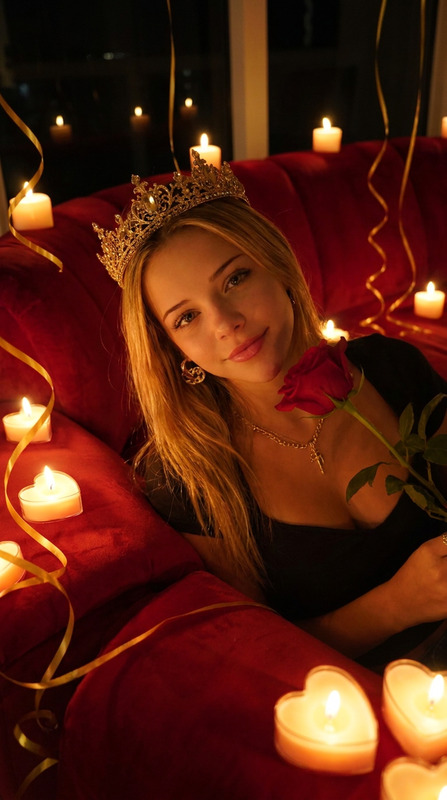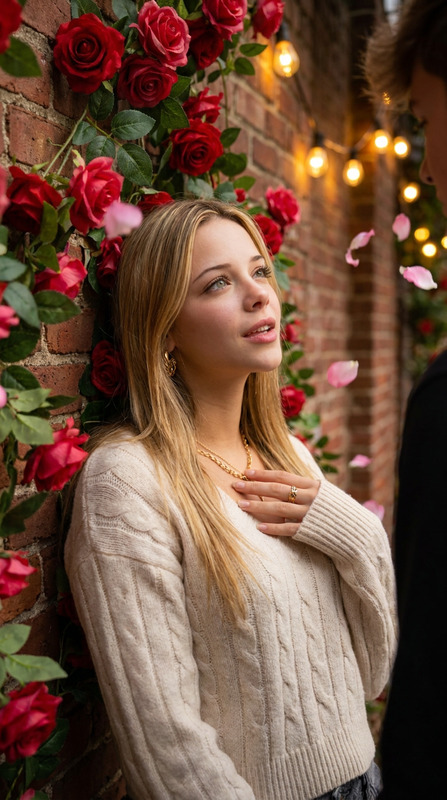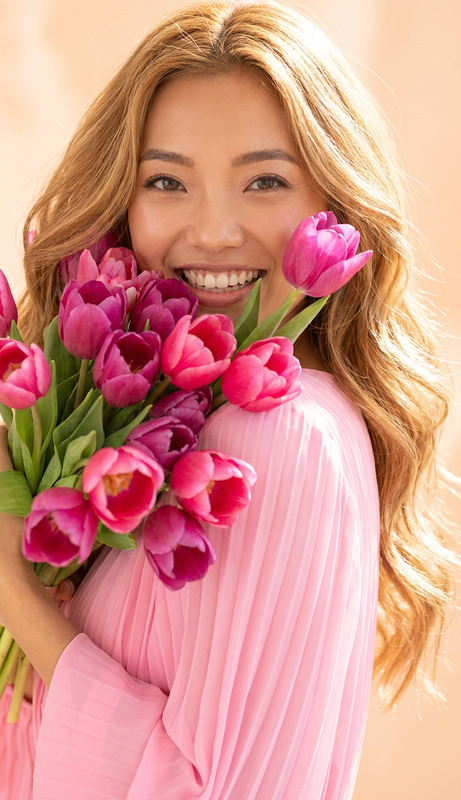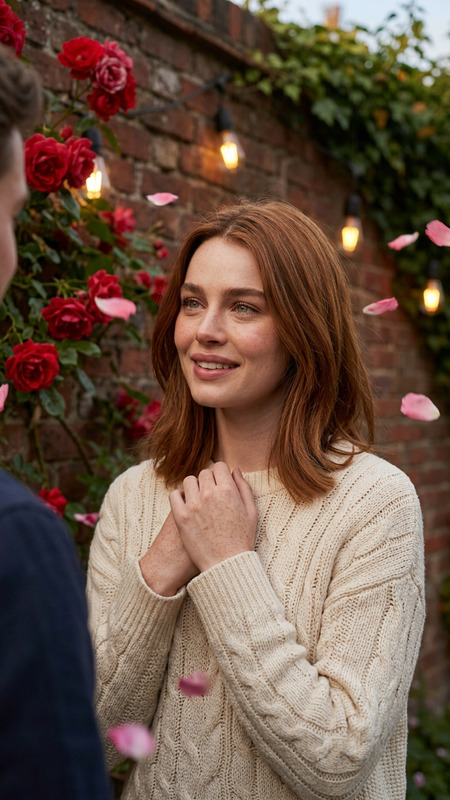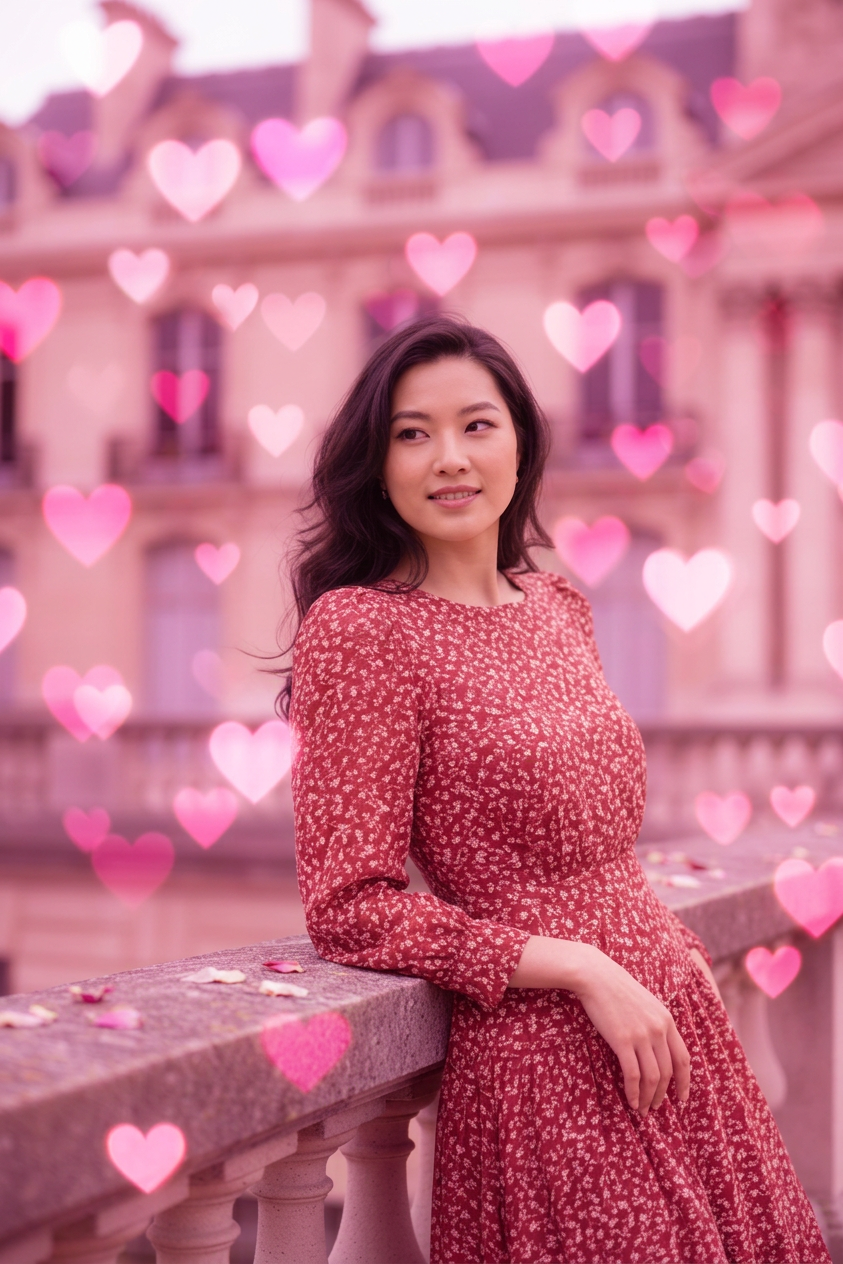
Pink Heart Bokeh
- Model
- Nano Banana 2
- Image
- 843 × 1264 px
Prompt
Use the uploaded image as the main subject and transform it with a dreamy pink heart bokeh effect. Add soft foreground and background heart lights, gentle blush highlights, creamy depth of field, flattering skin tones, and a romantic Valentine mood with polished photorealistic quality.
Any aspect ratio
Overview
Transform your photos with the Pink Heart Bokeh AI Image Editor template. Designed to add a romantic and dreamy touch to any image, this template applies a pink heart bokeh effect along with enhancements such as soft heart lights and creamy depth of field.
What It Does
This template takes your uploaded image and overlays it with a stunning pink heart bokeh effect. It enhances photos with gentle blush highlights, a rich depth of field, and flattering skin tones, resulting in a photorealistic image with a romantic Valentine mood. Ideal for creating engaging content for platforms like Instagram using our AI GIF Generator.
Who It's For
This template is perfect for content creators, photographers, and anyone looking to add a romantic twist to their images. Whether you're creating themed content for social media, or adding a romantic touch to professional portraits, this tool provides the ideal results similar to our AI Image Editor.
Summary
With the Pink Heart Bokeh template, you can easily create captivating images filled with romantic, photorealistic quality. The seamless integration of soft heart lights and creamy depth of field makes it an excellent choice for creating stunning visuals. For more creative possibilities, check out our AI Clothes Changer.
How To
Choose Your Image

Customize Your Design

Generate the Effect

Use Cases
Event Promotions
- Valentine's Day campaigns
- Wedding invitations
- Social media announcements
Personal Photography
- Valentine photo shoots
- Couples photography
- Selfies with a romantic twist
Best Practices
Lighting Considerations
For best results, use images with well-balanced lighting to ensure the bokeh effect complements the existing light.Complementing Colors
Choose images with colors that harmonize with pink to enhance the romantic vibe.Background Simplicity
Select images with a simple background to make the bokeh effect stand out prominently.