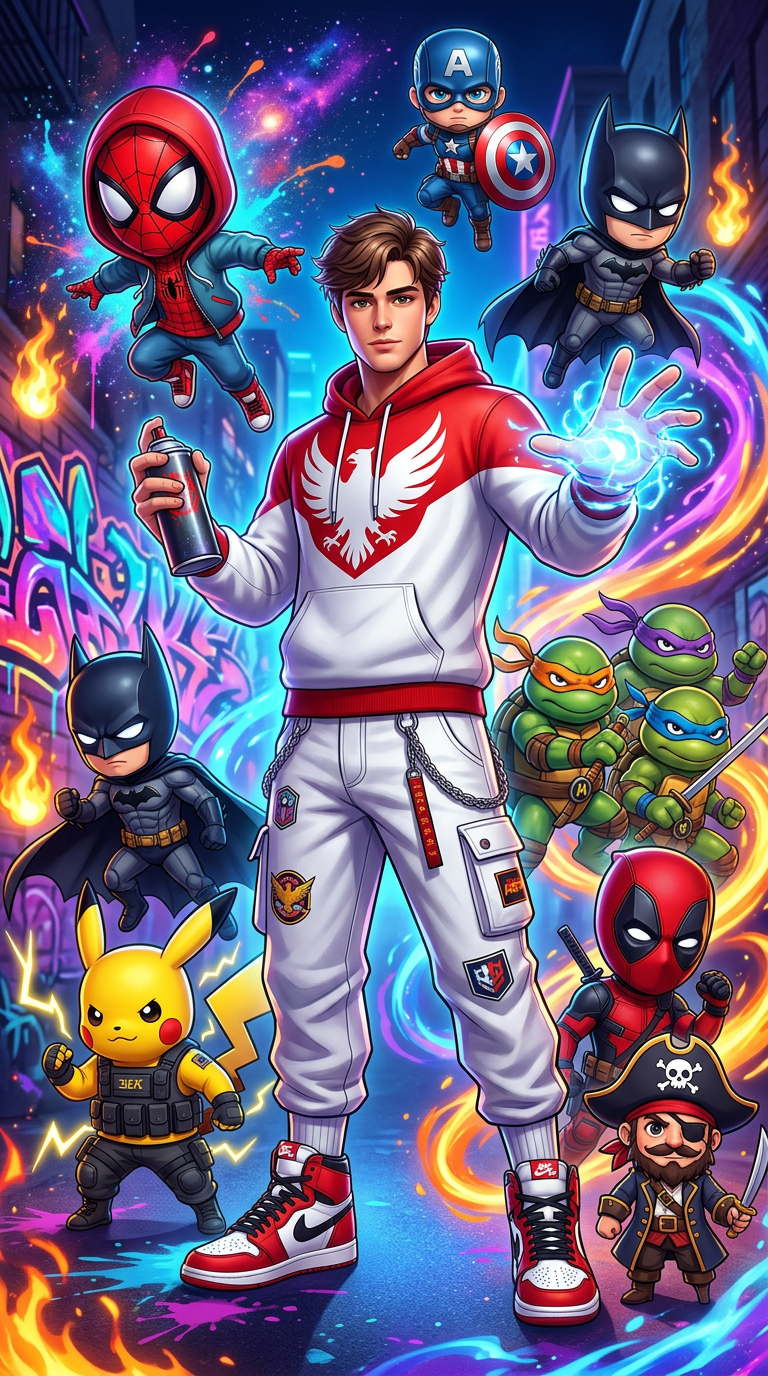
Chibi Multiverse Street Art
- Model
- Nano Banana 2
- Image
- 768 × 1376 px
Prompt
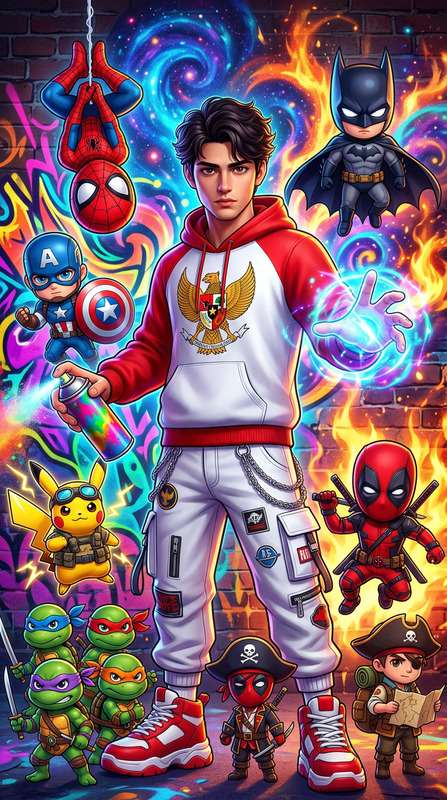
Use the uploaded reference image as the ONLY facial identity reference. Preserve 100% facial structure, eyes, nose, lips, jawline, beard, skin tone, hairstyle, age appearance, and recognizable identity. Create a vibrant ultra-detailed 3D CGI anime illustration with a premium street-art aesthetic. The central character is the uploaded person reimagined as a stylish urban streetwear hero, wearing a red-and-white Garuda-inspired hoodie, white cargo pants with chains and patches, and red-and-white high-top sneakers. He holds a spray paint can in one hand while extending the other hand, generating glowing blue energy. Surrounding him are multiple adorable chibi-style original heroes and fantasy characters: - a red-masked agile web-themed hero in a hoodie - a patriotic shield-bearing superhero - a dark vigilante with a flowing cape - a yellow electric creature wearing tactical gear - two turtle martial-arts warriors with colored bandanas - a red-and-black masked antihero - a charismatic pirate captain - a small cartoon pirate companion Background filled with explosive neon graffiti murals, cosmic paint splashes, urban street-art elements, glowing tags, fire effects, blue, purple, orange and yellow energy swirls. Premium 3D CGI rendering, glossy materials, Pixar-quality chibi characters, dynamic action composition, dramatic lighting, hip-hop culture aesthetic, vibrant colors, realistic facial identity, ultra-detailed, cinematic depth, 8K quality, vertical 9:16.
Any aspect ratio
Overview
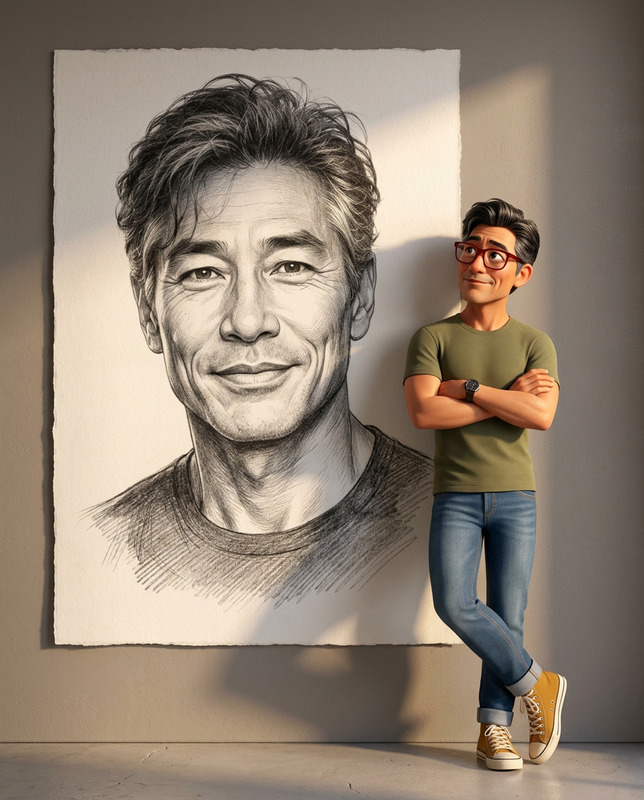
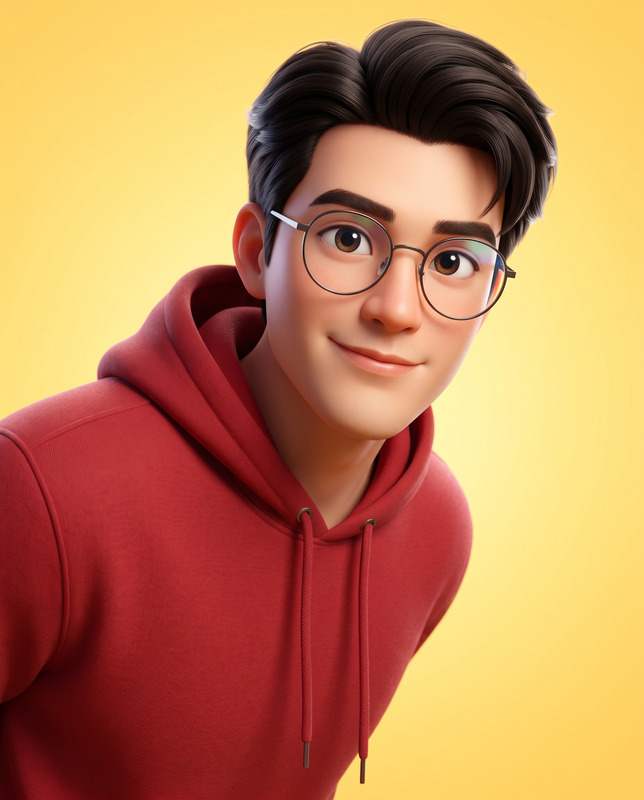
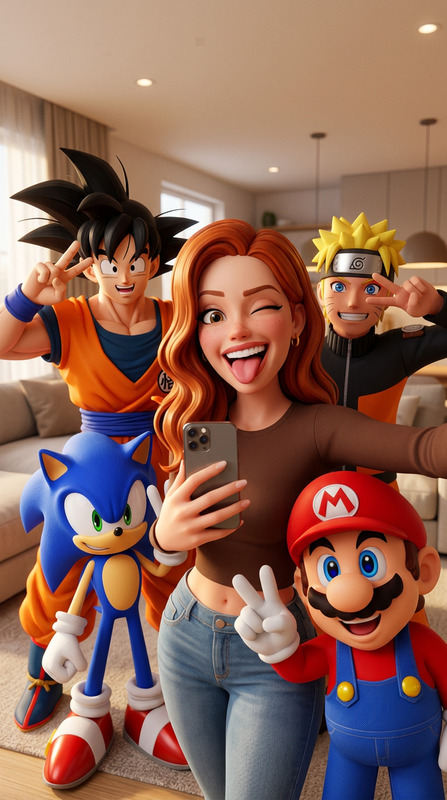
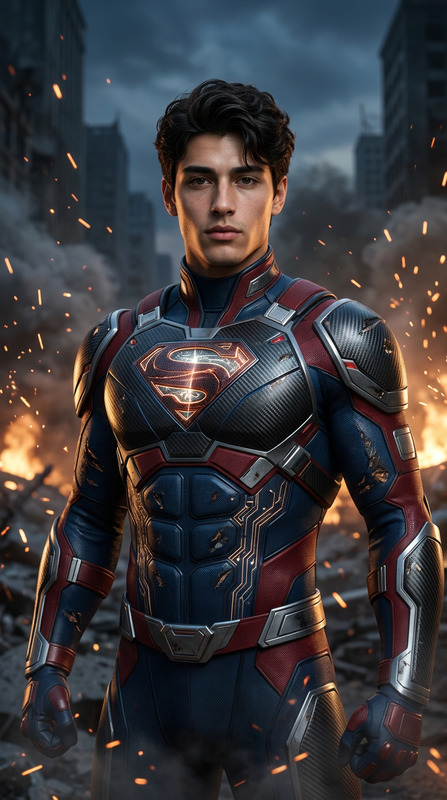
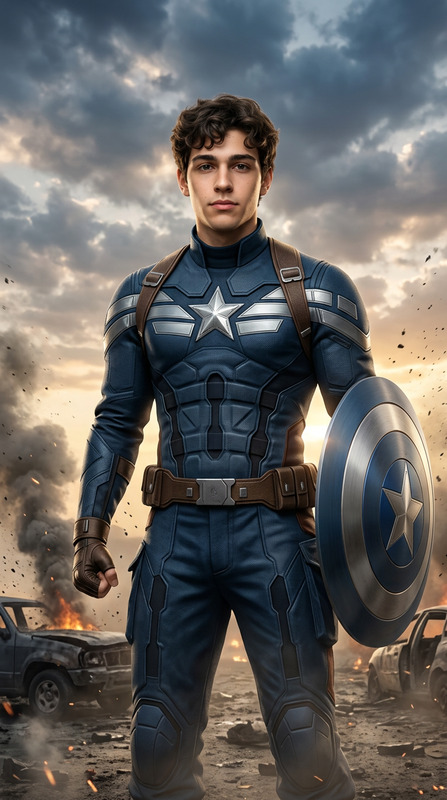
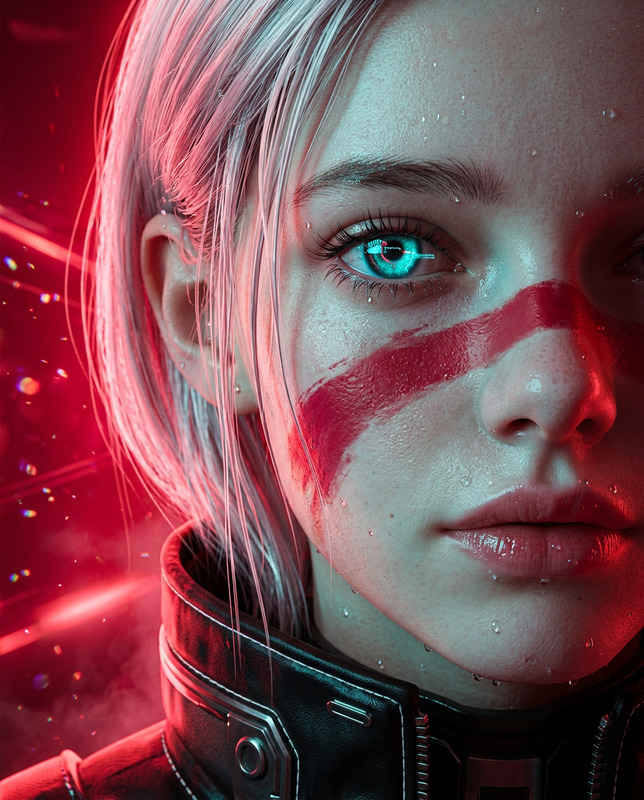
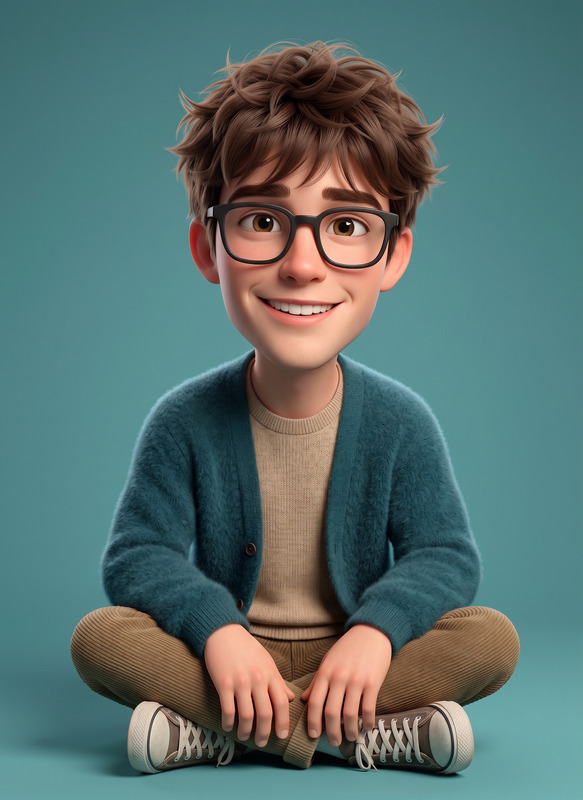
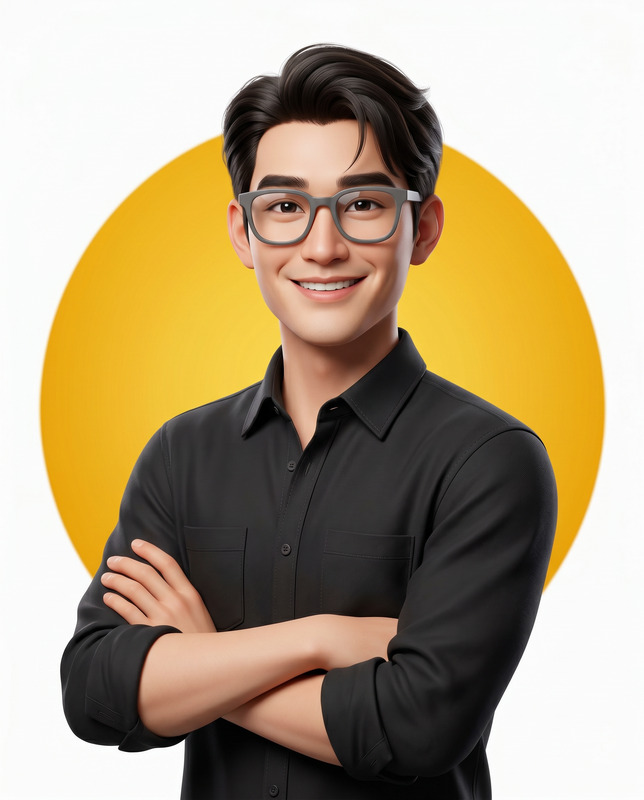
"Chibi Multiverse Street Art" offers a unique way to transform uploaded reference images into vibrant, ultra-detailed 3D CGI anime illustrations. Using nano-banana-2, this AI Image Editor template turns your subject into an urban streetwear hero surrounded by chibi-style fantasy characters. Embrace the blend of anime culture and street art to create stunning visuals.
What It Does
This template utilizes advanced features of the AI Image Editor to maintain facial identity while embedding the subject into a cinematic street-art scene. It allows for customization of the character's attire and surroundings, ensuring the final image is both personalized and professionally rendered with Pixar-quality chibi characters and explosive graffiti artworks.
Who It's For
Ideal for digital artists, social media influencers, and street art enthusiasts who want to bring their characters to life with a premium 3D aesthetic. It suits those looking to create high-quality visuals for platforms like Instagram or YouTube, or who want to experiment with their creativity using the AI Image Generator.
Summary
"Chibi Multiverse Street Art" reimagines your reference images as dynamic, anime-inspired street art. Perfect for advertising campaigns or personal projects, this template combines ultra-realistic facial details with vivid street-art backgrounds and vibrant chibi characters for a stunning visual experience.
How To
Choose Your Template

Customize Your Inputs

Generate Your Image

Use Cases
Social Media Content
- Instagram reels
- YouTube thumbnails
Advertising Campaigns
- Billboards
- Digital ads
Personal Projects
- Custom comic covers
- Art portfolio pieces
Best Practices
Choose a High-Quality Reference Image
Ensure that the uploaded image has clear facial features to maintain the integrity of the subject's identity.Experiment with Character Placement
Adjust the positions of chibi characters and effects to optimize the composition and balance of your image.Optimize for the Right Context
Consider the platform or medium you are creating for, such as social media or print, to choose the appropriate style and size.