LV Monogram Moment
- Model
- Nano Banana 2
- Image
- 843 × 1264 px
Prompt
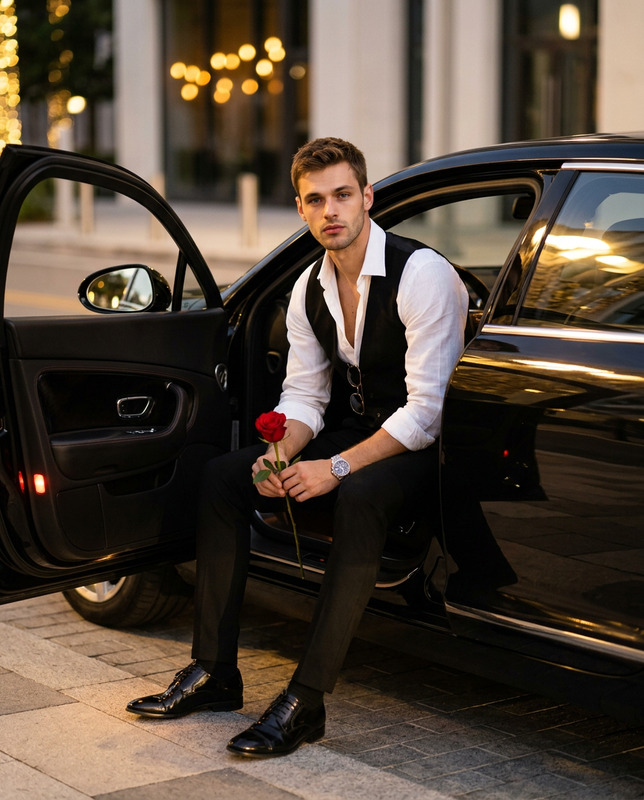
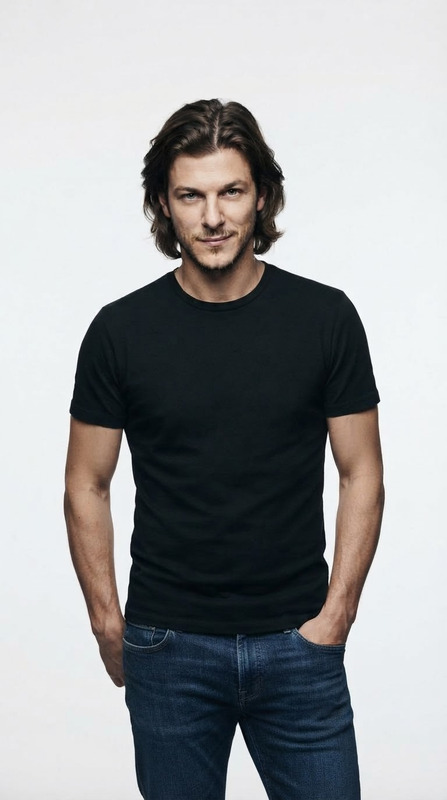
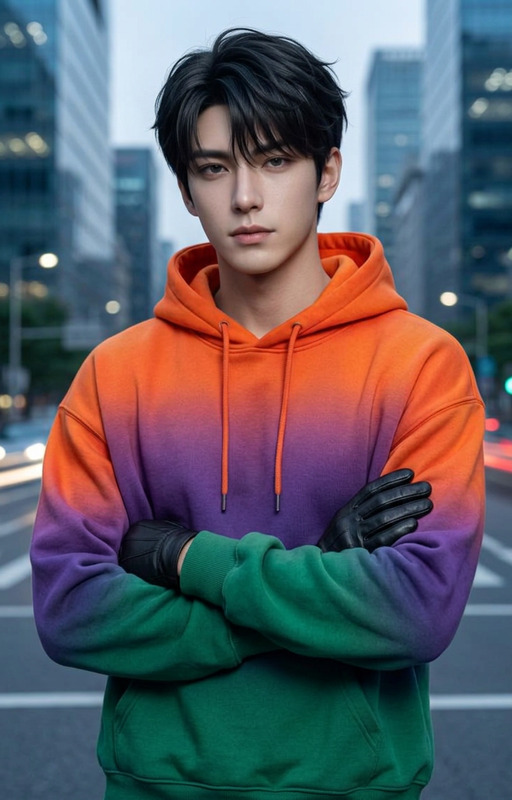
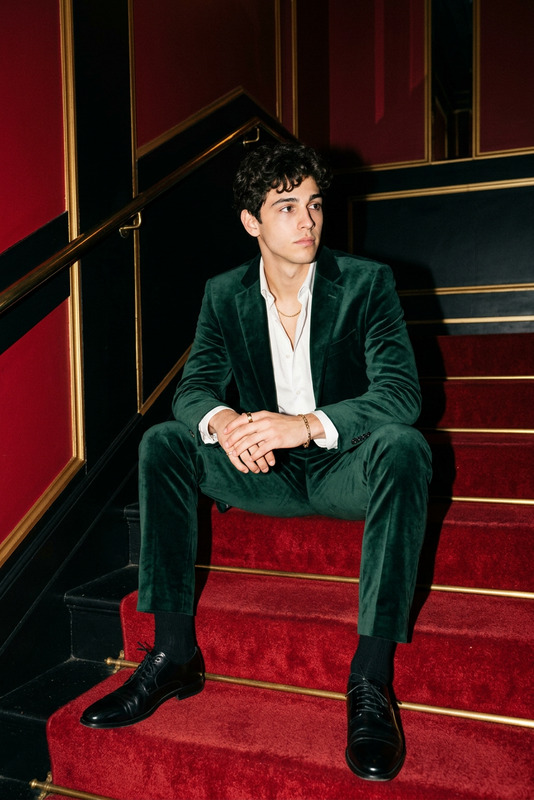
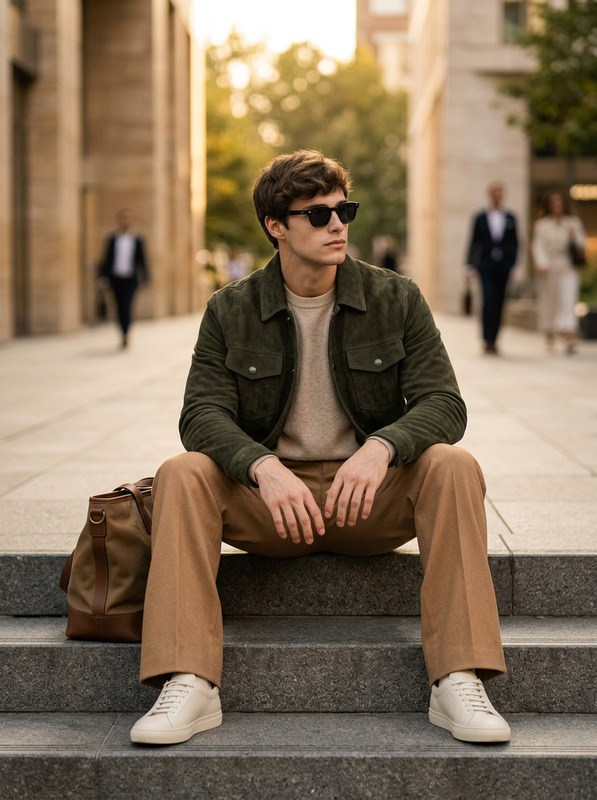
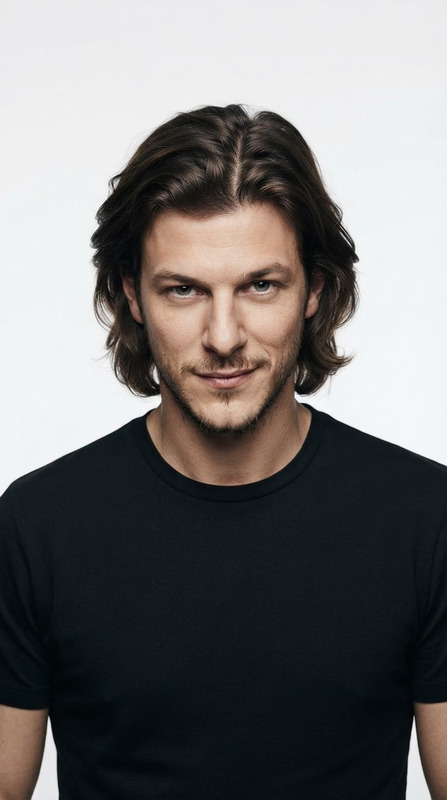
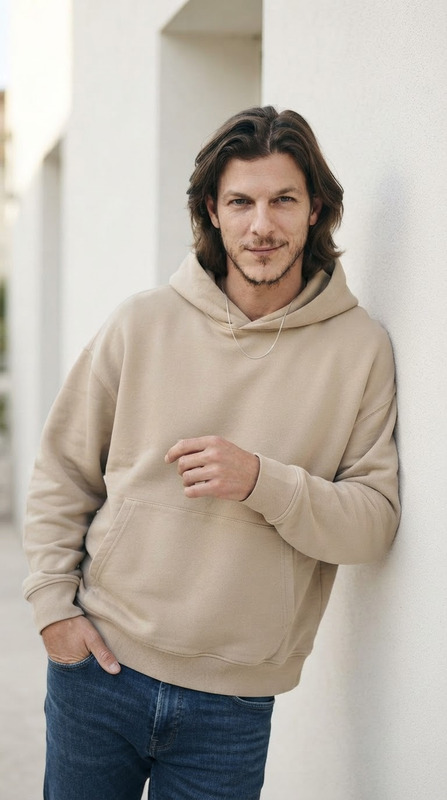
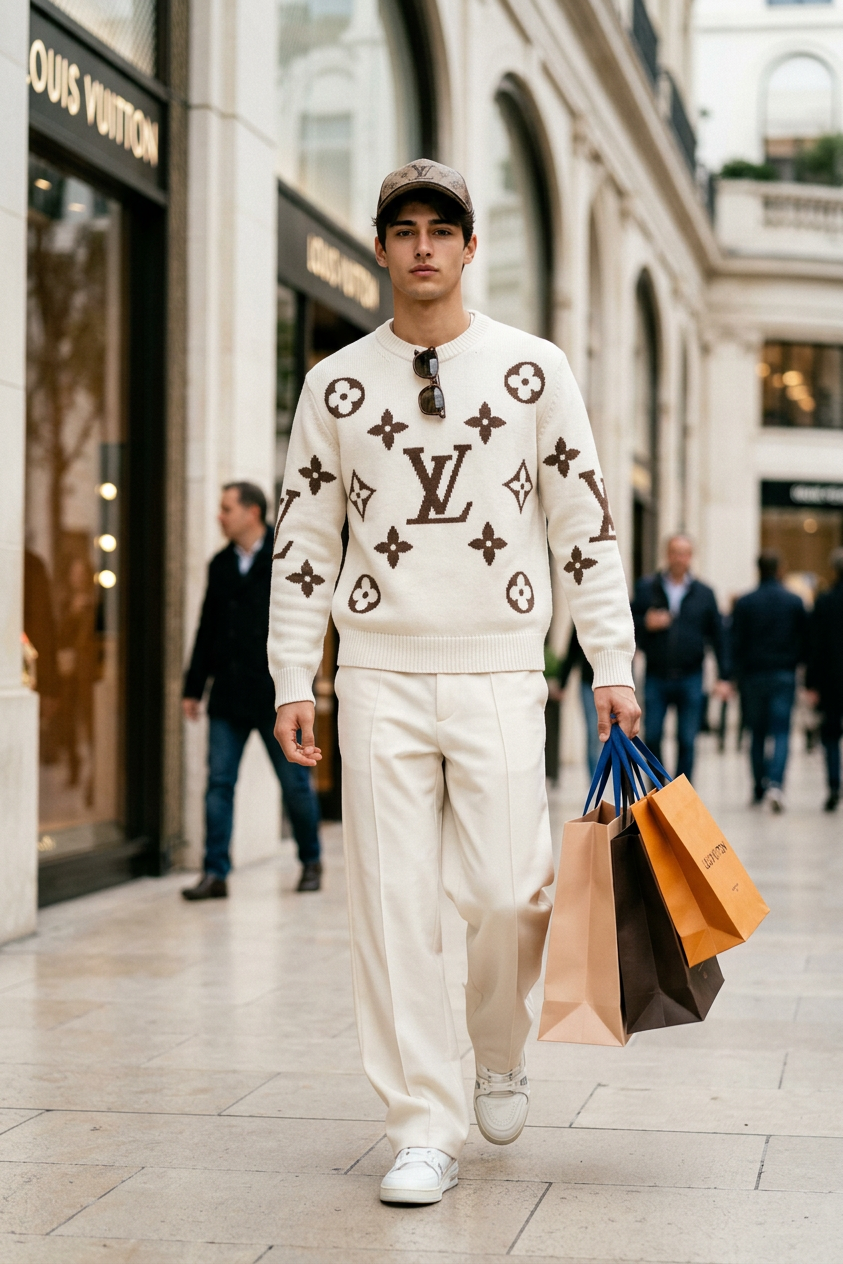
\A hyper-realistic 8K vertical portrait of a 20-year-old man stepping confidently out of a luxury shopping mall, captured from a slightly low angle. He wears a wool LV logo cream white sweater with brown border and designs, wide techwear cargo pants, sleek LV sneakers, and a matching LV cap with sunglasses. LV shopping bags rest naturally in his hand. Use the exact face from the reference image — same features, hair, skin tone, and expression. Soft natural daylight highlights textures and fabrics, with creamy bokeh, warm mall lights, and cool reflections creating a cinematic, luxurious urban aesthetic.
Any aspect ratio
Overview
Step into the world of luxury fashion with the LV Monogram Moment template, designed for the AI Image Editor powered by the impressive nano-banana-2 model. This template allows you to craft hyper-realistic images that capture the essence of sophistication and style, featuring detailed textures and luxurious aesthetics.
What It Does
The LV Monogram Moment template generates high-resolution, photo-realistic portraits of fashionable urban settings. It accurately uses reference images to recreate distinct facial features, hairstyles, and expressions. This template brings out the finer details in clothing and accessories, highlighting the textures of an LV sweater, cargo pants, and matching accessories in a luxury shopping environment.
Who It's For
This template is ideal for digital artists, fashion designers, and marketers in the luxury goods industry. It's perfect for those looking to create eye-catching visuals for advertisements, social media, and promotional materials that demand an authentic touch of elegance and detail.
Summary
Capture the allure of luxury fashion imagery effortlessly with the LV Monogram Moment template on Magic Hour. From editorial visuals to online ads, this tool empowers creators by providing high-quality outputs that convey a sense of aspirational lifestyle. Combine it with capabilities like the AI Image Upscaler to enhance detail and clarity.
How to Use
Choose Your Template

Customize Your Design

Generate Your Image

Use Cases
Luxury Fashion Ads
- High-resolution images for print and digital ads
- Authentic recreation of branded clothing and accessories
Social Media Content
- Instagram posts featuring detailed outfit showcases
- Facebook ads targeting high-end fashion consumers
Editorial Photography
- Editorial spreads focusing on style and elegance
- Magazine covers that capture attention
Best Practices
Focus on Detail
Utilize the AI Image Editor to enhance specific elements like fabric textures and lighting effects for a refined finish.Maintain Consistency
Ensure that the clothing and accessories match throughout the image to maintain brand consistency.Adjust Lighting Appropriately
Set lighting to enhance the mood of your image, replicating real-world shopping mall aesthetics using soft daylight and warm tones.