Stand Out From Crowd
- Model
- Nano Banana 2
- Image
- 1856 × 2304 px
Prompt
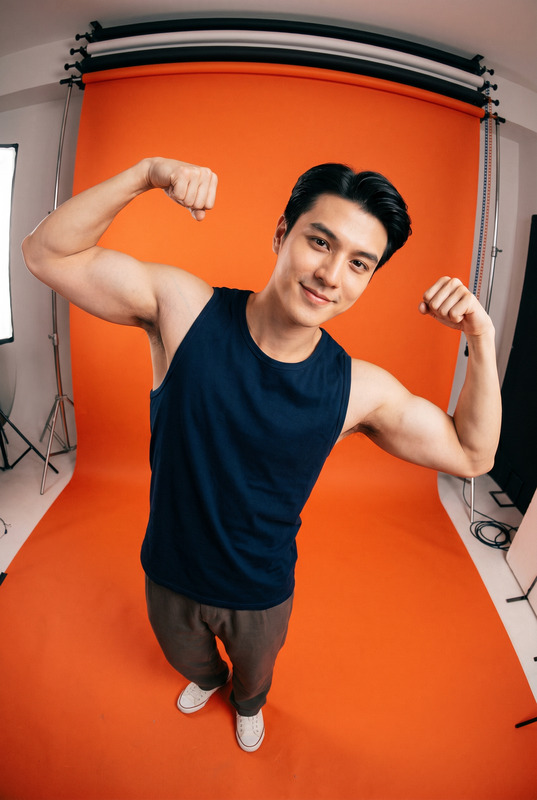
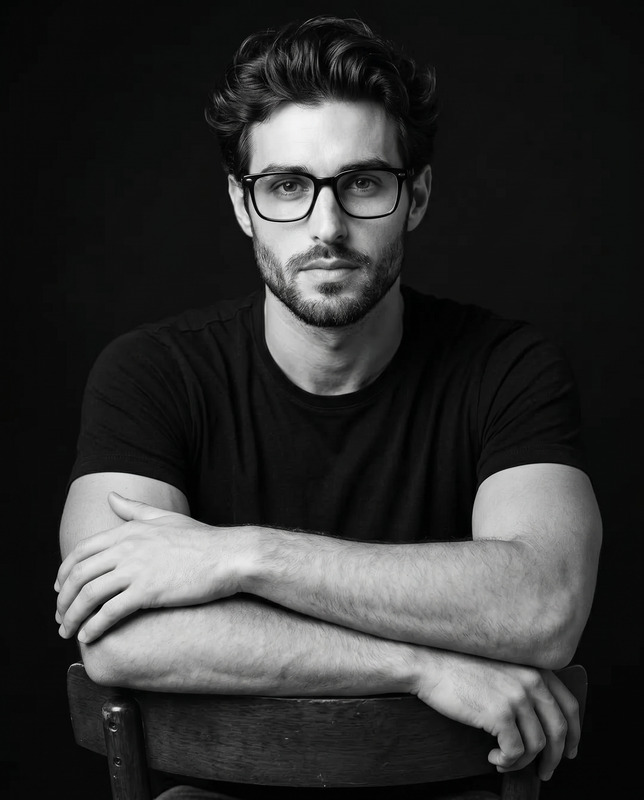
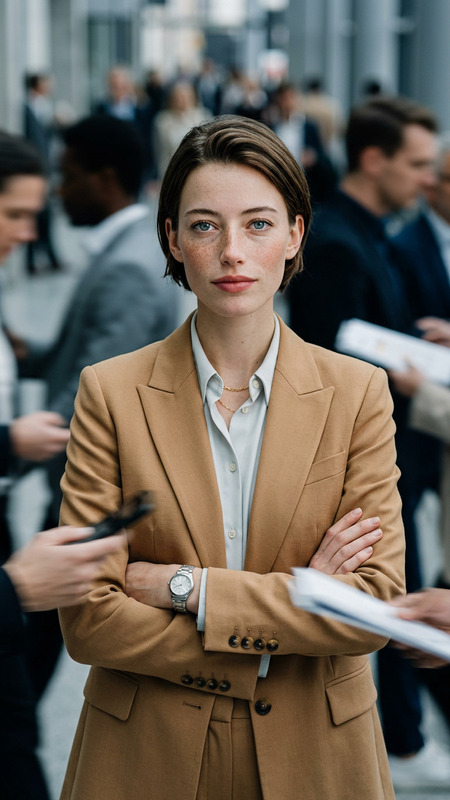
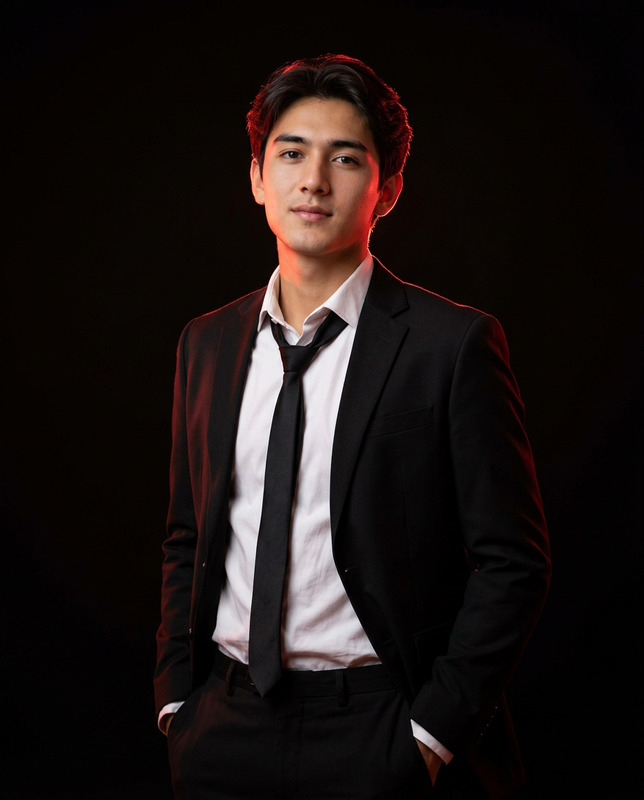
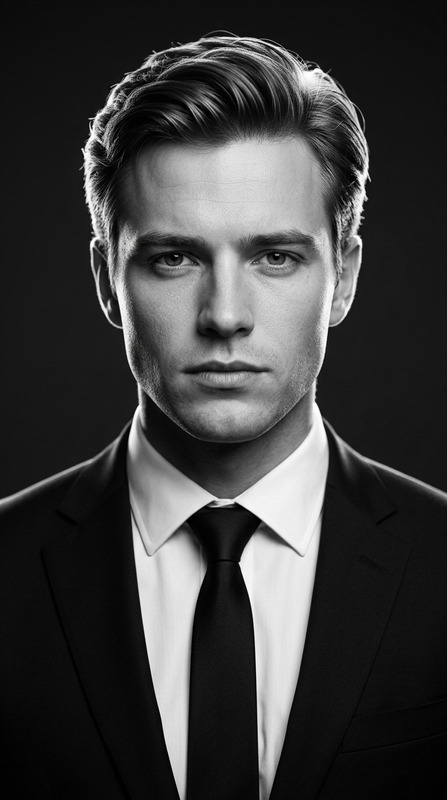
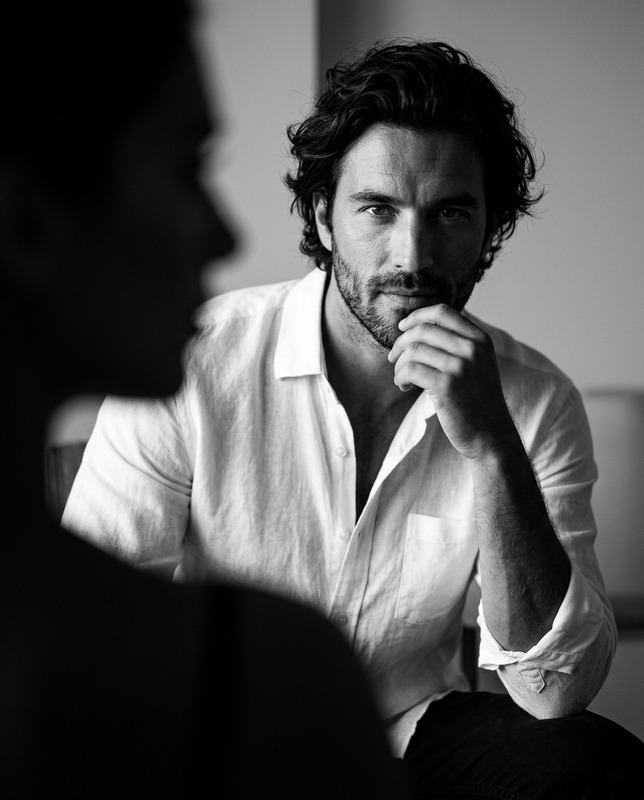
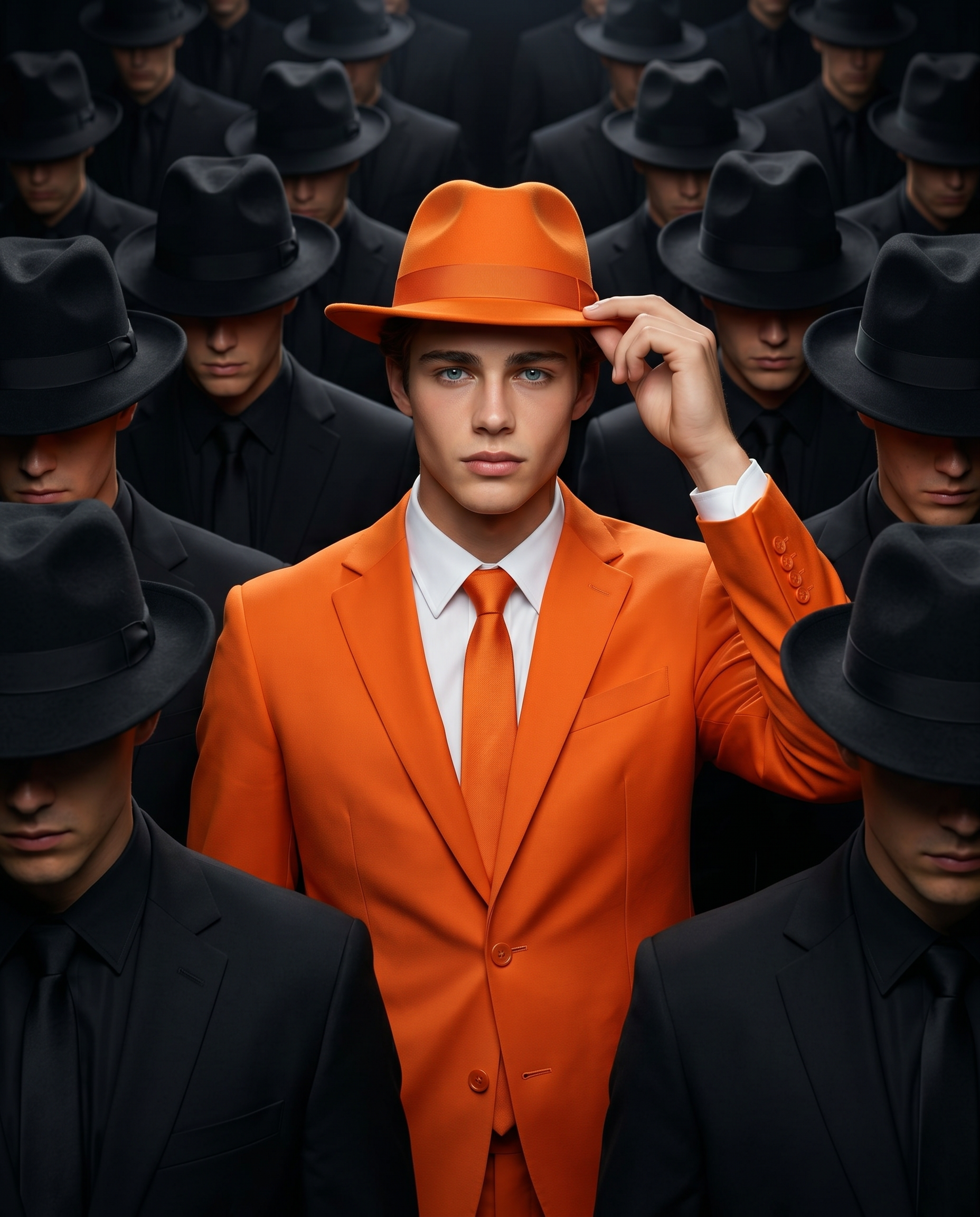
Use the uploaded image only for the face and identity of the central man. Preserve his facial features, skin tone, hairstyle, and overall likeness accurately. Create a cinematic, ultra-realistic waist-up portrait in a 4:5 aspect ratio. The man stands centered in a dense, symmetrical crowd of anonymous men and looks directly at the camera with a calm, confident expression. He is wearing a vibrant orange tailored suit with a white dress shirt, matching orange tie, and an orange fedora. One hand is raised naturally as he adjusts the brim of his hat. The surrounding crowd wears black suits, black shirts, black ties, and black fedoras. Their heads are slightly lowered, and their faces remain mostly hidden in shadow, with only subtle hints of natural skin tone visible. The crowd should feel uniform and repetitive, creating a strong contrast with the central figure, and gradually fade into darkness in the background. Use an eye-level, centered composition with a natural 50mm look. Keep the main subject sharp and detailed, while the surrounding crowd is slightly softer with realistic depth of field. Use dramatic soft front lighting with subtle top light to highlight the central figure and make the orange outfit stand out against the dark black-and-grey crowd. The final image should feel grounded, polished, cinematic, and realistic, with no surreal distortion, no exaggerated features, no text, and no watermark.
Any aspect ratio
Overview
The "Stand Out From Crowd" template in Magic Hour lets you create cinematic and ultra-realistic portraits that emphasize individuality amid uniformity. This AI Image Editor empowers your images with a unique visual narrative, making your subject truly stand out against a monochrome backdrop.
What It Does
Using the power of the nano-banana-2 model, this template creates a waist-up portrait with a striking contrast between your main subject and surrounding crowd. The central figure's identity is preserved accurately, leveraging AI to maintain distinct facial details and styling. Surrounding figures are rendered with softer focus to enhance the depth and draw attention to the central figure's vibrant attire.
Who It's For
This template is ideal for photographers, designers, and creatives seeking to produce compelling visual storytelling in their imagery. It's also beneficial for brands and marketers looking to make their subject stand out in promotional material. Explore more in similar context with our AI GIF Generator for animated impact and Image to Video for dynamic media.
Summary
The "Stand Out From Crowd" template renders detailed, high-quality images with a powerful narrative impact. It ensures your main subject captivates viewers, providing both clarity and artfulness in the final piece. Experience the full potential of AI-driven creativity with the Text to Video product for expanded creativity.
How To
Choose Your Template

Customize Your Image

Generate Your Portrait

Use Cases
Promotional Campaigns
- Highlight brand ambassadors
- Create eye-catching marketing materials
Fashion Photography
- Emphasize bold clothing
- Feature unique accessories
Corporate Identity
- Create standout LinkedIn profiles
- Enhance corporate media assets
Best Practices
Focus on Lighting
Utilize dramatic lighting to ensure the central figure is well-defined and vibrant amid a muted background.Mind the Composition
Maintain a centered composition with adequate depth of field to create a balanced, professional look.Image Resolution
Ensure your uploaded images are of high resolution to achieve the best output quality.