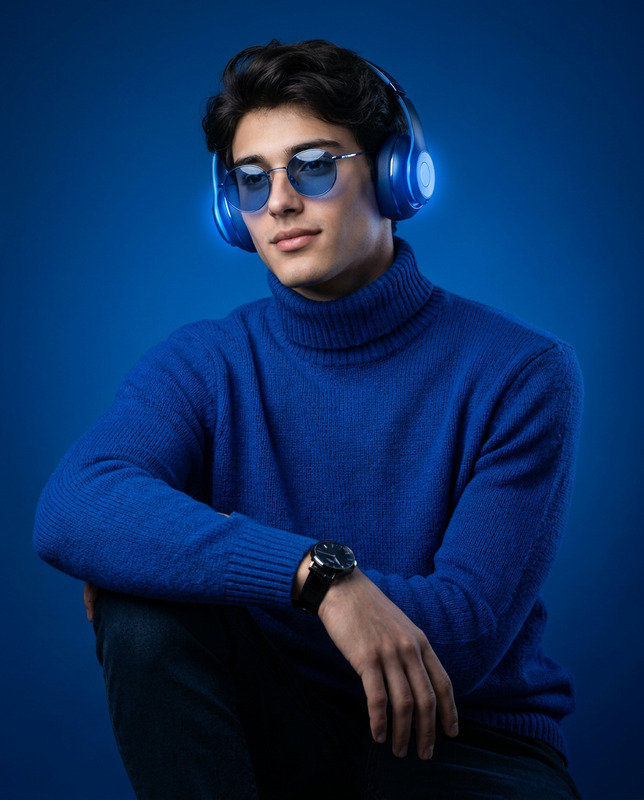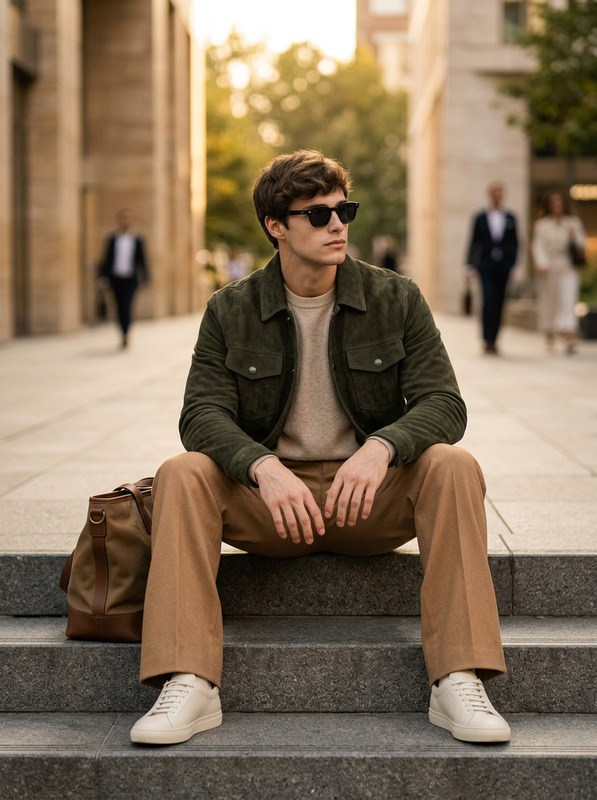
Fisheye Studio Flex
- Model
- Nano Banana Pro
- Image
- 1696 × 2528 px
Prompt
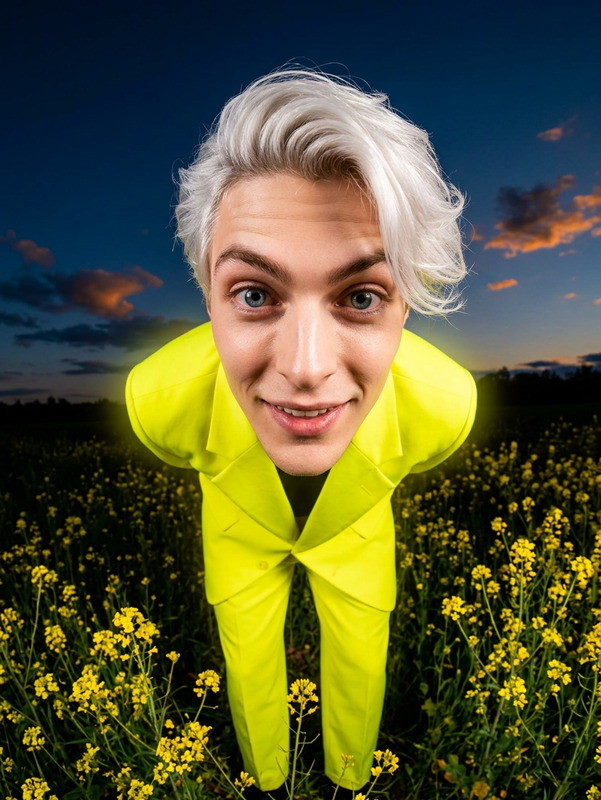
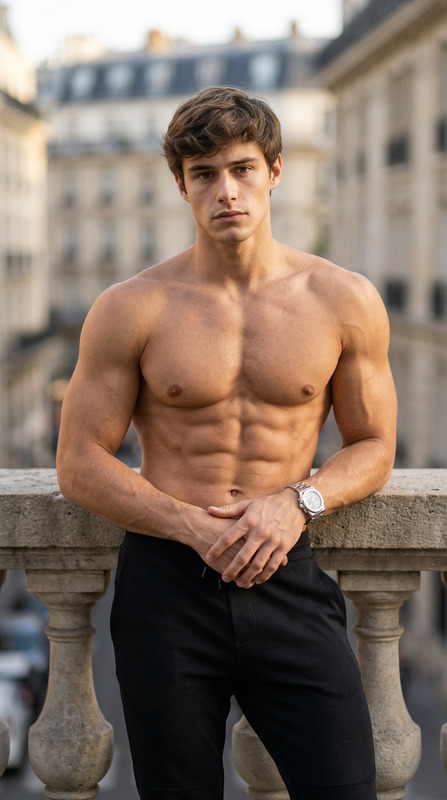
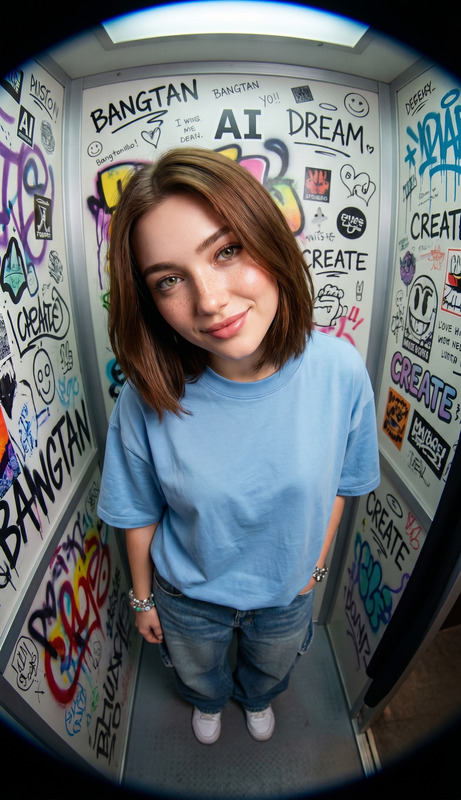
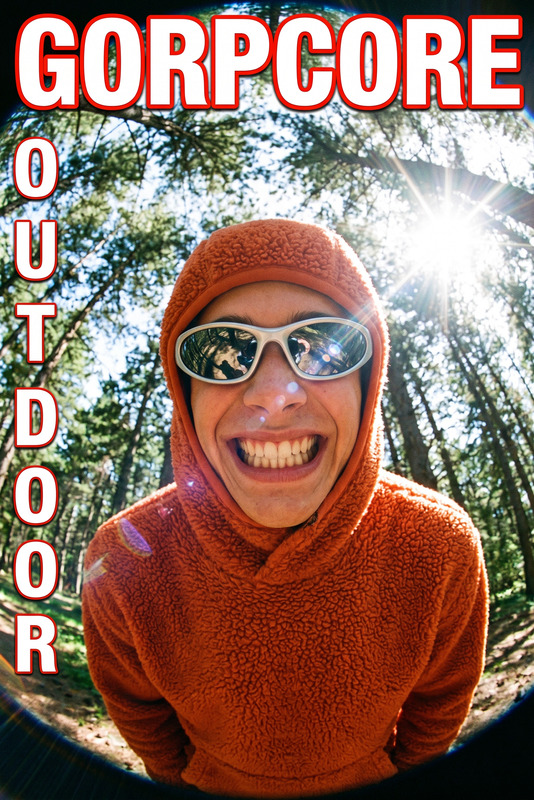
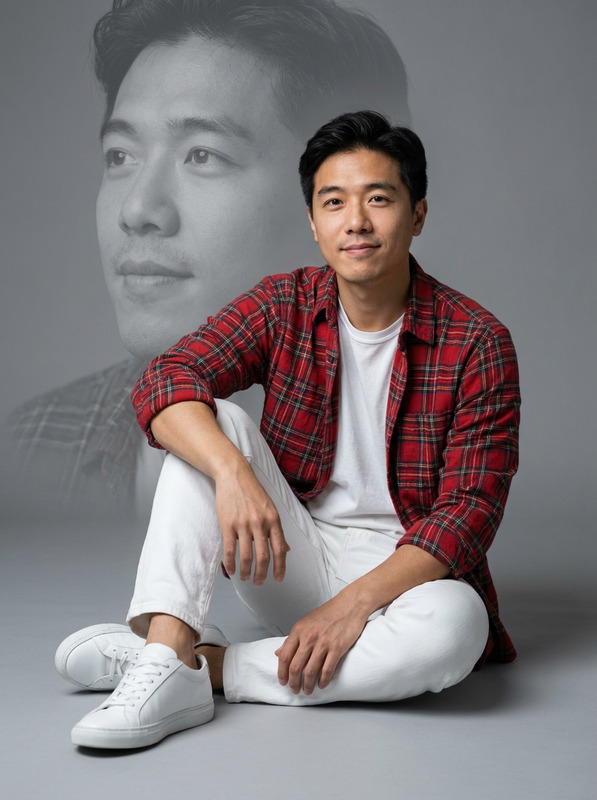
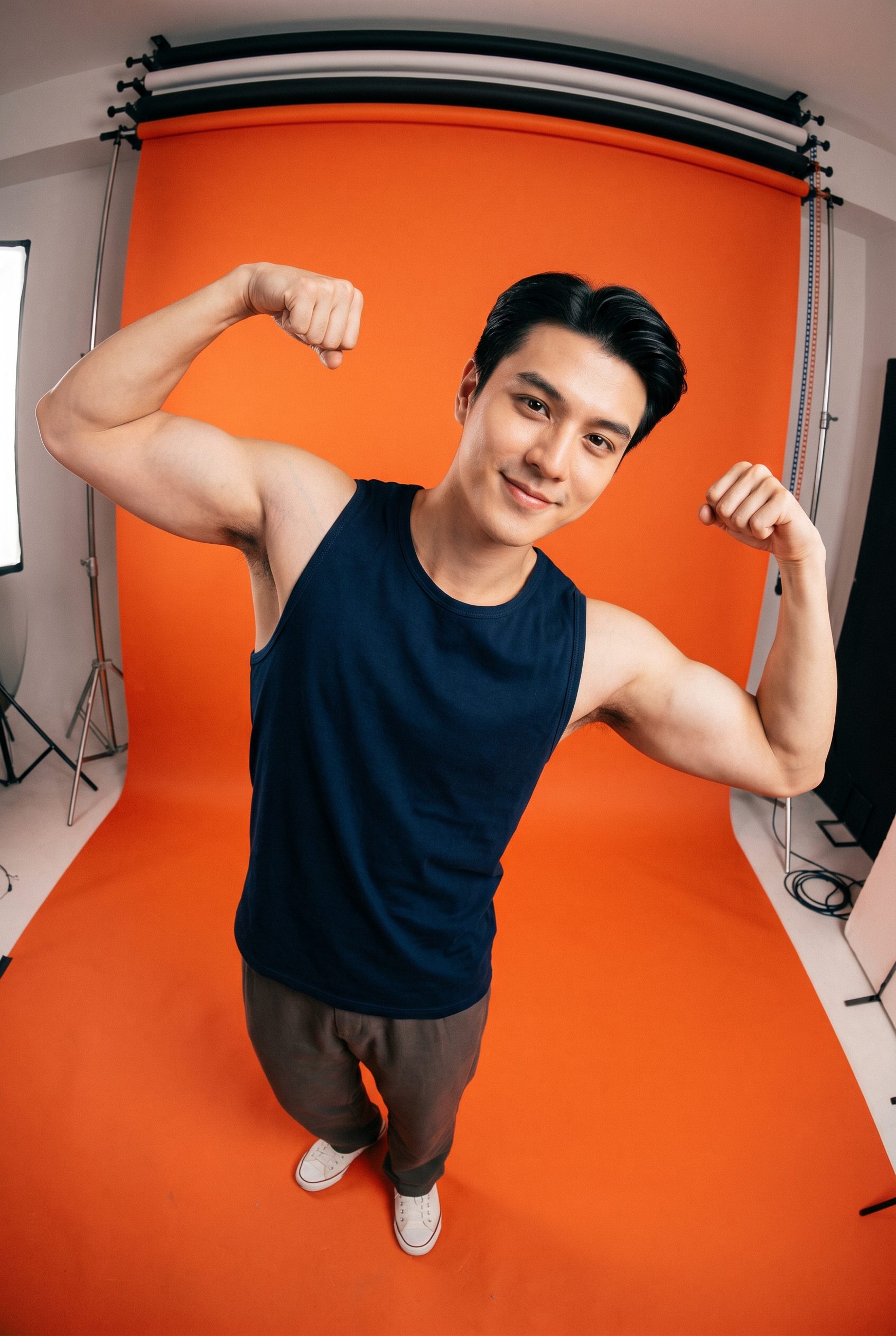
Ultra-realistic fisheye-lens portrait of a uploaded handsome, muscular man standing on an orange seamless backdrop in a minimalist studio, photographed from a dramatic high-angle overhead perspective with strong wide-angle distortion. The subject has his hands flexing his muscles in a freestyle pose, creating a candid editorial vibe. He wears the sleeveless muscle-fit tank top in the photo, highlighting his body features, and relaxed neutral-toned pants and classic sneakers, visible at the bottom due to the fisheye perspective. The background is a vivid orange paper backdrop that curves to the floor, with visible studio surroundings at the edges, giving an authentic behind-the-scenes fashion photography aesthetic. Lighting is bright, soft studio lighting with subtle shadows, rich contrast, realistic skin texture, cinematic colour grading, slight film grain, shallow depth of field, and high-detail editorial quality. Energetic Gen Z streetwear vibe, modern Instagram fashion portrait aesthetic, natural pose, positive energy or candid expression, realistic proportions, ultra detailed, DSLR quality, 4k realism. Do not change the face and identity anyway.
Any aspect ratio
Overview
The Fisheye Studio Flex template uses the nano-banana-pro model to transform your images with a distinct fisheye lens effect. This AI Image Editor template is perfect for achieving an ultra-realistic, high-angle portrait that emphasizes streetwear vibes and editorial quality.
What It Does
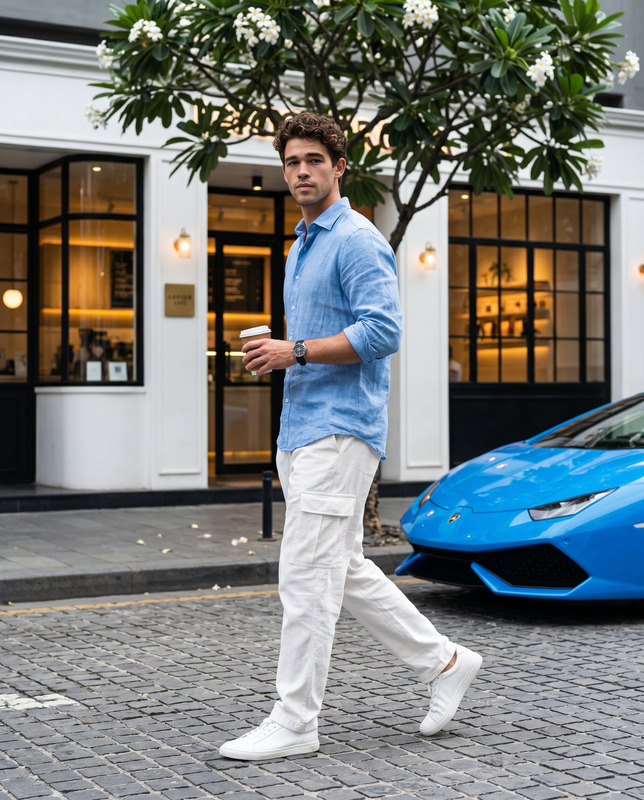
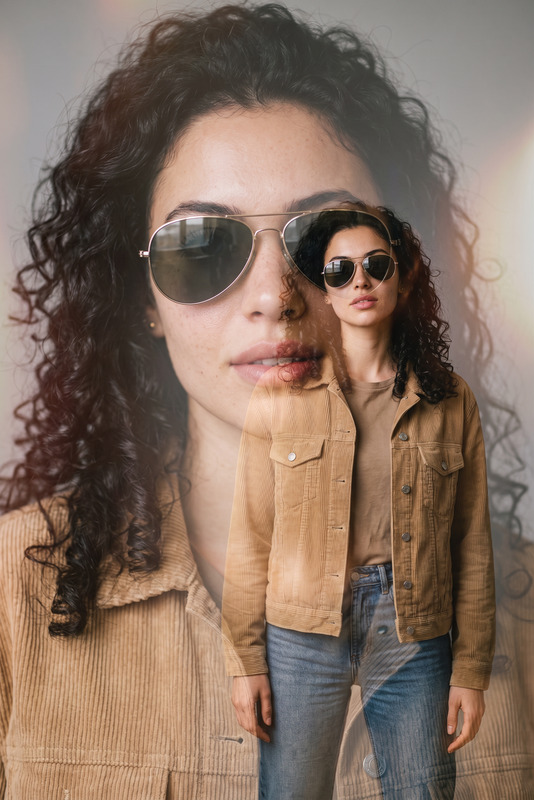
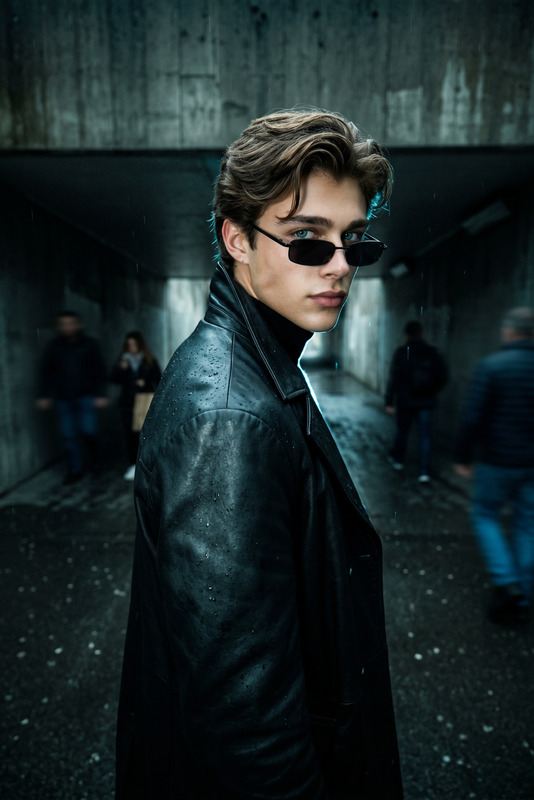
This template allows you to apply a fisheye lens effect that captures a dramatic and wide-angle view of your subject. By editing your uploaded image, it ensures the preservation of facial identity while enhancing the overall visual style with strong contrasts, natural poses, and vibrant color grading.
Who It's For
The Fisheye Studio Flex is ideal for photographers, fashion brands, and influencers looking to create a high-impact visual aesthetic akin to Instagram Reels or modern editorial shoots. Whether you are a digital creator crafting content for social media or a professional photographer aiming to expand your creative horizons, this template offers the tools you need.
Summary
Achieve a distinctive editorial look with the Fisheye Studio Flex. Perfect for those chasing a Gen Z streetwear aesthetic, this template brings a mix of realism and style to your fashion photography. Explore more possibilities with the AI Image Generator and expand your visual creativity.
How-To
Choose Your Template

Customize Your Image

Generate and Download

Use Cases
Fashion Photography
- Create promotional content for streetwear brands.
- Enhance portfolio pieces with a modern twist.
Social Media Content Creation
- Perfect for Instagram grids and stories.
- Generate viral content with unique perspectives.
Editorial Shoots
- Integrate fisheye effects for an avant-garde aesthetic.
- Stand out in print and digital publications.
Best Practices
Choose High-Quality Images
Start with high-resolution images to retain detail and quality after applying the fisheye effect.Focus on Composition
Pay attention to how the fisheye effect alters the composition. Use it to enhance the subject's features and the overall dynamics of the photo.Experiment with Lighting
Make sure your original photo has balanced lighting to fully leverage the cinematic color grading and contrast capabilities of the template.