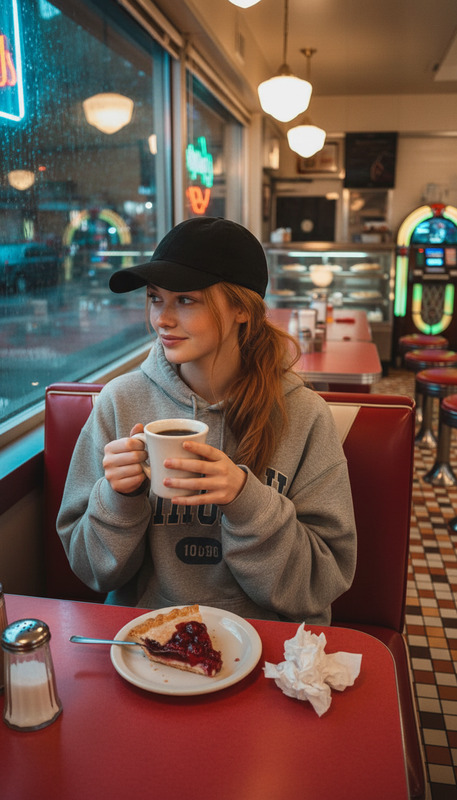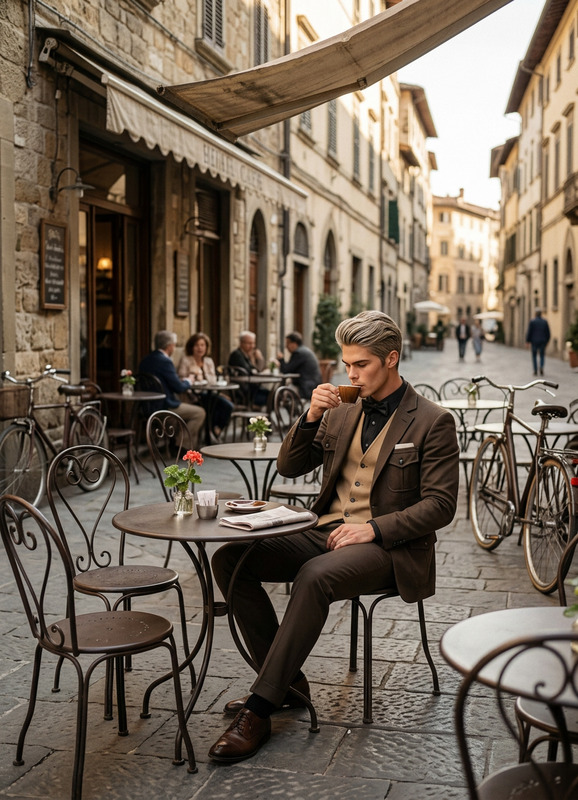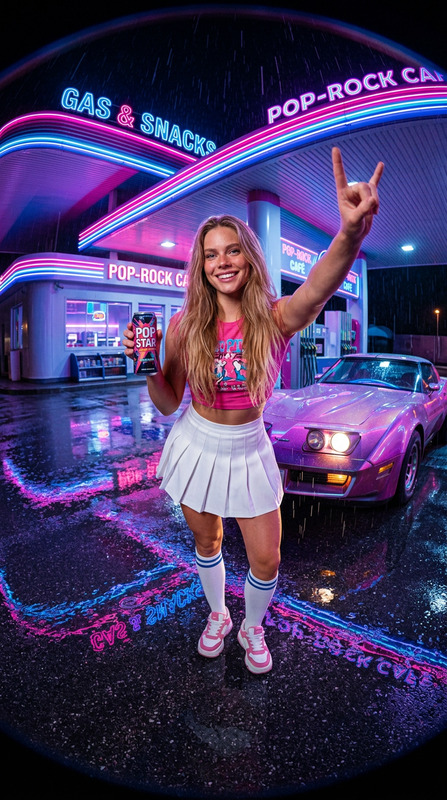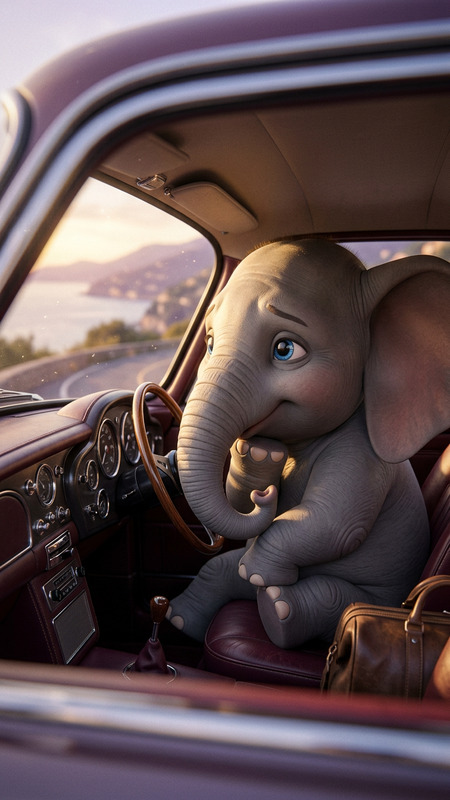
Gas Station
- Model
- Nano Banana 2
- Image
- 843 × 1264 px
Prompt
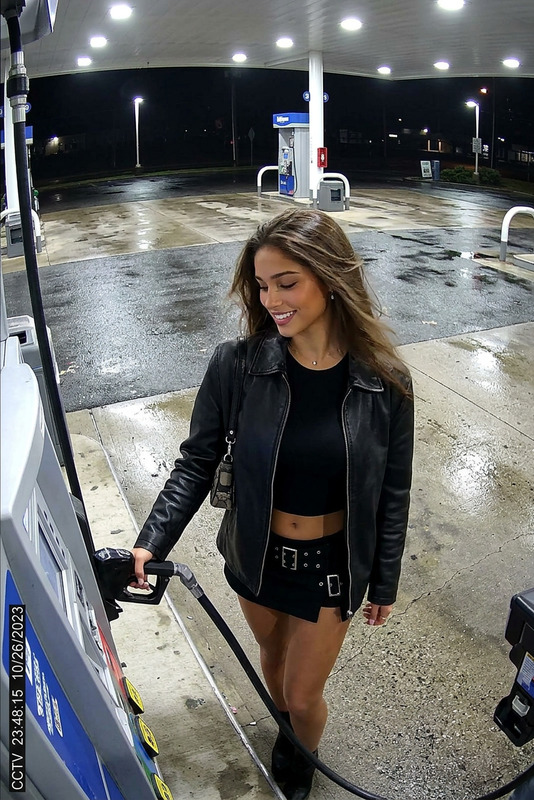
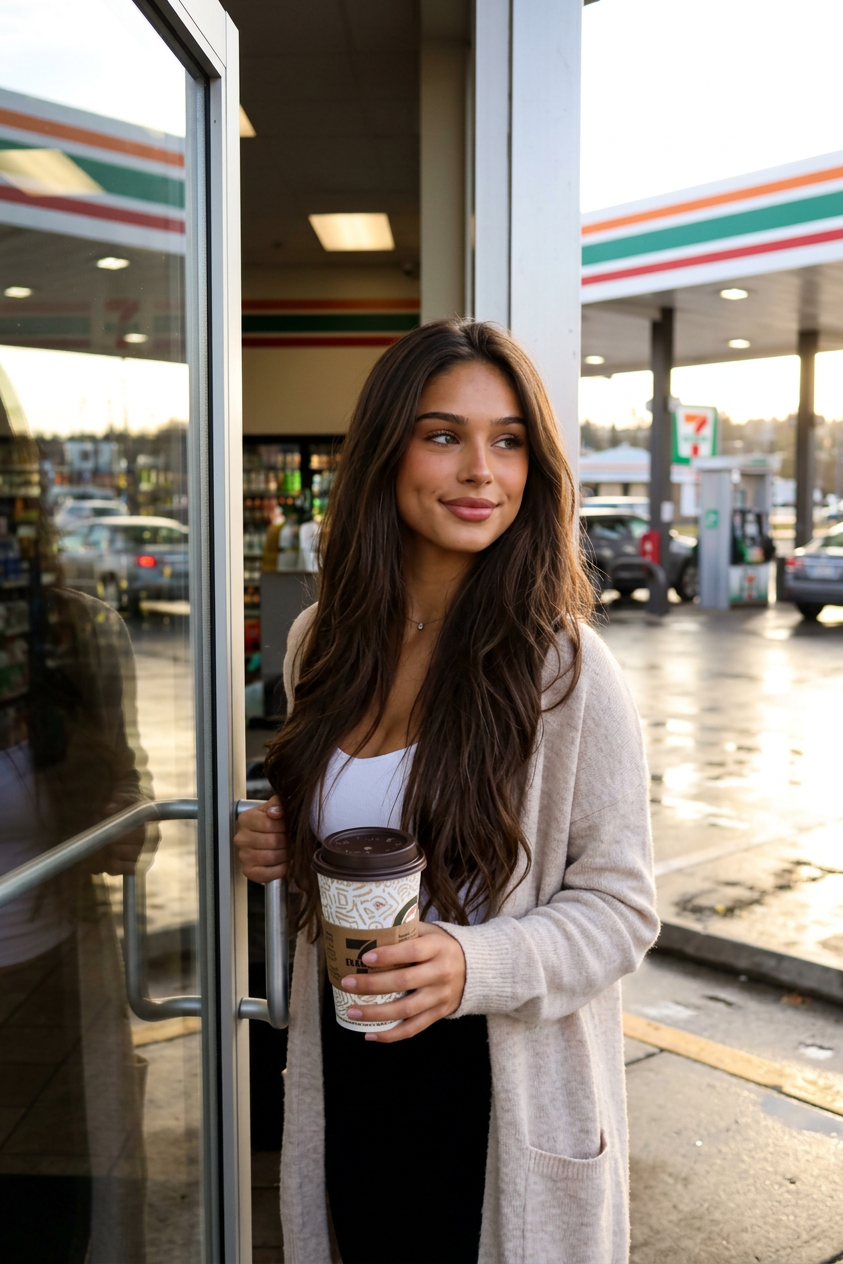
A character stands by a glass door with a cup of takeout coffee. He pauses at the entrance, lightly touches the doorknob with one hand, then turns his head toward the gas pumps and parking lot. He takes a small, slow sip of coffee, sets the cup down, and adjusts the strap of his bag or jacket, casting a calm, confident glance to the side. The background is wet asphalt, reflections on the glass, gas pumps, parked cars, and the glowing interior of the store.
Any aspect ratio
Overview
The Gas Station template leverages the cutting-edge AI Image Editor capabilities using the nano-banana-2 model. This template provides a detailed and immersive scene at a gas station, enhancing your visual storytelling by focusing on the nuances of character interaction within a vivid setting.
What It Does
This template crafts an intricate scene where a character, depicted with nuanced expressions and postures, stands by a gas station door. The detailed background, consisting of wet asphalt and reflections, creates a rich visual ambiance. The focal point is the character's interaction with their surroundings, such as the subtle gesture of touching a doorknob and sipping coffee, which adds depth and realism to the image.
Who It's For
This template is ideal for digital artists, graphic designers, and visual storytellers seeking to incorporate detailed and realistic scenes in their work. It's also a valuable tool for marketing professionals creating captivating visuals for advertising campaigns, leveraging the social media ads space, and enhancing customer engagement through visual media.
Summary
The Gas Station template offers a comprehensive solution for creating realistic character-centric scenes at a gas station. By utilizing the powerful AI Image Generator, creative professionals can generate high-quality images that capture intricate details, enhancing the narrative power of their projects.
How To
Choose the Template

Customize Your Scene

Generate and Download

Use Cases
Digital Storytelling
- Visual novels
- Interactive comics
Marketing and Advertising
- Banner ads
- Flyers
Game Development
- Character intros
- Scenario illustrations
Best Practices
Accentuate Details
Focus on enhancing small details like glass reflections and subtle character gestures to add depth to the image.Consider Lighting
Adjust the lighting to complement the scene's atmosphere, enhancing elements like the wet asphalt or the glow of the store interior.Experiment with Angles
Try different camera angles to discover the best composition, providing a dynamic view of the character and setting.