Botanical Arch Muse
- Model
- Nano Banana 2
- Image
- 928 × 1152 px
Prompt
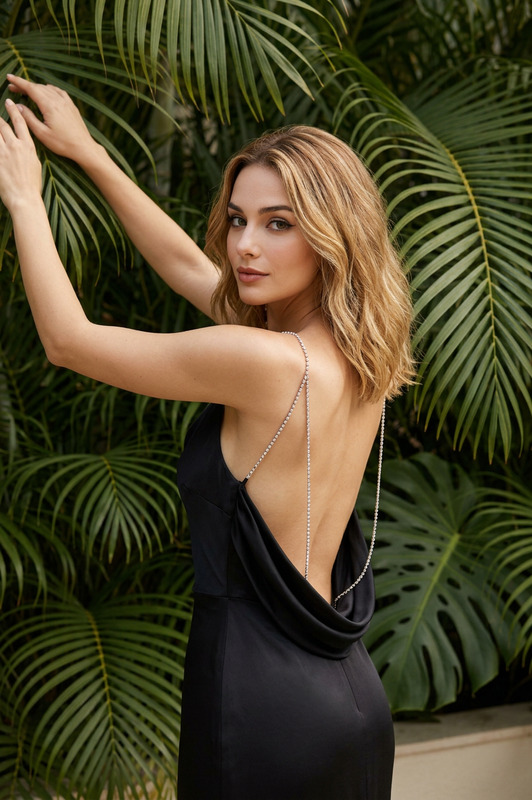
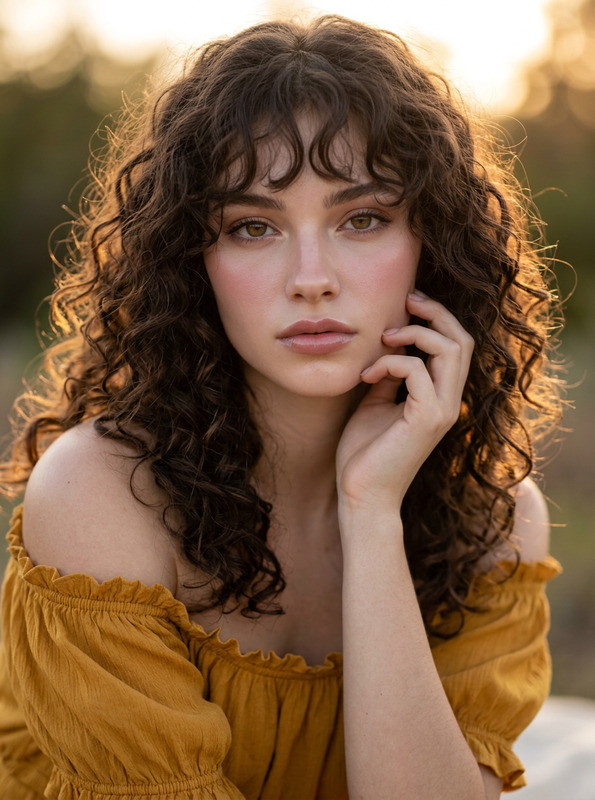
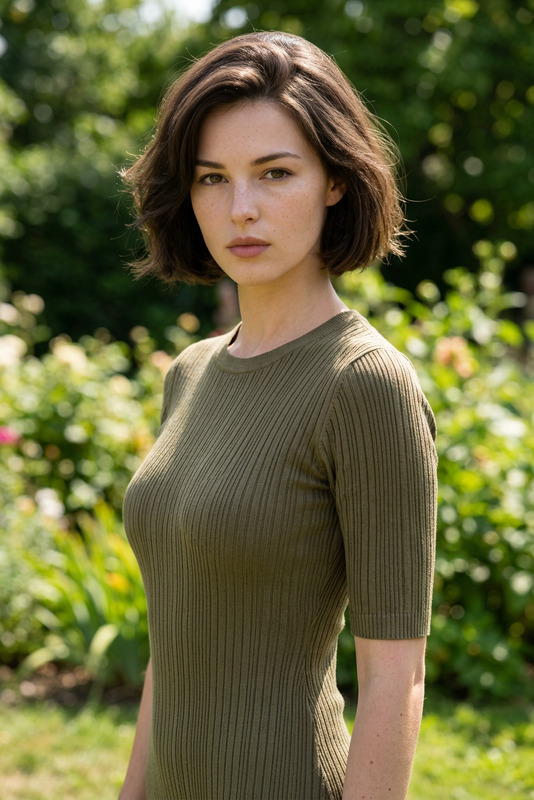
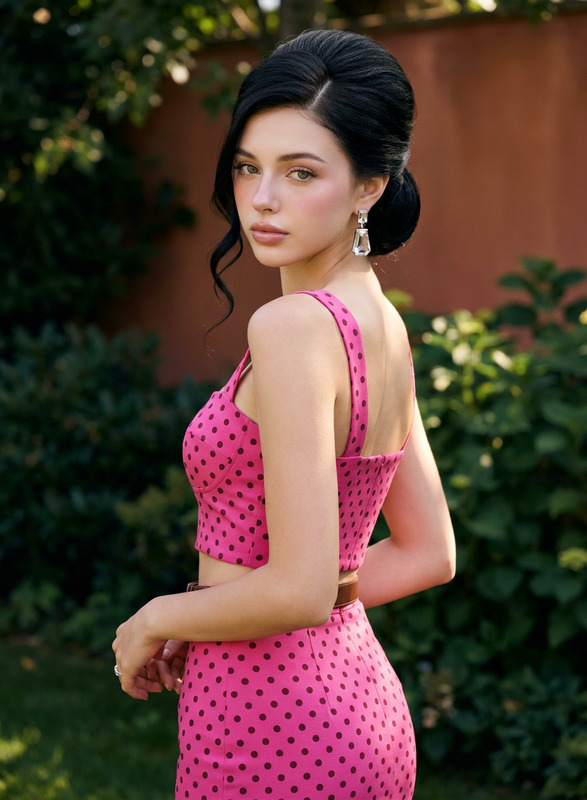
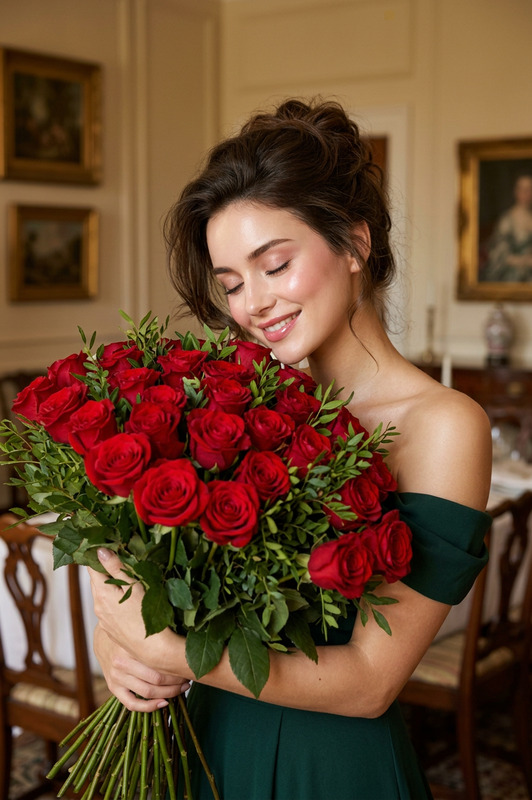
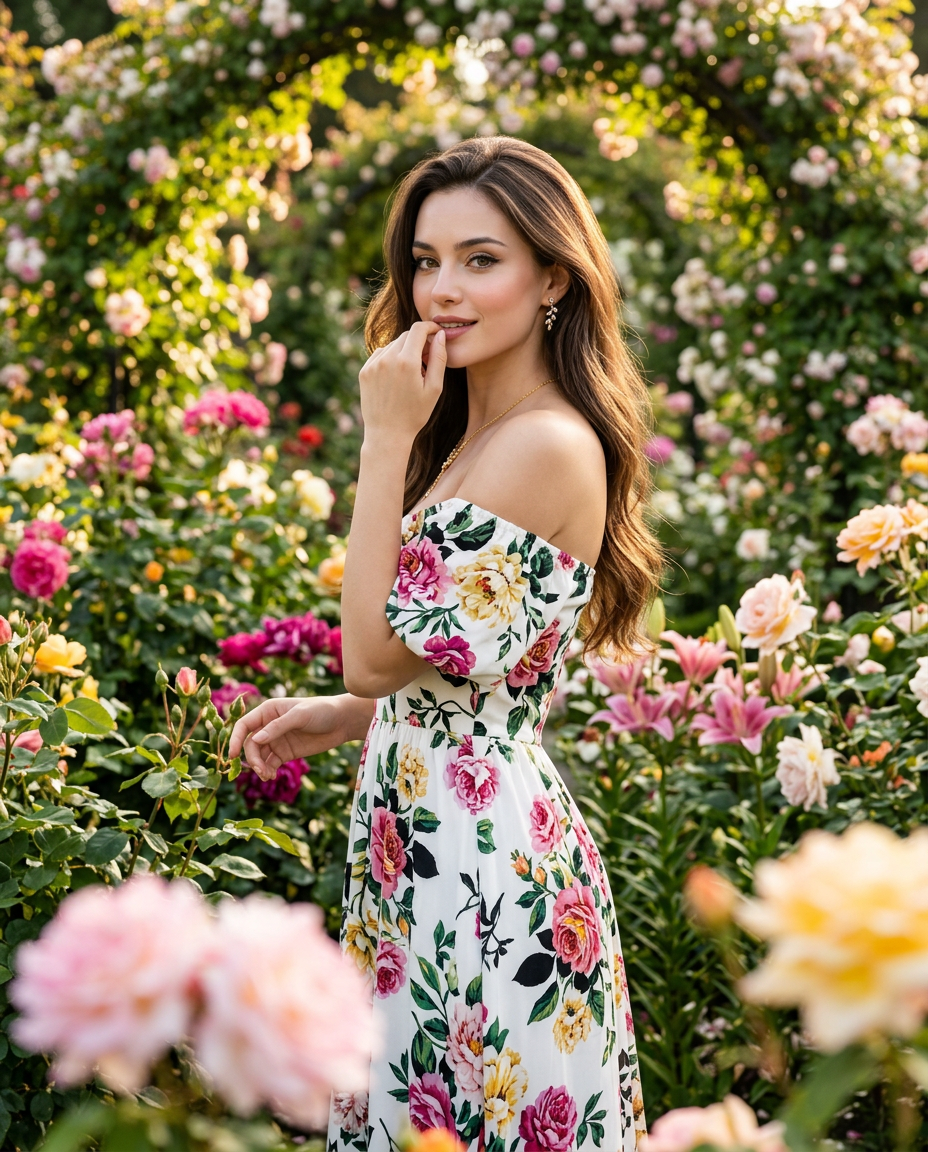
A hyper-realistic garden fashion portrait featuring [PRIMARY CHARACTER], take the face 100% from the reference image and do not change the facial identity. porcelain glass skin with Korean pinkish glow makeup, radiant smooth complexion, soft pink blush on the cheeks, glossy natural pink lips, luminous youthful glass-skin glow. She has defined eyebrows, soft warm eye makeup, subtle eyeliner, long curled eyelashes, naturally highlighted cheekbones, and a warm gentle smile while looking directly toward the camera.The character has long, straight-to-softly-wavy dark-brown hair with warm highlights, styled with a natural side part and smooth volume, flowing freely down her back and over one shoulder. A few fine strands move gently in the outdoor breeze.She is wearing an elegant white off-the-shoulder floral-print maxi dress with a fitted upper bodice and flowing floor-length skirt. The dress features colorful botanical prints in pink, magenta, yellow, orange, green, and black, with loose draped sleeves resting around the upper arms. The fabric is lightweight and naturally flowing. She wears small elegant stud earrings, a delicate silver necklace, and subtle rings.Pose and body posture: [PRIMARY CHARACTER] stands gracefully among the flowers with her body turned three-quarters away from the camera while looking back over her shoulder. One hand is raised near her face, with her fingers lightly touching near her chin/lips, while the other hand rests naturally around a nearby flower stem. Her shoulders are relaxed and her posture is elegant and natural.The scene takes place in a lush botanical garden filled with abundant colorful flowers. Pink roses, red roses, white flowers, yellow flowers, lilies, green foliage, and flowering bushes surround her. A prominent arch covered with vivid pink flowers appears in the background, with tall green trees and dense garden vegetation creating depth. Several foreground flowers are softly blurred around the lower frame.Lighting is bright, soft natural daylight with a warm golden-hour quality. Sunlight creates gentle highlights along her hair, shoulders, face, and white dress while soft shadows appear naturally among the foliage. The colorful flowers remain vivid and richly saturated without looking artificial.Captured with the camera fairly close to the character, using a vertical 4:5 medium-full fashion composition. [PRIMARY CHARACTER] fills approximately 70–80% of the frame while her complete upper body and most of the flowing dress remain visible. Three-quarter camera perspective, natural lens proportions, no wide-angle distortion, shallow depth of field, sharp focus on her face and upper body, colorful foreground flowers softly blurred, cinematic garden photography, realistic floral and fabric textures, natural color grading, HDR, ultra-high resolution, 4K.
Any aspect ratio
Overview
The Botanical Arch Muse template brings your creative vision to life with precise control over facial identity while setting your subject amidst a breathtaking floral setting. Using the nano-banana-2 model, photographers and editors can achieve a hyper-realistic garden fashion portrait that maintains the intricate details of your reference image.
What It Does
This AI Image Editor template allows users to create sophisticated and detailed portraits within a lush botanical environment. The tool is designed for maintaining facial integrity from a reference photo while enhancing the aesthetics with Korean-style makeup and vibrant garden surroundings. Its use of AI technology provides subtle enhancements and lighting effects, delivering stunning photo-realistic images.
Who It's For
The Botanical Arch Muse template is ideal for professional photographers, fashion designers, and creative directors looking to produce high-quality garden fashion portraits. It's also suited for social media influencers and lifestyle bloggers aiming to create captivating, eye-catching content with a polished, editorial feel.
Summary
Integrating advanced AI capabilities with artistic composition, the Botanical Arch Muse template empowers creators to produce vivid, lifelike images that captivate audiences. Designed to preserve facial features while crafting a luminous outdoor scene, it seamlessly fits into workflows that include the AI Image Upscaler and the AI Headshot Generator for enhanced output quality.
How to Use
Choose the Template

Customize Your Image

Generate Your Portrait

Use Cases
Fashion Editorials
- Create diversified looks with vivid floral backgrounds.
- Easily switch facial identities while preserving expressions.
Social Media Content
- Boost Instagram engagement with vibrant and elegant portraits.
- Craft TikTok backgrounds or Reels with aesthetic appeal.
Personalized Gifts
- Transform personal photos into custom art pieces.
- Highlight special moments with bespoke floral frames.
Best Practices
Choose High-Quality Reference Images
Ensure your reference image is well-lit and of high quality for the best results. The clarity of input enhances the output fidelity.Experiment with Lighting Effects
Utilize warm, natural lighting settings to emphasize the subject's features and the surrounding botanical elements.Pair with Other Products
For superior resolution and clarity, consider using the AI Image Upscaler together with this template.