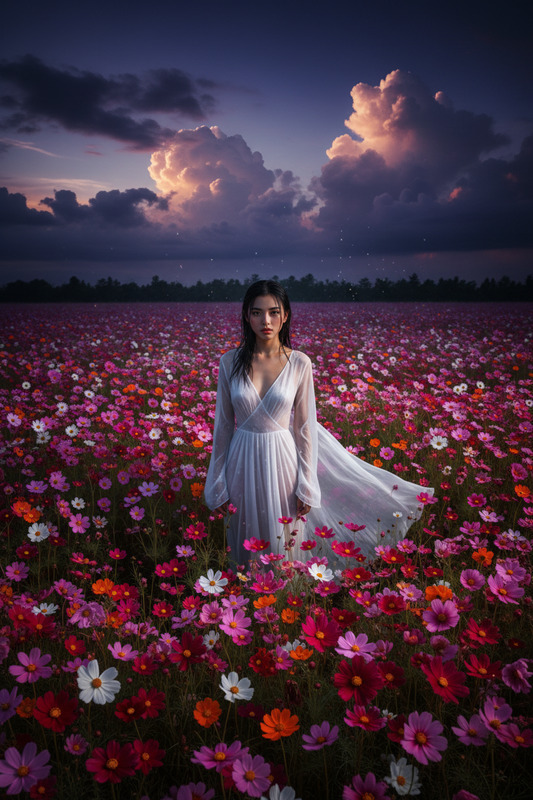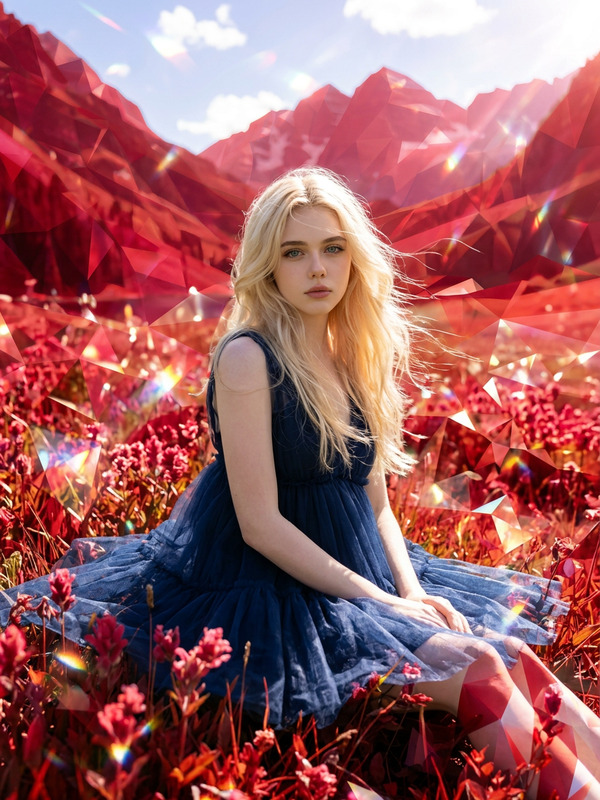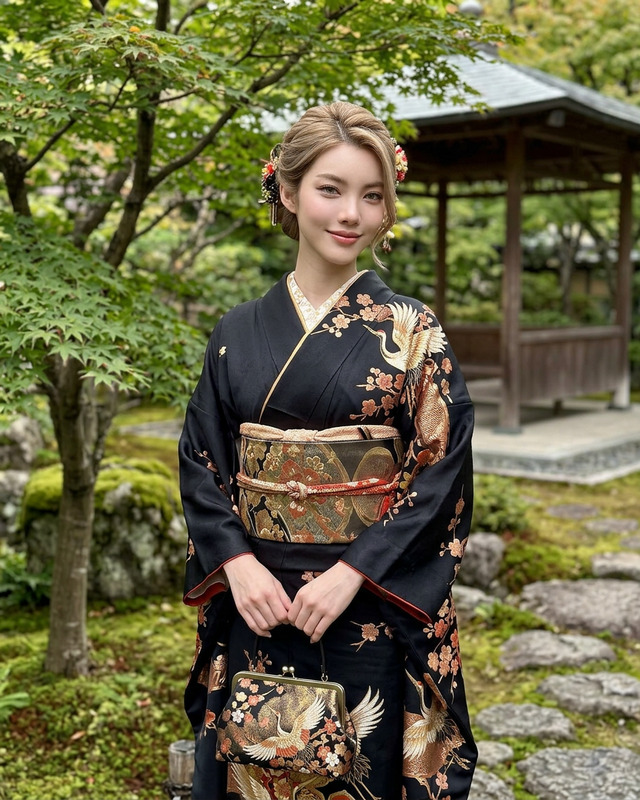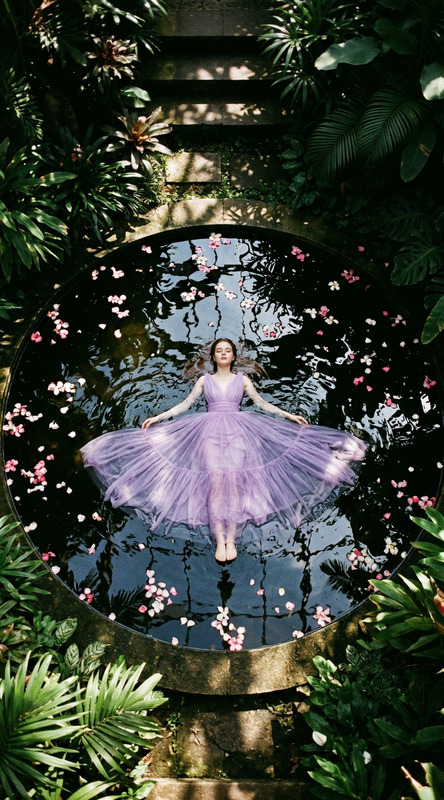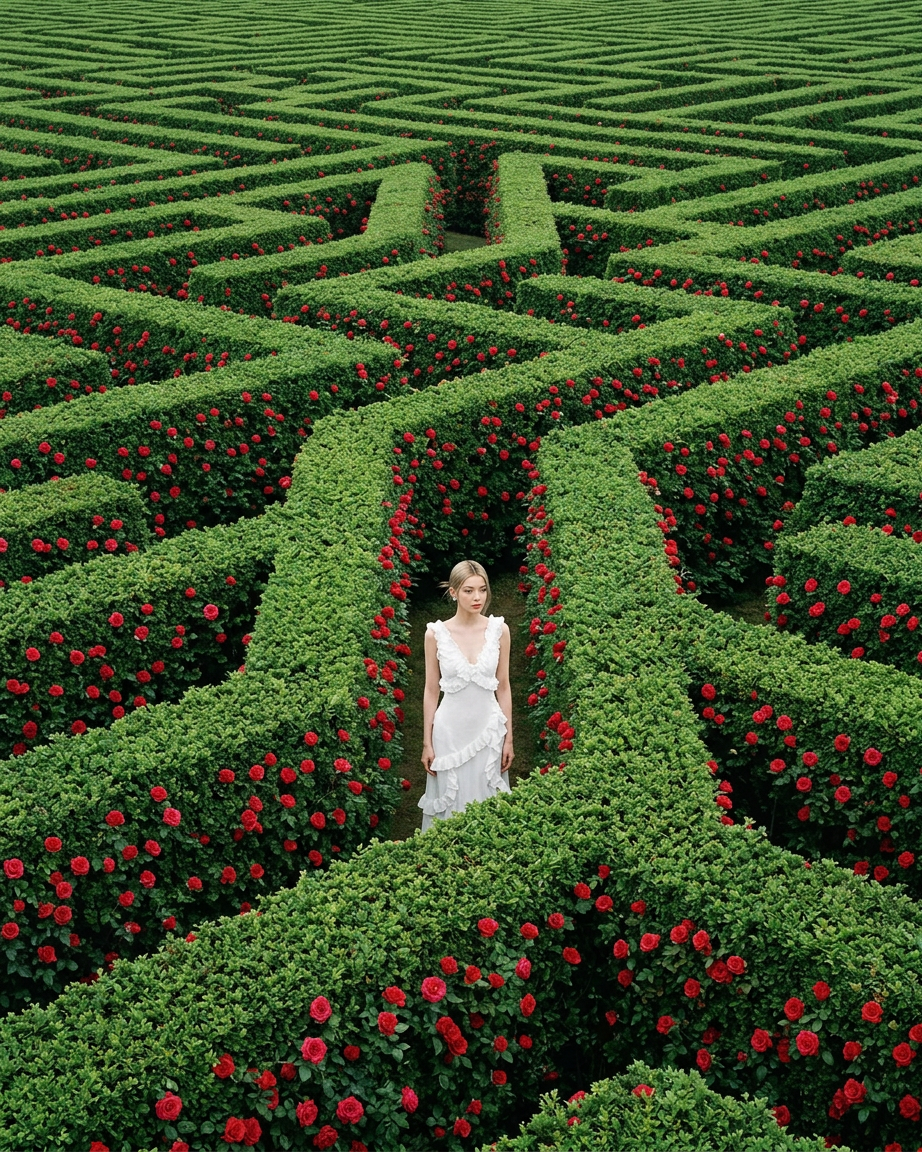
Red bloom architecture
- Model
- Nano Banana 2
- Image
- 922 × 1152 px
Prompt
A high-angle, wide-shot photograph in the style of Andreas Gursky, depicting a lone woman in a simple white dress standing in the corridor of an endless, complex hedge maze. The maze walls are tall, perfectly manicured, and densely filled with lush deep green foliage and thousands of vibrant red roses. The perspective is elevated to emphasize the repetitive, geometric labyrinthine pattern extending infinitely in all directions, dwarfing the subject. Shot on Provia film with vivid color saturation, fine grain, and extreme sharpness. Even, flat lighting typical of Gursky's large-format work, deep depth of field, hyper-realistic detail, outstanding cinematography, 8k resolution.
Any aspect ratio
Overview
Capture the essence of vast and complex structures with the 'Red Bloom Architecture' template, utilizing the power of AI Image Editor driven by the nano-banana-2 model. Delight audiences with images that offer both elegance and detail, transforming simple presentations into extraordinary visual experiences.
What It Does
This template leverages the nano-banana-2 model to edit images with stunning detail and vibrant color. Render scenes like a high-angle shot of a labyrinthine maze, emphasizing geometric patterns and including rich greenery and red roses for dramatic effect.
By achieving 8k resolution and hyper-realistic details, this tool is ideal for creating storyboards, product videos, and immersive presentations that emphasize architectural design elements.
Who It's For
The 'Red Bloom Architecture' template is perfect for architects, designers, and educators aiming to make impactful visual statements. Professionals in creative industries who require high-quality image editing for explainer videos or project showcases will find this tool invaluable.
Summary
Utilize this template to create elevated high-angle images that captivate with their scale and detail. Designed for those who appreciate cinematic artistry, it offers an opportunity to present architectural concepts with clarity and depth, supported by vibrant color and sharp detail using the AI Image Generator capabilities.
How-To
Choose the Template

Customize Your Design

Generate the Image

Use Cases
Architectural Presentations
- Detailed visualizations
- Impressive renders for client pitches
Cinematic Storyboarding
- Enhance storytelling
- Vivid, in-depth settings
Product Showcases
- Attention-grabbing visuals
- Enhanced product details
Best Practices
Optimize Lighting Conditions
Pay close attention to the lighting settings to ensure consistency with the style of Andreas Gursky's work, focusing on flat, even lighting.Emphasize Pattern and Scale
Utilize the template's geometric precision to highlight repetitive patterns and vast scales, crucial for an impactful architectural presentation.Ensure High-Resolution Outputs
Select the highest resolution settings for your projects to ensure clarity and detail, crucial for impactful presentations and displays.