Brutal signal
- Model
- Nano Banana 2
- Image
- 922 × 1152 px
Prompt
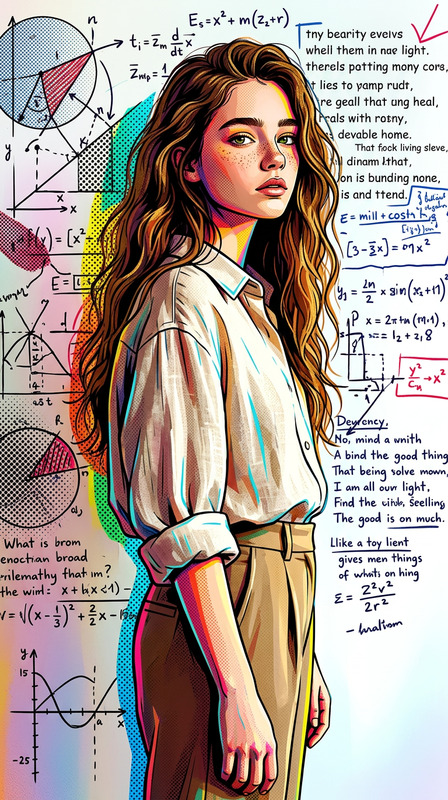
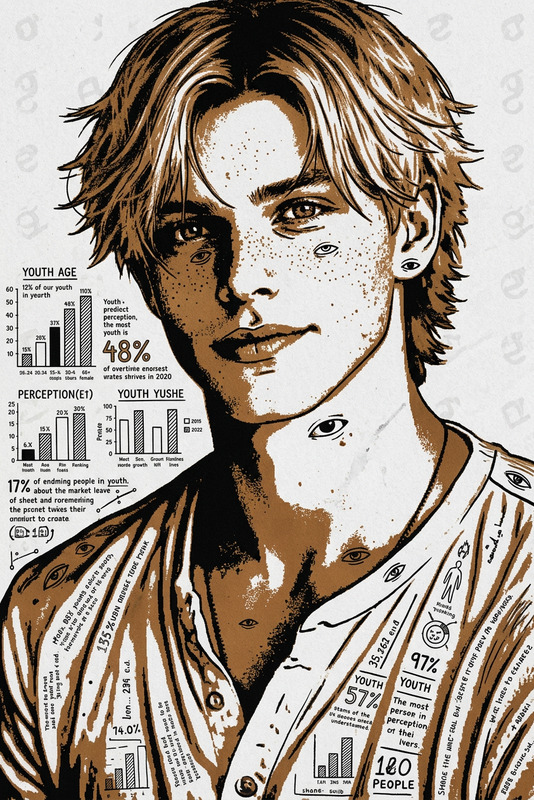
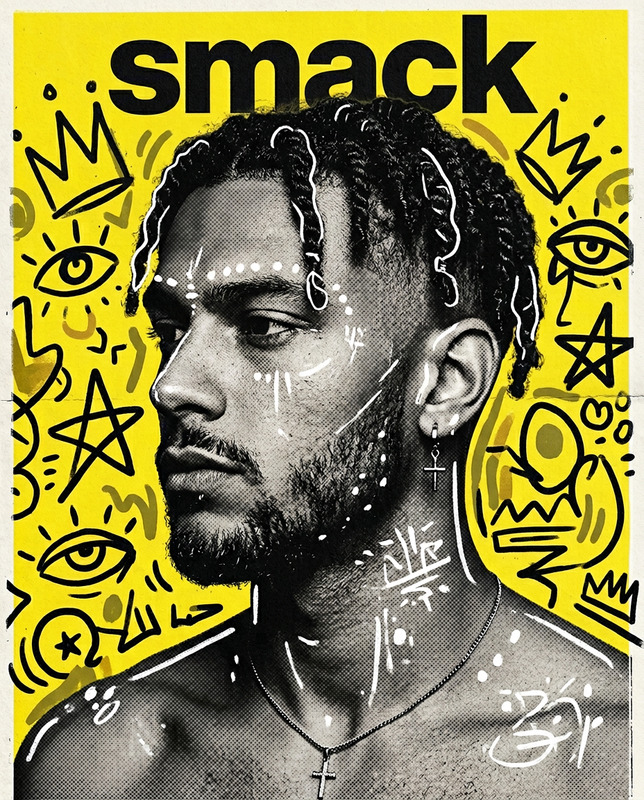
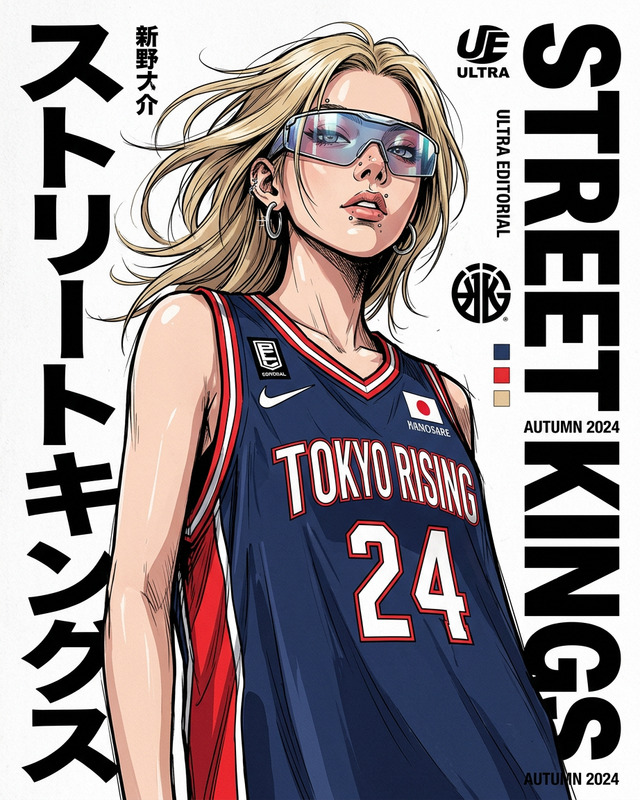
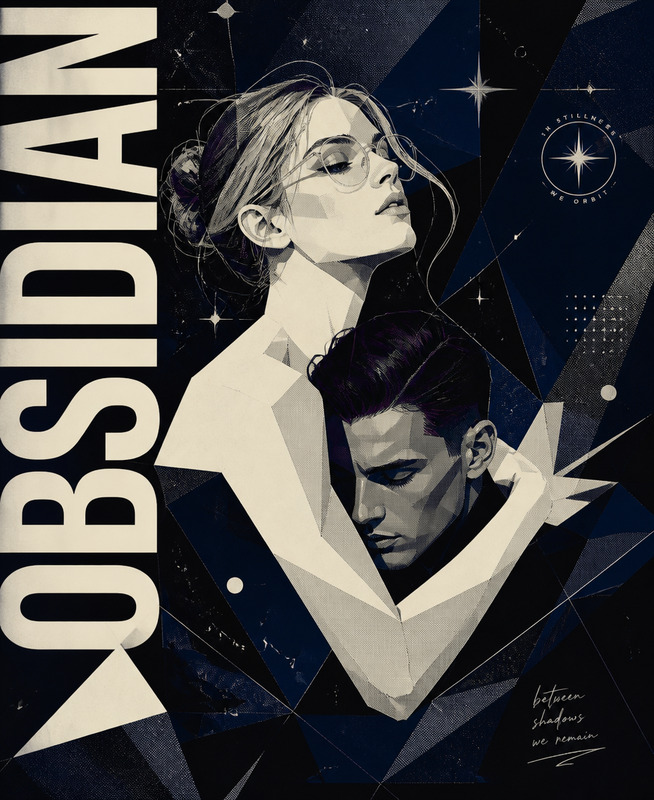
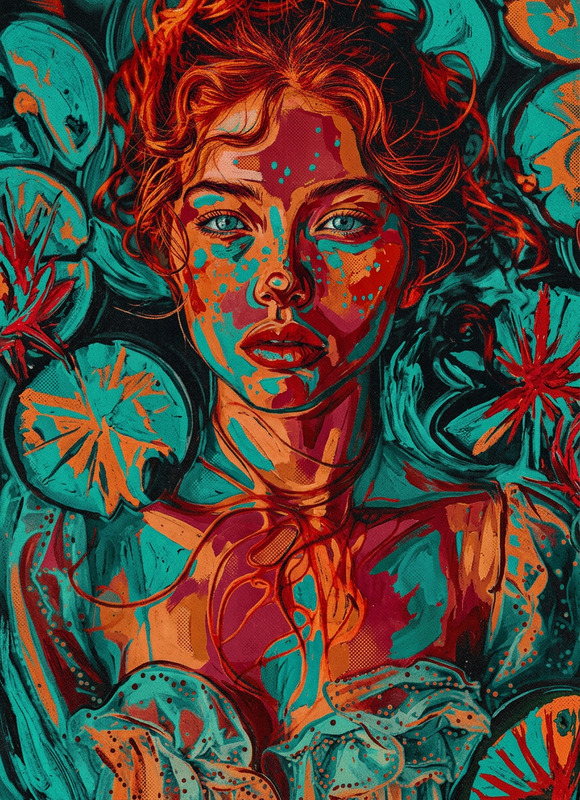
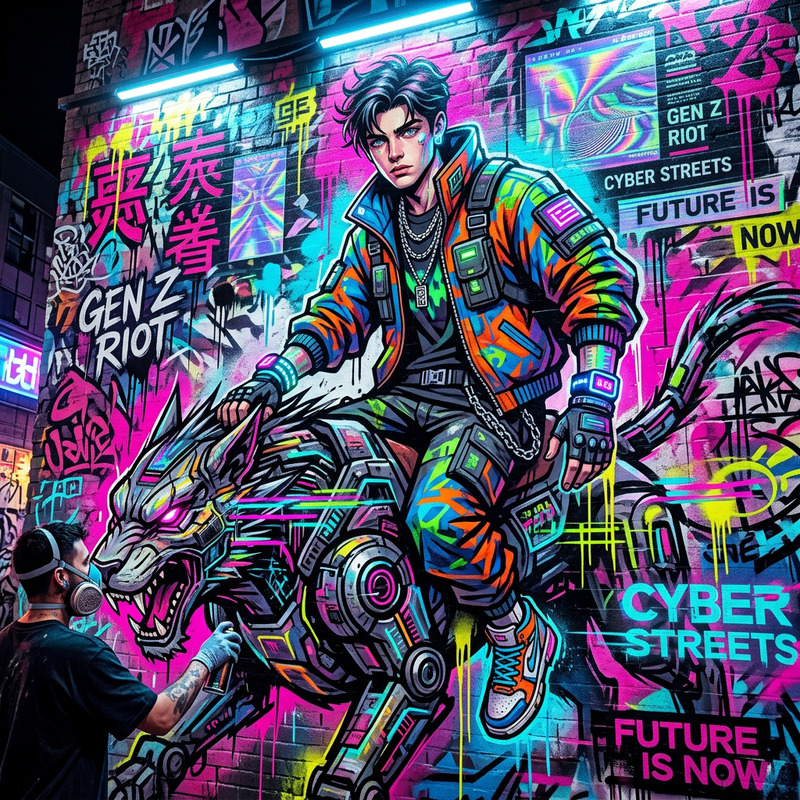
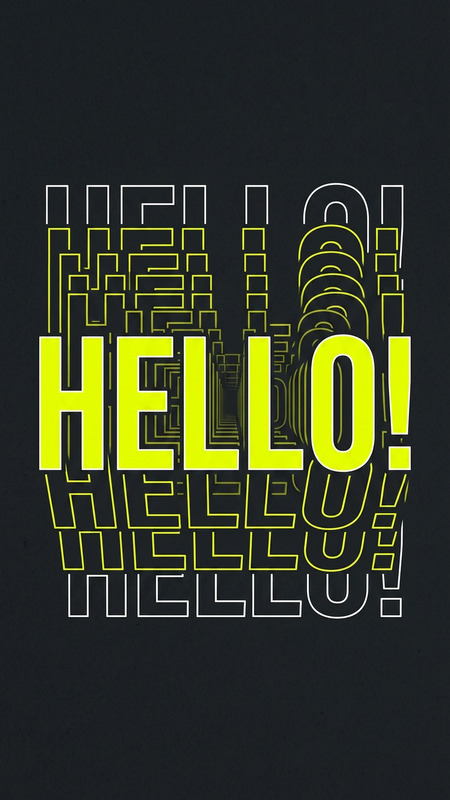
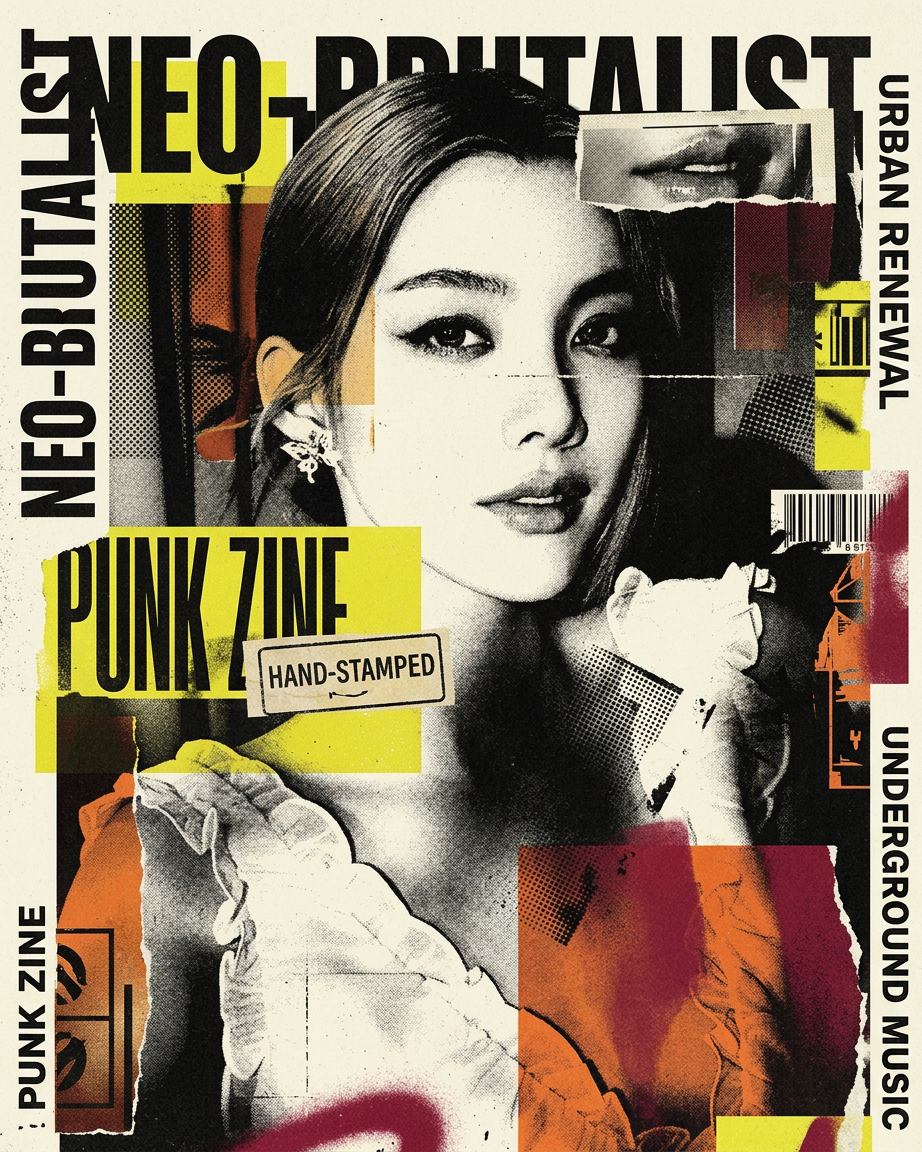
Experimental neo-brutalist poster inspired by underground music flyers, punk zines, vintage political prints, and contemporary fashion editorials. Raw, rebellious, chaotic yet premium art direction. Asymmetric collage layout with fragmented black-and-white portrait crops, overlapping geometric blocks, oversized condensed typography, cropped text, vertical side notes, hand-stamped labels, and experimental editorial composition. Brutalist framing, floating symbols, oversized circles, sharp angular shapes, unexpected negative space, and graphic interruptions. Visual style includes risograph texture, halftone dots, screenprint grain, ink bleed, torn paper edges, photocopy imperfections, distressed layers, and vintage print wear. Add spray paint details, barcode fragments, industrial marks, hand-drawn icons, and abstract graphic motifs. Color palette of dirty cream, aged black, burnt orange, acid yellow, and deep crimson with faded ink textures and strong contrast shadows. Feels like an avant-garde techno event poster mixed with Berlin warehouse culture and high-fashion punk energy.
Any aspect ratio
Overview
Discover the innovative "Brutal Signal" design template, engineered for creating dynamic, edgy digital art. With the AI Image Editor, it crafts visuals inspired by underground music flyers and punk zines, making your projects stand out with bold, rebellious aesthetics.
What It Does
The template allows you to inject your photos with a unique blend of brutalist art direction and editorial flair. Utilizing the AI Image Editor driven by the powerful nano-banana-2 model, you can achieve a collage layout featuring fragmented portraits, oversized typography, and a mix of modern and vintage graphic styles.
Who It’s For
This template is ideal for designers, artists, and creatives looking to create visually impactful art pieces. It's perfect for crafting promotional materials, event posters, and art prints that capture the essence of an avant-garde techno event mixed with high-fashion punk energy.
Summary
Enhance your creative projects with the "Brutal Signal" template. This design offers a powerful toolset for aesthetic experimentation, making it particularly suitable for those in fashion, music, and cultural sectors. Leverage the capabilities of the AI Image Editor to materialize your vision with texture, color, and compositional boldness.
How to Use
Choose the Template

Customize Your Design

Generate Your Image

Use Cases
Event Posters
- Underground techno events
- Art gallery exhibitions
- Fashion week teasers
Editorial Design
- Magazine spreads
- Zine covers
- Art book supplements
Promotional Materials
- Club flyers
- Concert posters
- Fashion campaign promotions
Best Practices
Utilize Textures Effectively
Incorporate halftones and risograph textures to add depth and a tactile quality to your compositions.Experiment with Layouts
Try different collage layouts to keep the composition dynamic, using unexpected negative spaces and graphic interruptions.Play with Color Contrast
Take advantage of the bold color palette, focusing on contrasts between deep crimson and acid yellow to highlight key elements.