twin-actors-face-swap
Overview
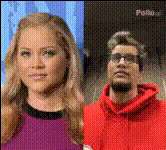
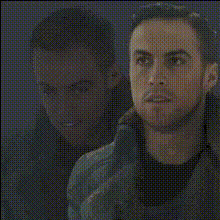
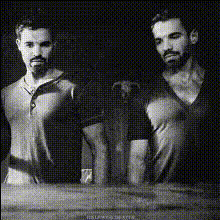
Transform your videos with the Twin Actors Face Swap template, designed to swap faces of twin actors in any video. This tool offers a unique way to create visually captivating content, ideal for entertainment or creative projects.
What It Does
Our Twin Actors Face Swap template enables you to change the faces of actors within your video files, focusing specifically on twins to maintain realistic continuity. This template utilizes cutting-edge Video Face Swap technology, ensuring a seamless blend of facial features without compromising video quality.
You can start transforming your videos into compelling stories by visiting our Video Face Swap product page to learn more about the underlying technology.
Who It's For
This template is perfect for filmmakers, content creators, and social media influencers looking to introduce a creative twist to their video content. Whether you're working on a short film, commercial, or a viral social media video, the Twin Actors Face Swap can add that extra layer of intrigue and entertainment.
Check out AI Talking Photo for other innovative ways to enhance your visual storytelling.
Summary
Incorporate the Twin Actors Face Swap template into your workflow to elevate your video content by swapping faces between twin actors seamlessly. This tool offers advanced functionality to create unique and shareable content. Explore further options like the Head Swap or the Body Swap for more dynamic video transformations.
How to Use
Choose the Template

Customize Your Video

Generate and Download

Use Cases
Entertainment Productions
- Comedy sketches
- Sci-fi narratives
- Drama series
Social Media Content
- TikTok challenges
- Instagram reels
- YouTube shorts
Marketing Campaigns
- Creative commercials
- Product launches
- Event promotions
Best Practices
High-Quality Source Video
Ensure your source video is high resolution for optimal face swapping results.Consistent Lighting
Shoot your scenes with consistent lighting to maintain the realism of the swapped faces.Double-Check Sync
Review facial synchronization, especially in dialogue-heavy scenes, to ensure natural expression and movement.