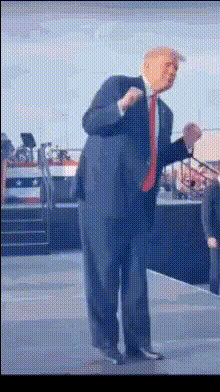
trump-on-stage
Overview
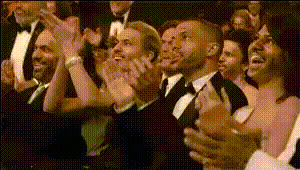
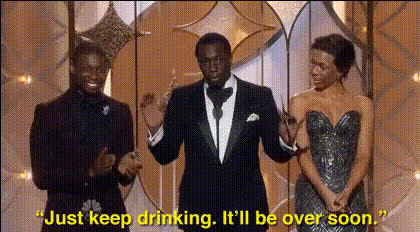
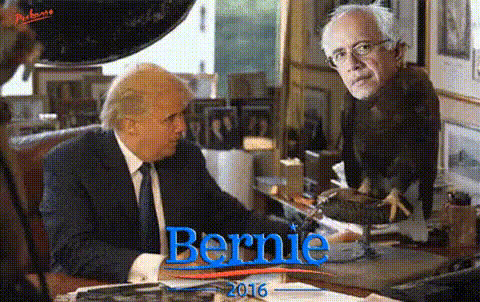
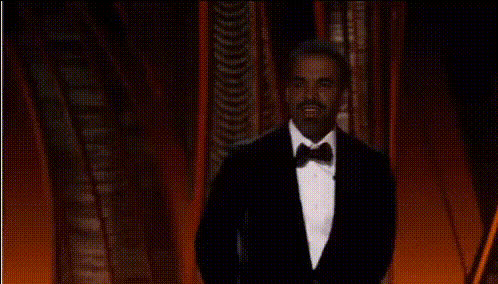
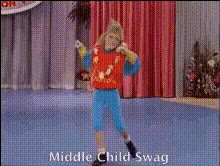
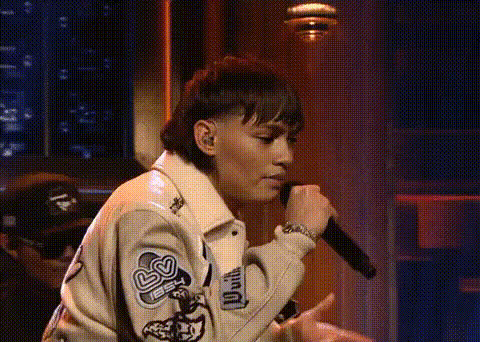
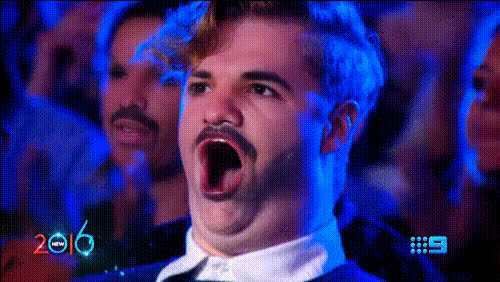
The Trump on Stage Video Face Swap template lets you inject some humorous twists into your video creations by swapping faces in dynamic stage scenes. Ideal for creating shareable social media content, this template can add a comedic element to any project.
What It Does
This Video Face Swap template utilizes advanced AI to replace the face of a performer on stage with a chosen likeness seamlessly. It supports various video formats commonly used in social media, such as MP4 or MOV.
With this template, facial expressions and movements are captured and replicated, providing a realistic and often comedic result tailored for humor and entertainment-focused content.
Who It's For
Content creators who aim to entertain or engage audiences through comedic video adjustments will find this tool particularly useful. It is suitable for social media influencers, video marketers, and anyone looking to add personality and humor to their video projects.
Professionals creating content for social media ads or meme videos will also benefit greatly, allowing them to craft viral-worthy content with ease.
Summary
The Trump on Stage Video Face Swap template offers a playful way to create unique video content by replacing faces in video clips with realistic precision. It is an effective tool for those looking to produce engaging and viral content quickly.
Explore other capabilities of video transformations with tools like our AI Talking Photo and Text to Video, expanding your creative horizons.
How To Use
Choose Your Template

Customize Your Inputs

Generate Your Video

Use Cases
Meme Video Creation
- Create content for TikTok that stands out.
- Design humorous clips for Instagram reels.
Social Media Engagement
- Ideal for Facebook video content.
- Boosts views and shares on Twitter.
Creative Video Marketing
- Engage your audience through innovative video ads.
- Drive interest through viral marketing campaigns.
Best Practices
Choose High-Quality Source Videos
For the best results, start with clear and well-lit video footage. This ensures that the face swap renders crisply and aligns seamlessly with movements on stage.Match the Lighting and Angles
Align lighting and facial angles of the original and chosen face to enhance the realism of the swap.Preview Before Finalizing
Always preview the video to check for any visual discrepancies or misalignments before sharing or publishing.