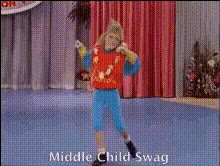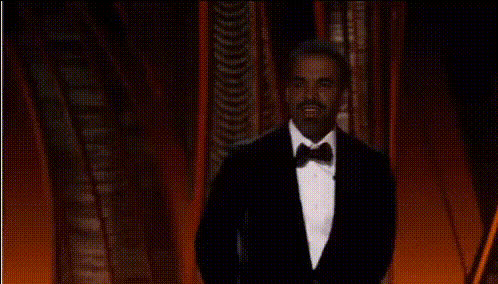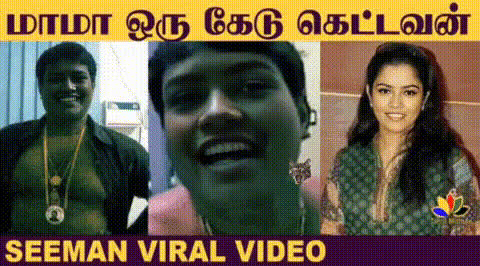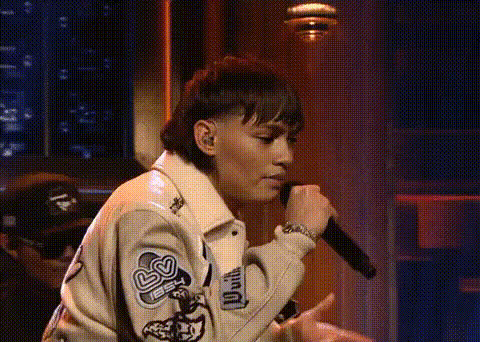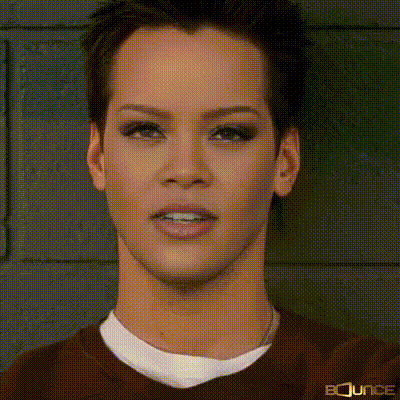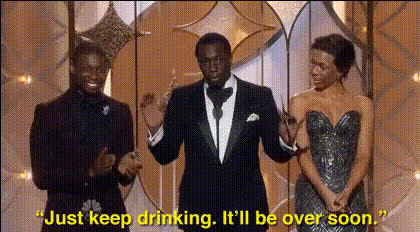
real-human-faces-on-stage
Overview
Experience the cutting-edge of Video Face Swap technology with the Real Human Faces on Stage template. This tool allows you to expertly replace faces in a video, achieving stunningly realistic results. Whether you're creating a compelling story, preparing for a performance, or just experimenting, this template offers powerful transformation capabilities.
What It Does
This template utilizes advanced face-swapping technology to let you insert real human faces into video content effortlessly. Set in a dynamic stage environment, this tool can greatly enhance your video projects with seamless transitions and authentic appearances. Users can leverage this technology to deliver engaging video productions that capture audience attention.
Who It's For
Perfect for video editors, content creators, and performance artists, the Real Human Faces on Stage template serves a diverse group of professionals. It's ideal for those looking to add a personal touch or for entertainment industries aiming to innovate. Integrate it with other tools like the AI Image Editor or the Audio to Video functionalities to further enhance your production pipeline.
Summary
Real Human Faces on Stage brings the transformative power of Video to Video to your fingertips, merging artistic expression with technological innovation. Designed to be intuitive and efficient, this template promises to elevate your content creation process with unmatched realism and creativity.
How-To
Choose

Customize

Generate

Use Cases
Entertainment Industry
- Enhancing character visuals in film
- Innovative stage production designs
Social Media Content
- Creating engaging viral clips
- Personalized influencer videos
Marketing and Advertising
- Eye-catching promotional videos
- Interactive brand experiences
Best Practices
High-Resolution Inputs
Ensure your photos and videos are of high resolution to achieve the best possible end result.Lighting Consistency
Keep the lighting consistent between the face images and the video to maintain realism.Face Matching
Use images where the angle and expression match closely with the original video for smoother swaps.