will-smith-on-stage-1
Overview
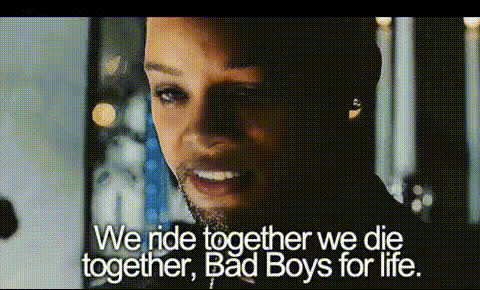
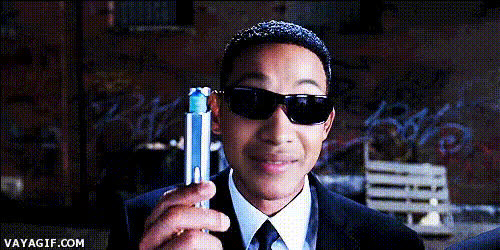
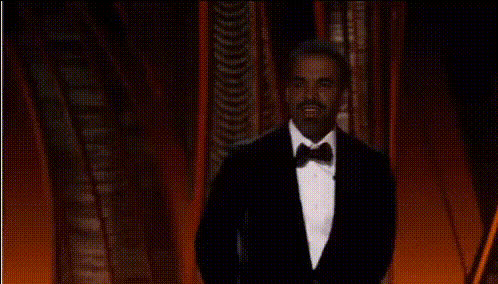
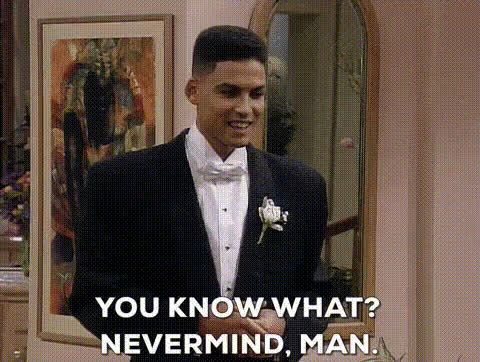
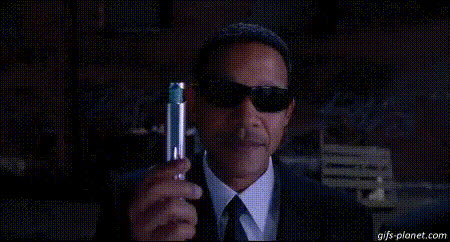
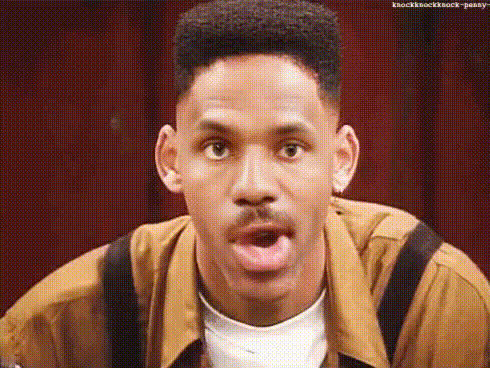
Turn ordinary videos into extraordinary performances with the Will Smith on Stage Video Face Swap template. This tool is designed to infuse fun and flair into your content by swapping faces with Will Smith's — all within dynamic stage scenes. Ideal for creating viral clips or humorous skits that capture attention.
What It Does
This Video Face Swap template allows users to transform videos by replacing a subject's face with that of Will Smith's. It maintains natural motion and expressions, ensuring a cohesive and engaging outcome. The result is a high-quality video ready to impress audiences on social media platforms.
Who It's For
Perfect for content creators, marketers, and social media enthusiasts, this template provides an innovative way to enhance content with celebrity appeal. Whether you're producing entertainment segments for platforms like Instagram Reels or promotional materials, this tool offers a fresh perspective.
Summary
With the Will Smith on Stage Video Face Swap template, you can effortlessly craft eye-catching videos that stand out. This template is not only fun but also user-friendly, making cutting-edge technology accessible for everyone. Explore other possibilities with our range of templates like AI Image Editor and Body Swap to diversify your creative toolkit.
How-To Structure
Choose Your Template

Customize Your Video

Generate and Download

Use Cases
Viral Content Creation
- Engage audiences with humor and surprise
- Create shareable video clips
Social Media Marketing
- Attract more viewers to your brand
- Personalize marketing campaigns with a fun twist
Entertainment Production
- Add comedic elements to video productions
- Create parody videos with ease
Best Practices
Choose High-Quality Videos
For the best results, upload videos with clear visibility of the subject's face to ensure the swap appears seamless.Adjust Settings Carefully
Fine-tune brightness and contrast to match the lighting and coloration of your source and swap faces.Preview Before Finalizing
Always preview the face swap in the editor to make any necessary adjustments before generating the final video.