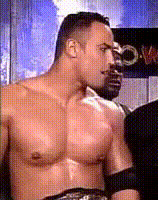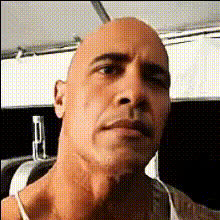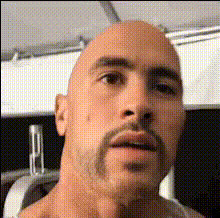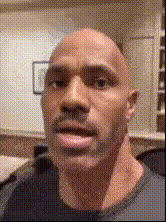
the-rock-close-up-1
Overview
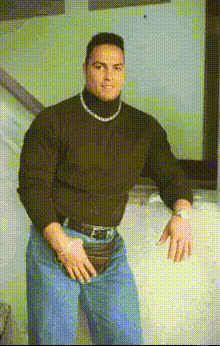
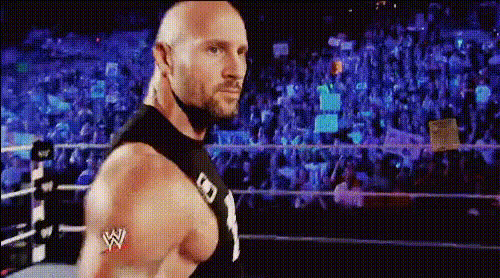
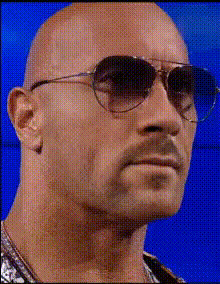
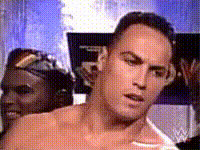
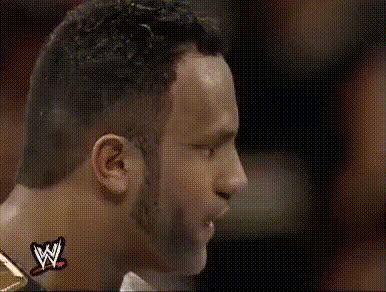
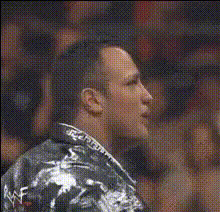
Bring a new level of entertainment to your video projects with the "The Rock Close Up 1" template. This Video Face Swap tool enables you to place your subject's face on Dwayne Johnson's body in close-up shots. Ideal for creating strikingly humorous videos, this template offers a unique twist for content creators looking to enhance their storytelling.
What It Does
This template performs a seamless face swap, integrating your target face onto a close-up video of Dwayne "The Rock" Johnson. Utilizing advanced AI models, like our Image to Video feature, it ensures natural expressions and movements are preserved. The result is a convincing transformation perfect for entertainment and humor-focused content.
Who It's For
Whether you're a social media influencer, a comedy content creator, or simply someone looking to spice up personal video messages, this face swap template is designed for you. It's an excellent tool for those in need of engaging content for platforms like TikTok or Instagram. Marketers targeting playful interactions will also find it useful in crafting attention-grabbing video ads.
Summary
With the "The Rock Close Up 1" template, you can easily replace any face with Dwayne Johnson's iconic look. This all-around solution for humorous and engaging content is supported by our robust face swap technologies. Discover how our AI Video Generator capabilities can enhance your creativity today.
How-To
Choose the Template

Customize Your Input

Generate Your Video

Use Cases
Social Media Content
- Increase engagement with funny, relatable clips
- Use for TikTok challenges or Instagram Reels
Marketing Campaigns
- Attract attention to your brand
- Create memorable marketing moments
Personal Use
- Birthday greetings featuring 'The Rock'
- Funny skits for casual sharing
Best Practices
Select High-Quality Images
Use high-resolution images for the best outcome when swapping faces to ensure all features align smoothly.Align Facial Features
Ensure that the angle and position of the face in the image closely match those in the video for a natural look.Experiment with Settings
Explore different customization settings to achieve the most convincing face swap while trying AI Image Editor for pre-editing images.