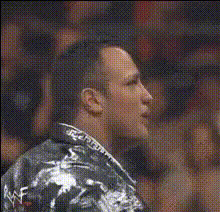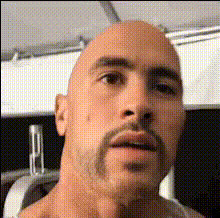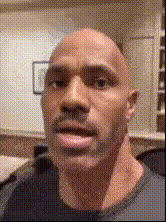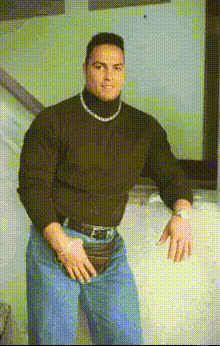
the-rock-closeup
Overview
With the The Rock Closeup template, you can transform your videos by swapping faces with none other than Dwayne 'The Rock' Johnson. This template is designed for video creators looking to inject humor and creativity into their content.
What It Does
The Video Face Swap template allows you to replace your face with The Rock's in any close-up video. This adaptable template is ideal for generating attention-grabbing content perfect for platforms like TikTok and Instagram.
For more comprehensive editing, visit our AI Image Editor and explore additional fun transformations through the Video Face Swap product.
Who It's For
This template is perfect for social media enthusiasts, digital marketers, and content creators aiming to entertain their audiences with engaging and humorous video clips. Whether you're a seasoned video editor or new to video creation, the easy-to-use interface ensures anyone can achieve hilarious results.
Discover more about expanding your creative toolkit with the Image to Video and Text to Video products.
Summary
Enhance your video projects with The Rock's charisma using the Video Face Swap template. Ideal for creating viral content, this template offers straightforward customization and stunning results. Perfect for engaging social media content, this tool opens doors to creativity without the need for intricate editing skills.
How To
Choose

Customize

Generate

Use Cases
Social Media Humor
- Funny face swaps for viral content
- Engage audiences with unique video clips
Digital Marketing Campaigns
- Creative ad content
- Introduce a humorous twist to product promotions
Personal Entertainment
- Birthday surprises
- Funny moments shared with friends
Best Practices
Choose High-Quality Source Videos
For the best results, ensure the original clip is clear and well-lit.Adjust Timing
Make sure to synchronize The Rock's face with movements for more realistic results.Experiment with Different Clips
Try the face swap on a few different clips to find the funniest outcomes.