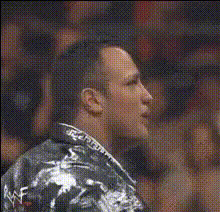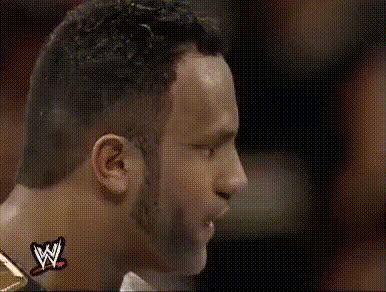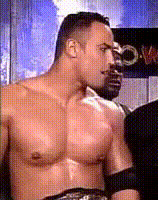
the-rock-and-friend-1
Overview
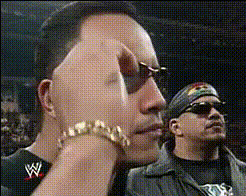
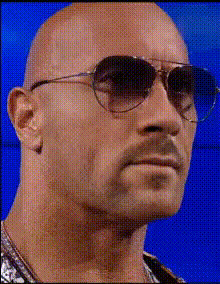
The "The Rock and Friend 1" template offers a dynamic Video Face Swap experience that allows you to insert The Rock and a friend into any video. This engaging transformation is perfect for spicing up your social media posts or entertaining your audience. Utilize this template to create shareable and memorable content.
What It Does
This Video Face Swap template swaps faces with The Rock and a friend into your chosen video, maintaining the original expressions and movements. Supported formats ensure high compatibility with platforms like Instagram and TikTok.
Who It's For
The template is designed for social media enthusiasts, content creators, and brands looking to enhance their engagement. Whether you're creating fun reels, promoting a product, or generating buzz around a campaign, this tool gives you the flexibility to craft unique content with ease.
Summary
The "The Rock and Friend 1" template leverages AI video generation technology to enable seamless integration of well-known personalities into your media projects. By using this tool, you can elevate your content's appeal and increase viewer interaction without the need for complex editing software.
How To
Choose Your Template

Customize Your Video

Generate and Share

Use Cases
Social Media Engagement
- Instagram Reels
- TikTok Challenges
Branded Content
- Product Launch Teasers
- Brand Campaign Videos
Personal Entertainment
- Birthday Greetings
- Funny Skits
Best Practices
Select High-Quality Videos
Ensure the source video is of high resolution for a cleaner final output.Use Clear Lighting
Good lighting in your original video will improve face swap accuracy.Respect Copyrights
Only use videos you have the rights to for swapping.