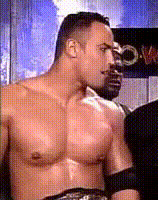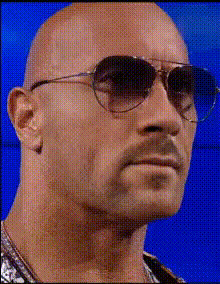
the-rock-portrait
Overview
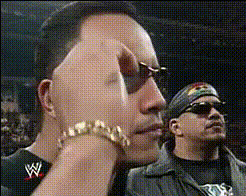
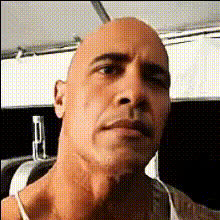
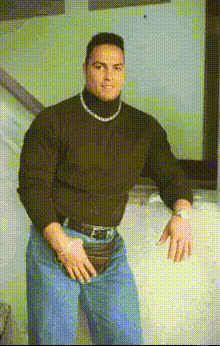
Step into the world of transformations with the "The Rock Portrait" video face swap template. This template allows you to overlay The Rock's iconic visage onto your videos, creating engaging and humorous results that capture attention. Perfect for adding a playful twist to various types of video content.
What It Does
Our Video Face Swap technology seamlessly integrates The Rock's face onto any chosen character in your video. It uses advanced algorithms to match facial expressions, ensuring a natural fit. The result is a high-quality, entertaining transformation that maintains the original video's dynamics.
Who It's For
This template is ideal for content creators, marketers, and social media enthusiasts looking to inject humor and interest into their videos. Whether you're crafting social media ads or creating personalized content for fun, this template provides a straightforward method to amplify engagement.
Summary
Incorporate The Rock's charisma into your videos swiftly with this user-friendly template. It's a versatile tool for enhancing any project needing a touch of star power. For a more interactive experience, explore our Image to Video tool which can further complement your creative needs.
How-To
Choose Template

Customize Inputs

Generate Video

Use Cases
Social Media Content
- Create viral content
- Entertain your followers
Marketing Campaigns
- Boost viewer engagement
- Enhance brand recall
Personal Projects
- Create funny family videos
- Gather for a movie night surprise
Best Practices
Select High-Quality Source Video
Ensure the video resolution is high to maintain quality during face swap processing.Align Facial Angles
Choose video frames where facial angles align with The Rock’s portrait for the most realistic swap.Leverage Related Tools
Use the AI Image Editor to refine background or lighting if needed.