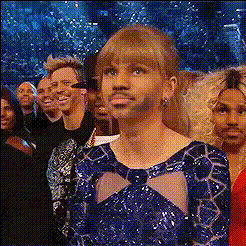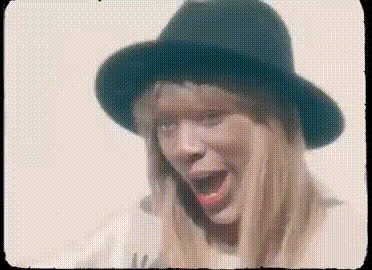
taylor-swift-music-video-screenshot
Overview
Step into the limelight by swapping faces with Taylor Swift in one of her iconic music video scenes. This video face swap template offers a seamless way to transform your identity into that of the worldwide pop sensation. Ideal for crafting memorable moments and shareable content, this tool makes it easy to become part of the glamorous world of music videos.
What It Does
This template allows you to replace your face with Taylor Swift's in a music video clip, effectively swapping faces using AI. The technology seamlessly integrates your features, creating a realistic transformation. It's an engaging way to personalize video content, whether for fun or promotional purposes.
Compatible with video formats and powerful enough to handle high-resolution outputs, this tool is essential for anyone looking to experiment with digital personas. Curious how our technology works? Explore the detailed workings of our AI models here.
Who It's For
This template is perfect for fans of Taylor Swift, aspiring video creators, and social media enthusiasts looking to make an impression. Whether you are an influencer aiming to engage your audience with unique content or a casual user hoping to amuse your friends, the creative potential is vast. Additionally, digital marketers can leverage this for personalized video ads.
Summary
Incorporate yourself into the glamour of a Taylor Swift music video with our video face swap template. The integration of AI technology ensures a smooth and realistic transformation, bringing your vision to life. Perfect for individuals and professionals alike, it's a must-have for creating captivating video content.
How To
Choose Your Template

Customize Your Face Swap

Generate Your Video

Use Cases
Social Media Highlights
- Increase engagement with unique content.
- Stand out with creative video edits.
Promotional Videos
- Create memorable and engaging ads.
- Enhance brand storytelling.
Fun Personal Projects
- Amuse friends and family with creative clips.
- Explore new content creation skills.
Best Practices
Choose High-Quality Images
For optimal results, use high-resolution images with clear lighting and neutral expressions.Match Scene Lighting
Ensure your uploaded image's lighting closely matches that of the video scene for a believable swap.Preview Before Finalizing
Take advantage of preview features to adjust the alignment and ensure perfect integration.