taylor-swift-close-up
Overview
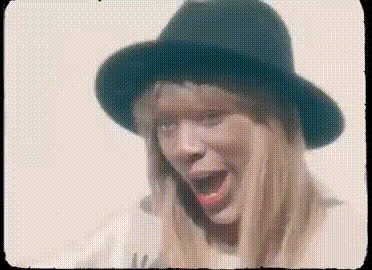
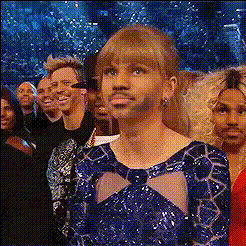
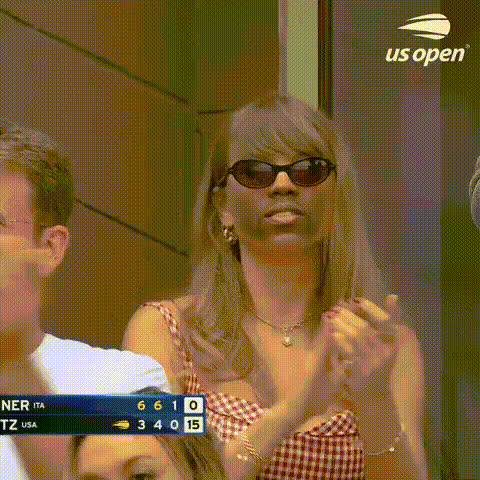
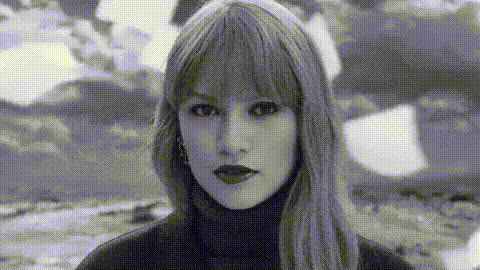
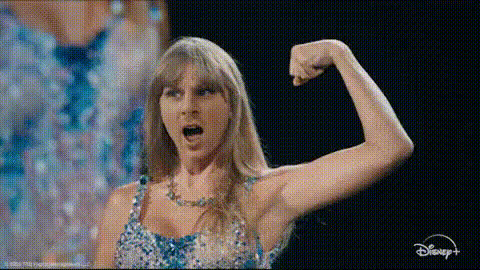
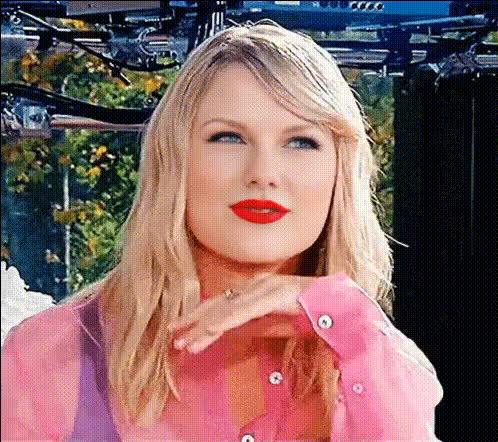
Experience the magic of seeing yourself as a star with the Taylor Swift Close-Up template. This Video Face Swap template allows you to transform your face into that of Taylor Swift for social media or personal use. Whether you're looking to create fun content or just experiment with face swapping, this template provides an accessible entry point.
What It Does
Our Taylor Swift Close-Up template captures the essence of video face swapping by replacing your facial features with Taylor Swift's in close-up videos. Utilizing advanced AI models, the template ensures natural-looking results that maintain key facial expressions and movements, adding authenticity to your projects. This template is perfect for creating personalized content that stands out on platforms like Instagram or TikTok.
Who It's For
This template is designed for content creators, social media enthusiasts, and fans of transformative media. If you've ever wanted to see yourself with the iconic look of Taylor Swift, or if you're producing content for platforms where novelty and entertainment are key, the Taylor Swift Close-Up template offers an easy and fun solution. It's also ideal for marketing specialists looking to spice up outreach activities with unique video content.
Summary
The Taylor Swift Close-Up template leverages the power of AI to deliver seamless face swapping capabilities specifically designed for close-up video projects. Offering ease of use and high-quality results, this template is a go-to for anyone wanting to infuse their videos with a touch of celebrity flair. Integrate it with other tools like our AI Video Generator or AI Image Editor for even more stunning creative outcomes.
How-to
Choose Your Template

Customize Your Input

Generate Your Video

Use Cases
Social Media Content
- Instagram Reels
- TikTok challenges
- Facebook stories
Fun Personal Projects
- Family gatherings
- Entertainment
- Birthday messages
Creative Marketing
- Viral marketing campaigns
- Product launches
- Customer engagement
Best Practices
Select High-Quality Footage
Using videos of higher resolution will ensure the face swap looks smooth and realistic.Optimize Lighting Conditions
Ensure your original video is well-lit to minimize shadows that could affect the AI processing.Experiment With Angles
Test various video angles to find the best result for the face swap effect.