taylor-swift-and-friends-celebrating
Overview
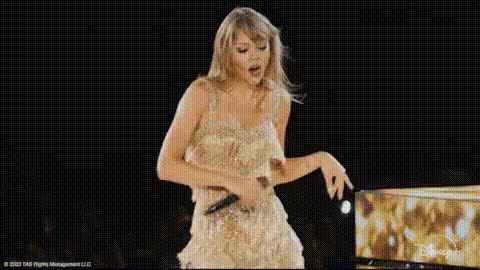
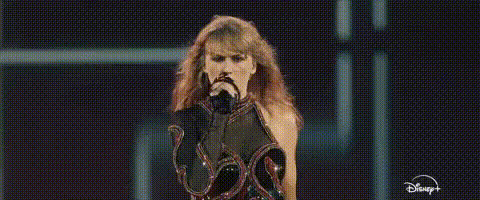
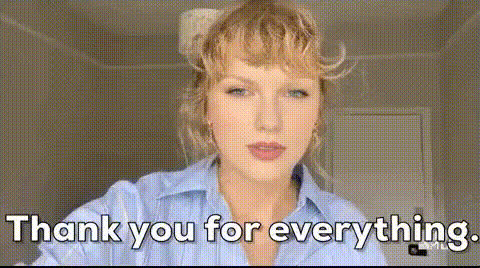
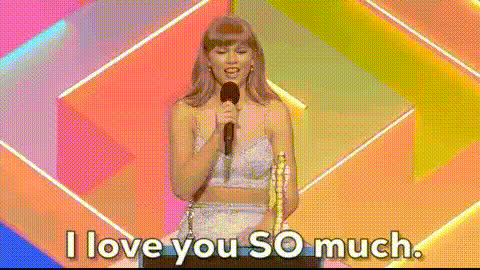
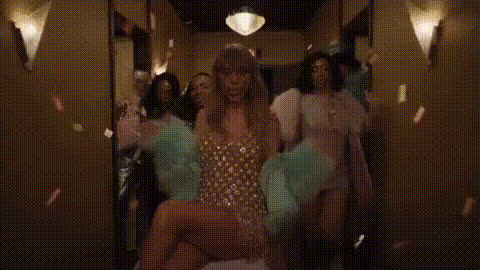
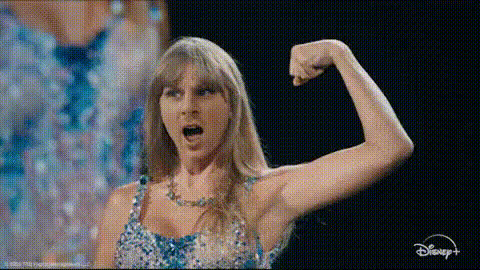
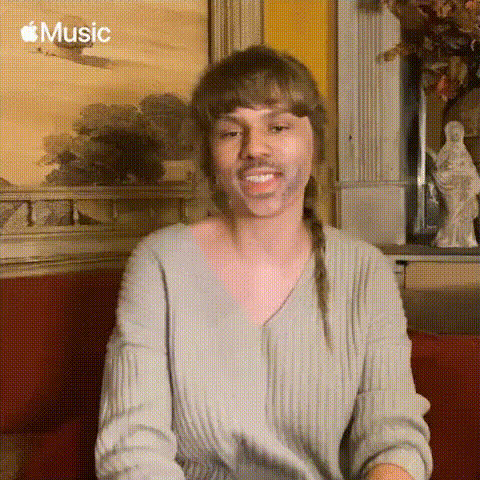
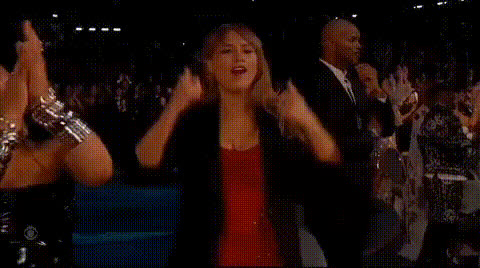
Join the fun with the Taylor Swift and Friends Celebrating video face swap template. This tool lets you insert your face into a lively celebration scene featuring pop culture's beloved icon, Taylor Swift. Ideal for crafting personalized party momentos and amusing edits, this template offers a unique twist to your video creations.
What It Does
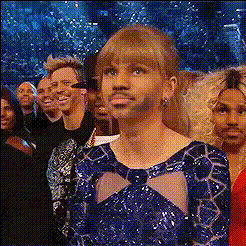
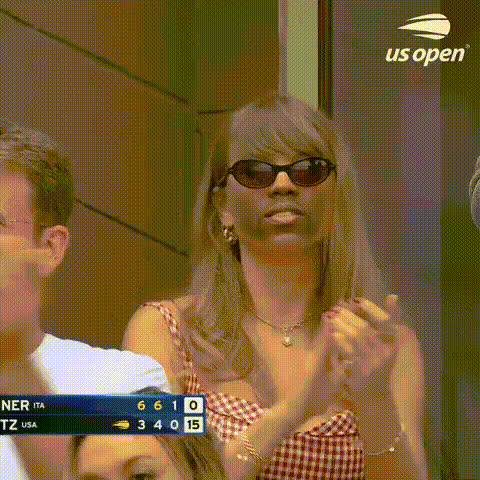
This template utilizes state-of-the-art Video Face Swap technology to replace selected faces in a video of Taylor Swift and her friends with your own. The output is a seamless, entertaining video that places you at the heart of the celebration. Enhance your creativity by leveraging the power of AI to bring your ideas to life.
Who It's For
Designers, party planners, and social media enthusiasts will find this template particularly appealing. It's a perfect tool for those looking to create social media ads, birthday surprises, or just a fun video to share among friends. The template provides a light-hearted way to engage your audience with memorable content.
Summary
Incorporate yourself into the excitement of celebration with this Taylor Swift video face swap template. Perfect for producing lively clips that are both fun and interactive, this tool makes it easy to create videos that stand out. Check out more options like AI Meme Generator and Image to Video tools for diverse creativity in your projects.
How To
Choose Your Template

Customize Your Video

Generate Your Celebration

Use Cases
Social Media Fun
- Boost your followers with unique video content.
- Enhance interaction with trending face swaps.
Birthday Celebrations
- Insert birthday person's face for surprise videos.
- Make virtual celebrations more lively.
Party Invitations
- Add your face to celebrity moments for memorable invites.
- Ensure your invite stands out with personal touches.
Best Practices
Select High-Quality Photos
For best results, use high-resolution images with clear facial features when swapping faces.Fine-Tune Face Alignment
Utilize the template’s tools to adjust face positioning, ensuring a natural-looking swap.Explore Additional Effects
Combine with tools like the AI Image Editor to add extra visual flair or text overlays to your videos.