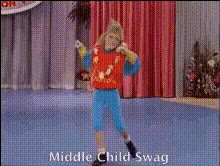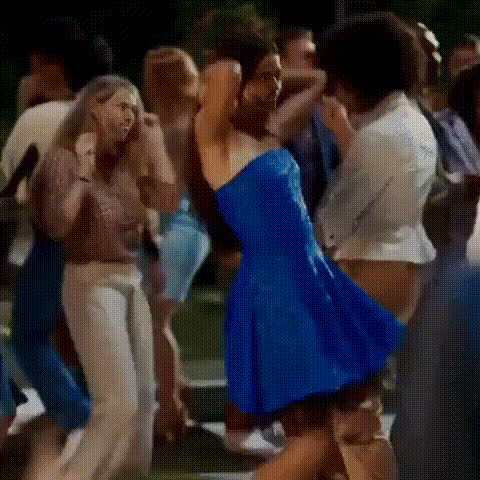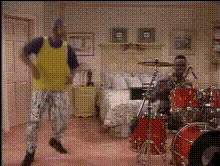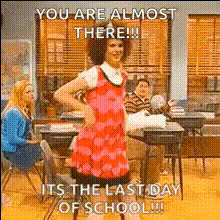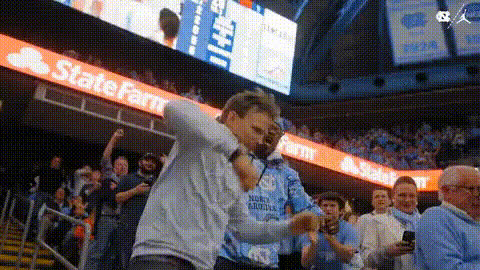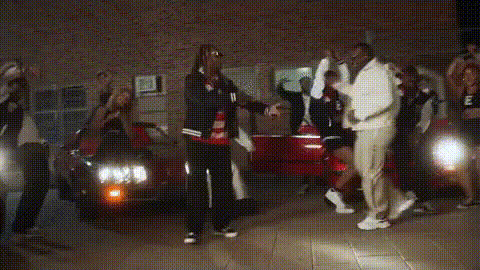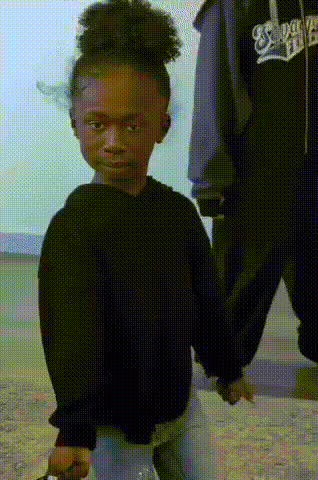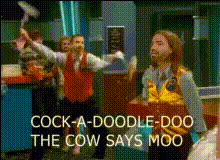
Dancing Kids School Scene
Overview
The Dancing Kids School Scene template injects energy into presentations and dynamic projects by swapping faces in a playful school setting. Ideal for creating engaging visual narratives, this Video Face Swap tool transforms your content, making it both memorable and entertaining.
What It Does
This template utilizes advanced face swap technology to transform children's faces in a school dancing scene. Whether you're producing a family video, a fun corporate presentation, or a creative project, the template aligns with your vision, delivering a seamless experience. For additional creative flair, the AI GIF Generator can animate still frames, creating short, captivating loops.
Who It's For
Designed for creators in need of lively, humorous content, this template is ideal for educators looking to engage students, marketers aiming to capture attention with novel visuals, and creators wanting to add a personal twist to their videos. With the help of the AI Image Editor, users can fine-tune the results for optimal presentation quality.
Summary
The Dancing Kids School Scene template offers a vibrant, easy-to-use solution for video projects where fun is key. By taking advantage of Magic Hour's robust AI Talking Photo tools, you can further animate characters, bringing your video scenes to life in unique and delightful ways.
How-To
Choose Your Template

Customize Your Inputs

Generate Your Video

Use Cases
Educational Videos
- Classroom introduction videos
- Fun teaching materials for younger audiences
Marketing Campaigns
- Social media content
- Engaging ads for seasonal promotions
Personal Projects
- Family video montages
- Personalized gifts
Best Practices
High-Quality Images
For the best results, use high-resolution images to ensure smooth face swaps.Consistent Lighting
Ensure the lighting in your source and target images is consistent to maintain a natural look.Explore Variations
Experiment with different facial expressions to add variety and humor.