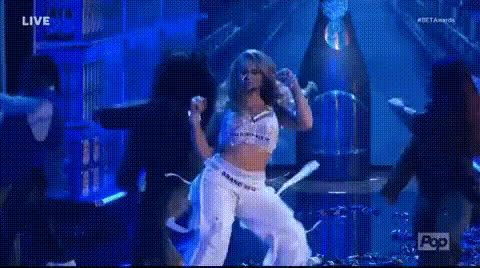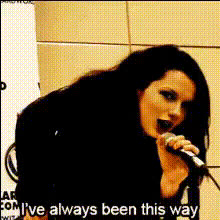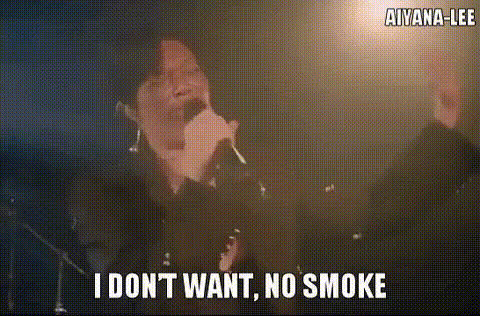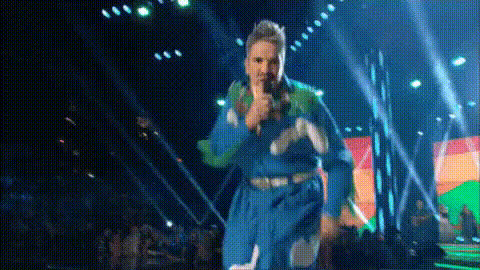
people-singing-in-choir
Overview
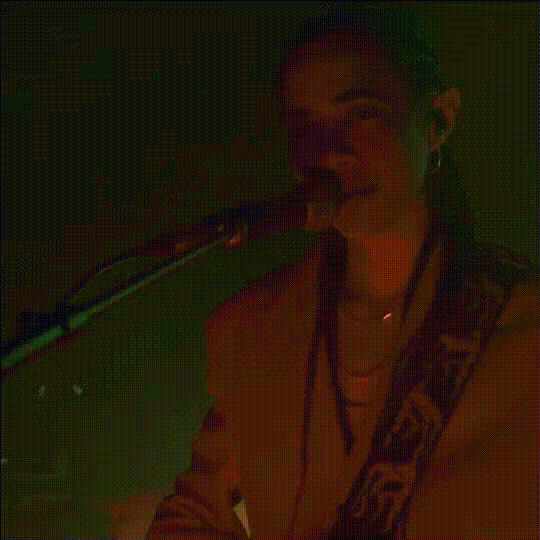
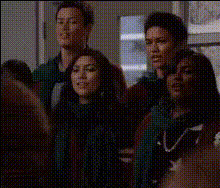
Bring a touch of humor to any choir performance with our Video Face Swap template, specifically designed for transforming every choir member's face with ease. Whether you're aiming to create a funny video or just experiment with new visuals, this template empowers you to alter faces in a choir video effortlessly. Dive into the world of creative transformations and see the potential of your footage come to life.
What It Does
This Video Face Swap template allows you to replace the faces of choir members in a video, providing an amusing twist to traditional performances. By leveraging advanced AI algorithms, faces are swapped with precision, ensuring realistic expressions and movements. Discover more about our face-swapping capabilities in our Video Face Swap product.
For those interested in more thorough transformations, combining this with tools like the AI Voice Changer can further enhance your video's comedic or creative potential.
Who It's For
This template is perfect for content creators, social media enthusiasts, and anyone looking to add a humorous spin to choir videos. It's also ideal for educators and marketers who want to engage their audience with unique and entertaining content. Check out our Social Media Ads use case for more ideas.
Summary
The "People Singing in Choir" Video Face Swap template transforms your choir footage by swapping the faces of members with any chosen image, creating a fun and engaging output. With tools like the AI Image Editor, you can refine these changes for even more polished results.
How To
Choose Your Template

Customize Your Video

Generate Your Video

Use Cases
Comedic Video Production
- Add humor to choir-related projects
- Perfect for social media content
- Engage audiences with creative video storylines
Social Media Engagement
- Create shareable content for platforms like TikTok and Instagram
- Increase engagement with humorous visuals
Educational Projects
- Engage students with interactive content
- Simplify complex concepts through entertaining videos
Best Practices
Use High-Quality Images and Videos
For the best results, ensure that both the source video and the images for swapping are of high resolution. This will help maintain clarity in the final product.Consider Lighting and Angles
Matching lighting conditions and angles between the swap images and the original video footage ensures more realistic swaps.Enhance with Other Tools
Combine this template with the AI Voice Changer for voice modifications or the AI Video Generator for additional video effects.