Template preview

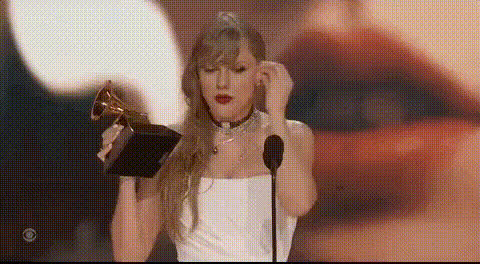
Music Video Hello Gif By Taylor Swift

Video Face Swap
1 clip
0 uses

Any aspect ratio

Tags

transformations

Overview

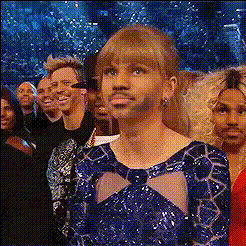
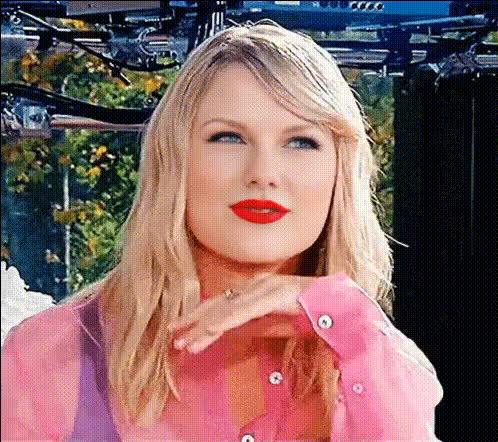
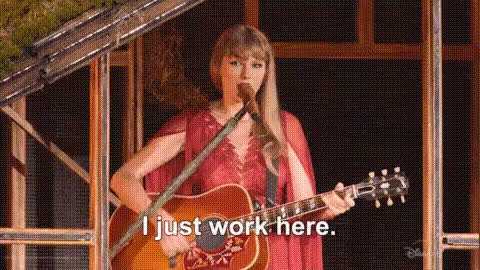
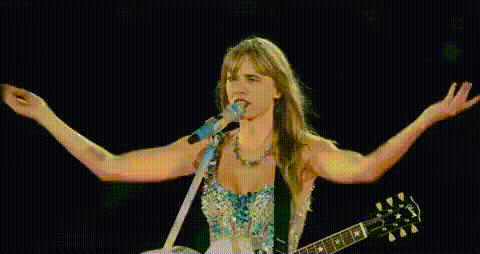
Step into the creative world of Taylor Swift with the Music Video Hello Gif template. This Video Face Swap template lets you blend your own footage with a Taylor Swift look, transforming original clips into engaging, share-worthy content perfect for GIFs.

What It Does

The Music Video Hello Gif template uses advanced face swap technology to replace faces in any video clip with that of Taylor Swift. This creates a unique music video appearance that maintains the dynamics and expressions of the original performer, perfect for music enthusiasts and content creators.

Who It's For

This template is ideal for content creators, social media influencers, and fans who want to add a fresh twist to their music videos or GIFs. It's especially valuable for those who enjoy personalizing their content with a touch of celebrity face swapping.

Summary

Use the Music Video Hello Gif template to turn ordinary clips into standout moments. By integrating the celebrity appeal of Taylor Swift into your videos, you'll be able to capture the audience's attention and craft share-ready content in no time. This template leverages the versatility of AI-powered image-to-video tools to enhance engagement.

How To

    01

    Choose Your Template

    Begin by selecting the Music Video Hello Gif template from the Video Face Swap gallery.
    02

    Customize Your Video

    Upload your video file and select the sections where you'd like to apply the Taylor Swift face swap. Adjust expressions and other facial details as needed.
    03

    Generate Your Content

    Click 'Generate' to process the video, then download the completed file ready to be shared as a captivating GIF.

Use Cases

📱

Social Media Engagement

Create buzz on platforms like TikTok and Instagram by sharing transformed video GIFs with your friends and followers.
🎤

Music Video Customization

Give a personal touch to music videos by swapping the main performer with Taylor Swift's face.
👥

Fan Content Creation

Use this template to produce unique fan content that stands out from the crowd.

Best Practices

  • Choose High-Quality Videos

    Ensure the original video is clear and has good lighting to achieve the best results with the face swap.
  • Focus on Expression

    Adjust facial expressions post-swap for a more natural and engaging output.
  • Leverage for Marketing

    Utilize these customized videos in marketing campaigns to captivate audiences with relatable media.

Frequently asked questions

The template supports various video file formats including MP4, MOV, and AVI for face swapping.

Yes, you can adjust facial expressions and refine details for a more polished video.

While there's no strict limit, shorter clips work best for processing speeds and quality output.

The template uses AI algorithms for high accuracy, but results may vary based on the quality of the input video.

More Like This

taylor-swift-grammy-winner
1
taylor-swift-grammy-winner
taylor-swift-music-video-screenshot
1
taylor-swift-music-video-screenshot
taylor-swift-singing-performance-1
3
taylor-swift-singing-performance-1
taylor-swift-smiling-1
taylor-swift-smiling-face
1
taylor-swift-smiling-face
taylor-swift-smiling-waving
1
taylor-swift-smiling-waving
taylor-swift-in-music-video
taylor-swift-singing-guitar
taylor-swift-singing-with-guitar
taylor-swift-smiling-2
1
taylor-swift-smiling-2
taylor-swift-smiling-gesture
1
taylor-swift-smiling-gesture
taylor-swift-smiling

Face Swap Video