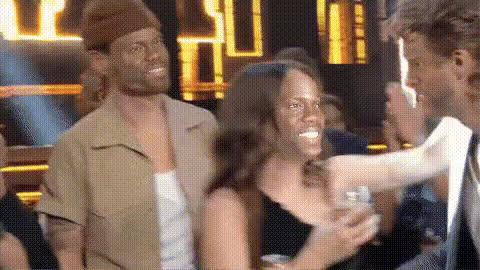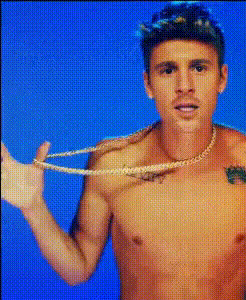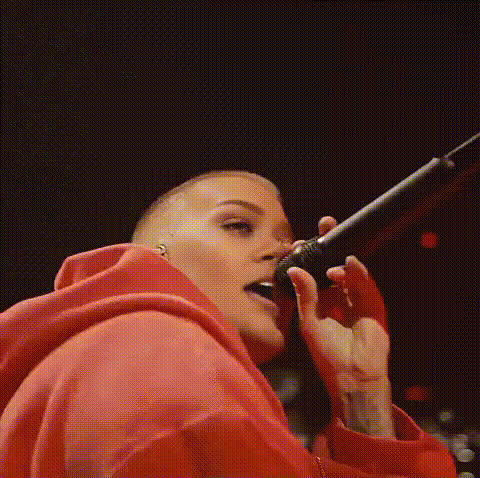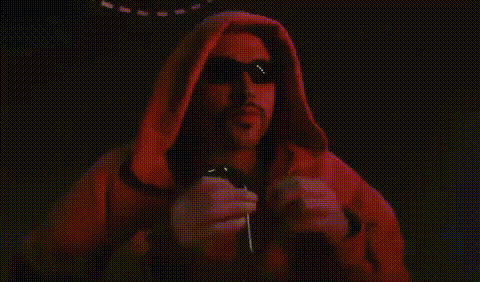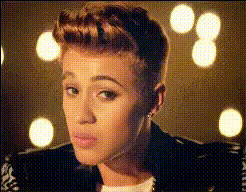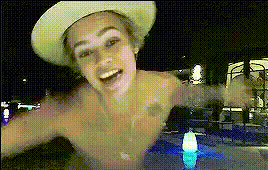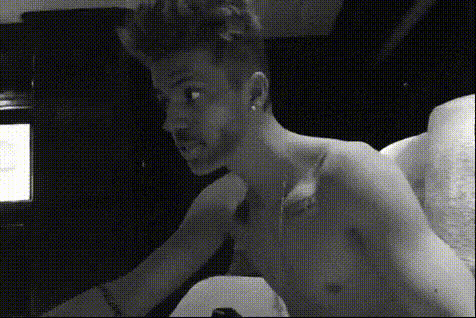
Justin Bieber Shirtless Closeup
Overview
Transform your videos into whimsical creations with the Justin Bieber Shirtless Closeup template. This template lets you swap your face with Justin Bieber's in a shirtless closeup video, perfect for humorous content. Ideal for personal or social media projects, see how Justin's iconic look pairs with your facial expressions.
What It Does
This Video Face Swap template enables you to place your face onto a shirtless video of Justin Bieber. With high-quality output and smooth transitions, the result can be used across social media platforms for maximum shareability.
Enhance your content using our AI GIF Generator or adjust the look further with the AI Image Editor to match your desired aesthetic perfectly.
Who It's For
This template is designed for creators, influencers, and anyone looking to generate lighthearted and engaging video content. It is ideal for those who enjoy playful transformations and want to incorporate a well-known celebrity image into their projects.
Pair with Audio to Video solutions to add personalized soundtracks and make your video even more captivating.
Summary
Bring humor and celebrity style to your creations with the Justin Bieber Shirtless Closeup template. This video face swap option makes it easy to infuse known celebrity charisma into your projects. Explore how this can enhance your social media presence or simply provide some amusement for you and your friends.
How-To
Choose Your Template

Customize Your Input

Generate Your Video

Use Cases
Social Media Posts
- Create humorous clips featuring yourself with celebrity status.
- Use in reaction videos to spice up your content.
Pranks and Joking Around
- Swap faces for funny video calls.
- Surprise your friends with unexpected transformations.
Entertainment Content
- Create short skits or parodies.
- Develop comedy sketches for online platforms.
Best Practices
Use High-Quality Images
For a seamless swap, shoot your photo in good lighting conditions and ensure it's high resolution.Facial Expression Matching
Try to match your photo's expression to that of the original video for a more realistic result.Experiment with Angles
Vary your angles and facial positions slightly to see which look blends best with the template.