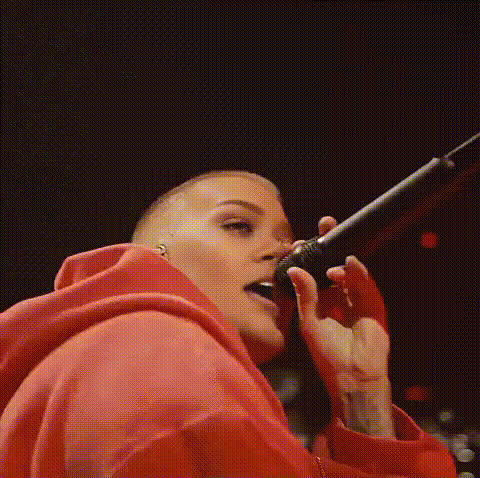
Justin Bieber Close Up Hoodie
Overview
Harness the power of technology with our Justin Bieber Close Up Hoodie Face Swap template. This tool allows you to create captivating video content by swapping faces onto a close-up of Justin Bieber, perfect for fun, engaging media.
What It Does
This template employs advanced face swapping algorithms to replace Justin Bieber's face in the video with one of your choice. It's a part of our robust Face Swap offerings, allowing for precise and realistic transformations, making your content stand out on social media or personal projects.
Who It's For
Ideal for content creators, social media influencers, or anyone looking to elevate their media presence with unique videos. Whether you're crafting personalized birthday messages or viral video snippets, this Video Face Swap template is your go-to for quality and ease of use.
Summary
The Justin Bieber Close Up Hoodie template is a fun and simple way to inject creativity into your projects. It's part of our comprehensive suite of Image to Video tools, designed to inspire new ideas and engage audiences with ease.
How-To
Choose the Template

Customize Your Inputs

Generate Your Video

Use Cases
Social Media Content
- Viral face swap challenges
- Fan interaction content
Event Highlights
- Birthday messages
- Wedding greetings
Marketing Campaigns
- Product promotions
- Brand awareness videos
Best Practices
Select High-Quality Images
Use clear and high-resolution images for better face swap results. This ensures the swapped face aligns perfectly with the template video.Check Alignment
Before generating, double-check the alignment of the facial features to maintain realism.Experiment With Angles
Try different face angles to find the best fit and most convincing swap.