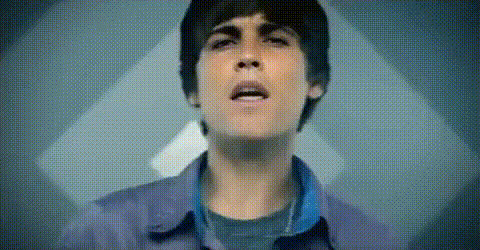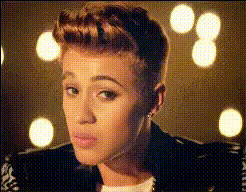
Justin Bieber Closeup Portrait
Overview
The Justin Bieber Closeup Portrait template offers a unique way to create engaging video content by swapping faces in close-up shots with the pop star's likeness. Designed for those who enjoy adding a playful twist to their videos, this template excels in providing high-quality video face swaps. Explore other exciting possibilities with the Face Swap toolkit on Magic Hour.
What It Does
This template enables users to replace any face in a video with a realistic portrayal of Justin Bieber in close-up shots. By using advanced tools like the Image to Video and AI Video Generator, you can ensure each frame is seamlessly integrated and visually convincing, making use of the latest in AI technology.
Who It's For
Whether you're a content creator aiming to entertain your audience on platforms like TikTok or Instagram, or just looking to create a humorous video for your friends, this template is perfect. Those interested in enhancing their social media presence will find it particularly useful, as it offers a professional touch with ease. Dive into the world of creative edits with the Video Face Swap.
Summary
Elevate your video edits with the Justin Bieber Closeup Portrait template, offering a playful yet professional solution for face swapping. Coupled with Magic Hour's comprehensive tools, your videos will stand out as both creative and high-quality. Pair it with AI Voice Changer for even more entertaining results.
How To

Customize

Generate

Use Cases
Social Media Content
- TikTok trends
- Instagram stories
Prank Videos
- Birthday surprises
- Funny skits
Creative Edits
- Music video parodies
- Fan videos
Best Practices
Select High-Quality Source Material
For optimal results, use high-resolution videos to ensure the face swap appears natural and seamless.Align Faces Properly
Make sure the face you want to swap is properly aligned in the video to match the template's dimensions.Combine with Other Tools
Enhance your face swap videos by using the AI Image Editor to fine-tune elements and add effects.