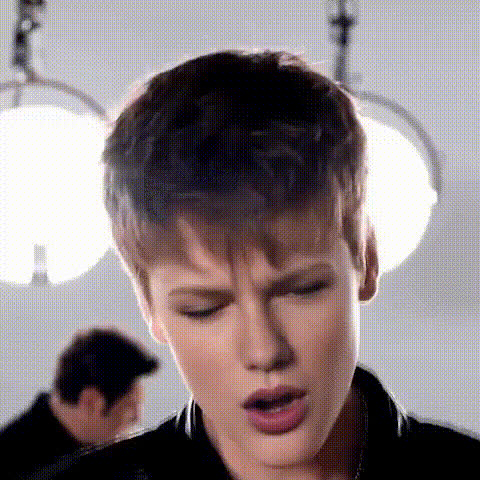
Justin Bieber Singing
Overview
Immerse yourself in the pop phenomenon by swapping your face with Justin Bieber's using our Video Face Swap template. This interactive tool allows you to combine your face with Bieber in a fully animated video, transforming your moments into shareable, star-studded content.
What It Does
The Justin Bieber Singing template allows users to insert their own facial image into a video clip of Justin Bieber performing. Utilizing advanced facial mapping technology, it seamlessly blends your features to mimic Bieber's energetic performances. For even more flexibility, you can explore our Face Swap products for all your creative facial transformations.
Who It's For
This template is perfect for Justin Bieber fans eager to step into his shoes. It's also great for content creators looking to engage audiences with visually captivating videos. Ideal for social media users wanting to go viral or friends planning to entertain at parties. Content creators can further amplify their projects with the AI Image Editor to customize backgrounds or add creative effects.
Summary
Swap your face with Justin Bieber in a video and bring your fan fantasies to life. This tool provides a fun and interactive way to create unique videos that stand out. Discover your potential with more video effects by checking out AI Video Generator offerings on Magic Hour.
How To
Choose Your Template

Customize Your Video

Generate Your Video

Use Cases
Social Media Engagement
- Increase likes and shares with memorable content
- Engage with other Justin Bieber fans
- Stand out in the crowded social media space
Party Entertainment
- Create personalized videos for each guest
- Host fun competitions like 'Best Bieber Impersonation'
Viral Video Challenges
- Participate in Bieber-inspired challenges
- Encourage users to recreate iconic dance moves
Best Practices
Ensure High-Quality Input
For the best results, use a high-resolution photo with good lighting. Avoid images with excessive shadows or blurring.Optimize Face Positioning
Center your face within the frame and maintain a neutral facial expression to enable precise face mapping.Leverage Additional Tools
Enhance your video by using the AI Image Editor for background tweaks, or the AI GIF Generator for creating shareable snippets.