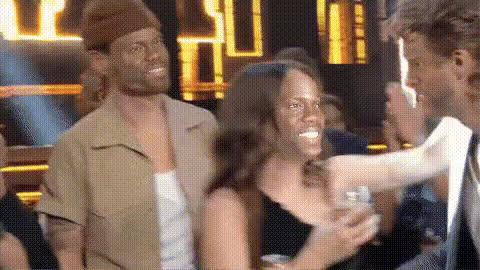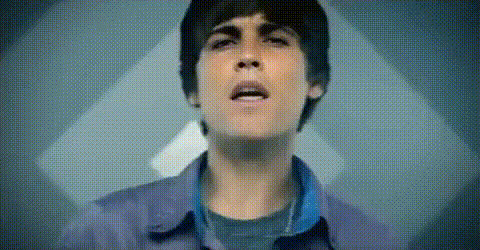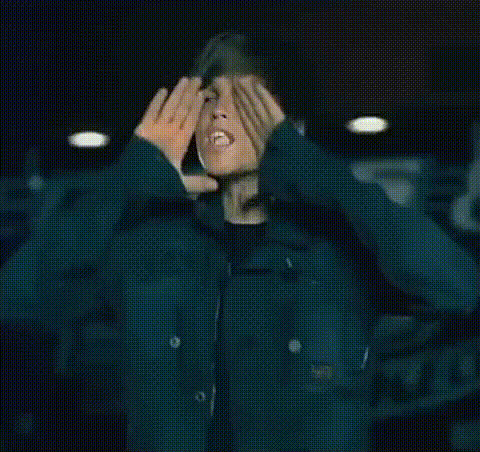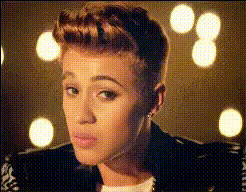
Justin Bieber Close Up Portrait
Overview
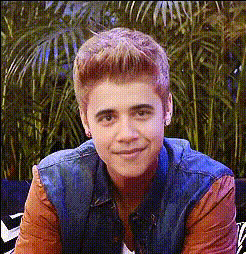
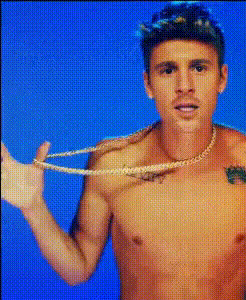
The Justin Bieber Close Up Portrait template allows you to perform a video face swap with ease. Transform any video to give it a fresh, recognizable face that audiences know and love. This tool is tailored for creators looking to add a celebrity twist to their content. It's ideal for social media posts, fan edits, or just for fun face swap experimentation.
What it Does
With the Justin Bieber Close Up Portrait template, the focus is on integrating Justin Bieber's face onto characters in your videos. By utilizing our Video Face Swap technology, this template ensures a high-quality transformation that retains natural facial expressions and movements. Enhance your video projects, creating content that captivates and entertains.
Who it's For
This template is perfect for social media influencers, video creators, and fans looking to incorporate a celebrity likeness into their productions. Whether you're making unique fan content, promotional videos, or engaging TikToks, the AI Talking Photo and other related tools work seamlessly to bring your creative ideas to life.
Summary
Transform ordinary videos into viral sensations using the Justin Bieber Close Up Portrait template. Employing cutting-edge AI Video Generator technology, it's suited for creators of all experience levels. Transform your storytelling with a few clicks and make your content resonate with audiences around the world.
How-To Structure
Choose the Template

Customize the Inputs

Generate and Download

Use Cases
Social Media Content
- TikTok challenges
- Instagram reels
- Facebook stories
Fan Edits
- Tribute videos
- Music video recreations
- Fan fiction visuals
Promotional Videos
- Ads with a celebrity appeal
- Event promotions
- Brand endorsements
Best Practices
Use High-Quality Source Videos
Starting with high-resolution videos ensures the face swap looks more natural and professional.Pay Attention to Lighting
Match the lighting and coloration in your video with the template for a seamless look.Check the Alignment
Ensure the facial features in your video align well with the overlay to maintain expression authenticity.