Justin Bieber Face Closeup
Overview
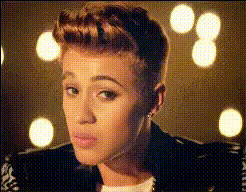
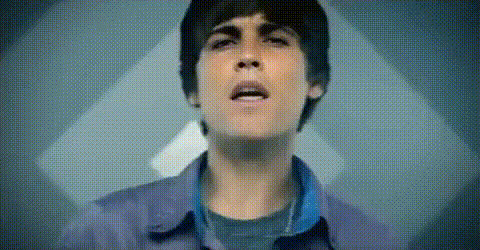
Transform your video projects with the Justin Bieber Face Closeup template. This Video Face Swap tool allows you to add a humorous and engaging twist to any video by seamlessly overlaying Justin Bieber’s face onto any subject. Ideal for fun social media posts and innovative marketing content, this template is designed for creators looking to stand out.
What It Does
The Justin Bieber Face Closeup template uses advanced face-swapping technology to blend Justin Bieber’s facial features with another video subject. Perfect for creating shareable content, it fits effortlessly into various video projects, enhancing engagement and entertainment value. If you are interested in exploring other transformations, check out our AI Image Editor for additional creative possibilities.
Who It's For
This template is tailored for content creators, marketers, and social media managers aiming to craft visually striking videos with a touch of celebrity appeal. It's particularly suitable for campaigns requiring a playful element or for influencers who wish to create buzz with unique content. Moreover, those interested in enhancing facial features can explore our AI Face Editor for further customization.
Summary
The Justin Bieber Face Closeup template offers an effective way to bring creativity to your video projects with face-swapping technology. Simple to use and impactful, it turns ordinary content into eye-catching visuals. For those looking to explore other transformational tools, we recommend checking out the AI Talking Photo for more dynamic changes.
How To
Choose Your Template

Customize Your Video

Generate Your Content

Use Cases
Social Media Content
- Increase shares and likes
- Boost follower interaction
Marketing Campaigns
- Create memorable ads
- Engage younger audiences
Entertainment and Comedy
- Make audience laugh
- Expand creative storytelling
Best Practices
Select High-Quality Source Videos
Ensure the original video has a clear and well-lit face for a better swap effect.Pay Attention to Lighting
Match lighting conditions between the source and the Justin Bieber face for a seamless blend.Experiment with Angles
Try different angles for the most convincing results from the face swap.