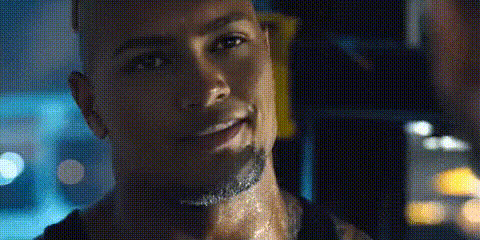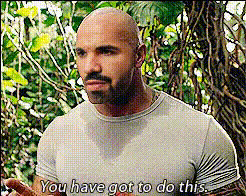
Dwayne The Rock Johnson (2)
Overview
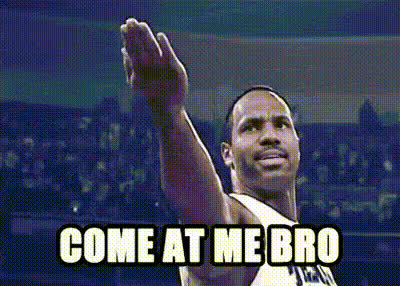
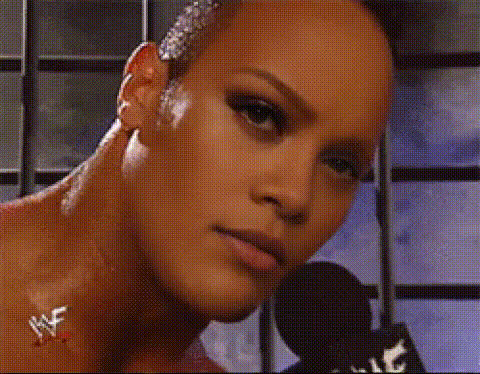
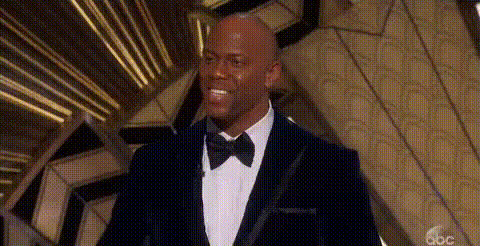
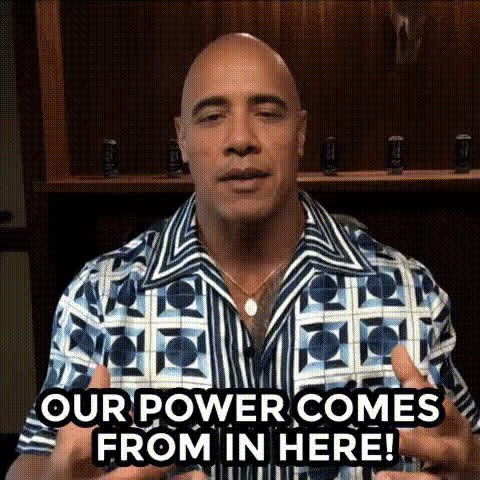
Step into the shoes of a legend with the Dwayne The Rock Johnson Video Face Swap template. Designed to give you an entertaining transformation into the charismatic presence of "The Rock", this template is perfect for those looking to engage their audience with a twist.
Upload your own video or choose from pre-existing clips and let the magic happen. This user-friendly template is all you need to create share-worthy content that stands out on any platform.
What It Does
The Dwayne The Rock Johnson Video Face Swap template takes your very own video and replaces your face with that of the iconic Dwayne Johnson. Whether you're performing a funny skit or just striking a pose, this template ensures your video is entertaining and unique.
Employ the latest in face swap technology to achieve a seamless swap. The end result is a video that's primed for sharing on social media or for spicing up your digital communications.
Who It's For
This template is ideal for content creators, social media influencers, and anyone looking to inject some humor into their video content. It's also perfect for marketers aiming to attract attention and engage audiences with quirky, unexpected visuals.
From individual creators looking to boost their personal brand to agencies creating social media ads, the Dwayne The Rock Johnson Video Face Swap offers a playful yet powerful tool to captivate and grow your audience.
Summary
Transform your videos with a touch of Hollywood flair using the Dwayne The Rock Johnson Face Swap template. Bringing a blend of tech-savvy editing with fun-filled creativity, this template is tailored for creators at all levels. Easy to customize and perfect for numerous applications, it's all about making your content memorable.
Discover the capability of this tool along with others like the AI Face Editor and Image to Video transformation options available on Magic Hour.
How To
Select Your Template

Customize Your Video

Generate and Download

Use Cases
Social Media Entertainment
- Funny clips and challenges
- Viral content creation
Marketing and Promotion
- Ad campaigns featuring The Rock's charm
- Attention-grabbing promotional videos
Event Announcements
- Unique invitations
- Themed event teasers
Best Practices
Choose High-Quality Videos
Ensure your source video is of high quality for a more effective and realistic face swap. This helps in achieving better alignment and expression matching.Perfect the Alignment
Use the customization tools provided to adjust the positioning of the face swap. This is crucial for maintaining the expressions and ensuring a natural look.Keep It Fun
Remember that content using this template should engage and entertain. A light-hearted approach will often lead to more shares and interactions.