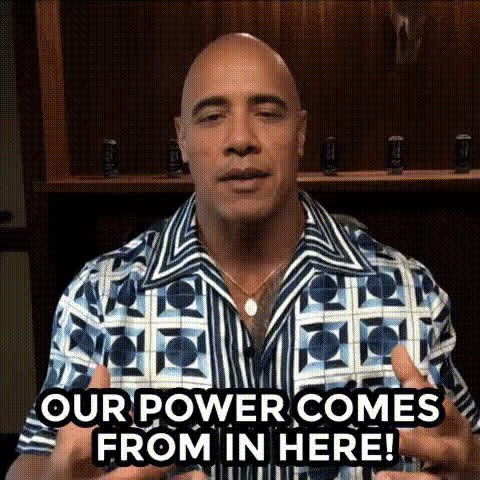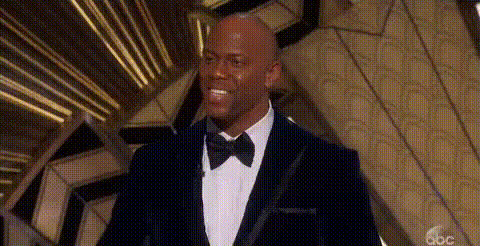
Dwayne Johnson Shocked Expression
Overview
The Dwayne Johnson Shocked Expression template is a humorous Video Face Swap tool. It allows users to superimpose Dwayne Johnson's iconic shocked expression over another person's face in a video. This template provides a fun and creative way to add comedy to your projects, be it for personal entertainment or marketing purposes.
What It Does
By leveraging advanced facial recognition technology, this template swaps any face in your video with Dwayne Johnson's shocked expression. It provides seamless integration with other editing tools and outputs in common formats like MP4 and MOV. Perfect for viral memes or adding a light-hearted twist to a serious situation.
To enhance your video content, you can also explore related products like the AI Meme Generator and the Image to Video converter.
Who It's For
This template is designed for creators who love to entertain audiences with humorous content. Social media influencers, marketers looking to spice up campaigns, and anyone in need of a quick laugh will find this template particularly appealing. Pair it with the AI Image Generator to create even more engaging multimedia content.
Summary
The Dwayne Johnson Shocked Expression template is your ticket to creating captivating and comedic content. It's straightforward to use and integrates well with other Magic Hour products. Whether it's for personal amusement or professional use, this tool transforms ordinary videos into laugh-out-loud experiences.
How To
Choose Your Template

Customize the Inputs

Generate Your Video

Use Cases
Meme Creation
- Create shareable content for quick laughs.
- Engage with audiences through trending memes.
Marketing Campaigns
- Differentiate your brand with a unique voice.
- Make ads memorable with a comedic touch.
Entertainment Videos
- Keep content fresh and engaging.
- Appeal to broad audience demographics.
Best Practices
Select High-Quality Footage
Ensure the video you upload is clear and well-lit to improve the quality of the face swap.Experiment with Angles
Try different angles for the swapped face to achieve the most natural and humorous results.Combine with Other Tools
Use the AI GIF Generator to instantly share short clips as GIFs for quick social media engagement.