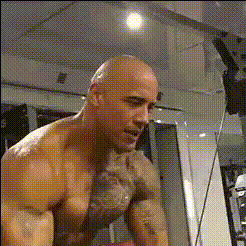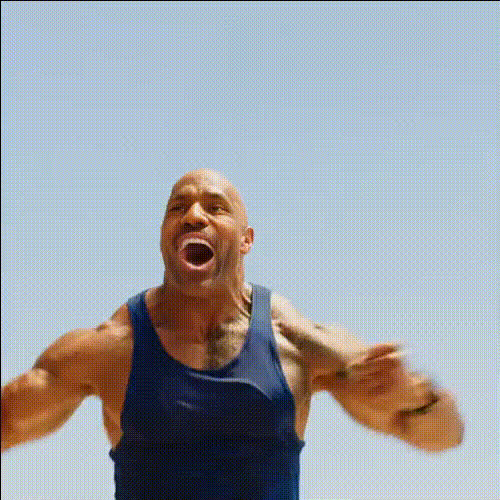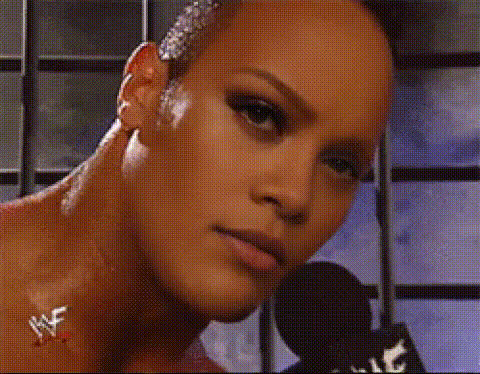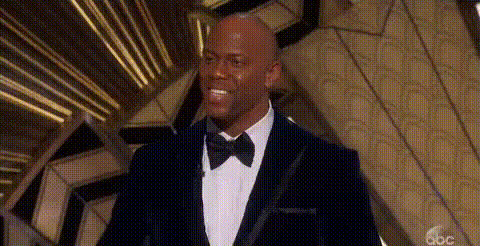
Dwayne The Rock Johnson 2
Overview
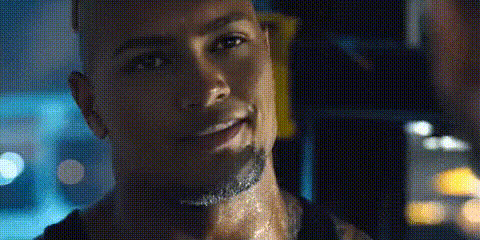
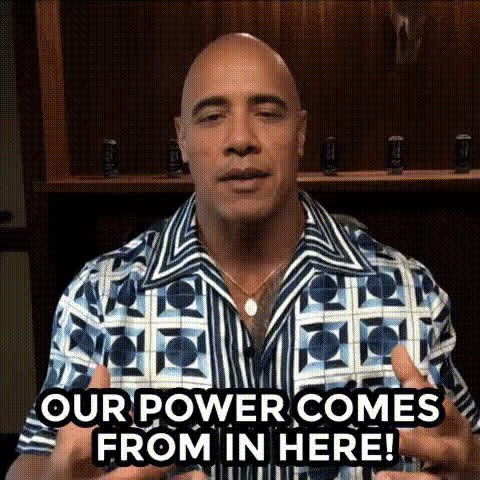
Step into the shoes of a Hollywood icon with the Dwayne The Rock Johnson 2 video face swap template. Designed for creative transformations, this tool allows you to integrate your face into any scene featuring the charismatic Dwayne Johnson. Perfect for creating fun, sharable content that resonates with audiences.
What It Does
This video face swap template lets you replace faces in video clips with Dwayne The Rock Johnson's likeness. Simply upload your video, and the tool will handle the rest, allowing you to produce high-quality swaps without the need for complex software or advanced editing skills. Looking to swap faces in other videos? This tool has you covered.
Who It’s For
Whether you're a fan eager to see yourself as "The Rock," a social media creator wanting to boost engagement, or a marketer crafting unique promos, this tool is tailored for you. It is suitable for anyone interested in leveraging the appeal of Dwayne Johnson to enhance their video content. Discover more possibilities with our AI Video Generator.
Summary
The Dwayne The Rock Johnson 2 video face swap template is a user-friendly, entertaining solution for creating videos where you become "The Rock." Use this tool to engage audiences with a bit of humor and celebrity appeal. Explore our AI Image Editor for further creative enhancements.
How to Use

Customize

Generate

Use Cases
Social Media Content
- Instagram reels
- TikTok videos
Event Promotion
- Concert announcements
- Product launches
Fun Personal Videos
- Birthday greetings
- Family events
Best Practices
Use High-Quality Videos
Ensure your input video is of high quality for the best face swap results.Clear Face Visibility
Aim for clear and frontal face shots for accurate swaps.Experiment with Settings
Try different lighting and angles to see what delivers the best quality in your swaps.