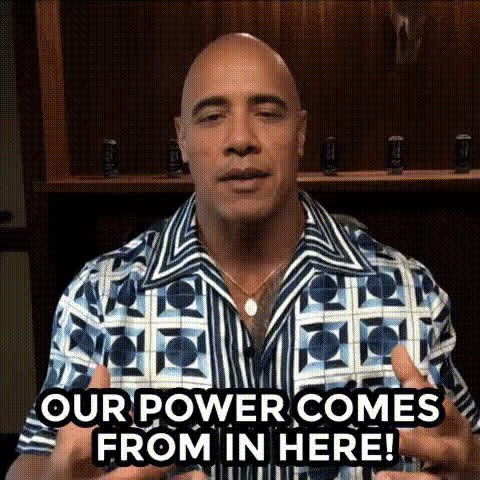
Dwayne The Rock Johnson 4
Overview
With the Dwayne The Rock Johnson Video Face Swap template, you can inject humor and surprise into your content by replacing faces in videos with that of the beloved actor, Dwayne "The Rock" Johnson. This template allows users to craft engaging and amusing videos effortlessly, providing a fun way to stand out on social media.
What It Does
The template uses advanced face swap technology to superimpose Dwayne Johnson's face onto any selected video. It supports various formats, making it easy to integrate into your existing projects. By choosing this tool, you can create eye-catching videos that highlight your creativity.
Check out the Video Face Swap product page for more tools that enhance your video content.
Who It's For
Whether you're a video creator looking to spice up your content, a social media influencer aiming to increase engagement, or just someone who wants to have a bit of fun with friends, this template is for you. It's perfect for anyone tech-savvy or new to video editing.
Discover how other professionals use similar tools in Social Media Ads.
Summary
Swap your face with Dwayne Johnson’s and take your videos to a whole new level! This template provides a straightforward approach to creating humorous and shareable content. Explore other creative possibilities with our Image to Video and AI Video Generator tools.
How To
Choose the Template

Customize Your Inputs

Generate and Download

Use Cases
Social Media Content
- Instagram Reels
- Facebook Stories
- TikTok videos
Marketing Campaigns
- Humor-filled ads
- Entertainment-focused marketing
Personal Entertainment
- Birthday parties
- Family gatherings
Best Practices
Use High-Quality Videos
For the best results, upload high-resolution videos to ensure the swapped face looks seamlessly integrated.Check Lighting Conditions
Ensure both the original and source videos have similar lighting conditions for a natural look.Preview Before Finalizing
Utilize the preview function to make any additional adjustments before generating the final video.