Dwayne The Rock Johnson 1
Overview
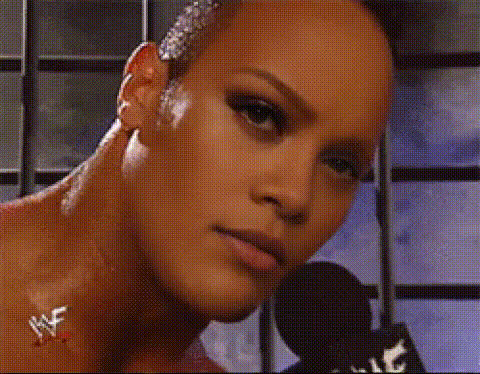
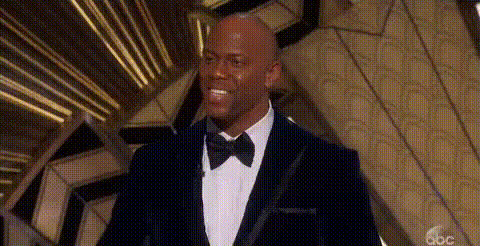
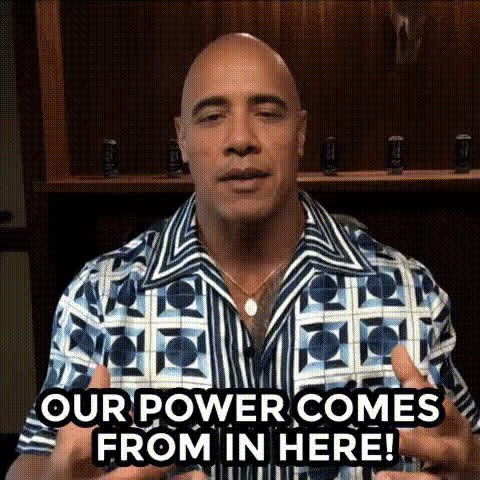
Looking to bring a touch of charisma and entertainment to your videos? With the Dwayne The Rock Johnson video face swap template, you can insert the iconic persona of "The Rock" into your projects. Perfect for creators seeking to infuse their content with some Hollywood flair.
What It Does
This Video Face Swap template allows you to transpose your subject’s face onto Dwayne The Rock Johnson in any clip. The transformation can enhance your video for meme creation, social media shares, or light-hearted humor.
Compatible with several formats, this template utilizes sophisticated algorithms to ensure a realistic outcome, making your creations stand out on platforms like Instagram or TikTok. Pair it with the AI GIF Generator to make shareable snippets easily.
Who It's For
Targeted towards content creators, social media enthusiasts, and video editing hobbyists, this template is designed for anyone passionate about visual storytelling. If you regularly post on TikTok or engage audiences with meme videos, this tool will be a valuable addition to your arsenal.
Summary
With the Dwayne The Rock Johnson face swap template, engage your audience by tapping into the allure of a world-renowned celebrity. Whether for personal entertainment or broader content distribution, this transformative tool is simple to use and yields professional-looking results. Enhance your creativity further by exploring related tools like the Lip Sync and Head Swap products.
How To
Follow these steps to transform your video with the Dwayne The Rock Johnson face swap template.
Choose the Template

Customize Your Swap

Generate and Download

Use Cases
Explore a variety of scenarios where the Dwayne The Rock Johnson face swap enhances your content.
Social Media Content
- Boost TikTok video views
- Create viral Instagram stories
Meme Creation
- Generate funny meme templates
- Transform trending formats into something new
Entertainment Purposes
- Amuse friends with unique videos
- Create standout family clips
Best Practices
Tips to maximize the quality of your video face swaps.
Select High-Quality Source Videos
For best results, use videos that are in clear lighting with stable motion.Fine-Tune Placement
Ensure the face positions match as closely as possible to avoid misalignments.Review Before Sharing
Always preview your final output to check for any adjustments needed before sharing.