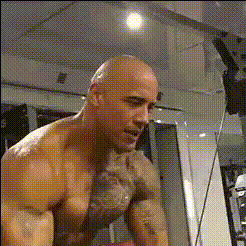
Dwayne The Rock Johnson 1 (2)
Overview
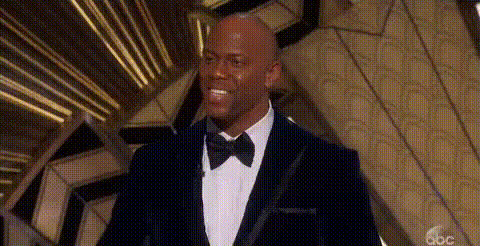
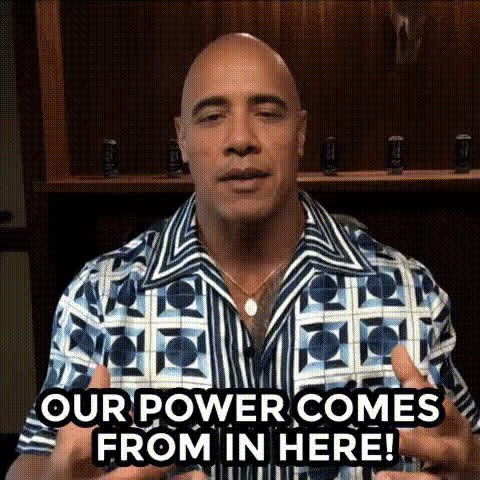
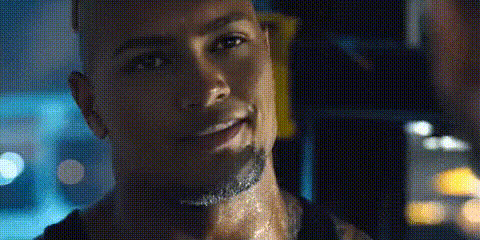
Step into the spotlight by swapping faces with Dwayne "The Rock" Johnson using our versatile Video Face Swap template. It's the ideal tool for creating shareable content that entertains and captivates your audience. Whether you're crafting viral videos or just sending a personalized clip to friends, this template delivers high-quality results with ease.
What It Does
The Dwayne The Rock Johnson Video Face Swap template employs advanced facial recognition to accurately map your features onto video footage of Dwayne Johnson. This tool supports popular video formats and produces seamless, entertaining clips that are perfect for social media and beyond. It's part of our Video Face Swap suite, known for precise facial transformations and easy adjustability.
Who It's For
This template is designed for both amateur creators and professional content makers who want to add a humorous twist to their videos. It's a great resource for social media influencers, digital marketers, and entertainment enthusiasts who wish to engage and expand their audience reach. Check out the AI GIF Generator for compact content options that perfectly complement these video exchanges.
Summary
Transform your creative projects with the Dwayne The Rock Johnson Video Face Swap template. This tool is ready to help you gain attention and spark laughter across various platforms. Pair it with our Image to Video product for even more dynamic visual storytelling options.
How-To
Choose Your Template

Customize Your Content

Generate and Download

Use Cases
Social Media Engagement
- Increase shares and interactions
- Stand out with unique content
Marketing Campaigns
- Create themed promotional content
- Appeal to a broader audience
Personalized Messages
- Perfect for birthday wishes
- Entertain with insider jokes
Best Practices
Select High-Quality Source Videos
For the best results, use source videos with good lighting and minimal background distractions to ensure the face swap looks natural.Adjust Alignment Carefully
Use the template's alignment features to precisely adjust facial positions and achieve a seamless swap.Experiment with Different Clips
Try various video clips of different lengths and angles to see diverse results and pick the most entertaining swap.